Created November 16, 2026Updated November 23, 2026
Finder is free and built into every Mac, but it has no dual-pane view, no built-in FTP client, and only basic batch tools. The best Finder alternatives for Mac add those features. Our top picks are ForkLift for $19.95, Path Finder for $32.95 a year, and Strata Files, which is free and open source.
Prices and requirements below were checked on each app's official site on November 16, 2026.
Quick picks:
Best Finder alternative overall:ForkLift, $19.95 one-time.
Shotbase is a comprehensive tool designed to capture and manage all your screen-based content effortlessly. With features like stunning screenshot capabilities, recording options that include cinematic effects, and an intuitive organizational structure powered by local AI, you can easily keep your multimedia assets organized and accessible. Shotbase not only allows you to capture specific areas, windows, or full screens on your Mac but also enables you to edit and enhance your captures with backgrounds, frames, and annotations. The integrated AI ensures your captures are automatically named and tagged for easy searching, making it an excellent choice for anyone looking to enhance their productivity and creativity in one seamless workspace.
SoftwareCreativemacOS
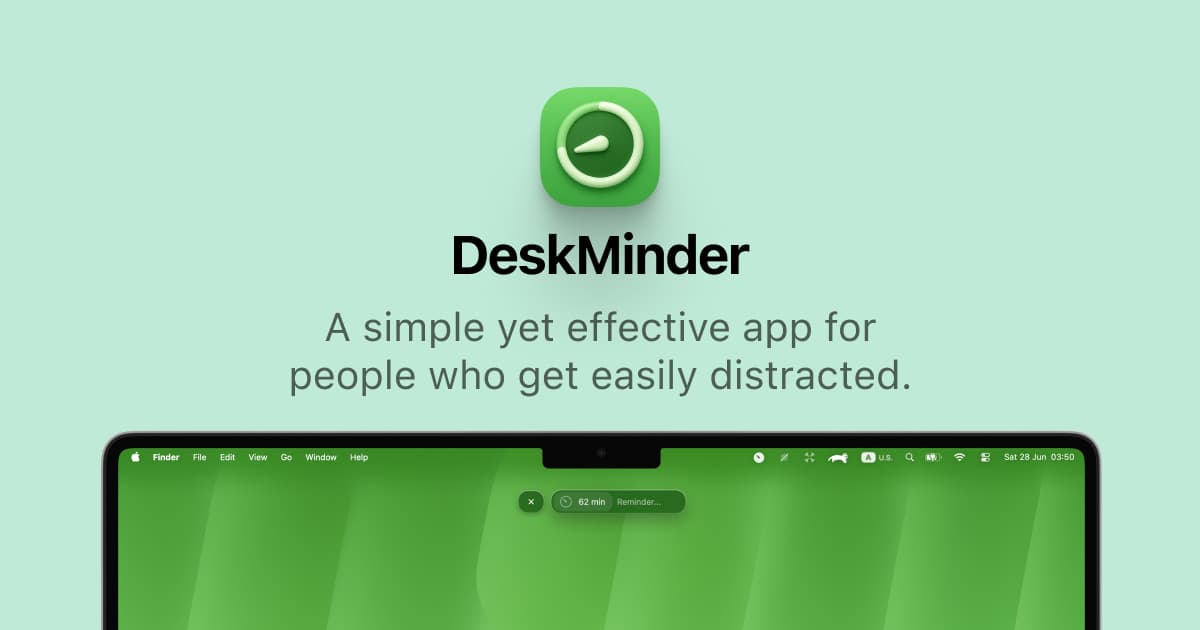
DeskMinder
For Easily Distracted Minds
Freemium
DeskMinder is a productivity software application designed for Mac users who struggle with distractions. It provides a straightforward interface for creating desktop pop-up reminders and tasks, helping users manage urgent to-dos, short breaks, and fleeting ideas. With features like full-screen notifications and Apple Reminders integration, DeskMinder aims to enhance focus and time management for i
- With features like easy-to-create desktop pop-ups for reminders and tasks, it simplifies the process of staying on top of urgent to-dos, short breaks, or fleeting ideas.
- Users can benefit from full-screen notifications, Apple Reminders integration, and flexible widget placement, making it ideal for anyone requiring a little extra help to maintain focus.
- The app includes additional shortcuts for quick reminder setups and customizable widget options, along with a history tracking feature to monitor daily progress.
Designed specifically for Mac users, DeskMinder aims to facilitate better time management and productivity for those with attention challenges, providing a seamless user experience without unnecessary complexity.
SoftwareProductivitymacOS
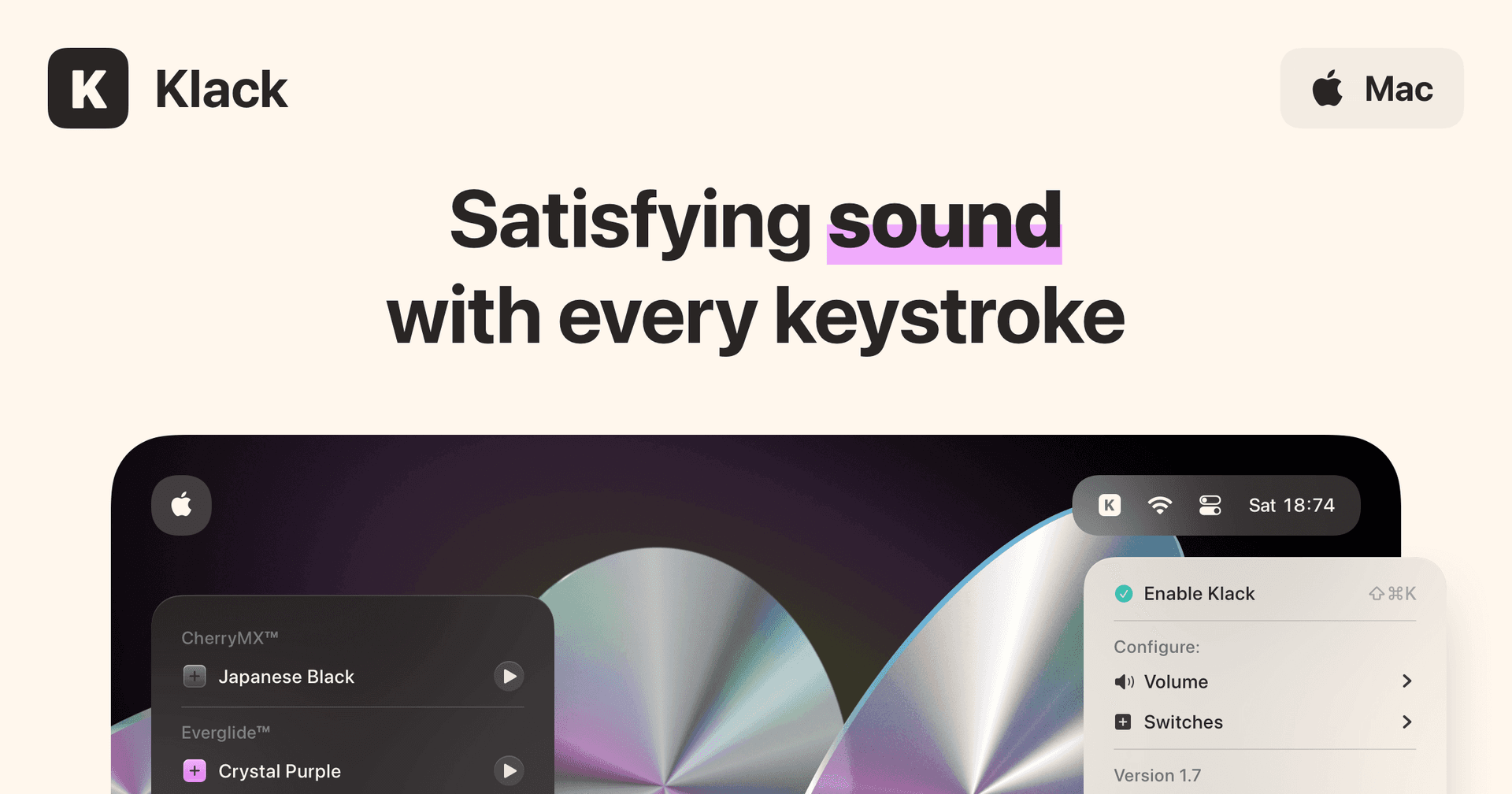
Klack
Satisfying sound with every keystroke
Paid
Klack is a macOS application designed to enhance the typing experience through high-fidelity sound for each keystroke. It provides features such as immersive spatial audio, instant feedback, and customizable sound options, making it suitable for writers, developers, and anyone who values an engaging typing environment. The app is easily accessible from the menubar and offers extensive configuratio
- Provides immersive spatial audio for enhanced typing feedback.
- Allows customization of keystroke sounds, pitch variations, and volume settings.
- Features a menubar interface for quick access to configuration options.
- Supports instant feedback with each keystroke for a more engaging experience.
- Designed for writers and developers seeking auditory feedback while typing.
Klack enhances the typing experience on Mac by providing high-fidelity sound for each keystroke.
SoftwaremacOS
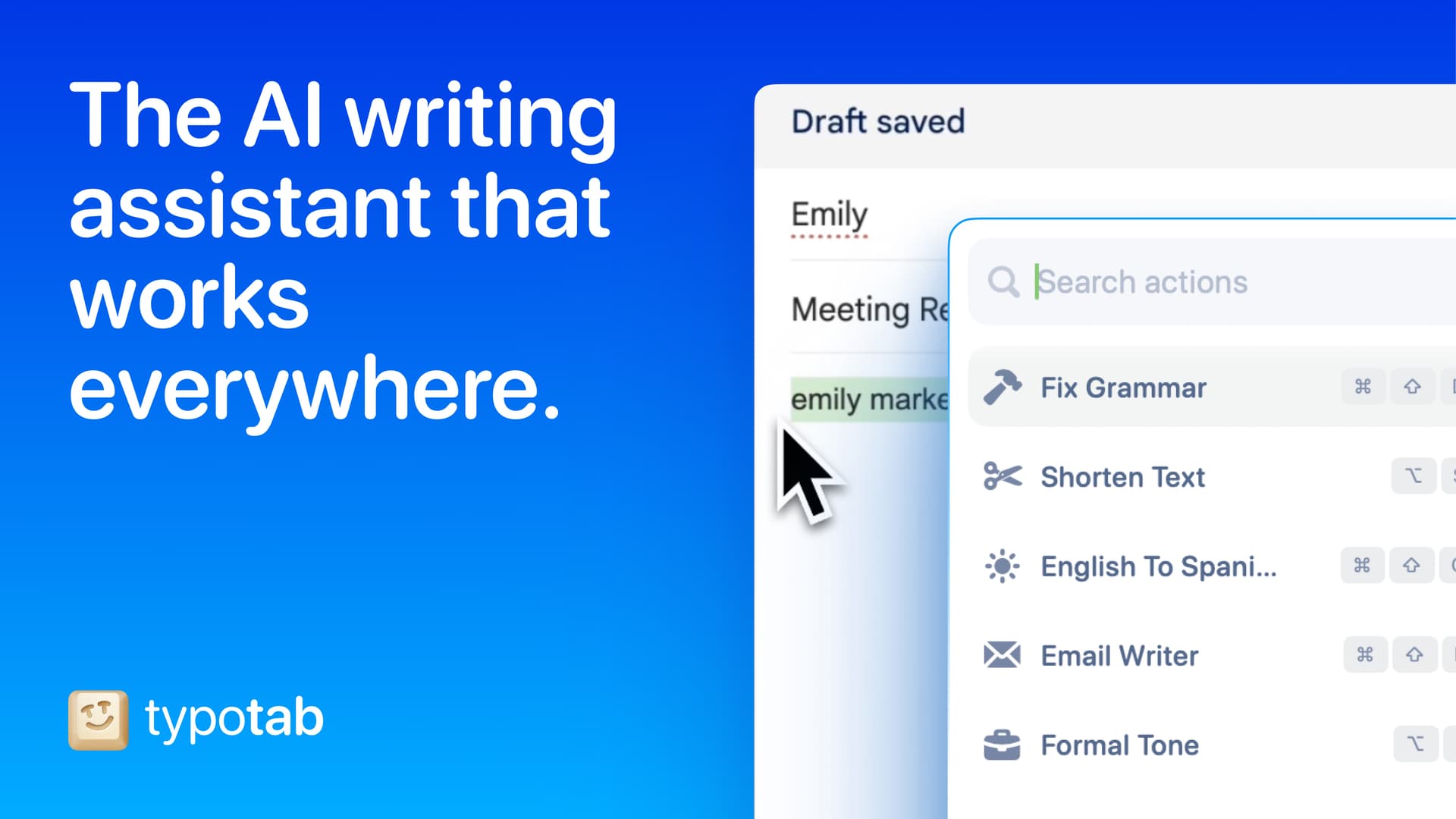
TypoTab
TypoTab, the ultimate AI writing assistant for
Paid
TypoTab is a macOS application that functions as an AI-driven writing assistant. It enhances writing efficiency by providing tools for grammar correction, text rephrasing, and content generation, all accessible from the menu bar without needing to switch applications. This tool is designed for writers, students, and professionals looking to streamline their writing process and improve productivity
- Provides grammar correction and text rephrasing directly from the menu bar.
- Allows text refinement in any application without switching contexts.
- Offers customizable actions to meet individual writing needs.
- Streamlines repetitive writing tasks for improved efficiency.
- Supports a wide range of applications, enhancing workflow across platforms.
TypoTab is a macOS application that enhances writing efficiency by providing grammar correction, text rephrasing, and content generation directly from the menu bar. It allows users to refine text in any application without switching contexts, offering customizable actions to suit individual writing needs.
SoftwareProductivitymacOS
Abejas
Professional network organizer for Apple devices
One-time
Abejas is a universal app for Mac and iPhone that helps you manage, organize, and remember your professional network. It focuses on grouping contacts, private notes, and reminders linked to the people you already know.
- One-click import of contacts from a major professional network on Mac
- Group, tag, favorite, and automatically group contacts on Mac using on-device AI
- Take and keep private notes for each contact and interaction
- Set follow-up reminders with optional notifications on Mac and iPhone
- Sync all contacts, notes, and reminders securely via your private iCloud account
- Supports features like Spotlight search, widgets, Shortcuts, VoiceOver, dynamic text, and offline access
Abejas is available as a one-time purchase for $49.99. The universal license includes both Mac (Apple silicon, macOS 27+) and iPhone (iOS 27+) apps. Requires iCloud for syncing; no subscription or upsells are involved.
SoftwareProductivitymacOS
CapWords
Capture vocabulary from real life photos
Freemium
CapWords is an iOS app that lets users capture words from any real-life text by taking a photo, using AI to recognize text and provide contextual definitions. Each captured word is added to a personal vocabulary library and connected to its image.
- Recognizes and extracts words from photos using AI
- Provides contextual definitions, example sentences, and usage notes
- Links new vocabulary to images for visual memory support
- Employs spaced repetition to remind users to review words
- Supports multiple languages and offers offline word bank
- Allows vocabulary export to other apps
CapWords is free to download on iOS devices running iOS 17.0 or later, with in-app purchases available. No mention of a full-featured free tier; additional features may require payment.
SoftwareEducationiOS & iPadOS
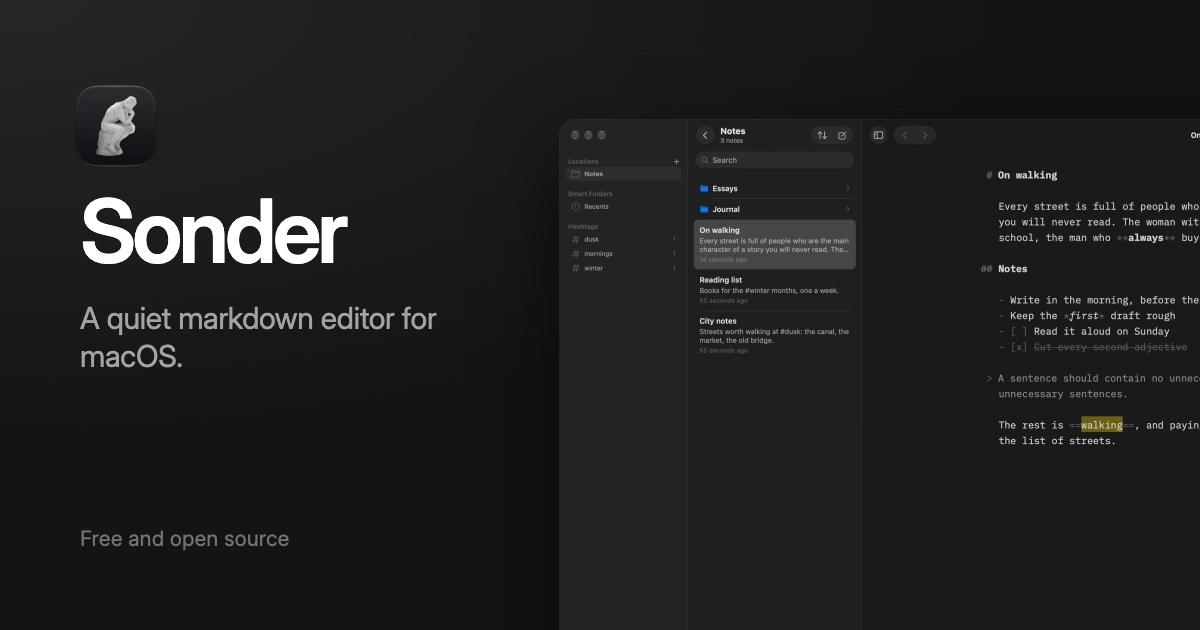
Sonder
Native, open-source markdown editor for Mac
Free
Sonder is a free, open-source markdown editor for macOS 14 or later. It works directly with your own folder of .md files without importing or renaming them.
- Focus Mode dims everything except the current sentence for distraction-free writing.
- Browse and manage notes by folder, hashtag, favorite or saved search.
- Renders markdown with support for tables, footnotes, task lists, and math.
- Export files to PDF, HTML, or Word formats.
- Integrates with third-party AI tools of your choice for editing and suggestions.
- Supports Apple silicon and Intel Macs, built with SwiftUI and TextKit.
Sonder is available at no cost, open-sourced under the MIT license, and requires macOS 14 or newer. No accounts, subscriptions, or in-app purchases are needed.
SoftwareWritingmacOS
Kinnu
Microlearning app for diverse knowledge topics
Freemium
Kinnu is a microlearning app that uses cognitive science principles to help users build and retain knowledge across a wide range of domains, including psychology, science, history, technology, and literature.
- Offers expert-edited, bite-sized content spanning multiple subjects
- Provides Memory Shield technology for reinforcing learning retention
- Features gamified, interactive learning sessions with adaptive questions
- Supports audio versions of all content for learning on the go
- Includes progress tracking with a Knowledge Bank feature
- Lets users influence app development through community voting
Kinnu is available as a free download with optional in-app subscription purchases. It requires iOS 17.0 or later and is compatible with a wide range of iPhone and iPad devices.
SoftwareEducationiOS & iPadOS
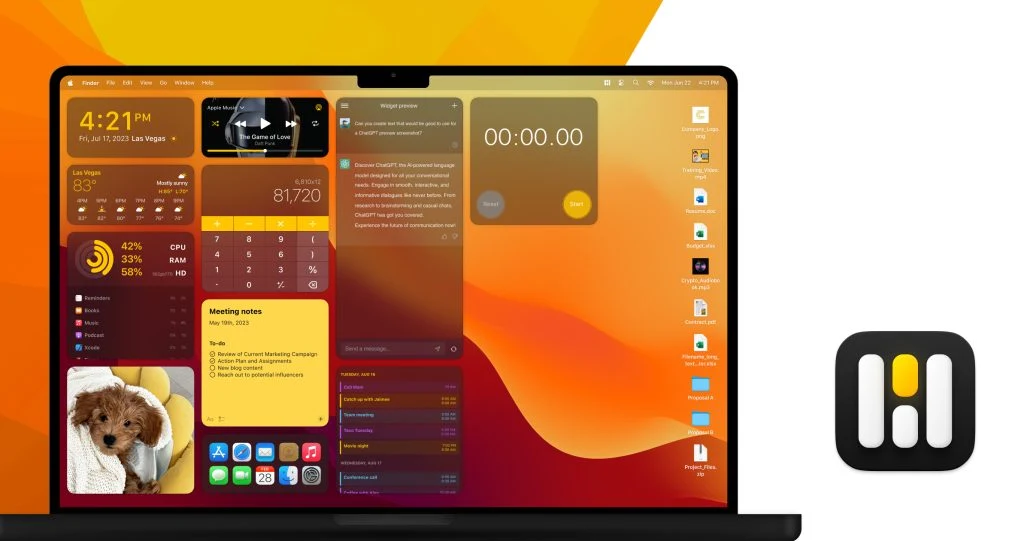
WidgetWall
Desktop widgets for Mac, from clocks and calendars to photos, music and a Pomodoro timer.
Freemium
WidgetWall puts customizable widgets on your Mac desktop, behind your windows.
- Free widgets plus premium widgets such as a MacBook battery widget, browser, photo and video widgets.
- Liquid Glass material, widget corners and shadow options.
- Full support for macOS 27, per its App Store release notes.
- Available on the Mac App Store and Setapp.
WidgetWall is free with in-app purchases: $1.99 a month, $19.99 a year, or a lifetime unlock listed at $39.99 to $49.99.
Finder is the Mac's built-in file manager. It is free and handles the basics well: tabs, tags, Quick Look, iCloud Drive, and simple renaming of many files at once.
What it lacks:
Dual panes: there is no side-by-side view for moving files between two folders.
Remote servers: it can connect to servers, but it has no full SFTP or cloud file client.
Folder sizes: it does not show the real size of every folder by default.
A folder tree: people coming from Windows miss Explorer's tree on the left.
Keyboard-first workflows: many actions still need the mouse.
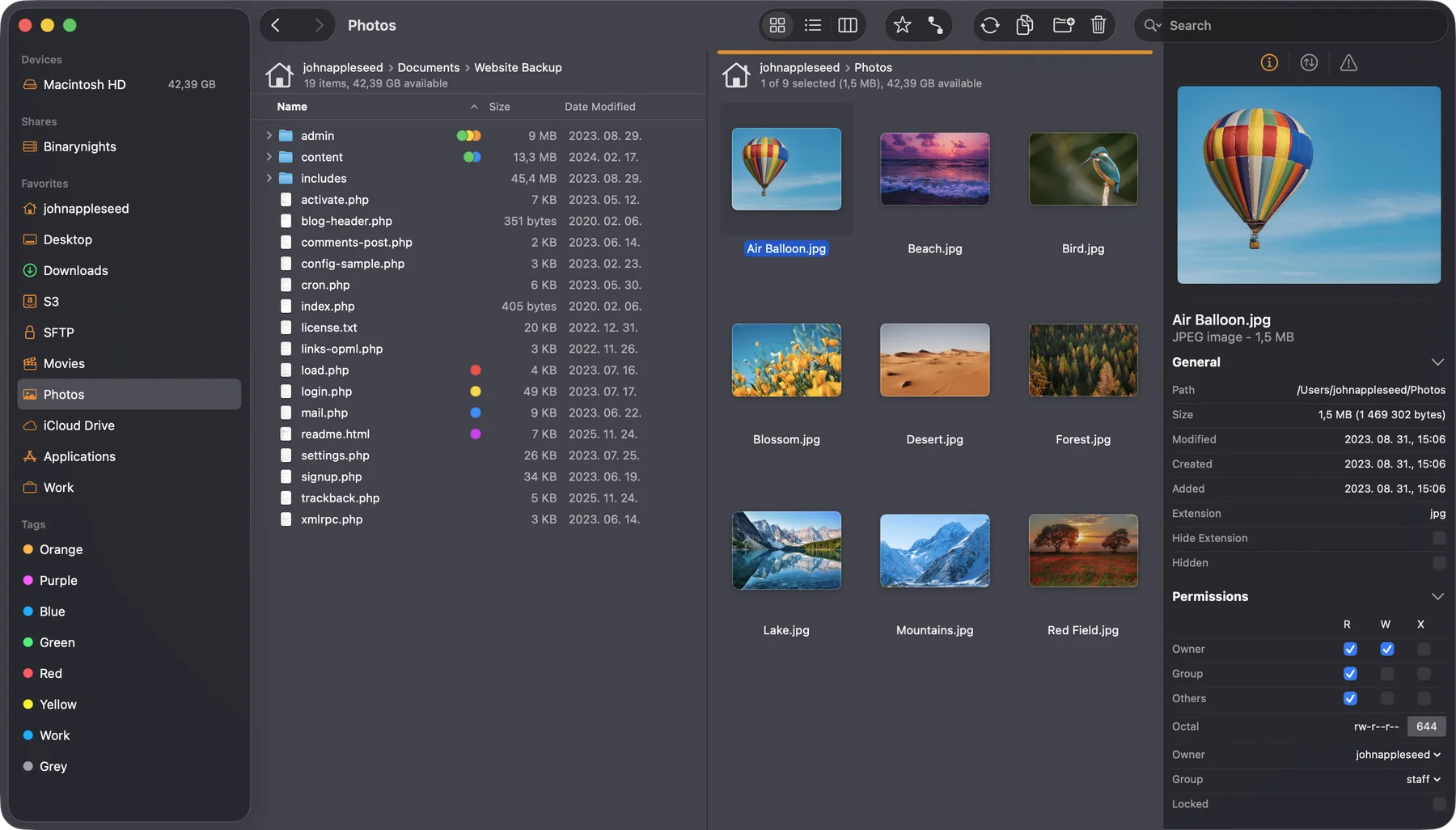
ForkLift shows two folders side by side and connects to remote servers. Image: BinaryNights
Price: $19.95 for a single-user license with 1 year of updates, or $34.95 with 2 years. The Family license is $29.95. It needs macOS 14.6 or later. Prices are on the ForkLift store.
ForkLift is a dual-pane file manager and file transfer client in one app. It is the easiest upgrade from Finder for most people.
Key features:
Dual panes, tabs, and Quick Open.
SFTP, FTP, and other remote connections.
Folder sync, favorites, preview, and an activity view.
Better or worse than Finder? Better for moving files between folders and servers. You keep using Finder for everything else, since ForkLift works alongside it.
ForkLiftA dual-pane file manager and file transfer client for Mac.Visit WebsiteForkLift 4 by BinaryNights is a dual-pane file manager and file transfer client for macOS.
- Dual panes, tabs and Quick Open.
- Remote connections to SFTP, FTP and other servers.
- Folder sync, favorite paths, preview and an activity view.
- Needs macOS 14.6 or later.
A single-user lifetime license is $19.95 with 1 year of updates, or $34.95 with 2 years.Visit Website
Path Finder: best Finder alternative for power users
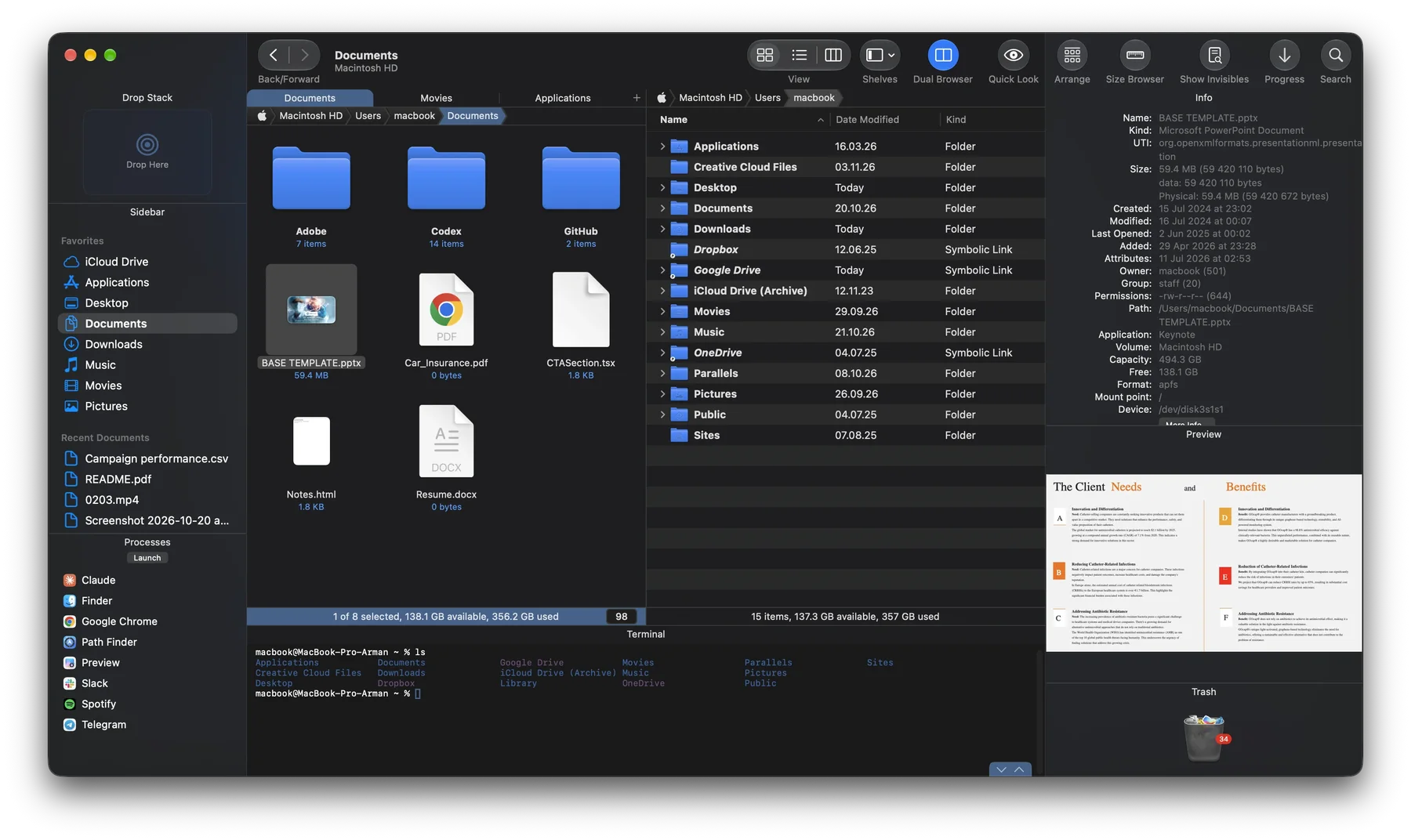
Path Finder adds modules like a preview and a size browser. Image: Cocoatech
Price: $32.95 for a 1-year license, with a 30-day free trial. It needs macOS 13 Ventura or later.
Path Finder by Cocoatech has been the classic Finder replacement for years. It adds power-user tools on top of what Finder does.
Key features:
Dual pane browsing and a Drop Stack for gathering files.
Modules, including Preview and a Size Browser.
Batch rename, folder sync, bookmarks, and tab presets.
Hidden files, Terminal access, and Shortcuts automation.
Better or worse than Finder? The most features of any app here. It is a yearly subscription, while ForkLift and QSpace are one-time purchases.
Path FinderA long-running Finder replacement for Mac with dual panes and a Drop Stack.Visit WebsitePath Finder by Cocoatech is a file manager for macOS that adds power-user tools on top of what Finder does.
- Dual pane browsing and a Drop Stack for gathering files.
- Modules, including a Preview module and a Size Browser.
- Batch rename, folder sync, bookmarks, tab presets and a path navigator.
- Hidden files, Terminal access, Shortcuts automation and administrator access.
- A 30-day free trial with every feature.
- Needs macOS 13 Ventura or later.
Cocoatech lists a 1 year license at $32.95.Visit Website
Strata Files: best free Finder alternative
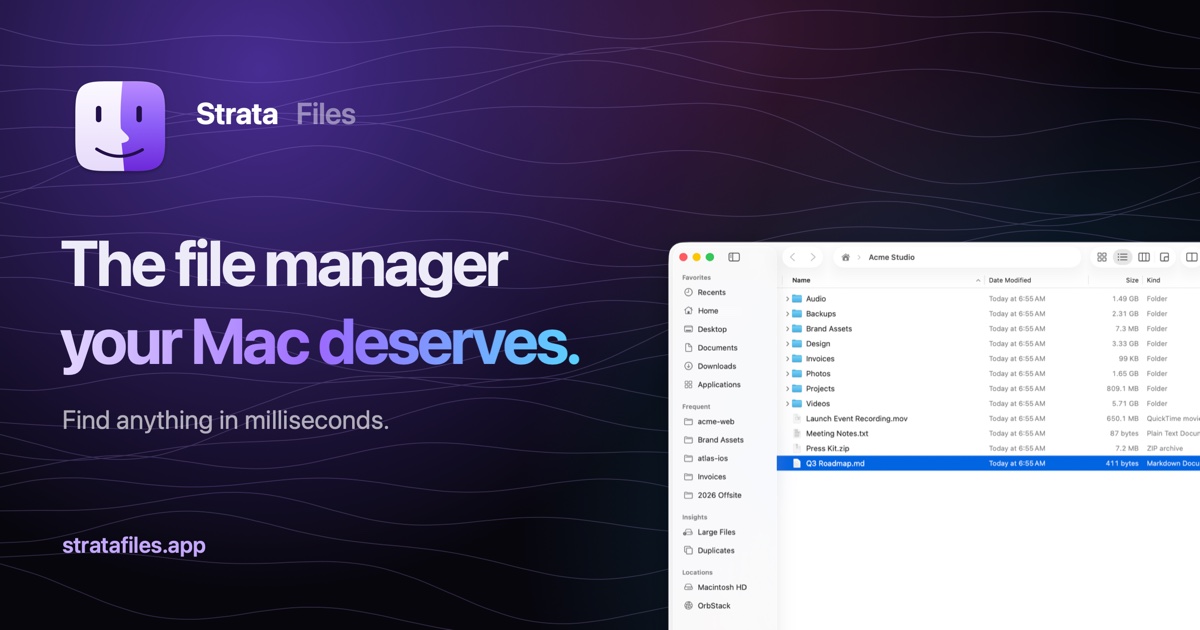
Strata searches your home folder as you type and shows real folder sizes. Image: Strata
Price: free, with every feature included. Strata is open source under the MIT license. It needs a Mac with Apple silicon on macOS 26 Tahoe.
Strata Files is a native file manager built in AppKit and Swift. It searches every file in your home folder as you type, and folders show their real size when you open them.
Key features:
Instant search, including plain-English queries.
Dual panes and tabs saved as workspaces.
Pause and resume big copies, a conflicts diff, and undo for past operations.
Batch rename with a live preview, and archives you can browse like folders.
No accounts, no tracking, and no cloud.
Better or worse than Finder? Faster search and true folder sizes, for free. It needs macOS 26 and Apple silicon, and it has no remote server support.
Strata FilesThe file manager your Mac deservesVisit WebsiteStrata Files is a free, open-source file manager for macOS. It combines indexed file search, live folder sizes, and keyboard navigation with tools for organizing files and inspecting projects.
- Search files as you type or use plain-English queries.
- Browse in dual panes and save tabs as workspaces.
- Inspect disk usage, Git status, code, and document previews.
- Pause and resume copies, review conflicts, and undo file operations after restarting.
- Batch rename files with a live preview and browse archives as folders.
- Generate document summaries and plan bulk changes locally.
Requires macOS 26 Tahoe on Apple silicon. Apple Intelligence is optional, with built-in fallbacks for summaries and bulk-change requests. Strata is MIT licensed, and its search index and history stay encrypted on your Mac.Visit Website
QSpace Pro: best Finder alternative with multi-pane layouts
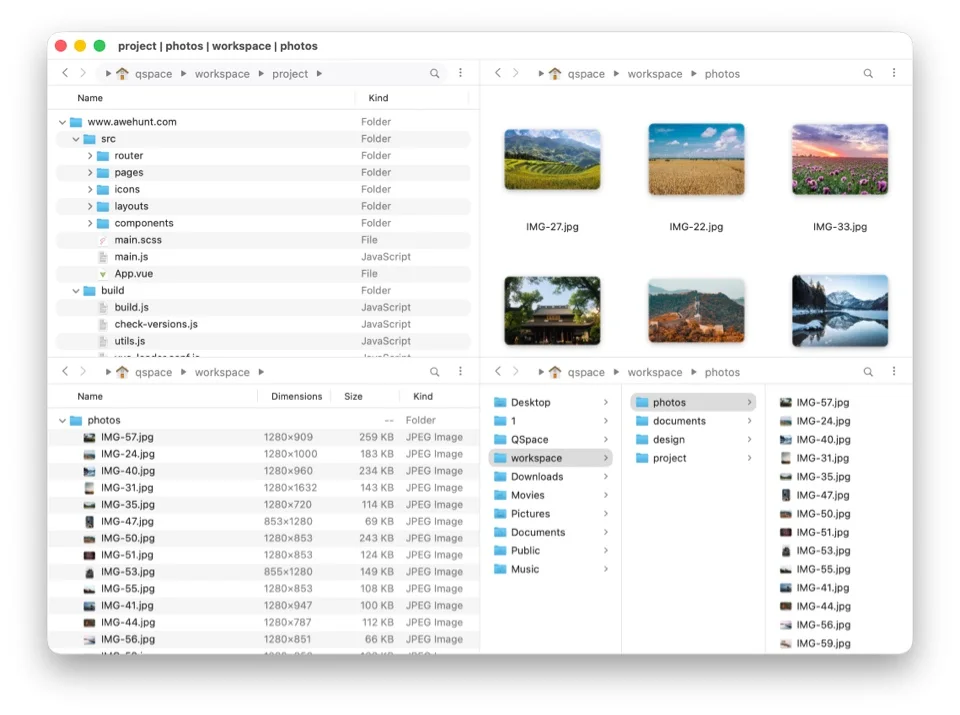
QSpace Pro can split one window into up to 12 layouts. Image: QSpace
Price: $13.99 direct (regular $29.99), with a 30-day free trial. The Mac App Store version is $12.99. It supports macOS 10.15 or later.
QSpace Pro splits one window into many panes, which helps when you sort files across several folders at once.
Key features:
Up to 12 layouts, with tabs.
Open Terminal or an editor in the current folder.
Optional extensions for a stash shelf, batch rename, server connections, and archives.
Better or worse than ForkLift? Cheaper and better for three or more folders at once. ForkLift has stronger file transfer tools.
QSpace ProA multi-pane Finder alternative for Mac with 12 layouts.Visit WebsiteQSpace Pro is a Mac file manager that can split the window into up to 12 layouts.
- Multi-pane layouts, tabs and instant access to any location.
- Open Terminal or an editor in the current folder, calculate hashes and create files quickly.
- Optional extensions for a stash shelf, batch rename, server connections and archives.
- Supports macOS 10.15 or later, on Apple silicon and Intel.
The direct Pro version is $13.99 (regular price $29.99) with a 30-day free trial. The Mac App Store version is $12.99.Visit Website
Commander One: best free dual-pane file manager for Mac
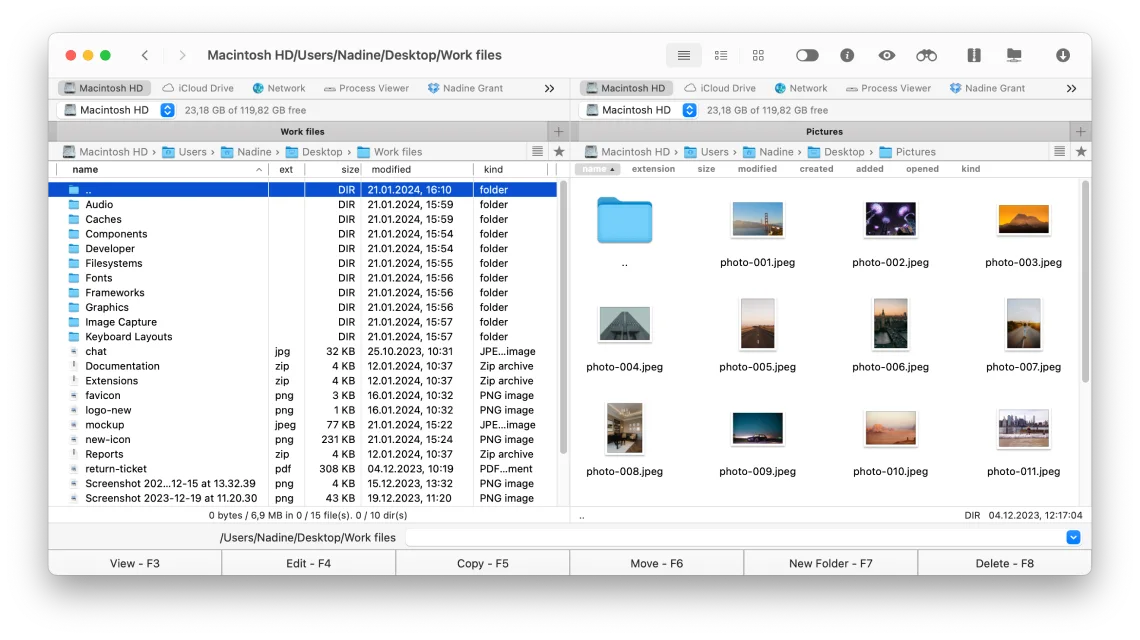
Commander One is a classic dual-panel file manager. Image: Electronic Team
Price: free on the Mac App Store. The PRO Pack is $29.99 and unlocks features like FTP and cloud connections. It needs macOS 10.13 or later, and its version history lists fixes for macOS 26 and macOS 27.
Commander One by Electronic Team is a dual-panel file manager in the style of Total Commander.
Key features:
Dual panes, a file operation queue, and regex search.
ZIP files open like folders.
Hex and binary preview, plus Finder tags.
Better or worse than ForkLift? The free version is enough for dual panes. Remote connections cost more than a ForkLift license.
Commander OneA dual-panel file manager for Mac with FTP, cloud and archive support.Visit WebsiteCommander One by Electronic Team is a dual-panel file manager for Mac.
- Dual-pane view, file operation queuing and regex search.
- Archive support, with ZIP files opened like folders.
- Quick preview, including Hex and Binary views, and Finder tags.
- The PRO Pack unlocks the paid features, such as FTP and cloud connections.
- Needs macOS 10.13 or later. Version history lists fixes for macOS 26 and macOS 27.
Commander One is free on the Mac App Store, and the PRO Pack is $29.99.Visit Website
Folders: best Finder alternative for Windows switchers
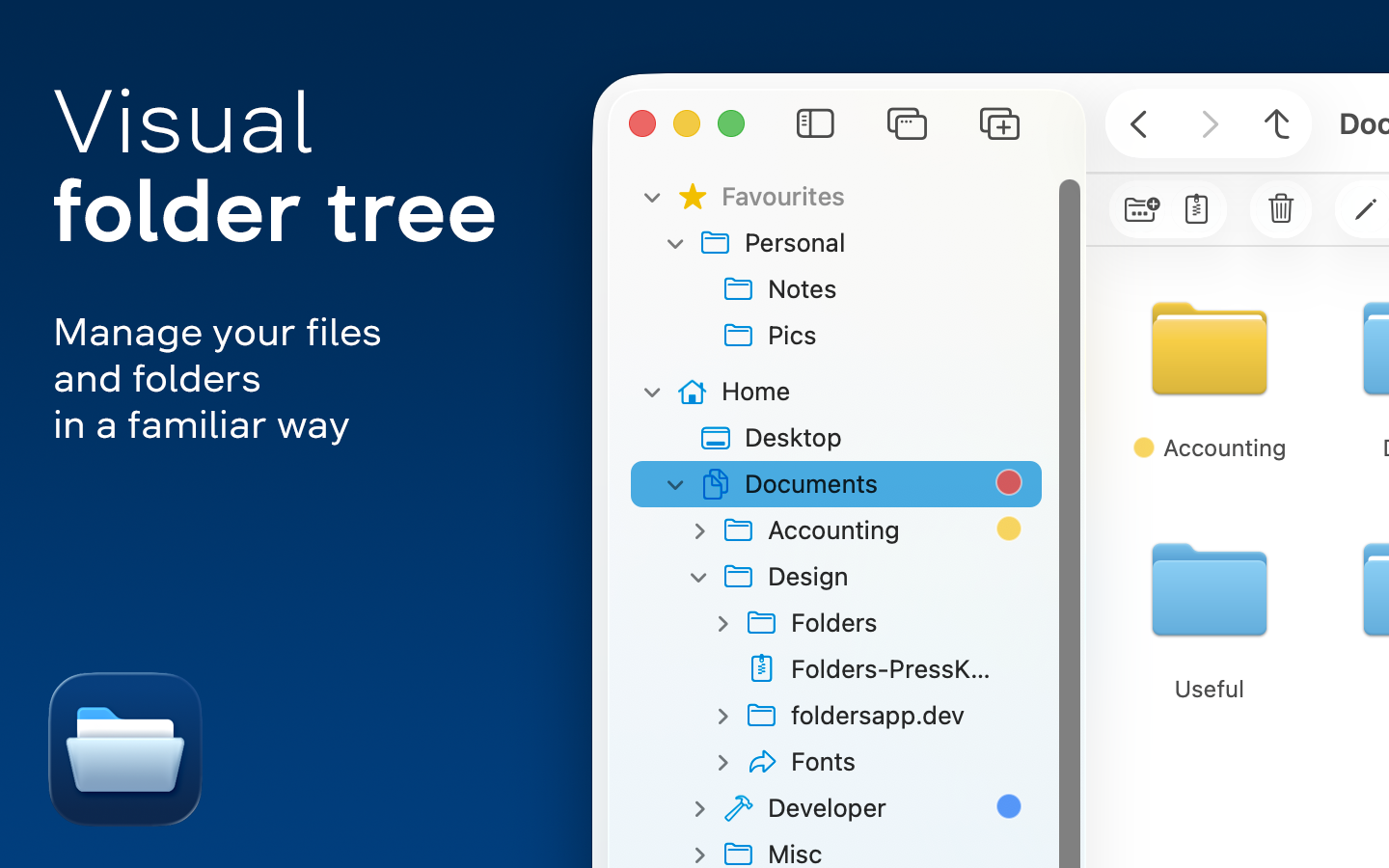
Folders shows drives, cloud services, and tags in one tree. Image: Folders
Price: a one-time purchase with lifetime updates, and a 14-day free trial. The exact price is on its pricing page. It needs macOS 13 or later.
Folders brings a Windows Explorer-style folder tree to the Mac, with drives, network shares, cloud services, tags, and favorites in one place.
Key features:
One persistent folder tree.
Windows-style shortcuts like Command-X to cut.
Undo for replacements and folder merges.
Saveable tab sets.
Better or worse than Finder? Much easier if you are used to Windows. It does not have dual panes.
FoldersA file manager for Windows switchersVisit WebsiteFolders is a file manager application for macOS that provides a folder tree layout, catering specifically to users transitioning from Windows. It offers a range of features including easy navigation, comprehensive file operations, and integration with cloud storage services. Designed for both new and experienced users, Folders aims to enhance file management efficiency on Mac systems.
- Provides a folder tree layout for intuitive navigation, similar to Windows Explorer.
- Supports batch renaming and file conflict resolution for efficient file management.
- Integrates with iCloud Drive and other cloud storage services for centralized access.
- Offers multiple viewing options: Table, List, Icons, and Gallery.
- Includes a powerful search function with Spotlight integration and saved searches.
- Allows customization of themes and folder icons for personalized organization.
Folders is a file manager for macOS that emulates the folder tree structure familiar to Windows users. It offers a range of features including comprehensive file operations, customizable themes, and powerful search capabilities. Users can manage files across various cloud services and utilize batch renaming and conflict resolution tools.Visit Website
Marta: best keyboard-driven Finder alternative
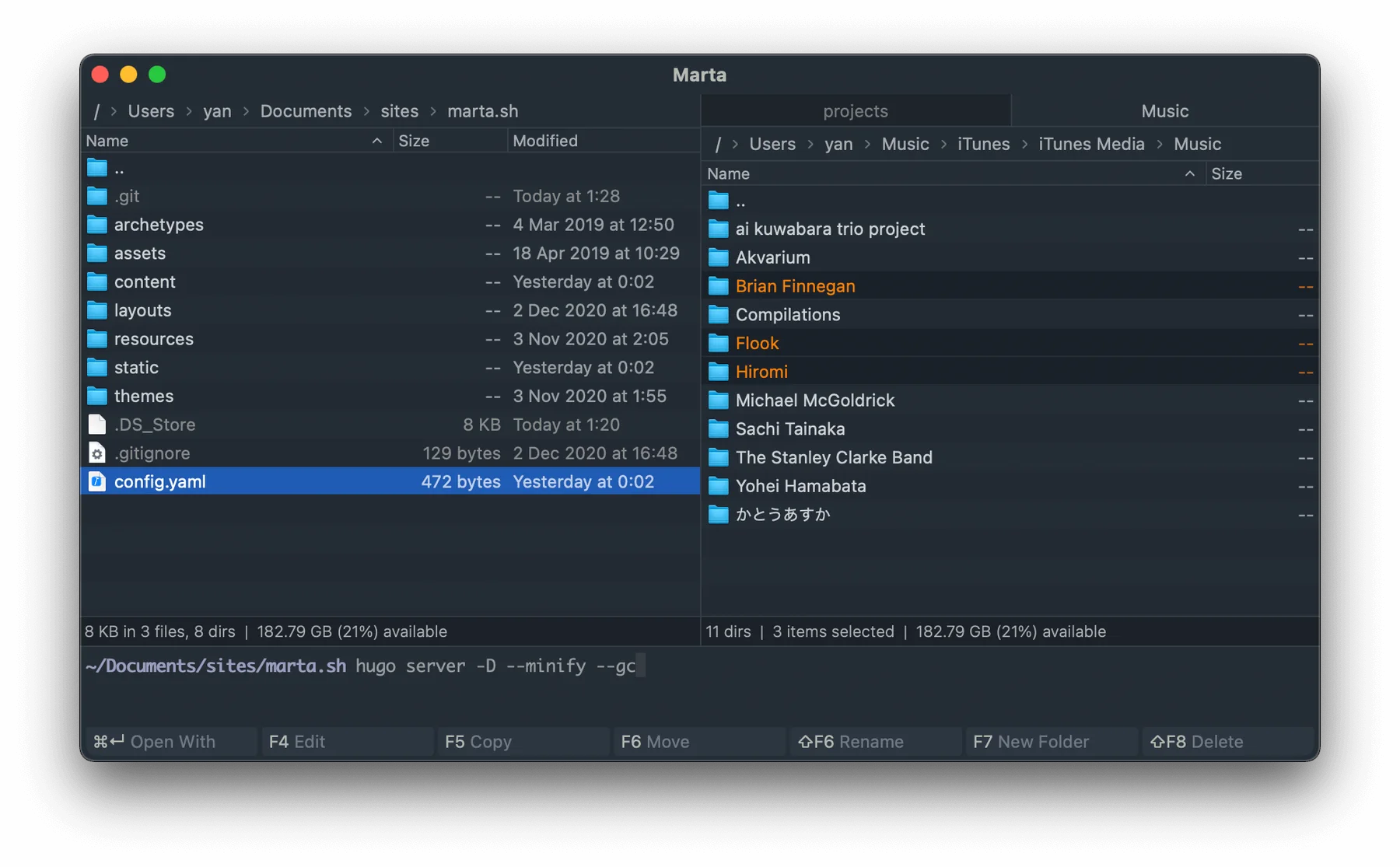
Marta is a native dual-pane file manager written in Swift. Image: Marta
Price: a free download from marta.sh. The latest release is 0.8.2.
Marta is a native, highly configurable file manager with full keyboard support, five themes, and a plugin API.
Better or worse than Commander One? Better if you like to configure everything with the keyboard. It is a smaller, slower-moving project.
Use ForkLift if you want dual panes and file transfers for a one-time price. Use Path Finder if you want every power tool. Use Strata Files if you are on macOS 26 and want a free app.
Strata Files is free and open source, with instant search and dual panes, but it needs macOS 26 on Apple silicon. Commander One and Marta are also free.
Is there a dual-pane Finder for Mac?
Finder has no dual-pane view. ForkLift, Path Finder, Commander One, Marta, Strata Files, and QSpace Pro all add one.
Is Path Finder worth it?
It is worth it if you use its modules and Drop Stack every day. At $32.95 a year, ForkLift or QSpace Pro cost less if you mainly want dual panes.
Is there a Windows Explorer alternative for Mac?
Folders is built for Windows switchers, with an Explorer-style folder tree and Windows-style shortcuts like Command-X to cut.
Can you replace Finder completely on a Mac?
No. Finder always runs, and it handles the desktop and system tasks. These apps work alongside it.
#### Sources
Prices and requirements were checked on November 16, 2026.
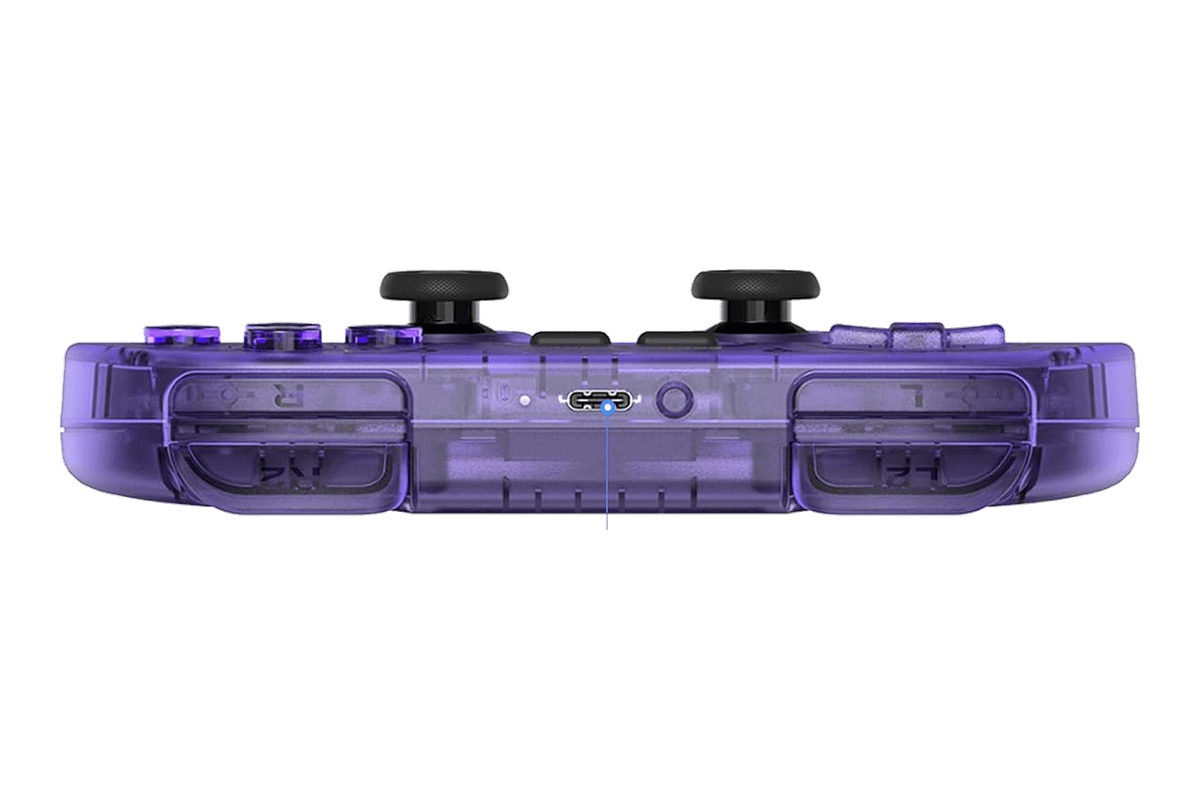
A compact Bluetooth controller with Hall-effect sticks for supported Mac, iPhone, and iPad games.
HardwareAccessoriesmacOS & iOS & iPadOS
Abejas
Professional network organizer for Apple devices
One-time
Abejas is a universal app for Mac and iPhone that helps you manage, organize, and remember your professional network. It focuses on grouping contacts, private notes, and reminders linked to the people you already know.
- One-click import of contacts from a major professional network on Mac
- Group, tag, favorite, and automatically group contacts on Mac using on-device AI
- Take and keep private notes for each contact and interaction
- Set follow-up reminders with optional notifications on Mac and iPhone
- Sync all contacts, notes, and reminders securely via your private iCloud account
- Supports features like Spotlight search, widgets, Shortcuts, VoiceOver, dynamic text, and offline access
Abejas is available as a one-time purchase for $49.99. The universal license includes both Mac (Apple silicon, macOS 27+) and iPhone (iOS 27+) apps. Requires iCloud for syncing; no subscription or upsells are involved.
SoftwareProductivitymacOS
CapWords
Capture vocabulary from real life photos
Freemium
CapWords is an iOS app that lets users capture words from any real-life text by taking a photo, using AI to recognize text and provide contextual definitions. Each captured word is added to a personal vocabulary library and connected to its image.
- Recognizes and extracts words from photos using AI
- Provides contextual definitions, example sentences, and usage notes
- Links new vocabulary to images for visual memory support
- Employs spaced repetition to remind users to review words
- Supports multiple languages and offers offline word bank
- Allows vocabulary export to other apps
CapWords is free to download on iOS devices running iOS 17.0 or later, with in-app purchases available. No mention of a full-featured free tier; additional features may require payment.
SoftwareEducationiOS & iPadOS
Sonder
Native, open-source markdown editor for Mac
Free
Sonder is a free, open-source markdown editor for macOS 14 or later. It works directly with your own folder of .md files without importing or renaming them.
- Focus Mode dims everything except the current sentence for distraction-free writing.
- Browse and manage notes by folder, hashtag, favorite or saved search.
- Renders markdown with support for tables, footnotes, task lists, and math.
- Export files to PDF, HTML, or Word formats.
- Integrates with third-party AI tools of your choice for editing and suggestions.
- Supports Apple silicon and Intel Macs, built with SwiftUI and TextKit.
Sonder is available at no cost, open-sourced under the MIT license, and requires macOS 14 or newer. No accounts, subscriptions, or in-app purchases are needed.
SoftwareWritingmacOS
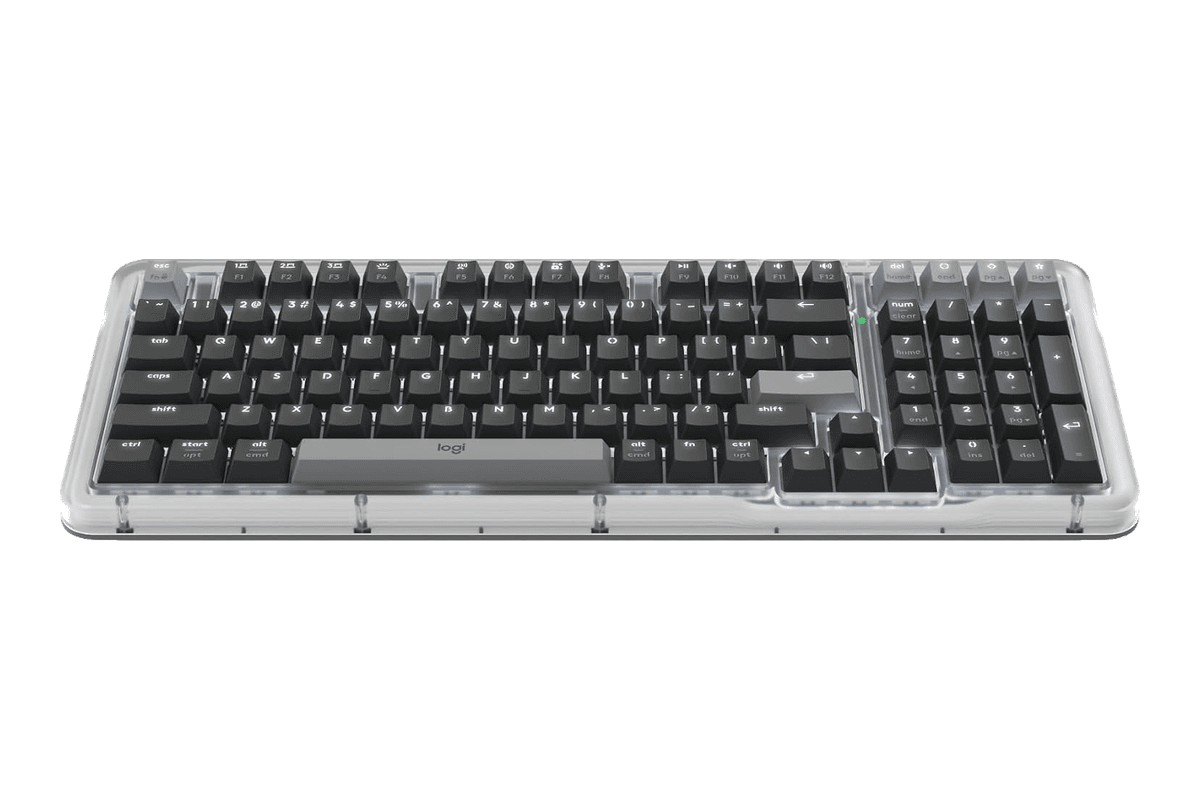
Alto Keys K98M
A compact mechanical keyboard with a number pad, white backlighting, and Mac support.
HardwareKeyboards & MicemacOS
Kinnu
Microlearning app for diverse knowledge topics
Freemium
Kinnu is a microlearning app that uses cognitive science principles to help users build and retain knowledge across a wide range of domains, including psychology, science, history, technology, and literature.
- Offers expert-edited, bite-sized content spanning multiple subjects
- Provides Memory Shield technology for reinforcing learning retention
- Features gamified, interactive learning sessions with adaptive questions
- Supports audio versions of all content for learning on the go
- Includes progress tracking with a Knowledge Bank feature
- Lets users influence app development through community voting
Kinnu is available as a free download with optional in-app subscription purchases. It requires iOS 17.0 or later and is compatible with a wide range of iPhone and iPad devices.
SoftwareEducationiOS & iPadOS
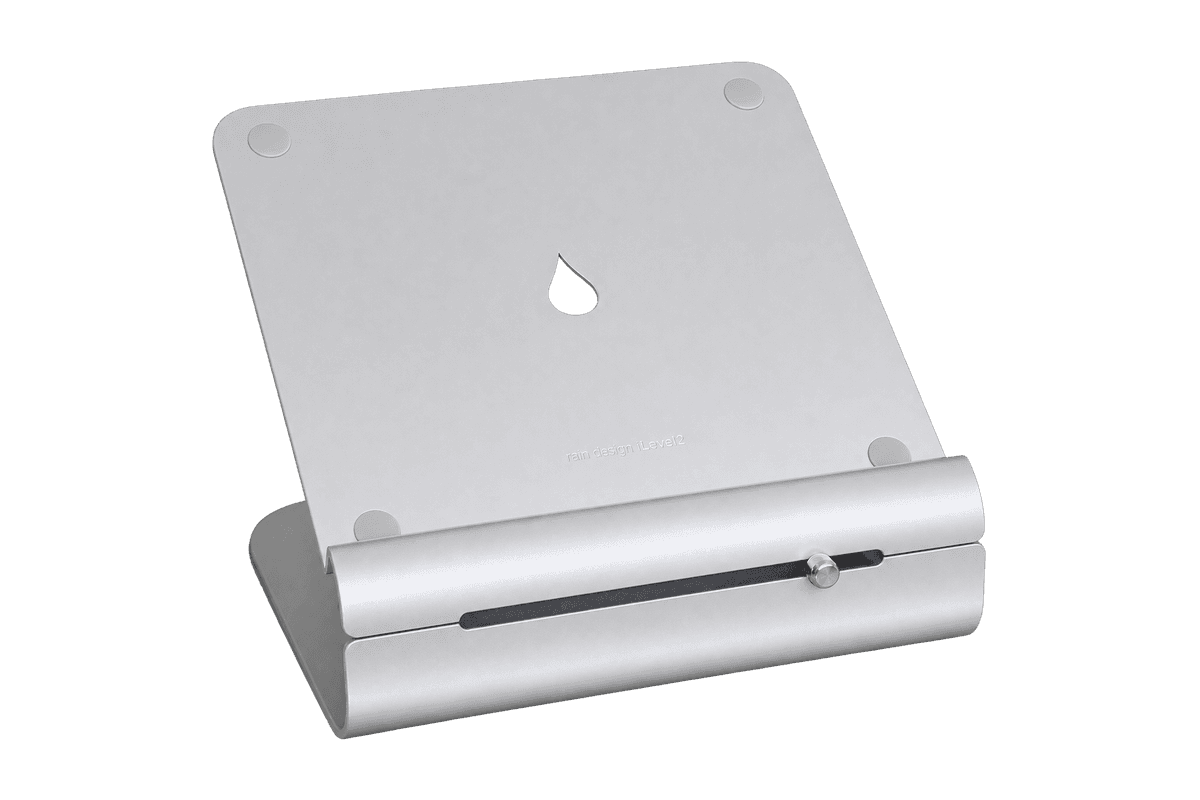
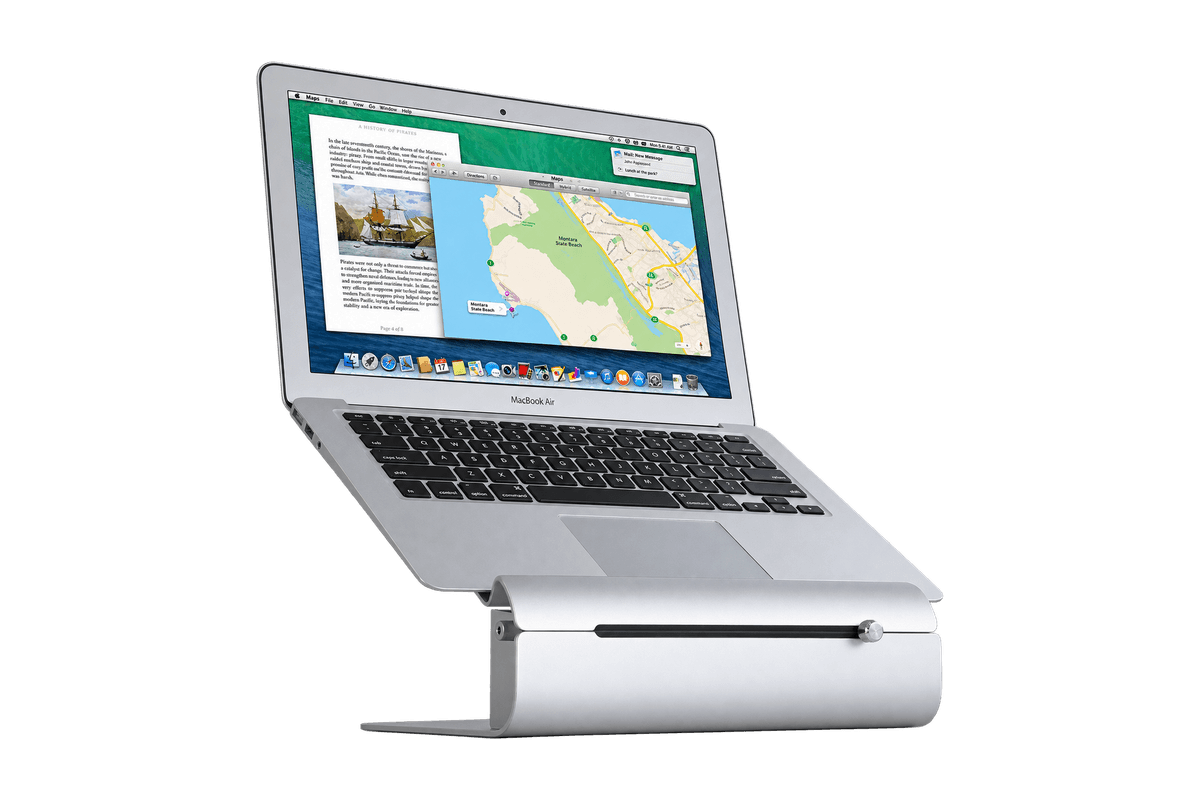
iLevel2 Adjustable Laptop Stand
A silver aluminum MacBook stand with a front slider for adjusting screen height.
WorkspaceDesk Setup
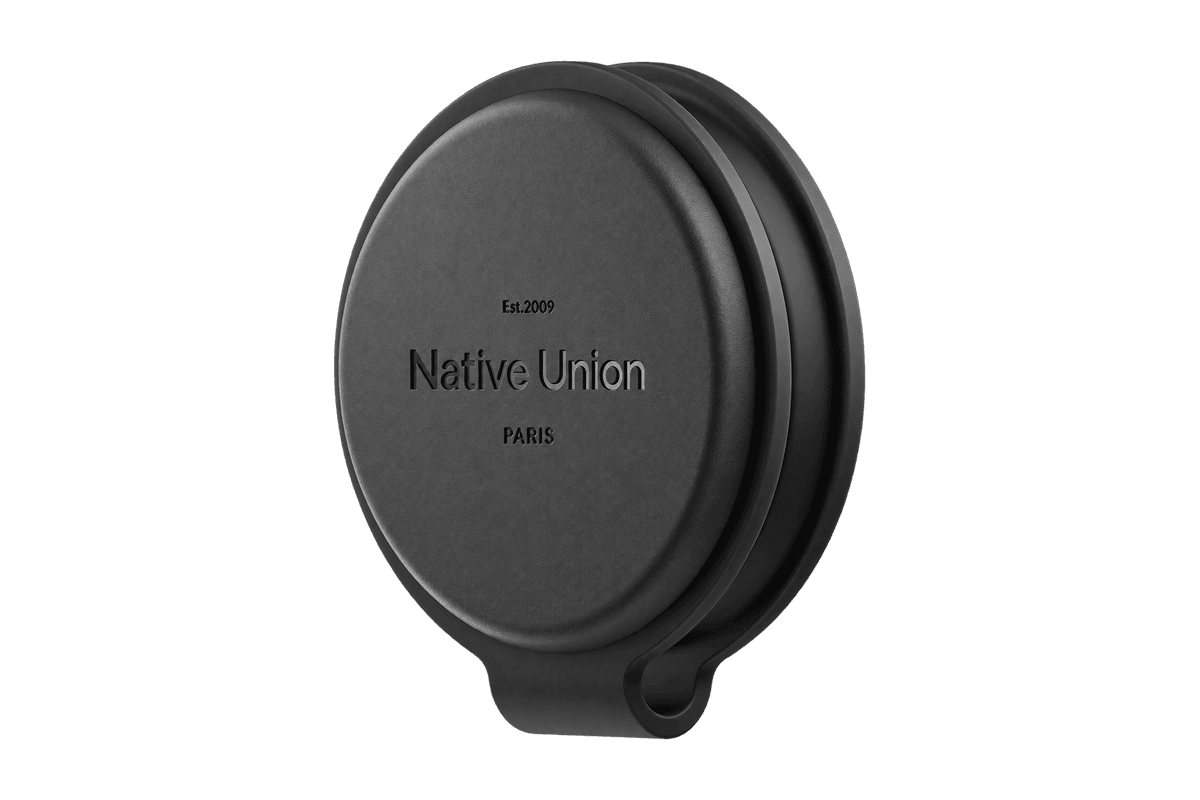
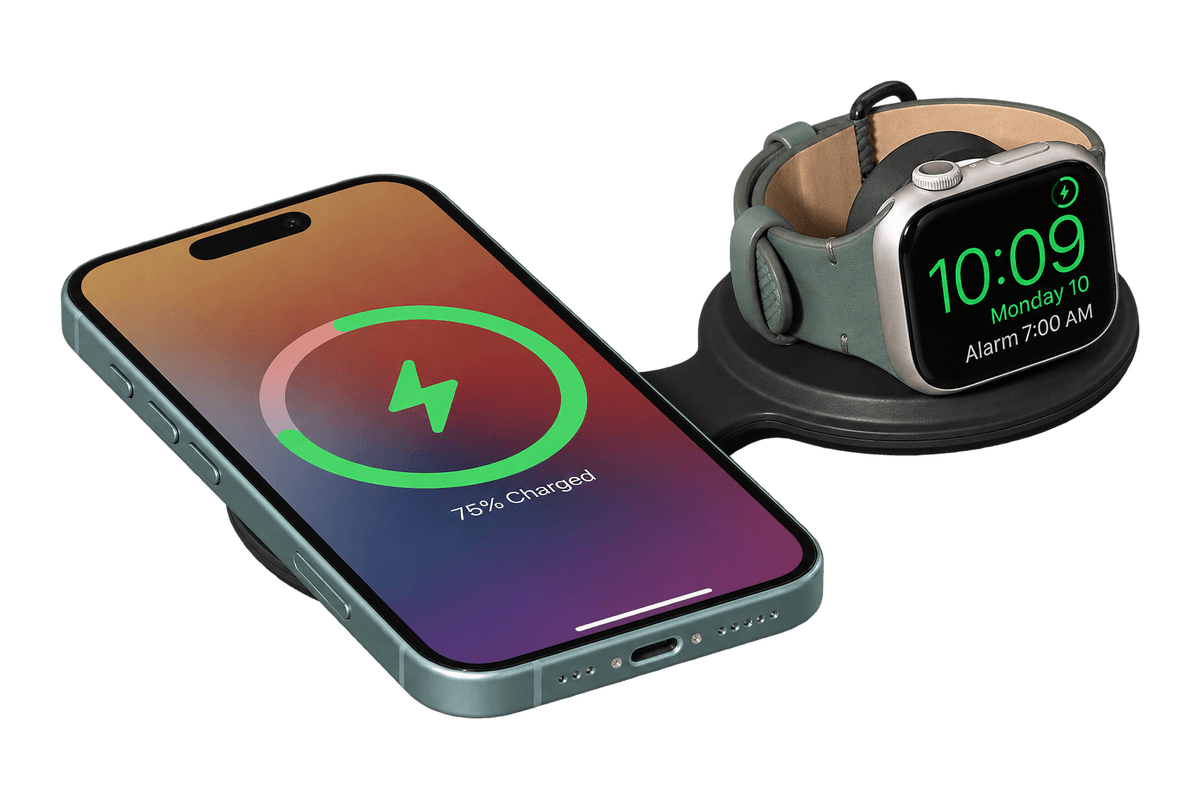
Voyage 2-in-1 Magnetic Wireless Charger
A folding Qi2 travel charger for an iPhone and Apple Watch, with a pocket-sized closed form.
HardwarePoweriOS
WidgetWall
Desktop widgets for Mac, from clocks and calendars to photos, music and a Pomodoro timer.
Freemium
WidgetWall puts customizable widgets on your Mac desktop, behind your windows.
- Free widgets plus premium widgets such as a MacBook battery widget, browser, photo and video widgets.
- Liquid Glass material, widget corners and shadow options.
- Full support for macOS 27, per its App Store release notes.
- Available on the Mac App Store and Setapp.
WidgetWall is free with in-app purchases: $1.99 a month, $19.99 a year, or a lifetime unlock listed at $39.99 to $49.99.