Created November 16, 2026Updated November 23, 2026
Dragging an app to the Trash uninstalls it on a Mac, but it usually leaves files behind. Apps keep settings, caches, and support files in your Library folder, and those leftover files can add up to gigabytes over time.
This guide shows how to uninstall apps on a Mac and remove the leftover files too, first by hand and then with free tools like Pearcleaner and AppCleaner.
Quick picks:
Best free uninstaller:Pearcleaner, free and source-available.
Shotbase is a comprehensive tool designed to capture and manage all your screen-based content effortlessly. With features like stunning screenshot capabilities, recording options that include cinematic effects, and an intuitive organizational structure powered by local AI, you can easily keep your multimedia assets organized and accessible. Shotbase not only allows you to capture specific areas, windows, or full screens on your Mac but also enables you to edit and enhance your captures with backgrounds, frames, and annotations. The integrated AI ensures your captures are automatically named and tagged for easy searching, making it an excellent choice for anyone looking to enhance their productivity and creativity in one seamless workspace.
SoftwareCreativemacOS
DeskMinder
For Easily Distracted Minds
Freemium
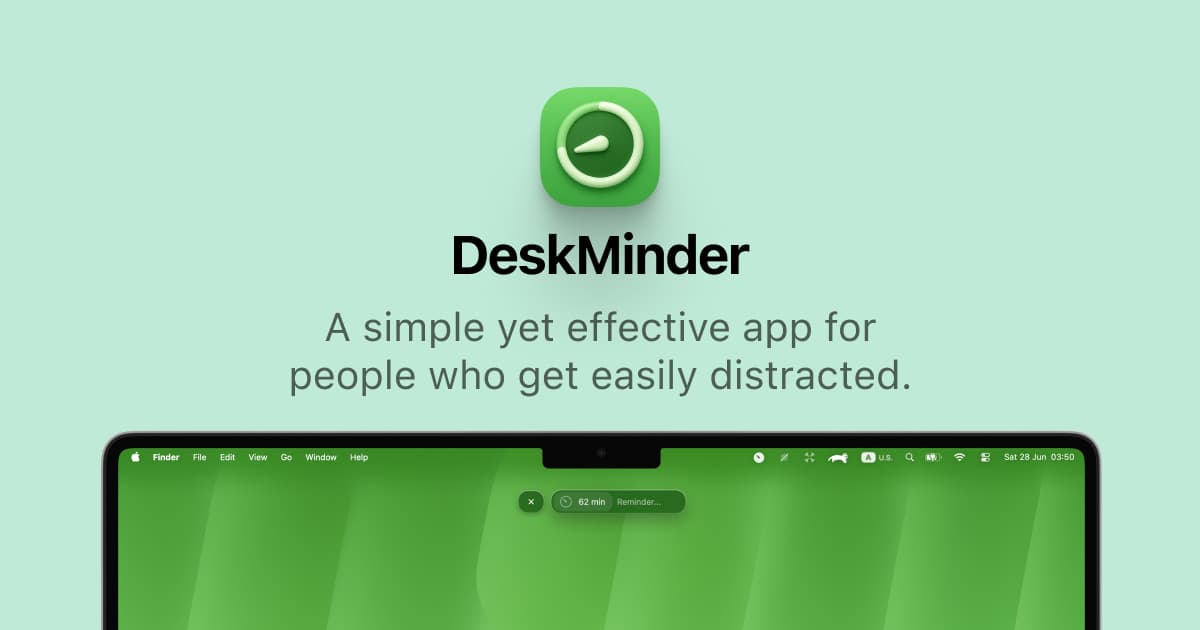
DeskMinder is a productivity software application designed for Mac users who struggle with distractions. It provides a straightforward interface for creating desktop pop-up reminders and tasks, helping users manage urgent to-dos, short breaks, and fleeting ideas. With features like full-screen notifications and Apple Reminders integration, DeskMinder aims to enhance focus and time management for i
- With features like easy-to-create desktop pop-ups for reminders and tasks, it simplifies the process of staying on top of urgent to-dos, short breaks, or fleeting ideas.
- Users can benefit from full-screen notifications, Apple Reminders integration, and flexible widget placement, making it ideal for anyone requiring a little extra help to maintain focus.
- The app includes additional shortcuts for quick reminder setups and customizable widget options, along with a history tracking feature to monitor daily progress.
Designed specifically for Mac users, DeskMinder aims to facilitate better time management and productivity for those with attention challenges, providing a seamless user experience without unnecessary complexity.
SoftwareProductivitymacOS
Klack
Satisfying sound with every keystroke
Paid
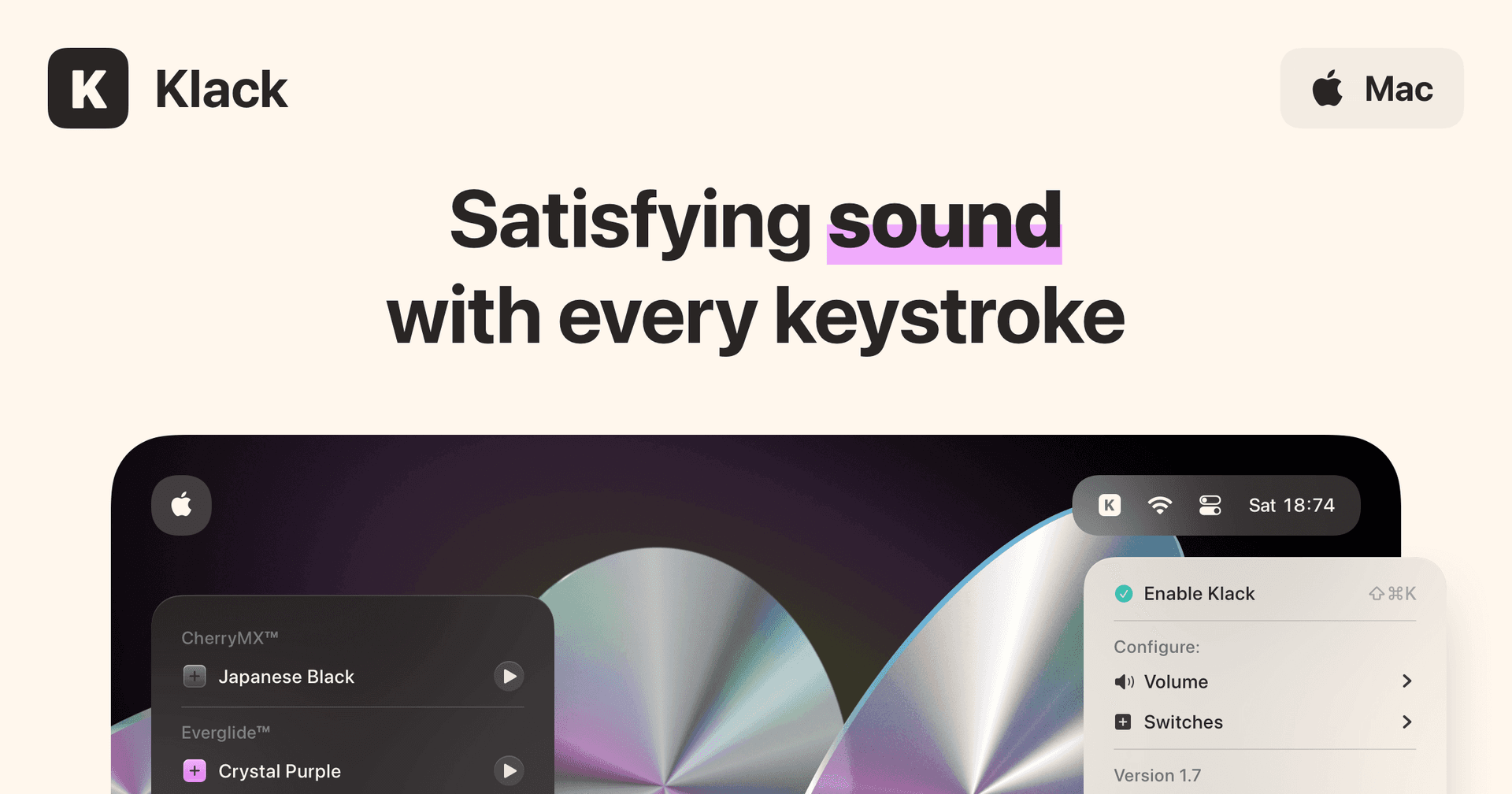
Klack is a macOS application designed to enhance the typing experience through high-fidelity sound for each keystroke. It provides features such as immersive spatial audio, instant feedback, and customizable sound options, making it suitable for writers, developers, and anyone who values an engaging typing environment. The app is easily accessible from the menubar and offers extensive configuratio
- Provides immersive spatial audio for enhanced typing feedback.
- Allows customization of keystroke sounds, pitch variations, and volume settings.
- Features a menubar interface for quick access to configuration options.
- Supports instant feedback with each keystroke for a more engaging experience.
- Designed for writers and developers seeking auditory feedback while typing.
Klack enhances the typing experience on Mac by providing high-fidelity sound for each keystroke.
SoftwaremacOS
TypoTab
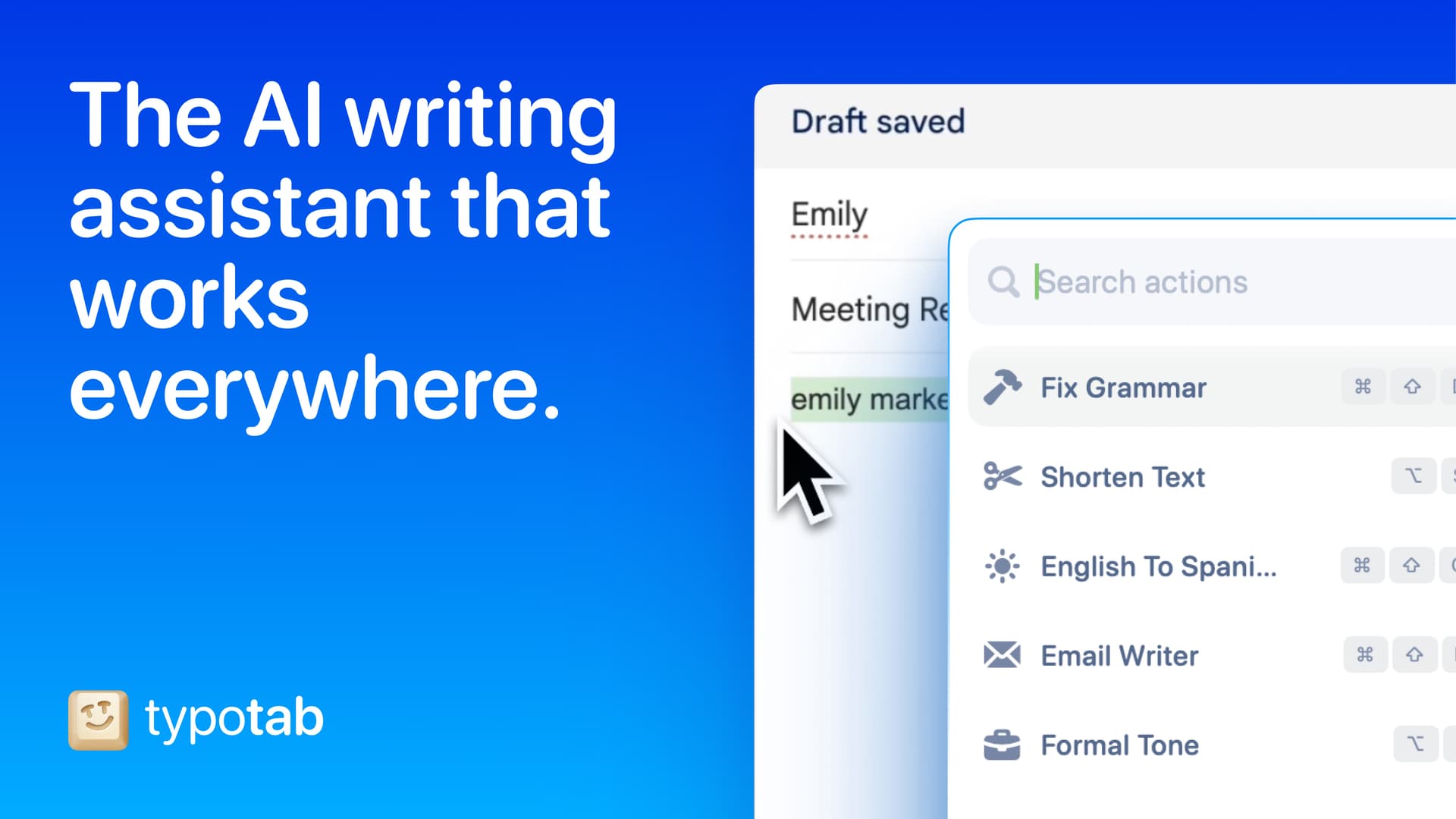
TypoTab, the ultimate AI writing assistant for
Paid
TypoTab is a macOS application that functions as an AI-driven writing assistant. It enhances writing efficiency by providing tools for grammar correction, text rephrasing, and content generation, all accessible from the menu bar without needing to switch applications. This tool is designed for writers, students, and professionals looking to streamline their writing process and improve productivity
- Provides grammar correction and text rephrasing directly from the menu bar.
- Allows text refinement in any application without switching contexts.
- Offers customizable actions to meet individual writing needs.
- Streamlines repetitive writing tasks for improved efficiency.
- Supports a wide range of applications, enhancing workflow across platforms.
TypoTab is a macOS application that enhances writing efficiency by providing grammar correction, text rephrasing, and content generation directly from the menu bar. It allows users to refine text in any application without switching contexts, offering customizable actions to suit individual writing needs.
SoftwareProductivitymacOS
Sonder
Native, open-source markdown editor for Mac
Free
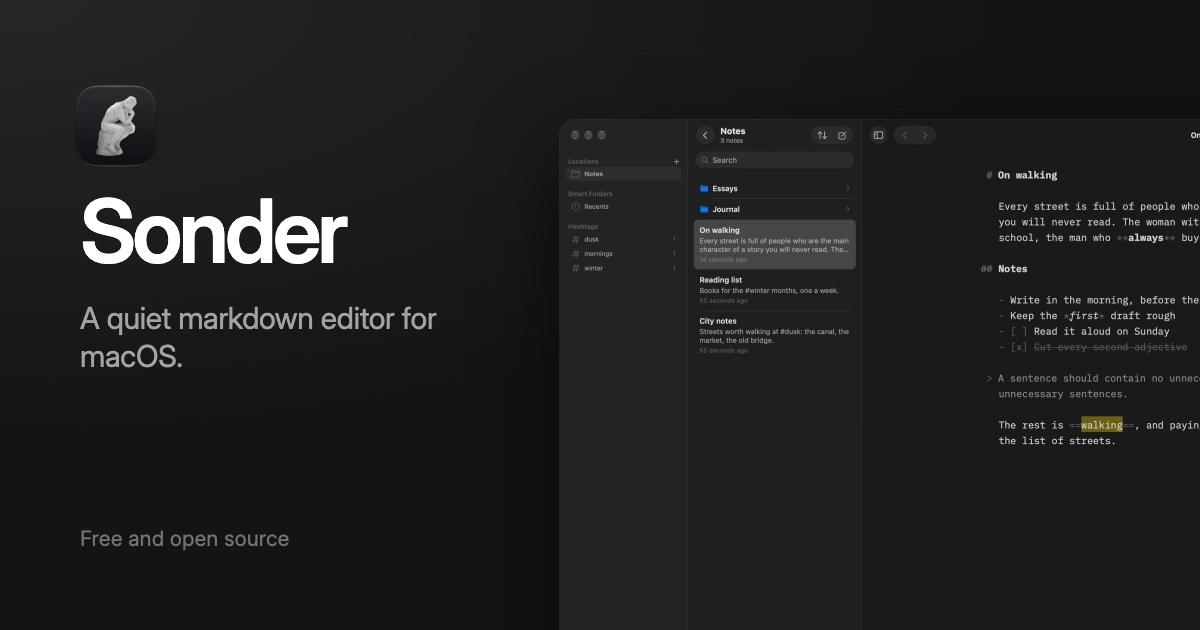
Sonder is a free, open-source markdown editor for macOS 14 or later. It works directly with your own folder of .md files without importing or renaming them.
- Focus Mode dims everything except the current sentence for distraction-free writing.
- Browse and manage notes by folder, hashtag, favorite or saved search.
- Renders markdown with support for tables, footnotes, task lists, and math.
- Export files to PDF, HTML, or Word formats.
- Integrates with third-party AI tools of your choice for editing and suggestions.
- Supports Apple silicon and Intel Macs, built with SwiftUI and TextKit.
Sonder is available at no cost, open-sourced under the MIT license, and requires macOS 14 or newer. No accounts, subscriptions, or in-app purchases are needed.
SoftwareWritingmacOS
Kinnu
Microlearning app for diverse knowledge topics
Freemium
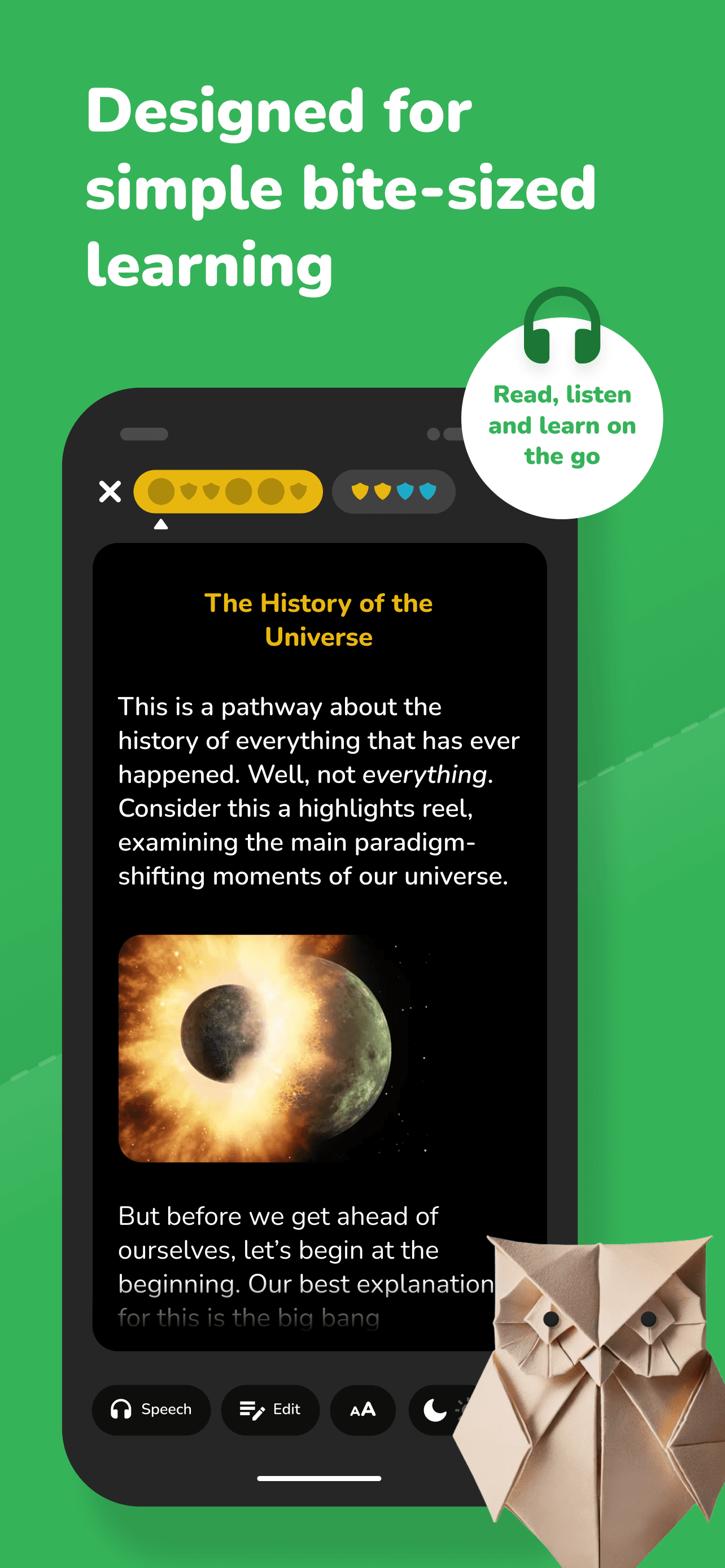
Kinnu is a microlearning app that uses cognitive science principles to help users build and retain knowledge across a wide range of domains, including psychology, science, history, technology, and literature.
- Offers expert-edited, bite-sized content spanning multiple subjects
- Provides Memory Shield technology for reinforcing learning retention
- Features gamified, interactive learning sessions with adaptive questions
- Supports audio versions of all content for learning on the go
- Includes progress tracking with a Knowledge Bank feature
- Lets users influence app development through community voting
Kinnu is available as a free download with optional in-app subscription purchases. It requires iOS 17.0 or later and is compatible with a wide range of iPhone and iPad devices.
SoftwareEducationiOS & iPadOS
WidgetWall
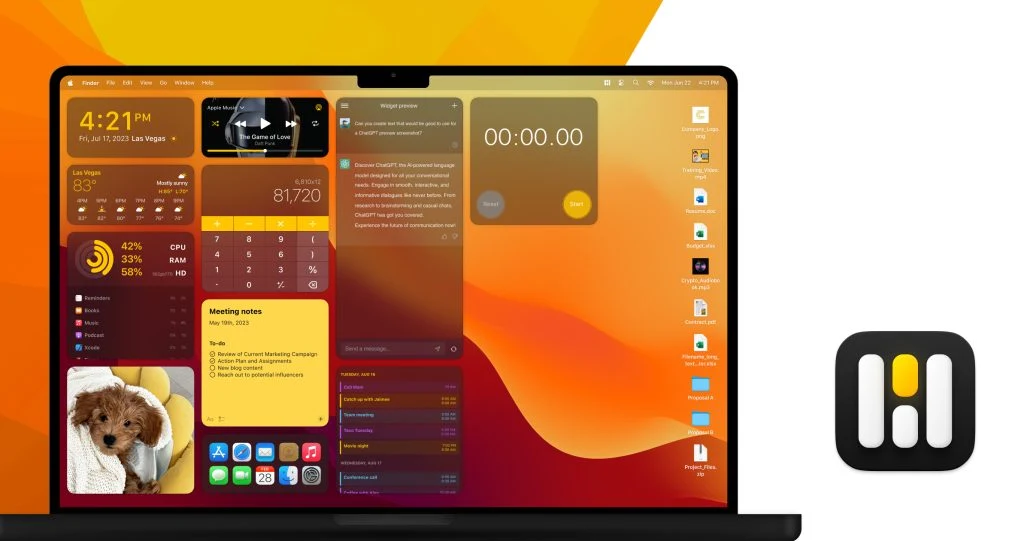
Desktop widgets for Mac, from clocks and calendars to photos, music and a Pomodoro timer.
Freemium
WidgetWall puts customizable widgets on your Mac desktop, behind your windows.
- Free widgets plus premium widgets such as a MacBook battery widget, browser, photo and video widgets.
- Liquid Glass material, widget corners and shadow options.
- Full support for macOS 27, per its App Store release notes.
- Available on the Mac App Store and Setapp.
WidgetWall is free with in-app purchases: $1.99 a month, $19.99 a year, or a lifetime unlock listed at $39.99 to $49.99.
SoftwareUtilitiesmacOS
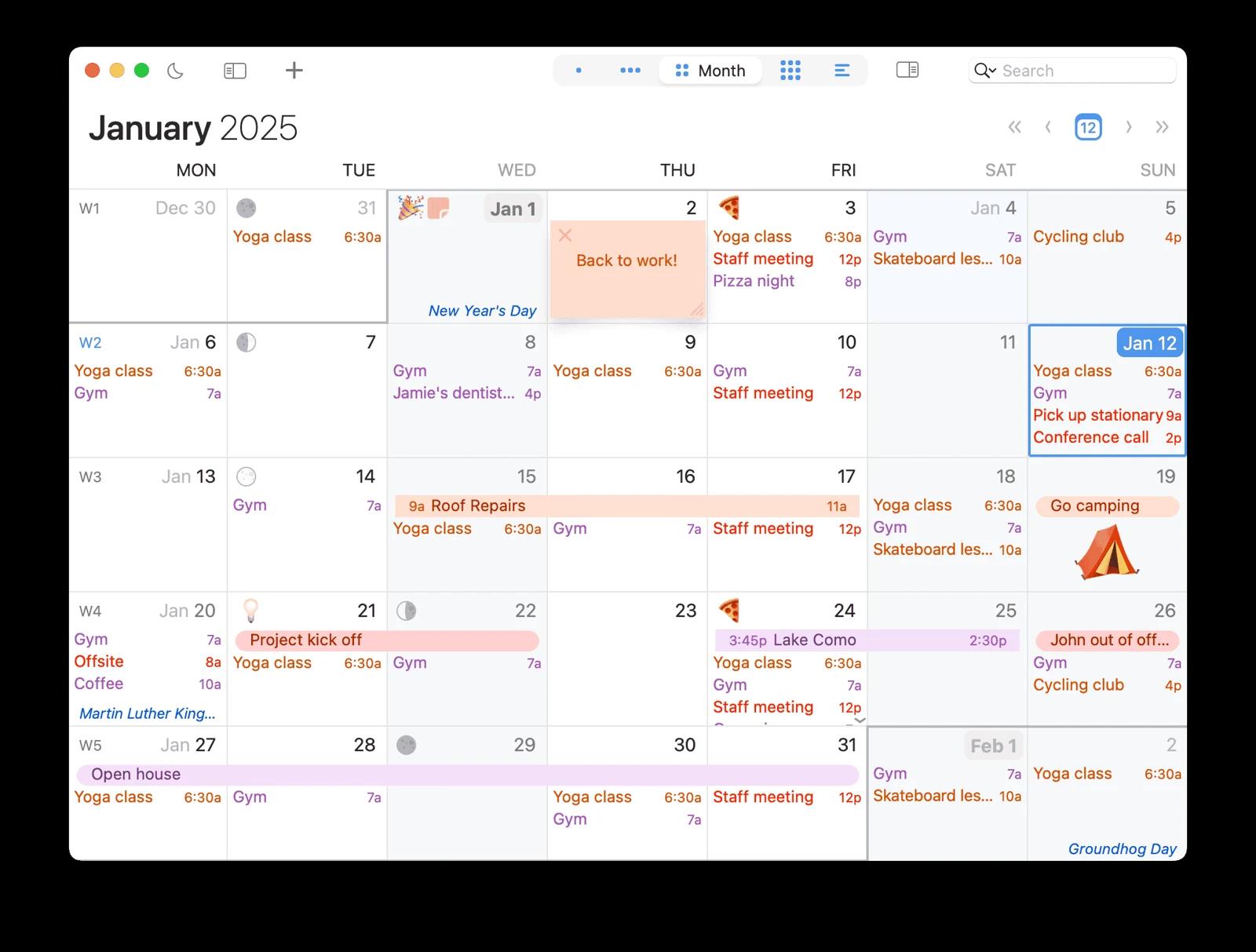
BusyCal
A powerful Mac calendar with tasks, a year planner, sticky notes and booking pages.
Paid
BusyCal is a calendar app for Mac and iPhone by BusyMac.
- Day, Week, Month, Year Planner and List views, with adjustable fonts, colors and density.
- Tasks, sticky notes and a menu bar mini calendar.
- Booking pages for meetings, and smart suggestions from past events.
- Works with iCloud, Google, Exchange and CalDAV calendars.
- Available on Setapp.
BusyCal is $49.99, with a 14-day free trial.
SoftwareProductivityiOS & macOS
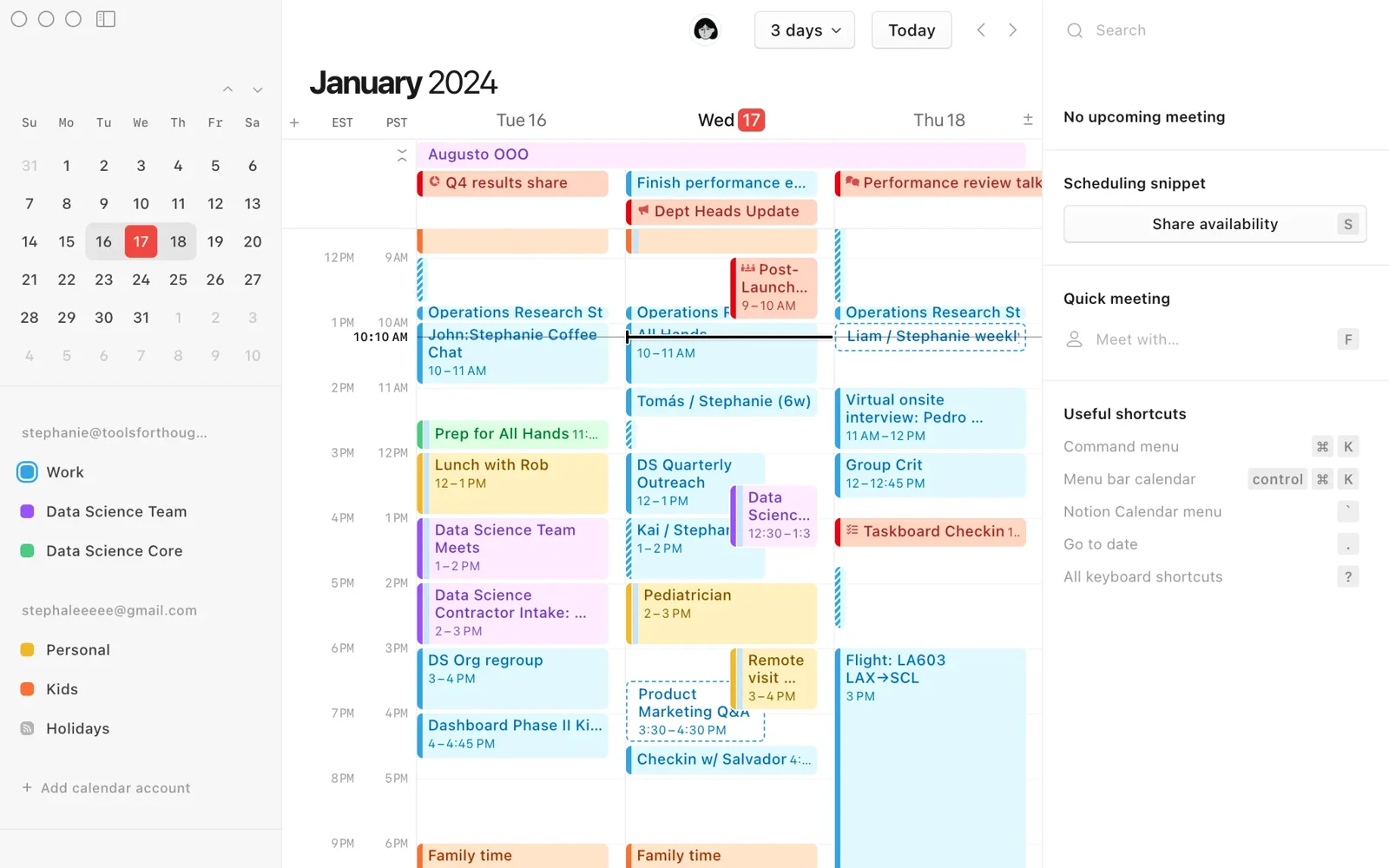
Notion Calendar
A free calendar for Mac that connects Google Calendar to your Notion workspace.
Free
Notion Calendar (formerly Cron) is a free calendar app for Mac, Windows, iPhone and Android.
- Works with Google Calendar accounts, with Notion databases and docs linked to events.
- A command menu, keyboard shortcuts and a menu bar view of upcoming meetings.
- Time zones, scheduling links and availability sharing.
- One-click join for video calls.
Notion Calendar is free.
SoftwareProductivityiOS & macOS
Does deleting an app on Mac remove all its files?
No. Moving an app to the Trash removes the app itself. Apple notes that the best way to also remove login items, extensions, and other data stored in other places is the app's own uninstaller, if it has one.
Apple also says that deleting an app does not remove documents you created with it. That is usually what you want. Settings, caches, and support files are the leftovers worth cleaning up.
Most leftover files live in these folders inside your user Library:
~/Library/Application Support
~/Library/Caches
~/Library/Preferences
~/Library/Containers and ~/Library/Group Containers
~/Library/LaunchAgents
~/Library/Logs
~/Library/Saved Application State
How to remove leftover files after uninstalling an app on Mac
1. Uninstall the app first (see the next section). 2. In the Finder, choose Go > Go to Folder from the menu bar. 3. Type ~/Library and press Return. 4. Open each folder listed above and look for folders or files with the app's name or its developer's name. 5. Drag only those items to the Trash. If you are not sure what a file is, leave it. 6. Choose Finder > Empty Trash to free up the space.
Do not delete anything in the system Library folder unless you know exactly what it is. A free tool like Pearcleaner does this search for you and shows the files before it deletes them.
1. Quit the app if it is open. 2. Find the app in the Finder. Most apps are in the Applications folder in the Finder sidebar. You can also search with Spotlight, then hold Command while you double-click the app in the results to show it in the Finder. 3. If the app came with an Uninstall or Uninstaller app, use it. Some apps have an uninstall or reset option in a menu or in their settings. 4. Otherwise, drag the app to the Trash, or select it and choose File > Move to Trash. 5. If asked, enter an administrator name and password. 6. Choose Finder > Empty Trash to delete the app for good.
Apps from the Mac App Store are removed the same way. Some apps live in the Applications folder inside your home folder instead, which you can open with Go > Home.
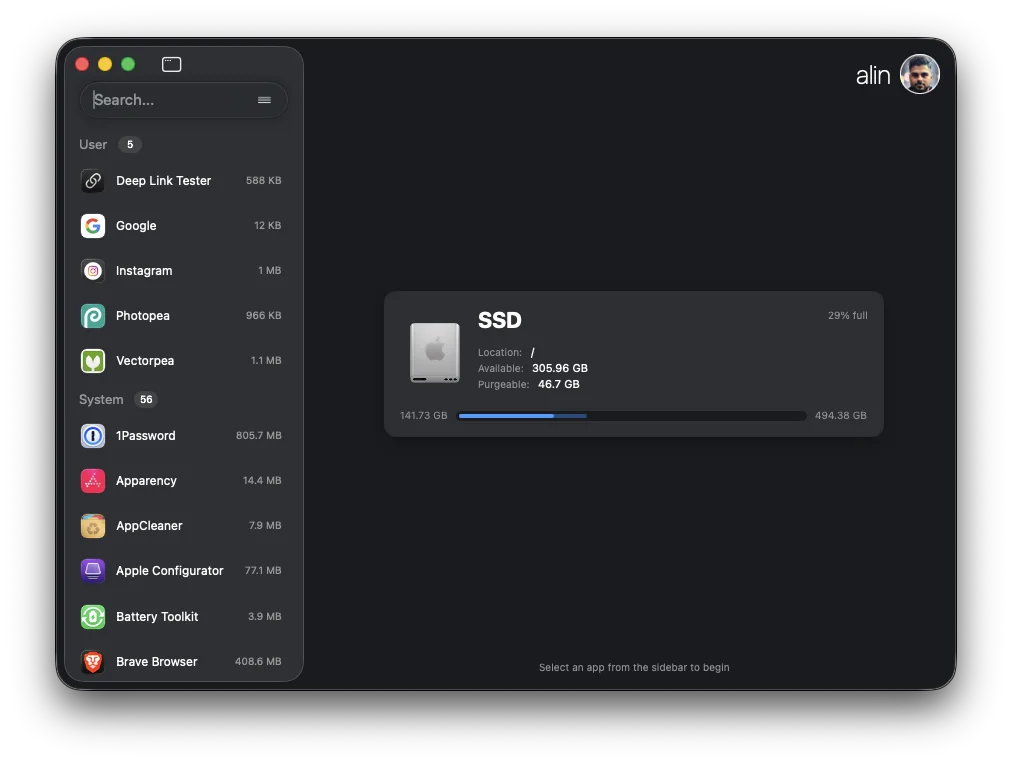
Pearcleaner: best free app to uninstall apps and leftover files
Pearcleaner lists an app's related files before you remove them. Image: Pearcleaner
Price: free. Pearcleaner is source-available under Apache 2.0 with the Commons Clause.
Pearcleaner removes an app together with the files it leaves behind, and it can search for orphaned files from apps you already deleted.
Key features:
App uninstall with a search for related and orphaned files.
A Finder extension for right-click uninstall, plus drag and drop.
Homebrew, PKG, plugin, and services managers, and an app updater.
Supports macOS 13 Ventura through macOS 26 Tahoe.
The latest release on GitHub is v5.4.3, from November 26, 2025.
PearcleanerA free, source-available Mac app uninstaller that finds leftover files.Visit WebsitePearcleaner is a free Mac app cleaner that removes apps along with the leftover files they leave behind.
- App uninstall with a search for related and orphaned files.
- A Finder extension for right-click uninstall, drag and drop, CLI support and deep links.
- Homebrew, PKG, plugin and services managers, plus an apps updater.
- App Lipo and pruning of unused app translations.
- Supports macOS 13 Ventura through macOS 26 Tahoe.
Licensed under Apache 2.0 with the Commons Clause. Made by alienator88.Visit Website
AppCleaner: simplest free Mac uninstaller
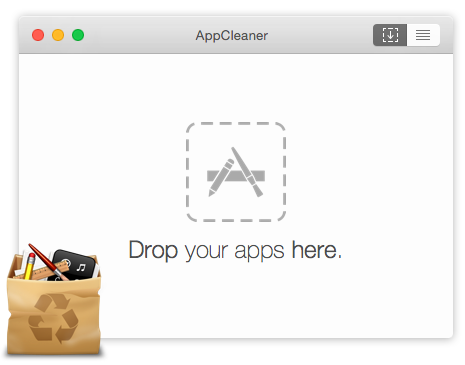
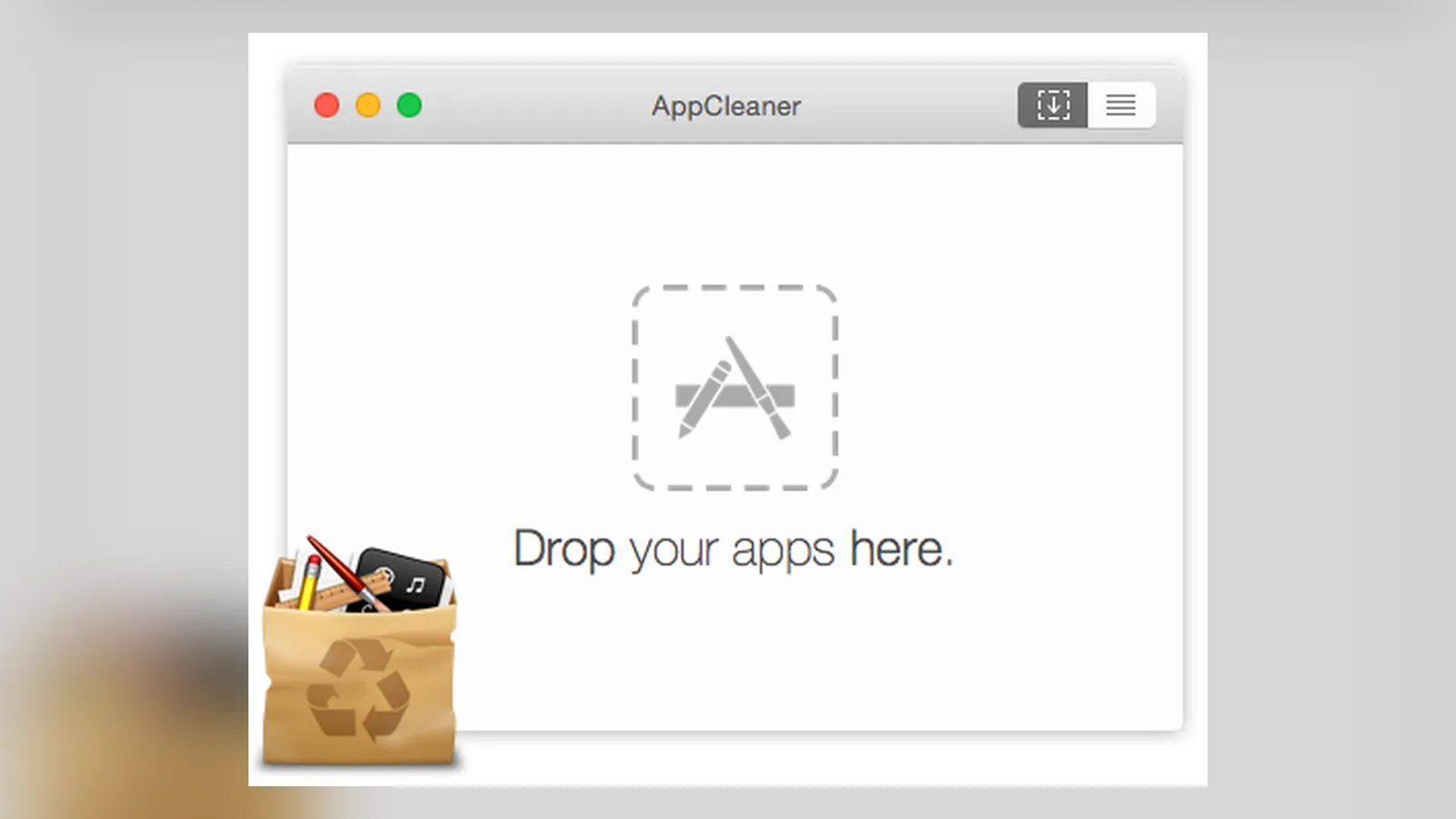
Drop an app on AppCleaner to see the files that go with it. Image: FreeMacSoft
Price: free, with an optional donation. Version 3.7 supports macOS 15 and later, and older versions are available for older Macs.
AppCleaner is a small app from FreeMacSoft. Drop an app onto its window, and it finds the related files so you can delete them together.
Better or worse than Pearcleaner? Simpler, with fewer extras. Pearcleaner adds orphaned file search, a Finder extension, and Homebrew tools.
AppCleanerFree app uninstaller that removes leftover filesVisit WebsiteAppCleaner is a small free utility that uninstalls Mac apps together with the support files they leave behind.
- Drag an app onto the window to list its related files.
- Removes preferences, caches, and support files in one step.
- Gives you a Windows-like uninstall flow on macOS.
- Free to download from the developer's site.
AppCleaner suits anyone used to a Windows uninstaller who wants a clean removal.Visit Website
Mole: best paid app to uninstall and clean up
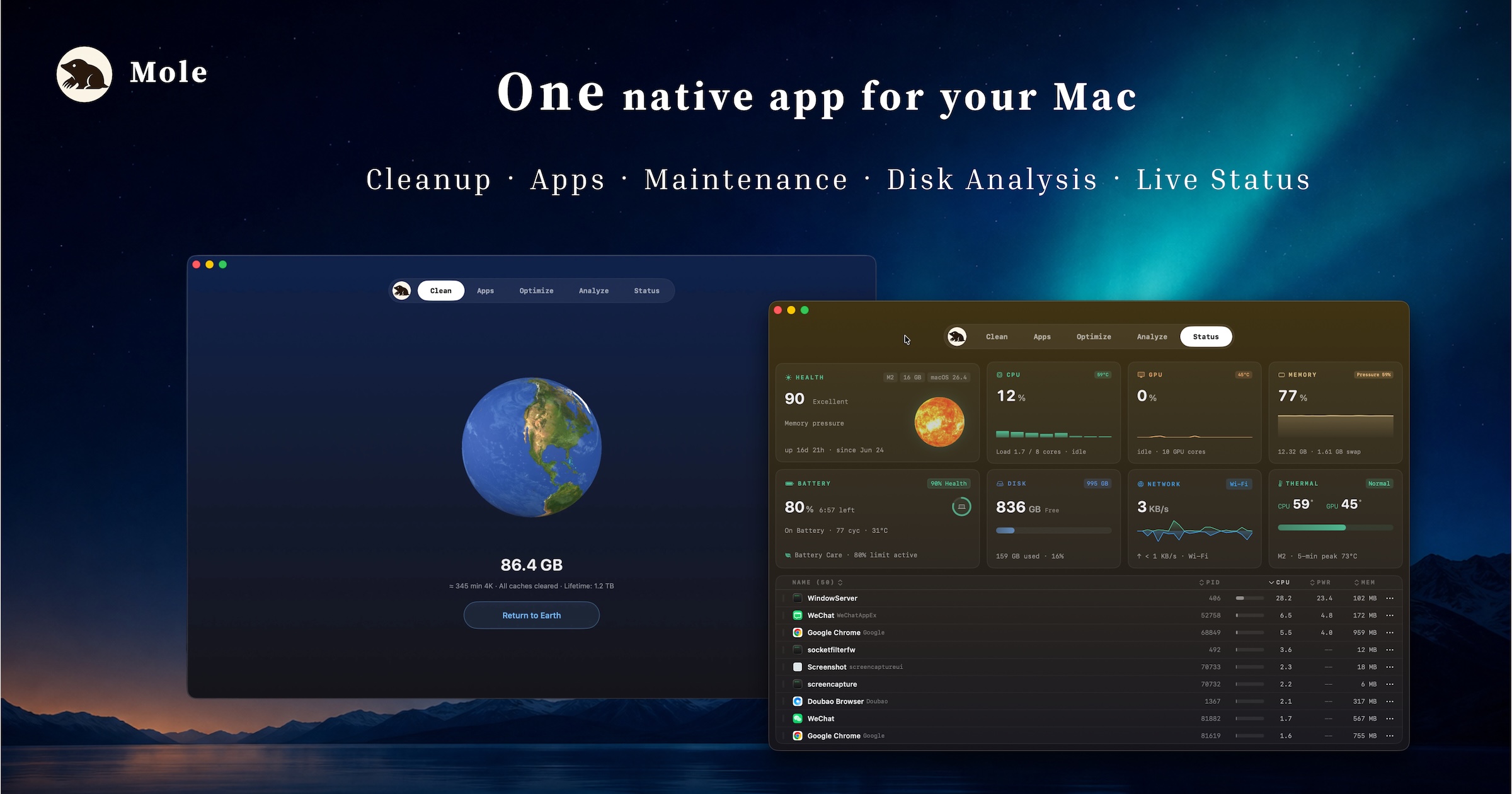
Mole uninstalls apps fully and clears system data. Image: Mole
Price: the Mole app is $19 once, with a 14-day refund. The Mole CLI is free and open source. The app needs macOS 14 or later.
Mole uninstalls apps fully, updates them in one place, and clears system data item by item.
Better or worse than Pearcleaner? Better if you also want disk cleanup, a treemap of your disk, and a menu bar monitor. Pearcleaner is free.
MoleStorage cleanup and optimization utilityVisit WebsiteMole is a native macOS storage management utility designed to analyze, clean, and optimize disk space. It consolidates essential tools for managing storage, allowing users to analyze disk usage, remove junk files, completely uninstall applications, find duplicates, and organize their storage efficiently.
- Analyze disk usage to identify large files and folders consuming space.
- Remove junk files to free up storage and improve system performance.
- Completely uninstall applications, including all associated files and data.
- Find and eliminate duplicate files to streamline storage.
- Organize files and folders for easier access and management.
Mole provides a comprehensive solution for macOS users looking to manage their storage effectively. By utilizing its features, users can gain insights into disk usage, eliminate unnecessary files, and maintain an organized file system. This utility is particularly beneficial for those seeking to optimize their device's performance and ensure efficient use of available disk space.Visit Website
CleanMyMac: best all-in-one Mac maintenance app
Price: $39.95 a year for 1 Mac, $9.95 a month, or $119.95 once. Annual and one-time plans have a 30-day money-back guarantee. It needs macOS 11 or later.
CleanMyMac includes an uninstaller along with junk cleanup, malware tools, and large file search.
Better or worse than Pearcleaner? It does far more, but it costs money every year if you choose the annual plan. For uninstalling apps alone, the free tools above are enough. See our best CleanMyMac alternatives for more.
CleanMyMacMac cleaner and maintenance utilityVisit WebsiteCleanMyMac is a software application designed for Mac maintenance. It helps users clean system junk, manage storage, and uninstall applications completely. The app scans for caches, logs, and large files, while also providing Smart Care workflows, malware monitoring, and privacy tools to enhance overall system performance and efficiency.
- Cleans system junk by scanning for caches, logs, and large files.
- Manages storage by identifying and removing unnecessary files.
- Uninstalls applications completely, including associated files.
- Optimizes system performance through automated maintenance tasks.
- Provides malware monitoring to detect and remove threats.
- Includes privacy tools to manage sensitive data and online tracking.
CleanMyMac offers practical solutions for maintaining Mac systems by effectively removing unnecessary files, managing storage, and ensuring optimal performance. Its features cater to users seeking to enhance their device's efficiency while safeguarding against malware and managing privacy concerns.Visit Website
Which way should you uninstall apps on Mac?
For one app, drag it to the Trash and check the Library folders above. If you clean up often, install Pearcleaner or AppCleaner. If your disk is full, see what is taking space with our best DaisyDisk alternatives.
Use the app's own uninstaller if it has one. Otherwise, drag the app to the Trash, then remove its leftover files from ~/Library, or use a free tool like Pearcleaner or AppCleaner to find them.
Why can't I delete an app on my Mac?
Quit the app first, since an open app cannot be moved to the Trash. If you are asked for a password, enter an administrator name and password. Apps that are part of macOS cannot be deleted.
Does emptying the Trash uninstall an app?
Moving the app to the Trash uninstalls it. Emptying the Trash deletes it for good and frees the storage space.
How do I uninstall apps from the App Store on Mac?
The same way as any other app. Drag it from the Applications folder to the Trash, or select it and choose File > Move to Trash.
Is it safe to delete files in the Library folder?
Only delete files that clearly belong to the app you removed. If you are not sure, leave the file, or use an uninstaller that shows you each file first.
#### Sources
Steps and prices were checked on November 16, 2026.
Sonder is a free, open-source markdown editor for macOS 14 or later. It works directly with your own folder of .md files without importing or renaming them.
- Focus Mode dims everything except the current sentence for distraction-free writing.
- Browse and manage notes by folder, hashtag, favorite or saved search.
- Renders markdown with support for tables, footnotes, task lists, and math.
- Export files to PDF, HTML, or Word formats.
- Integrates with third-party AI tools of your choice for editing and suggestions.
- Supports Apple silicon and Intel Macs, built with SwiftUI and TextKit.
Sonder is available at no cost, open-sourced under the MIT license, and requires macOS 14 or newer. No accounts, subscriptions, or in-app purchases are needed.
SoftwareWritingmacOS
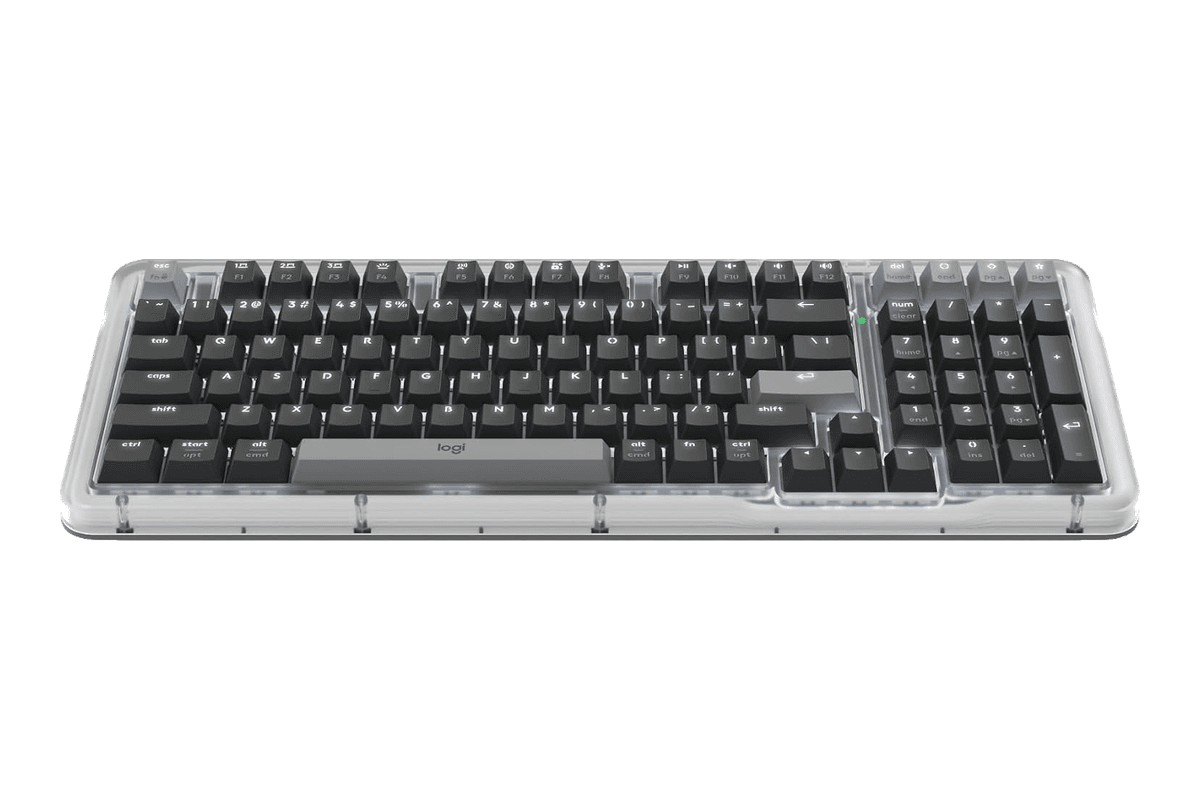
Alto Keys K98M
A compact mechanical keyboard with a number pad, white backlighting, and Mac support.
HardwareKeyboards & MicemacOS
Kinnu
Microlearning app for diverse knowledge topics
Freemium
Kinnu is a microlearning app that uses cognitive science principles to help users build and retain knowledge across a wide range of domains, including psychology, science, history, technology, and literature.
- Offers expert-edited, bite-sized content spanning multiple subjects
- Provides Memory Shield technology for reinforcing learning retention
- Features gamified, interactive learning sessions with adaptive questions
- Supports audio versions of all content for learning on the go
- Includes progress tracking with a Knowledge Bank feature
- Lets users influence app development through community voting
Kinnu is available as a free download with optional in-app subscription purchases. It requires iOS 17.0 or later and is compatible with a wide range of iPhone and iPad devices.
SoftwareEducationiOS & iPadOS
iLevel2 Adjustable Laptop Stand
A silver aluminum MacBook stand with a front slider for adjusting screen height.
WorkspaceDesk Setup
Voyage 2-in-1 Magnetic Wireless Charger
A folding Qi2 travel charger for an iPhone and Apple Watch, with a pocket-sized closed form.
HardwarePoweriOS
WidgetWall
Desktop widgets for Mac, from clocks and calendars to photos, music and a Pomodoro timer.
Freemium
WidgetWall puts customizable widgets on your Mac desktop, behind your windows.
- Free widgets plus premium widgets such as a MacBook battery widget, browser, photo and video widgets.
- Liquid Glass material, widget corners and shadow options.
- Full support for macOS 27, per its App Store release notes.
- Available on the Mac App Store and Setapp.
WidgetWall is free with in-app purchases: $1.99 a month, $19.99 a year, or a lifetime unlock listed at $39.99 to $49.99.
SoftwareUtilitiesmacOS
BusyCal
A powerful Mac calendar with tasks, a year planner, sticky notes and booking pages.
Paid
BusyCal is a calendar app for Mac and iPhone by BusyMac.
- Day, Week, Month, Year Planner and List views, with adjustable fonts, colors and density.
- Tasks, sticky notes and a menu bar mini calendar.
- Booking pages for meetings, and smart suggestions from past events.
- Works with iCloud, Google, Exchange and CalDAV calendars.
- Available on Setapp.
BusyCal is $49.99, with a 14-day free trial.
SoftwareProductivityiOS & macOS
Notion Calendar
A free calendar for Mac that connects Google Calendar to your Notion workspace.
Free
Notion Calendar (formerly Cron) is a free calendar app for Mac, Windows, iPhone and Android.
- Works with Google Calendar accounts, with Notion databases and docs linked to events.
- A command menu, keyboard shortcuts and a menu bar view of upcoming meetings.
- Time zones, scheduling links and availability sharing.
- One-click join for video calls.
Notion Calendar is free.
SoftwareProductivityiOS & macOS
Amie
A calendar, to-do and meeting notes app that records meetings without a bot.
Paid
Amie combines a calendar, to-dos and AI meeting notes in one app for Mac and iPhone.
- Calendar and tasks in one view.
- Bot-free meeting recordings with AI notes.
- Works with Google Calendar.
- A 7-day free trial.
Amie's paid plans were listed at $20 and $40 per user a month in November 2026, with 20% off yearly billing.