Created November 16, 2026Updated November 23, 2026
macOS has no built-in scrolling screenshot. Shift-Command-5 captures only what is on screen. To capture a long webpage, chat, or document in one image, you need an app like Shotbase, CleanShot X, or Shottr, or Chrome's hidden full-page capture.
This guide shows each method, from the quickest free option to the apps that capture scrolling content in any window.
Quick picks:
Best overall:Shotbase, with scrolling capture plus full-page webpage capture from a URL.
Best free app:Shottr, with scrolling screenshots in any app.
Best for vertical and horizontal scrolling:CleanShot X.
Best one-time price with cloud links:ScreenSnap Pro, $39 once.
DeskMinder is a productivity software application designed for Mac users who struggle with distractions. It provides a straightforward interface for creating desktop pop-up reminders and tasks, helping users manage urgent to-dos, short breaks, and fleeting ideas. With features like full-screen notifications and Apple Reminders integration, DeskMinder aims to enhance focus and time management for i
- With features like easy-to-create desktop pop-ups for reminders and tasks, it simplifies the process of staying on top of urgent to-dos, short breaks, or fleeting ideas.
- Users can benefit from full-screen notifications, Apple Reminders integration, and flexible widget placement, making it ideal for anyone requiring a little extra help to maintain focus.
- The app includes additional shortcuts for quick reminder setups and customizable widget options, along with a history tracking feature to monitor daily progress.
Designed specifically for Mac users, DeskMinder aims to facilitate better time management and productivity for those with attention challenges, providing a seamless user experience without unnecessary complexity.
SoftwareProductivitymacOS
Klack
Satisfying sound with every keystroke
Paid
Klack is a macOS application designed to enhance the typing experience through high-fidelity sound for each keystroke. It provides features such as immersive spatial audio, instant feedback, and customizable sound options, making it suitable for writers, developers, and anyone who values an engaging typing environment. The app is easily accessible from the menubar and offers extensive configuratio
- Provides immersive spatial audio for enhanced typing feedback.
- Allows customization of keystroke sounds, pitch variations, and volume settings.
- Features a menubar interface for quick access to configuration options.
- Supports instant feedback with each keystroke for a more engaging experience.
- Designed for writers and developers seeking auditory feedback while typing.
Klack enhances the typing experience on Mac by providing high-fidelity sound for each keystroke.
SoftwaremacOS
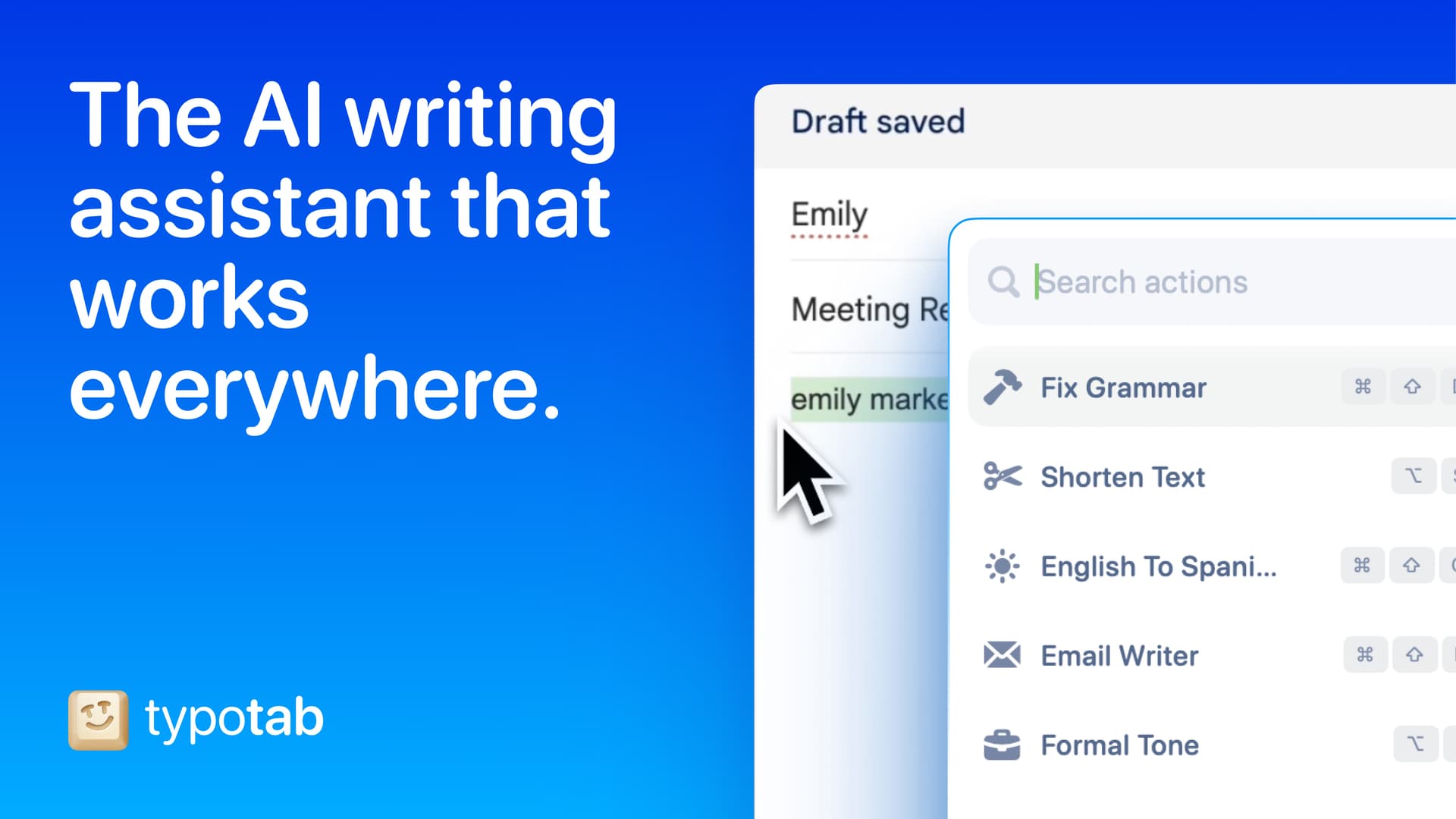
TypoTab
TypoTab, the ultimate AI writing assistant for
Paid
TypoTab is a macOS application that functions as an AI-driven writing assistant. It enhances writing efficiency by providing tools for grammar correction, text rephrasing, and content generation, all accessible from the menu bar without needing to switch applications. This tool is designed for writers, students, and professionals looking to streamline their writing process and improve productivity
- Provides grammar correction and text rephrasing directly from the menu bar.
- Allows text refinement in any application without switching contexts.
- Offers customizable actions to meet individual writing needs.
- Streamlines repetitive writing tasks for improved efficiency.
- Supports a wide range of applications, enhancing workflow across platforms.
TypoTab is a macOS application that enhances writing efficiency by providing grammar correction, text rephrasing, and content generation directly from the menu bar. It allows users to refine text in any application without switching contexts, offering customizable actions to suit individual writing needs.
SoftwareProductivitymacOS
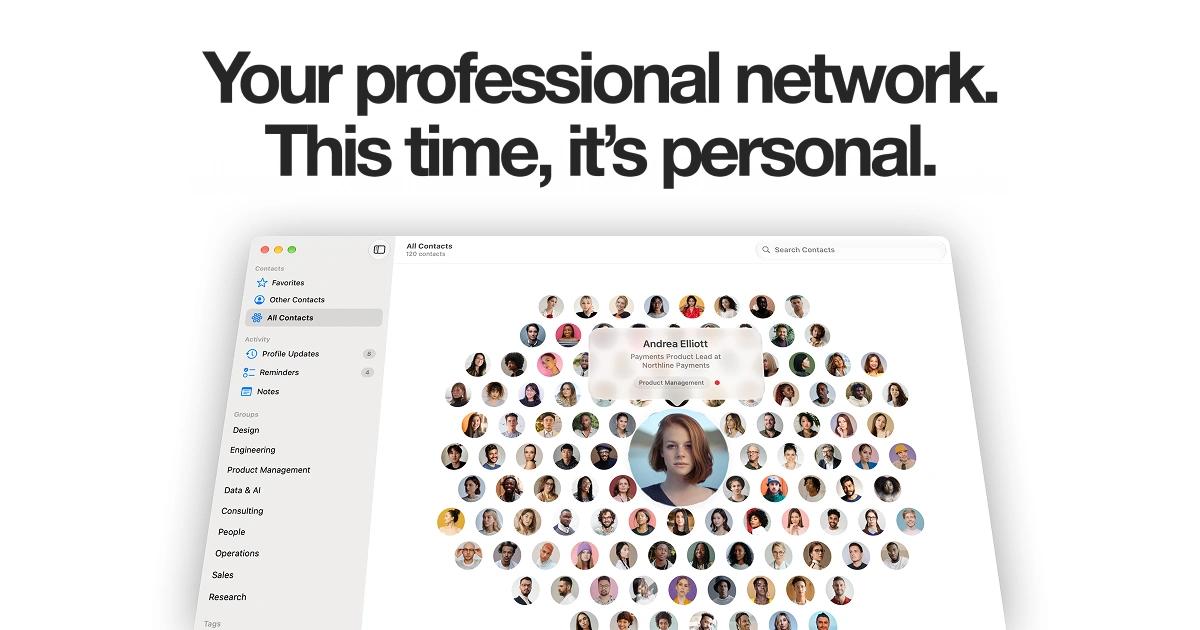
Abejas
Professional network organizer for Apple devices
One-time
Abejas is a universal app for Mac and iPhone that helps you manage, organize, and remember your professional network. It focuses on grouping contacts, private notes, and reminders linked to the people you already know.
- One-click import of contacts from a major professional network on Mac
- Group, tag, favorite, and automatically group contacts on Mac using on-device AI
- Take and keep private notes for each contact and interaction
- Set follow-up reminders with optional notifications on Mac and iPhone
- Sync all contacts, notes, and reminders securely via your private iCloud account
- Supports features like Spotlight search, widgets, Shortcuts, VoiceOver, dynamic text, and offline access
Abejas is available as a one-time purchase for $49.99. The universal license includes both Mac (Apple silicon, macOS 27+) and iPhone (iOS 27+) apps. Requires iCloud for syncing; no subscription or upsells are involved.
SoftwareProductivitymacOS
CapWords
Capture vocabulary from real life photos
Freemium
CapWords is an iOS app that lets users capture words from any real-life text by taking a photo, using AI to recognize text and provide contextual definitions. Each captured word is added to a personal vocabulary library and connected to its image.
- Recognizes and extracts words from photos using AI
- Provides contextual definitions, example sentences, and usage notes
- Links new vocabulary to images for visual memory support
- Employs spaced repetition to remind users to review words
- Supports multiple languages and offers offline word bank
- Allows vocabulary export to other apps
CapWords is free to download on iOS devices running iOS 17.0 or later, with in-app purchases available. No mention of a full-featured free tier; additional features may require payment.
SoftwareEducationiOS & iPadOS
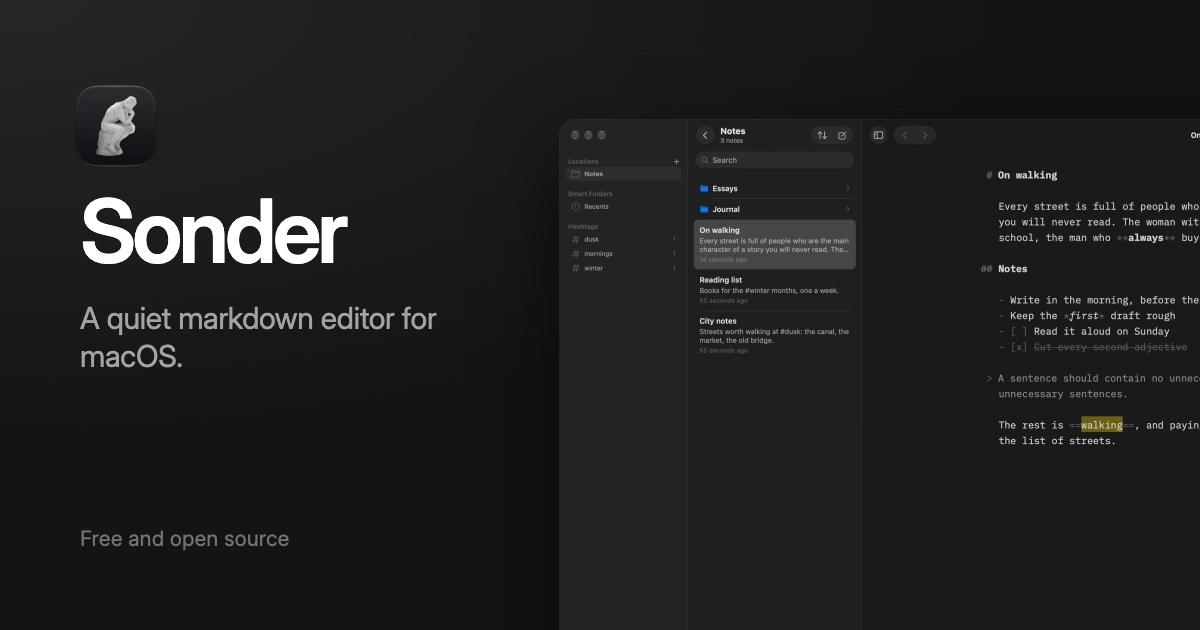
Sonder
Native, open-source markdown editor for Mac
Free
Sonder is a free, open-source markdown editor for macOS 14 or later. It works directly with your own folder of .md files without importing or renaming them.
- Focus Mode dims everything except the current sentence for distraction-free writing.
- Browse and manage notes by folder, hashtag, favorite or saved search.
- Renders markdown with support for tables, footnotes, task lists, and math.
- Export files to PDF, HTML, or Word formats.
- Integrates with third-party AI tools of your choice for editing and suggestions.
- Supports Apple silicon and Intel Macs, built with SwiftUI and TextKit.
Sonder is available at no cost, open-sourced under the MIT license, and requires macOS 14 or newer. No accounts, subscriptions, or in-app purchases are needed.
SoftwareWritingmacOS
Kinnu
Microlearning app for diverse knowledge topics
Freemium
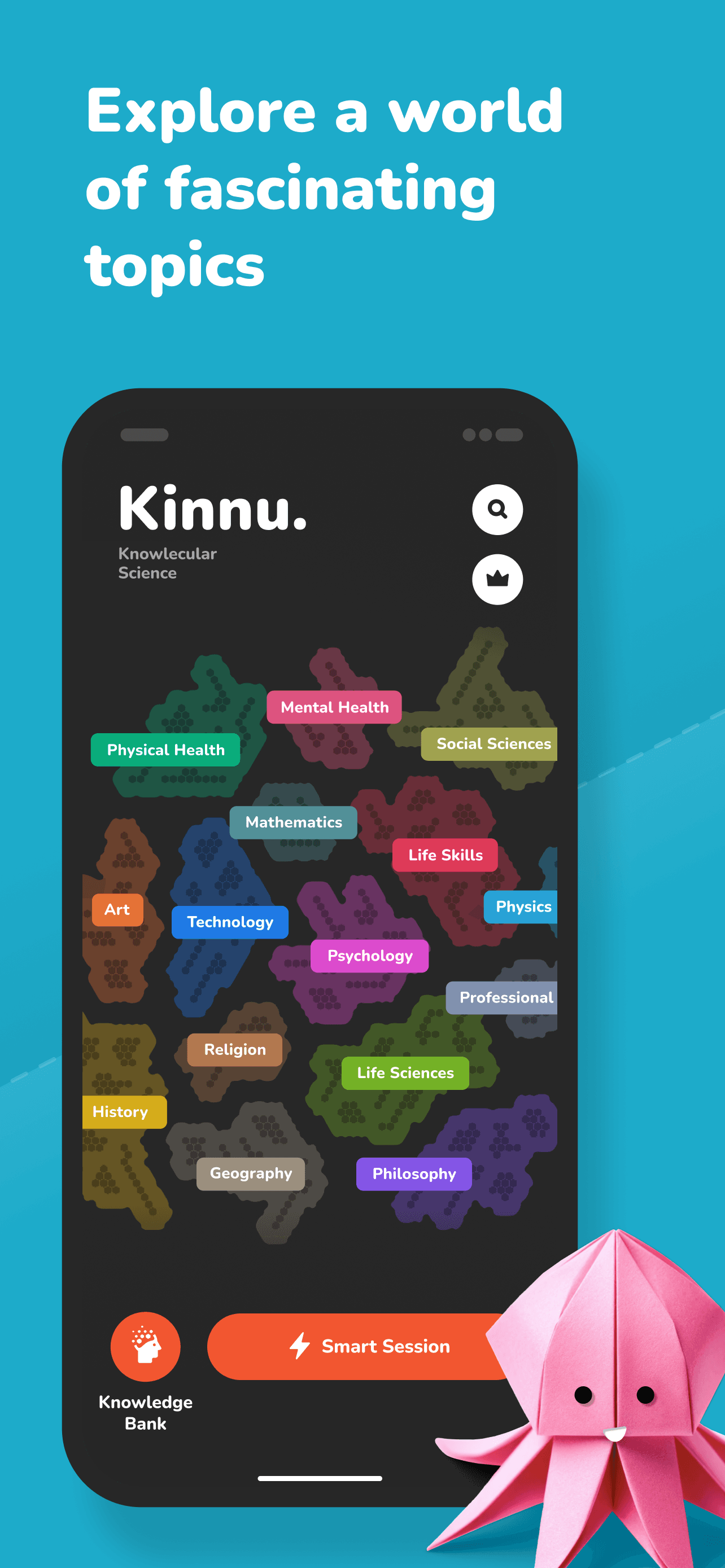
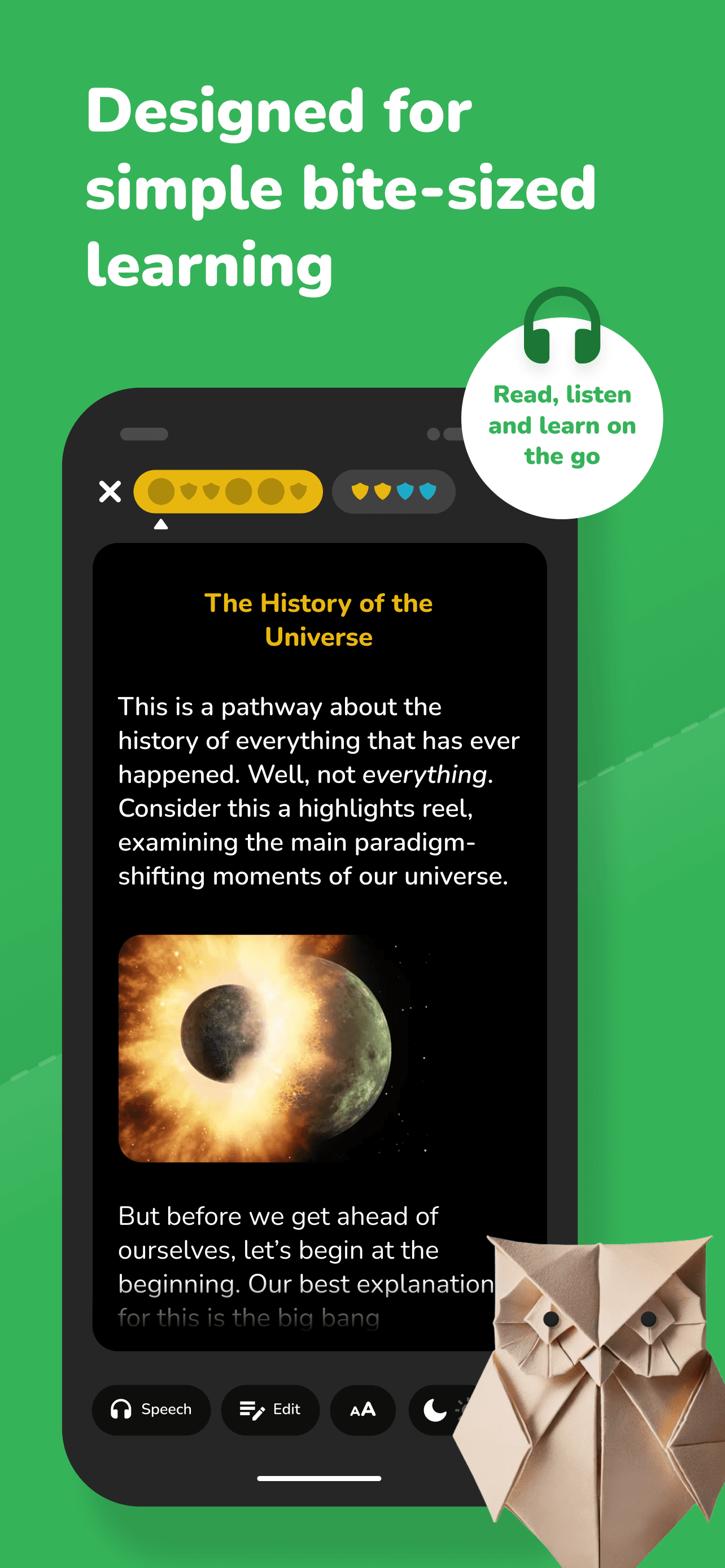
Kinnu is a microlearning app that uses cognitive science principles to help users build and retain knowledge across a wide range of domains, including psychology, science, history, technology, and literature.
- Offers expert-edited, bite-sized content spanning multiple subjects
- Provides Memory Shield technology for reinforcing learning retention
- Features gamified, interactive learning sessions with adaptive questions
- Supports audio versions of all content for learning on the go
- Includes progress tracking with a Knowledge Bank feature
- Lets users influence app development through community voting
Kinnu is available as a free download with optional in-app subscription purchases. It requires iOS 17.0 or later and is compatible with a wide range of iPhone and iPad devices.
SoftwareEducationiOS & iPadOS
WidgetWall
Desktop widgets for Mac, from clocks and calendars to photos, music and a Pomodoro timer.
Freemium
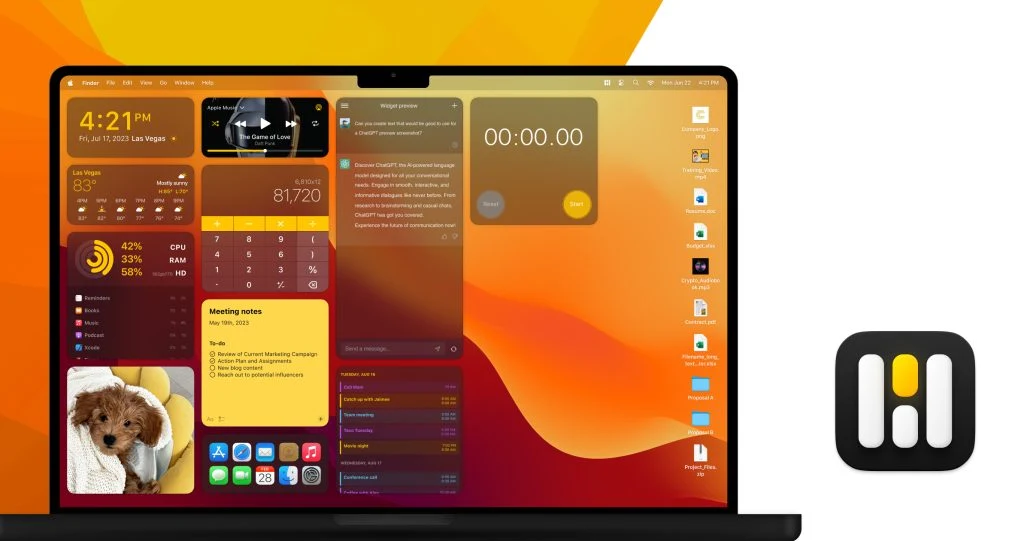
WidgetWall puts customizable widgets on your Mac desktop, behind your windows.
- Free widgets plus premium widgets such as a MacBook battery widget, browser, photo and video widgets.
- Liquid Glass material, widget corners and shadow options.
- Full support for macOS 27, per its App Store release notes.
- Available on the Mac App Store and Setapp.
WidgetWall is free with in-app purchases: $1.99 a month, $19.99 a year, or a lifetime unlock listed at $39.99 to $49.99.
SoftwareUtilitiesmacOS
BusyCal
A powerful Mac calendar with tasks, a year planner, sticky notes and booking pages.
Paid
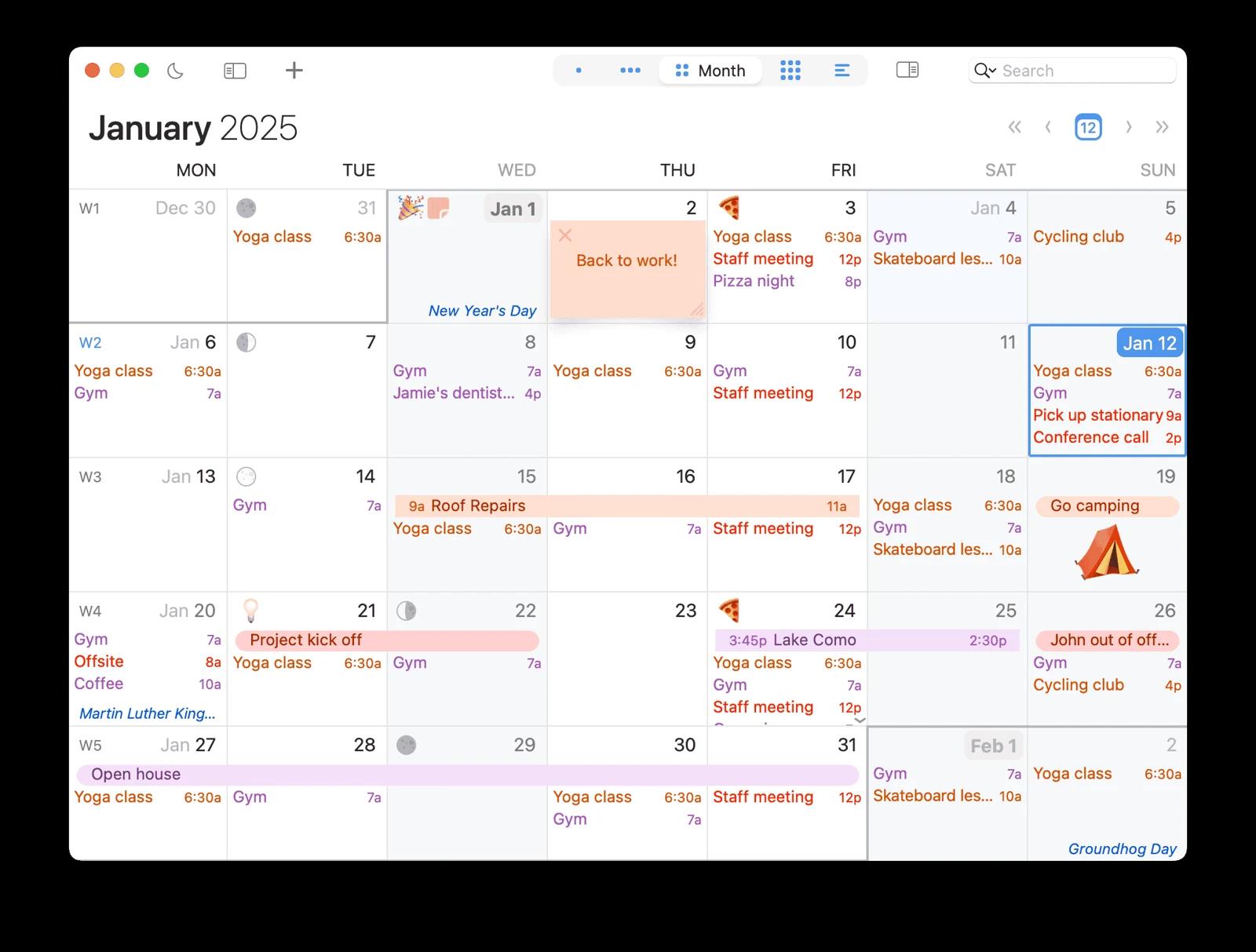
BusyCal is a calendar app for Mac and iPhone by BusyMac.
- Day, Week, Month, Year Planner and List views, with adjustable fonts, colors and density.
- Tasks, sticky notes and a menu bar mini calendar.
- Booking pages for meetings, and smart suggestions from past events.
- Works with iCloud, Google, Exchange and CalDAV calendars.
- Available on Setapp.
BusyCal is $49.99, with a 14-day free trial.
How to take a scrolling screenshot on Mac with Shotbase
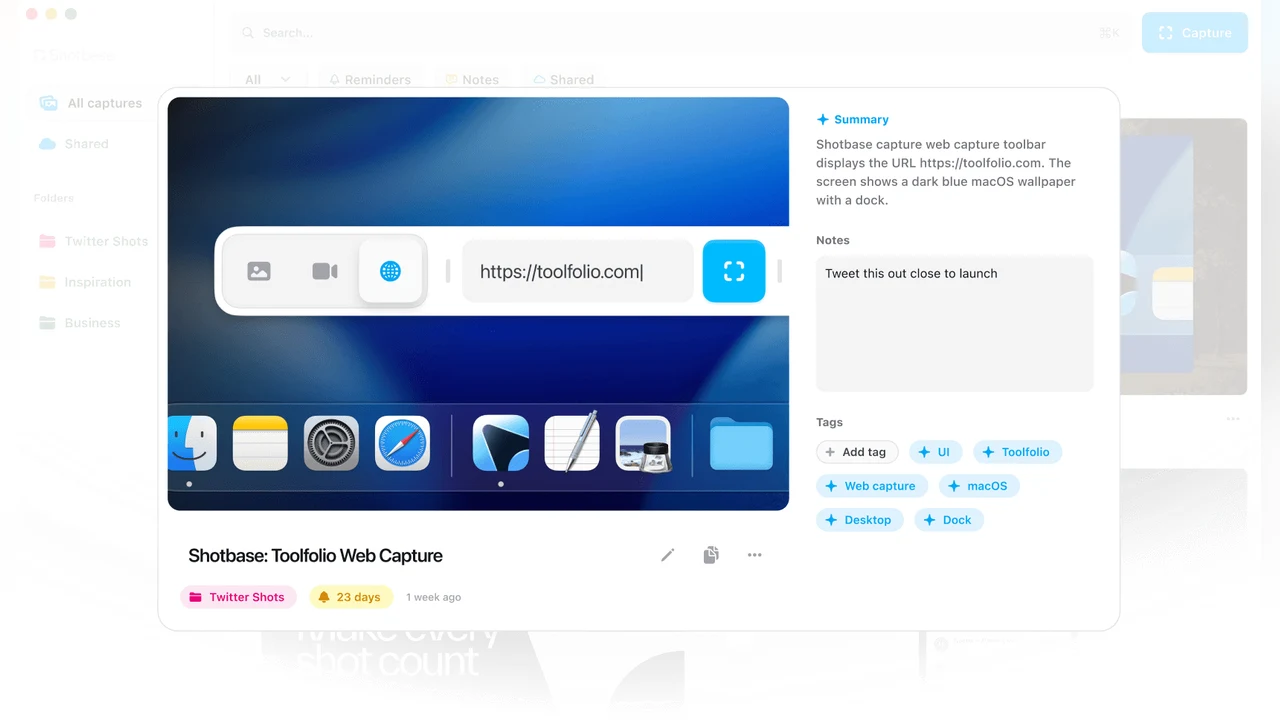
Shotbase can capture a whole webpage from a URL, or scroll and capture any window. Image: Shotbase
Price (checked November 16, 2026): $13 a month billed yearly ($156), or $25 month to month, with a 7-day free trial.
Shotbase supports scrolling screenshots of what is on your screen. For webpages it goes further: paste a URL and it captures the full page or just the viewport, at mobile, tablet, desktop, or custom breakpoints, in light or dark mode.
Two ways to capture a long page in Shotbase:
1. Scrolling capture: capture content that runs past the bottom of the screen, like a long chat or document, as one tall image. 2. URL to screenshot: paste a web address into the capture bar, choose full page or viewport, pick a breakpoint and light or dark mode, and capture. You do not need to scroll at all.
Shotbase replaces several capture tools in one app:
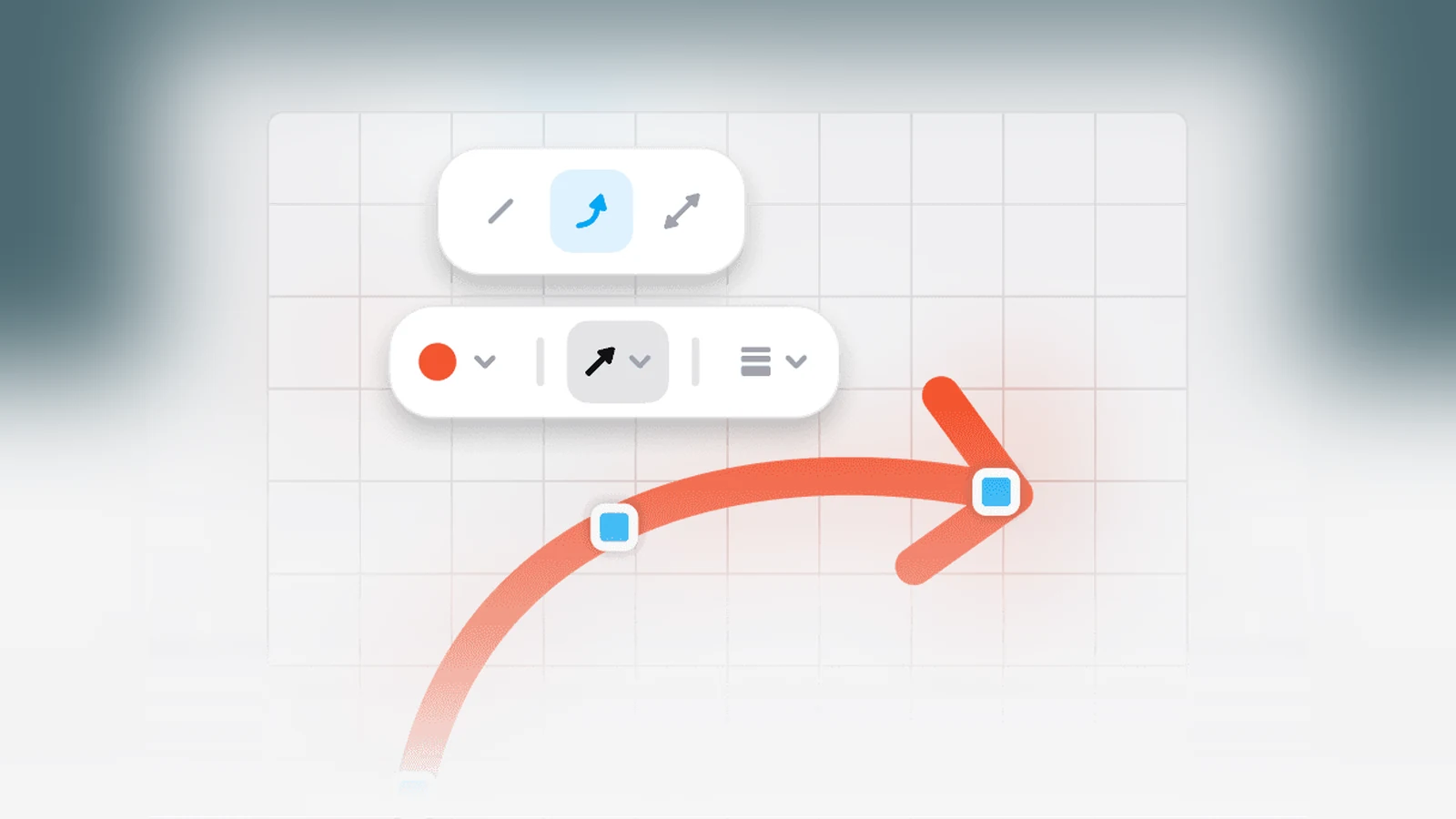
Annotation and mockups: arrows, text, highlights, shapes, backgrounds, frames, and shadows.
Screenshot to video: the same editor turns a screenshot into an animated clip.
Screen recording with zoom and tilt: automatic zooms and 3D tilt, with separate mic and system audio controls.
Shareable links: share a capture as a link that opens in any browser.
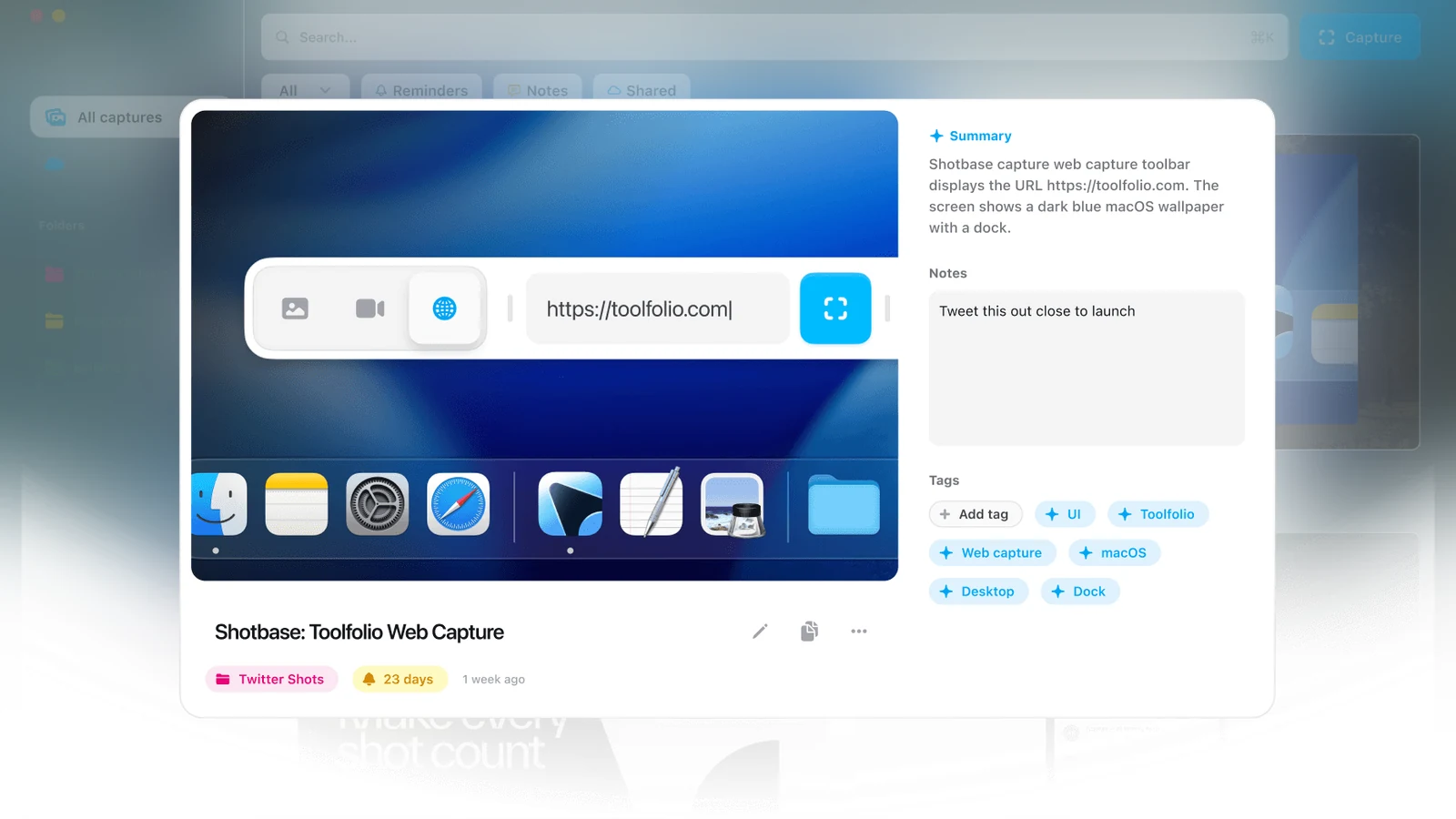
Local AI library: an on-device model names, tags, and summarizes your captures. This needs Apple silicon.
Mark up your long screenshot in the same app. Image: Shotbase
Local AI names and tags each capture so you can find it later. Image: Shotbase
Better or worse than the others? Better if you capture webpages often, or also need a screen recorder and mockup tool. It is a subscription, while Shottr and CleanShot X can be bought once.
ShotbaseCapture, edit, organize, and share in oneVisit WebsiteShotbase is a comprehensive tool designed to capture and manage all your screen-based content effortlessly. With features like stunning screenshot capabilities, recording options that include cinematic effects, and an intuitive organizational structure powered by local AI, you can easily keep your multimedia assets organized and accessible. Shotbase not only allows you to capture specific areas, windows, or full screens on your Mac but also enables you to edit and enhance your captures with backgrounds, frames, and annotations. The integrated AI ensures your captures are automatically named and tagged for easy searching, making it an excellent choice for anyone looking to enhance their productivity and creativity in one seamless workspace.Visit Website
Can you take a scrolling screenshot on Mac without an app?
Not in the Screenshot app. Apple's guide lists the whole screen, a window, or a selected portion, but no scrolling option.
For webpages, Chrome has a free full-page capture hidden in its developer tools:
1. Open the page in Chrome. 2. Open DevTools with Option-Command-I. 3. Press Command-Shift-P to open the Command Menu. 4. Type screenshot and choose Capture full size screenshot.
Chrome saves an image of the whole page. This only works for webpages, not other apps.
CleanShot X: best for scrolling screenshots in any direction
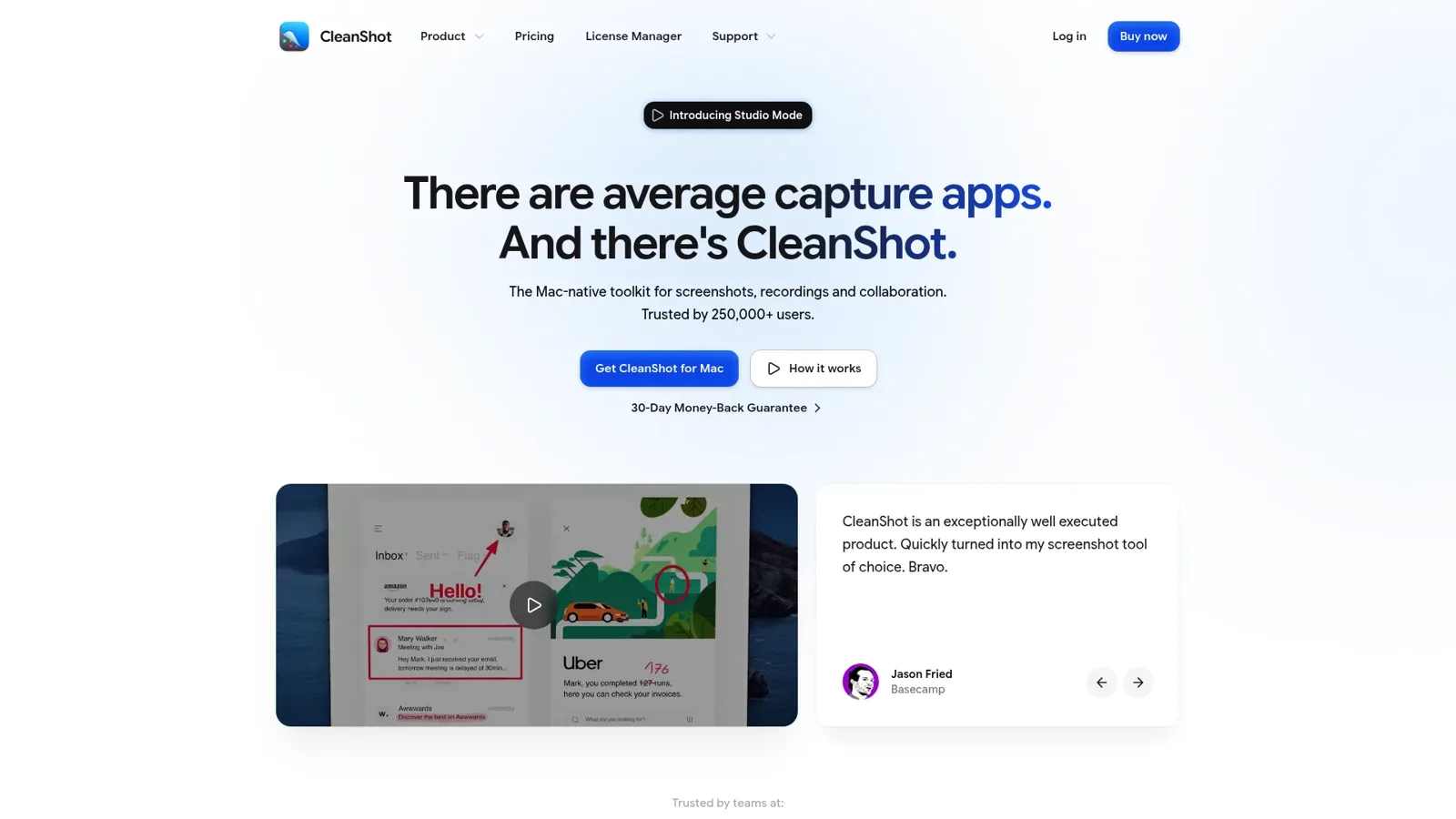
CleanShot X has a scrolling capture mode that works in every app. Image: CleanShot
Price: CleanShot Basic is $35 once, with a year of updates (then $19 a year). Pro is $10 per user a month billed annually. There is a 30-day refund. It needs macOS 13 or later.
CleanShot X has a scrolling capture that works in every app, and it scrolls both vertically and horizontally.
Better or worse than Shotbase? Cheaper over time and great for scrolling captures in any app. It cannot capture a full webpage from a URL at custom breakpoints.
CleanShot XComprehensive screen capture and annotation toolVisit WebsiteCleanShot X is a comprehensive screen capturing software designed for Mac users. It offers over 50 features, including screenshot and screen recording capabilities, making it suitable for professionals and casual users alike. With tools for quick sharing, annotation, and GIF creation, it enhances productivity by streamlining the process of capturing and editing visual content. Its intuitive interf
- Our overlay makes sharing a breeze.
- Instantly save, copy or drag & drop screenshots or screen recordings to other apps.
- You can annotate your screenshots quickly and easily, making it beloved by users who seek efficient and effective communication.
- It’s an essential swiss army knife for health and education professionals as well as content creators—anyone looking for an optimized way to capture and share their screen.
- Additional features like scrolling capture, screen recording, and clean backgrounds make it versatile for all your needs.
CleanShot X offers a comprehensive suite of over 50 features for screen capturing and recording on Mac. Its intuitive interface and versatile tools, including scrolling captures, annotations, and cloud integration, make it a valuable asset for users needing efficient screenshot management and sharing capabilities.Visit Website
Shottr: best free scrolling screenshot app for Mac
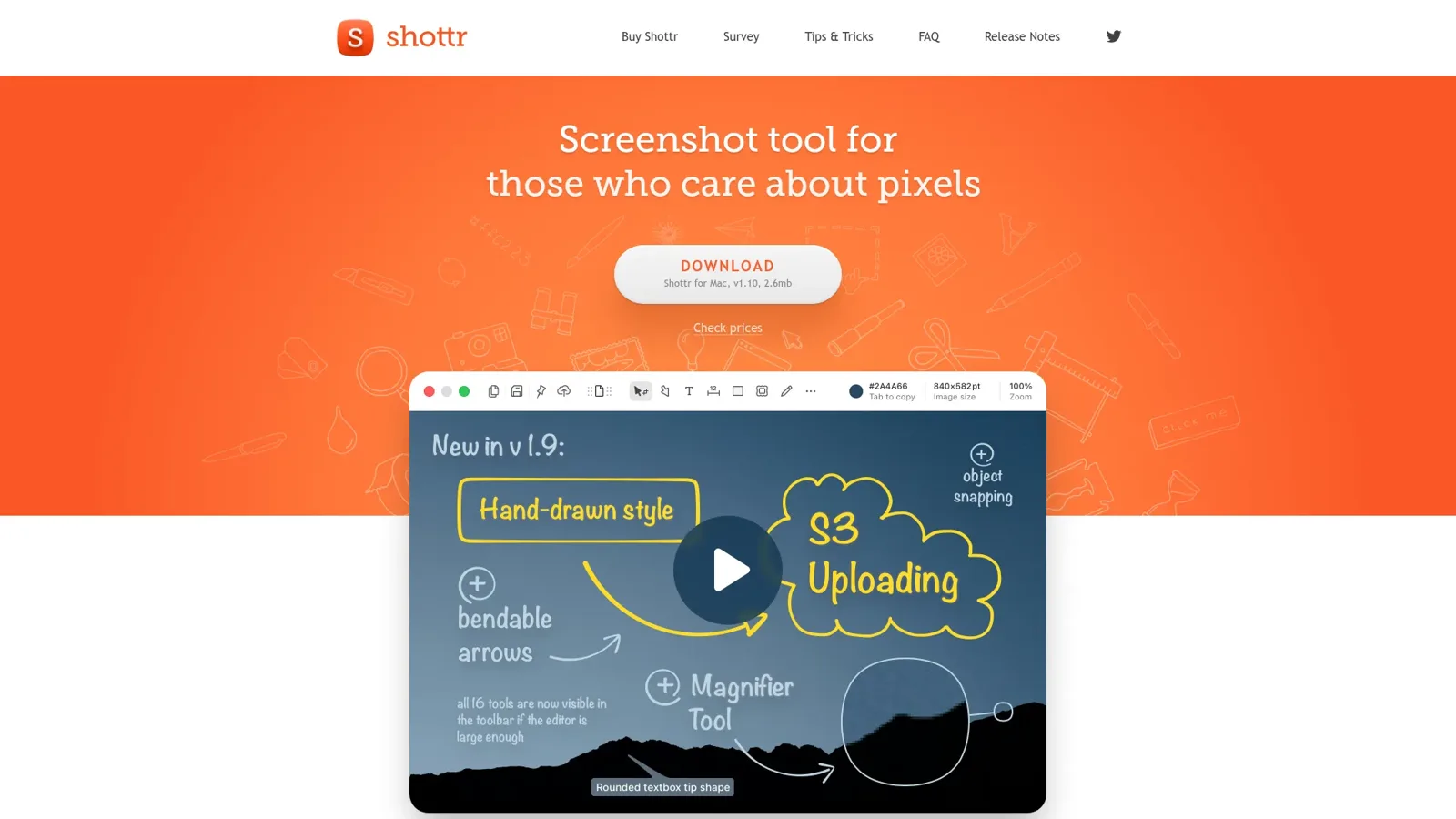
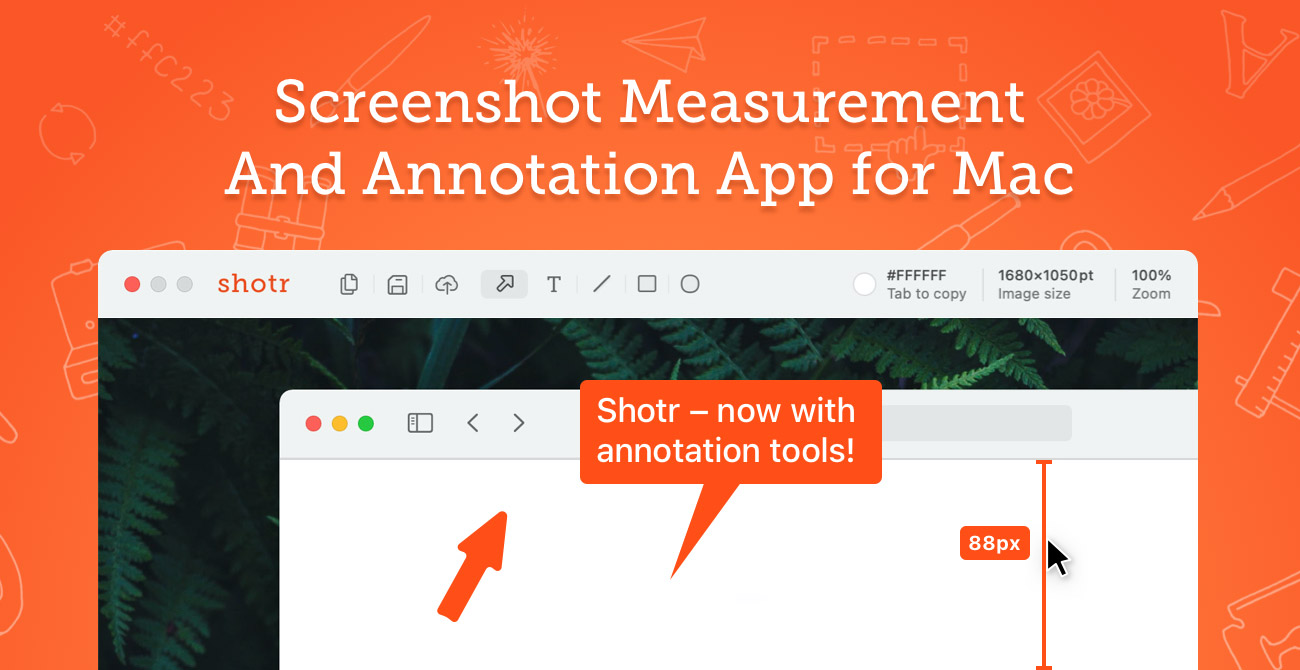
Shottr is a small, fast screenshot app with scrolling capture. Image: Shottr
Price: free to use. Basic is $12 once, and the Friends Club is $30. It needs macOS 12 or later.
Shottr takes scrolling screenshots in any app or window, plus annotations, OCR, and a screen ruler.
Better or worse than Shotbase? Free and very fast. It does not record your screen or capture pages from a URL.
ShottrTiny, fast screenshot and annotation tool for Mac.Visit WebsiteShottr is a small, fast screenshot app for macOS built for people who care about pixels.
- Captures areas, windows, and scrolling screenshots.
- Adds annotations, backgrounds, pixelation, and object removal.
- Recognizes text and QR codes with OCR.
- Includes a screen ruler, pixel zoom, and color picker.
- Uploads to S3 compatible storage when activated.
Shottr can be used for free, with one-time licenses for users who want the full experience and to support development.Visit Website
ScreenSnap Pro: best one-time app for long screenshots
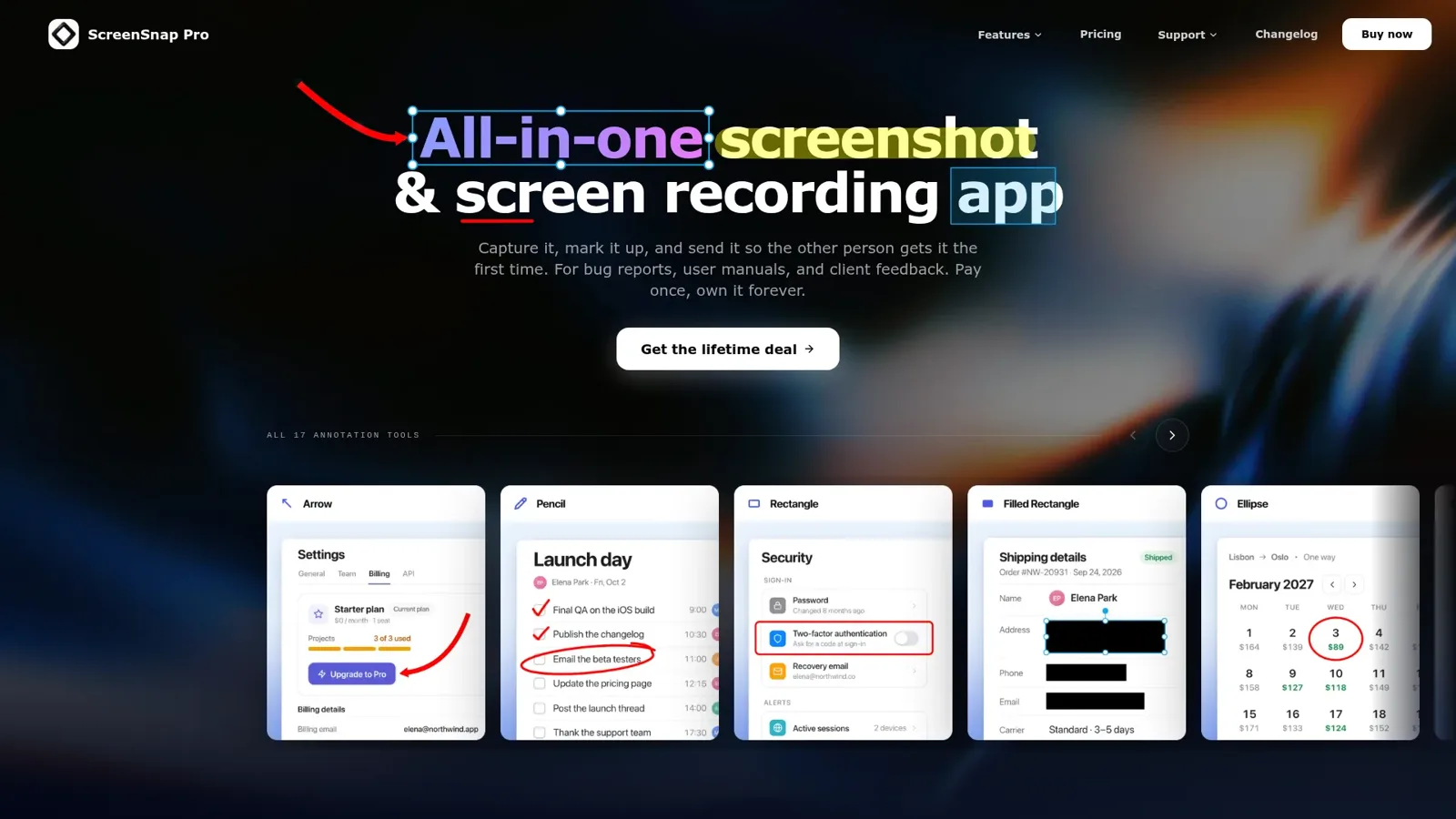
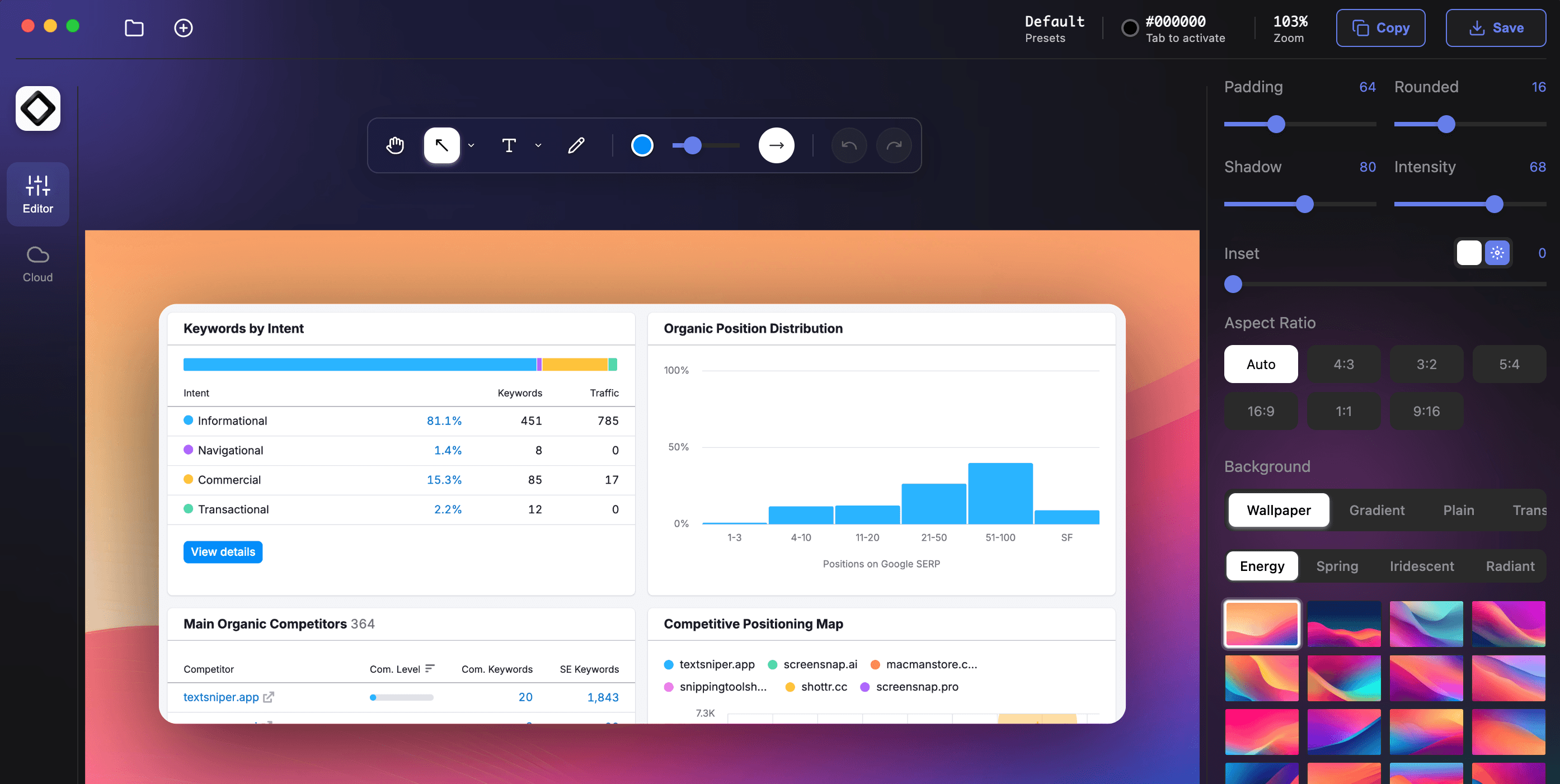
ScreenSnap Pro adds scrolling capture and backgrounds. Image: ScreenSnap Pro
Price: $39 once, for 2 computers, with a 30-day money-back guarantee. It runs on Mac and Windows.
ScreenSnap Pro has a scrolling capture for long pages, documents, and chats, and a website capture for a full page or the first screen.
Better or worse than Shotbase? A one-time price and Windows support. Shotbase has the stronger editor, recording tools, and local AI library.
ScreenSnap ProEnhanced screenshots with backgrounds and annotationsVisit WebsiteScreenSnap Pro is a screenshot enhancement software designed for macOS. It allows users to capture, edit, and share screenshots with ease. The application features over 15 annotation tools and more than 160 customizable backgrounds, making it suitable for developers, designers, and creatives who need to produce visually appealing screenshots quickly. Users can also share their captures via instant
- Provides over 15 annotation tools, including arrows, shapes, and text for precise customization of screenshots.
- Offers more than 160 gradient backgrounds to enhance the visual quality of captured images.
- Enables instant cloud sharing with short links for quick distribution via email or messaging platforms.
- Supports screen recording with options for webcam, system audio, and microphone audio, exporting as video or GIF.
- Features a quick access overlay for immediate editing and sharing without interrupting workflow.
ScreenSnap Pro offers a comprehensive solution for capturing and enhancing screenshots. With features like customizable annotations, a variety of backgrounds, and instant cloud sharing, it caters to the needs of developers, designers, and creatives.Visit Website
Which scrolling screenshot method should you use?
Use Chrome DevTools for a free one-off webpage. Use Shottr for free scrolling captures in any app. Use Shotbase if you want scrolling capture, full-page webpage capture, editing, and sharing in one app.
No. The built-in Screenshot app captures only what is visible on screen. Use an app like Shotbase, CleanShot X, or Shottr, or Chrome's full-size screenshot for webpages.
How do I screenshot a whole webpage on Mac?
In Chrome, open DevTools with Option-Command-I, press Command-Shift-P, type screenshot, and choose Capture full size screenshot. Shotbase can also capture a full page from its URL.
What is the best free scrolling screenshot app for Mac?
Shottr is free and captures scrolling screenshots in any app or window.
Can CleanShot X take scrolling screenshots?
Yes. Its scrolling capture works in every app, both vertically and horizontally.
#### Sources
Prices and features were checked on November 16, 2026.
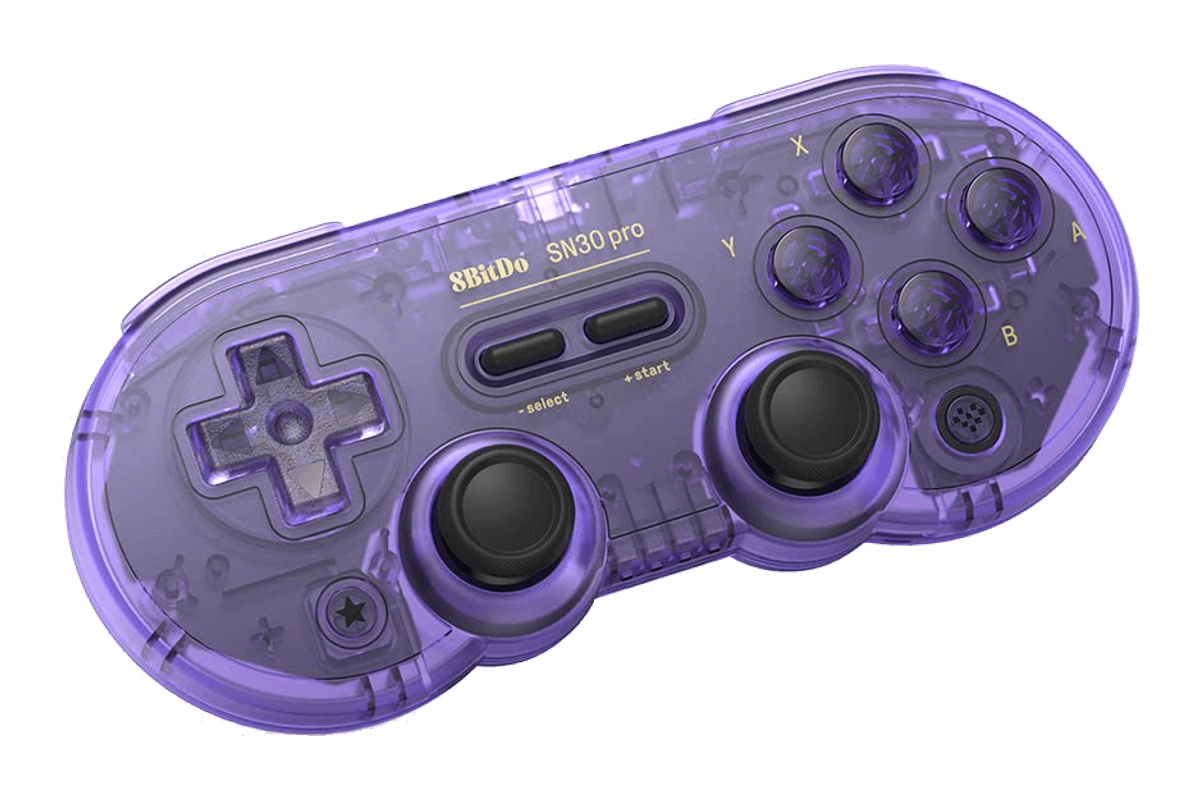
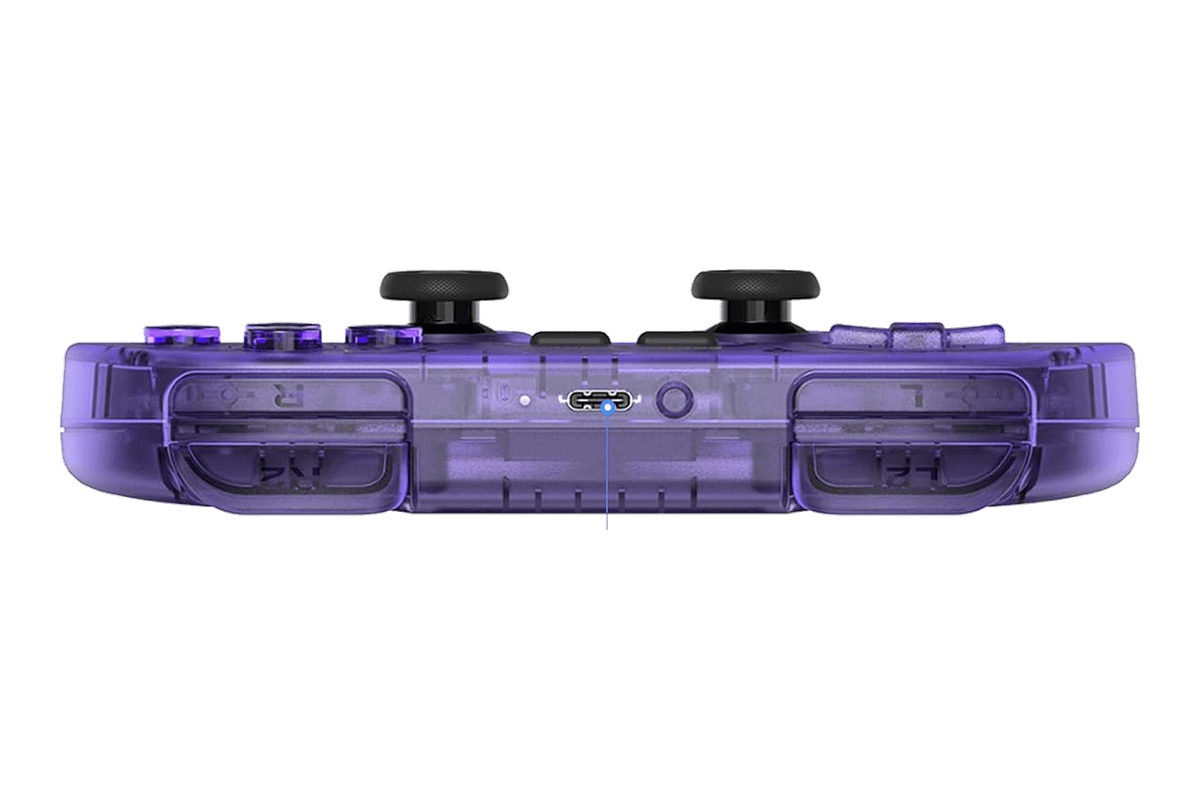
A compact Bluetooth controller with Hall-effect sticks for supported Mac, iPhone, and iPad games.
HardwareAccessoriesmacOS & iOS & iPadOS
Abejas
Professional network organizer for Apple devices
One-time
Abejas is a universal app for Mac and iPhone that helps you manage, organize, and remember your professional network. It focuses on grouping contacts, private notes, and reminders linked to the people you already know.
- One-click import of contacts from a major professional network on Mac
- Group, tag, favorite, and automatically group contacts on Mac using on-device AI
- Take and keep private notes for each contact and interaction
- Set follow-up reminders with optional notifications on Mac and iPhone
- Sync all contacts, notes, and reminders securely via your private iCloud account
- Supports features like Spotlight search, widgets, Shortcuts, VoiceOver, dynamic text, and offline access
Abejas is available as a one-time purchase for $49.99. The universal license includes both Mac (Apple silicon, macOS 27+) and iPhone (iOS 27+) apps. Requires iCloud for syncing; no subscription or upsells are involved.
SoftwareProductivitymacOS
CapWords
Capture vocabulary from real life photos
Freemium
CapWords is an iOS app that lets users capture words from any real-life text by taking a photo, using AI to recognize text and provide contextual definitions. Each captured word is added to a personal vocabulary library and connected to its image.
- Recognizes and extracts words from photos using AI
- Provides contextual definitions, example sentences, and usage notes
- Links new vocabulary to images for visual memory support
- Employs spaced repetition to remind users to review words
- Supports multiple languages and offers offline word bank
- Allows vocabulary export to other apps
CapWords is free to download on iOS devices running iOS 17.0 or later, with in-app purchases available. No mention of a full-featured free tier; additional features may require payment.
SoftwareEducationiOS & iPadOS
Sonder
Native, open-source markdown editor for Mac
Free
Sonder is a free, open-source markdown editor for macOS 14 or later. It works directly with your own folder of .md files without importing or renaming them.
- Focus Mode dims everything except the current sentence for distraction-free writing.
- Browse and manage notes by folder, hashtag, favorite or saved search.
- Renders markdown with support for tables, footnotes, task lists, and math.
- Export files to PDF, HTML, or Word formats.
- Integrates with third-party AI tools of your choice for editing and suggestions.
- Supports Apple silicon and Intel Macs, built with SwiftUI and TextKit.
Sonder is available at no cost, open-sourced under the MIT license, and requires macOS 14 or newer. No accounts, subscriptions, or in-app purchases are needed.
SoftwareWritingmacOS
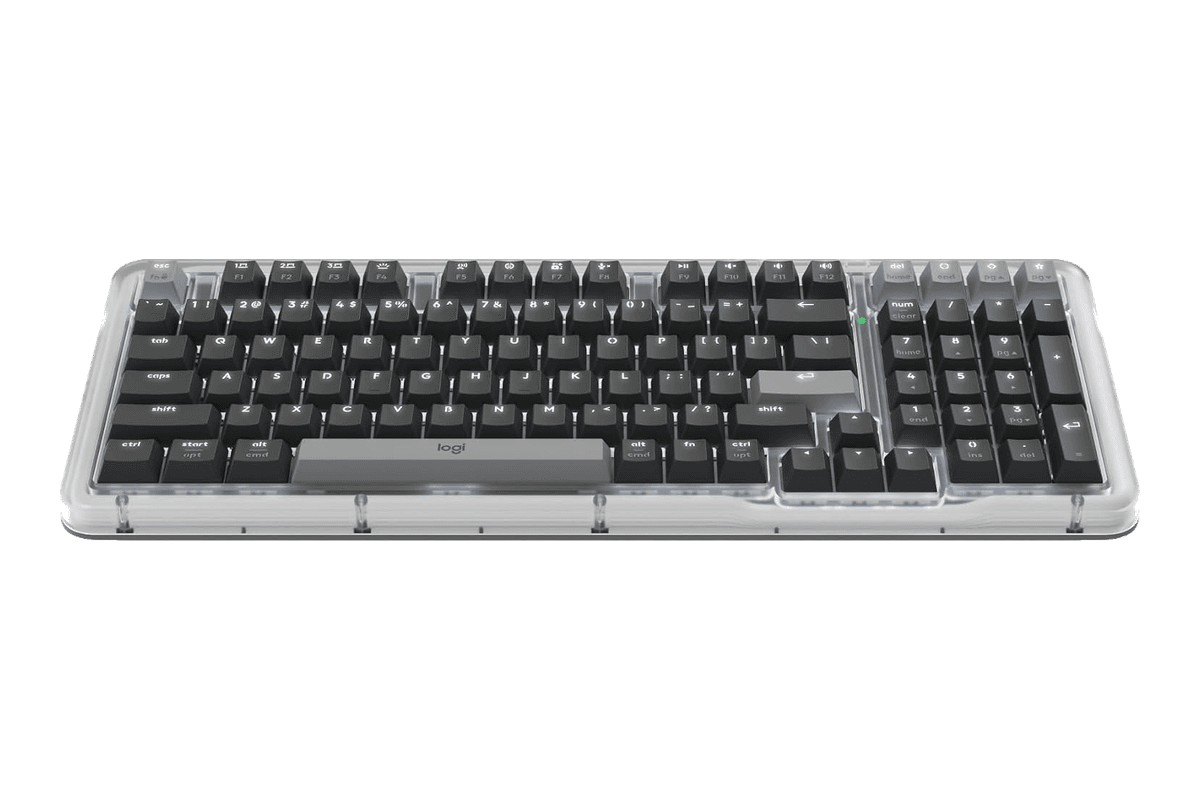
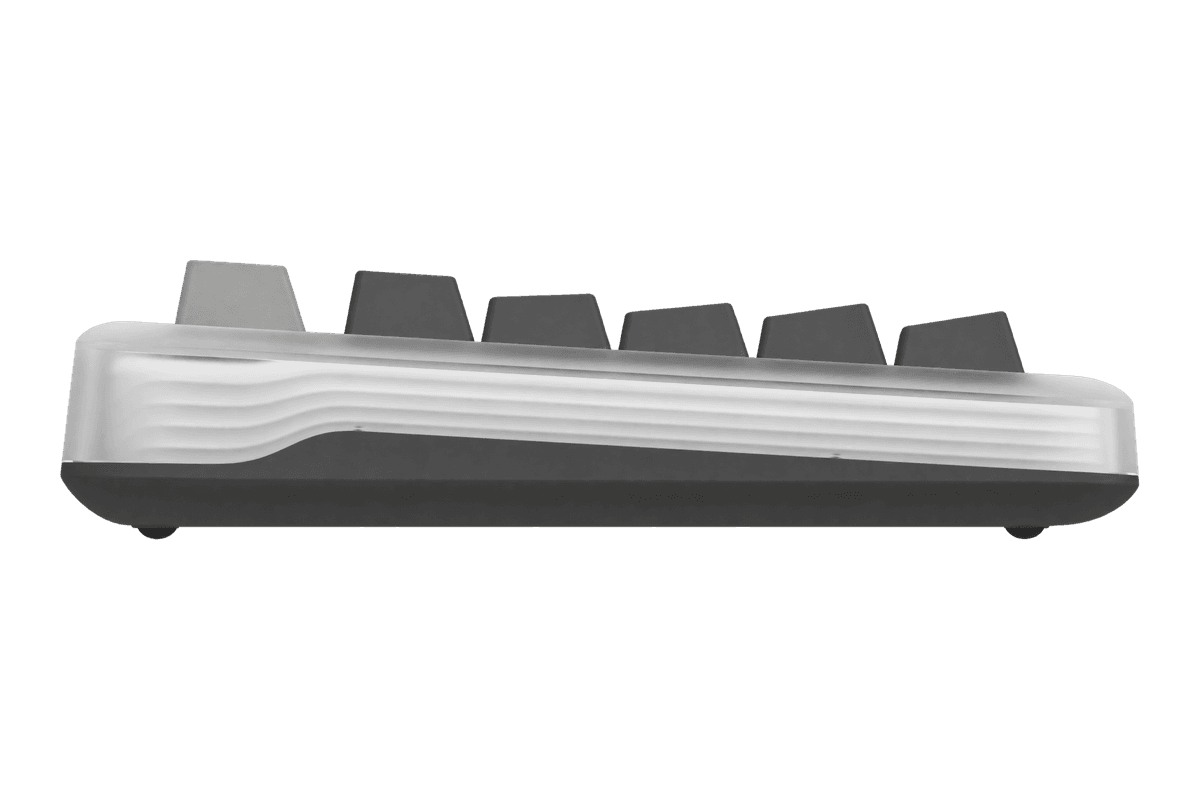
Alto Keys K98M
A compact mechanical keyboard with a number pad, white backlighting, and Mac support.
HardwareKeyboards & MicemacOS
Kinnu
Microlearning app for diverse knowledge topics
Freemium
Kinnu is a microlearning app that uses cognitive science principles to help users build and retain knowledge across a wide range of domains, including psychology, science, history, technology, and literature.
- Offers expert-edited, bite-sized content spanning multiple subjects
- Provides Memory Shield technology for reinforcing learning retention
- Features gamified, interactive learning sessions with adaptive questions
- Supports audio versions of all content for learning on the go
- Includes progress tracking with a Knowledge Bank feature
- Lets users influence app development through community voting
Kinnu is available as a free download with optional in-app subscription purchases. It requires iOS 17.0 or later and is compatible with a wide range of iPhone and iPad devices.
SoftwareEducationiOS & iPadOS
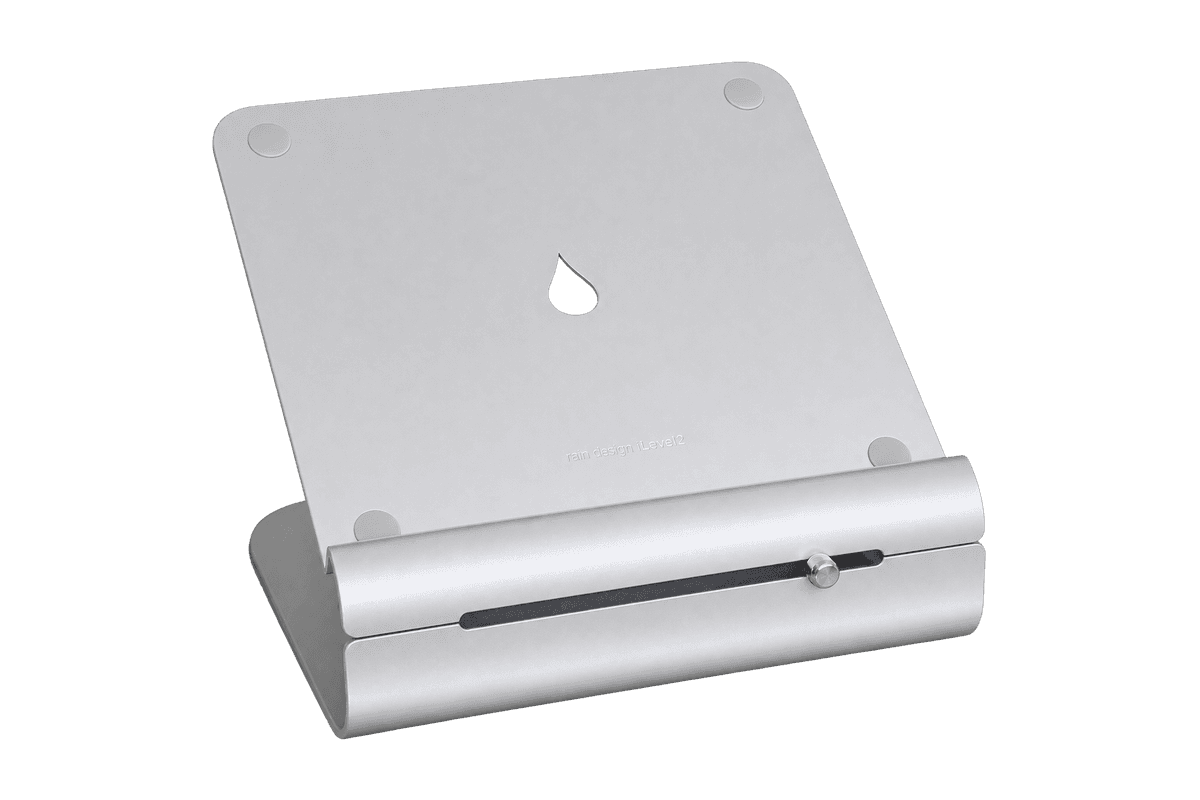
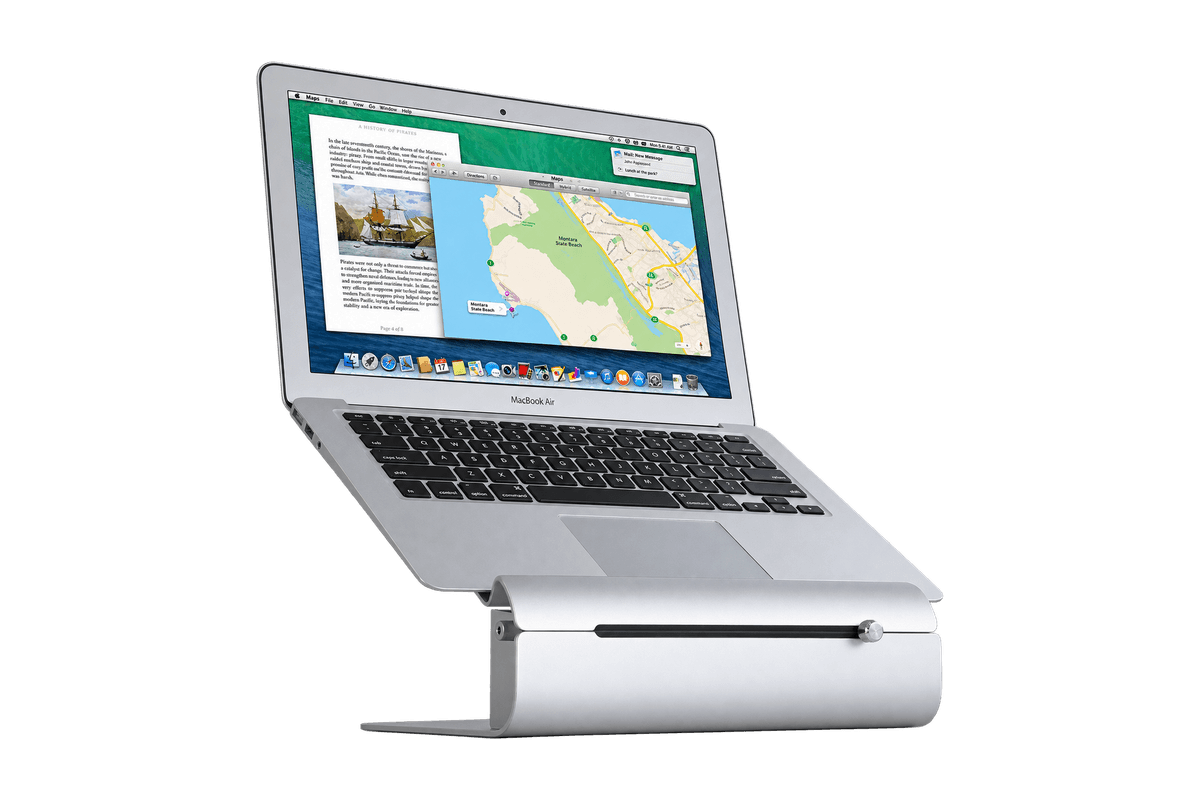
iLevel2 Adjustable Laptop Stand
A silver aluminum MacBook stand with a front slider for adjusting screen height.
WorkspaceDesk Setup
Voyage 2-in-1 Magnetic Wireless Charger
A folding Qi2 travel charger for an iPhone and Apple Watch, with a pocket-sized closed form.
HardwarePoweriOS
WidgetWall
Desktop widgets for Mac, from clocks and calendars to photos, music and a Pomodoro timer.
Freemium
WidgetWall puts customizable widgets on your Mac desktop, behind your windows.
- Free widgets plus premium widgets such as a MacBook battery widget, browser, photo and video widgets.
- Liquid Glass material, widget corners and shadow options.
- Full support for macOS 27, per its App Store release notes.
- Available on the Mac App Store and Setapp.
WidgetWall is free with in-app purchases: $1.99 a month, $19.99 a year, or a lifetime unlock listed at $39.99 to $49.99.