The best iPhone Duo apps are the ones Apple has marked "Made for iPhone Duo," which means they were updated for the foldable's two displays. Apple named 59 of them when the phone went on sale on October 23, 2026, and this guide picks the ones worth installing first, grouped by what you do with them.
If you only install a few, start with Fantastical for calendars, Things for tasks, Detail for video, Flighty for travel, and Deck-Man for fun. The rest of this list covers every category Apple highlighted, plus what each app does on the fold.
How we picked these iPhone Duo apps
Every app here is on Apple's Made for iPhone Duo list, published in its developer announcement on October 22, 2026. We checked that list again on October 25, 2026. Apple shows a "Made for iPhone Duo" badge on the App Store product page of apps that qualify.
We have not tested these apps on an iPhone Duo. What each app does on the fold comes from Apple's announcement or the app's own App Store page. Screenshots from App Store pages show the regular app, not the Duo layout. Anything that is still coming is labeled as upcoming.
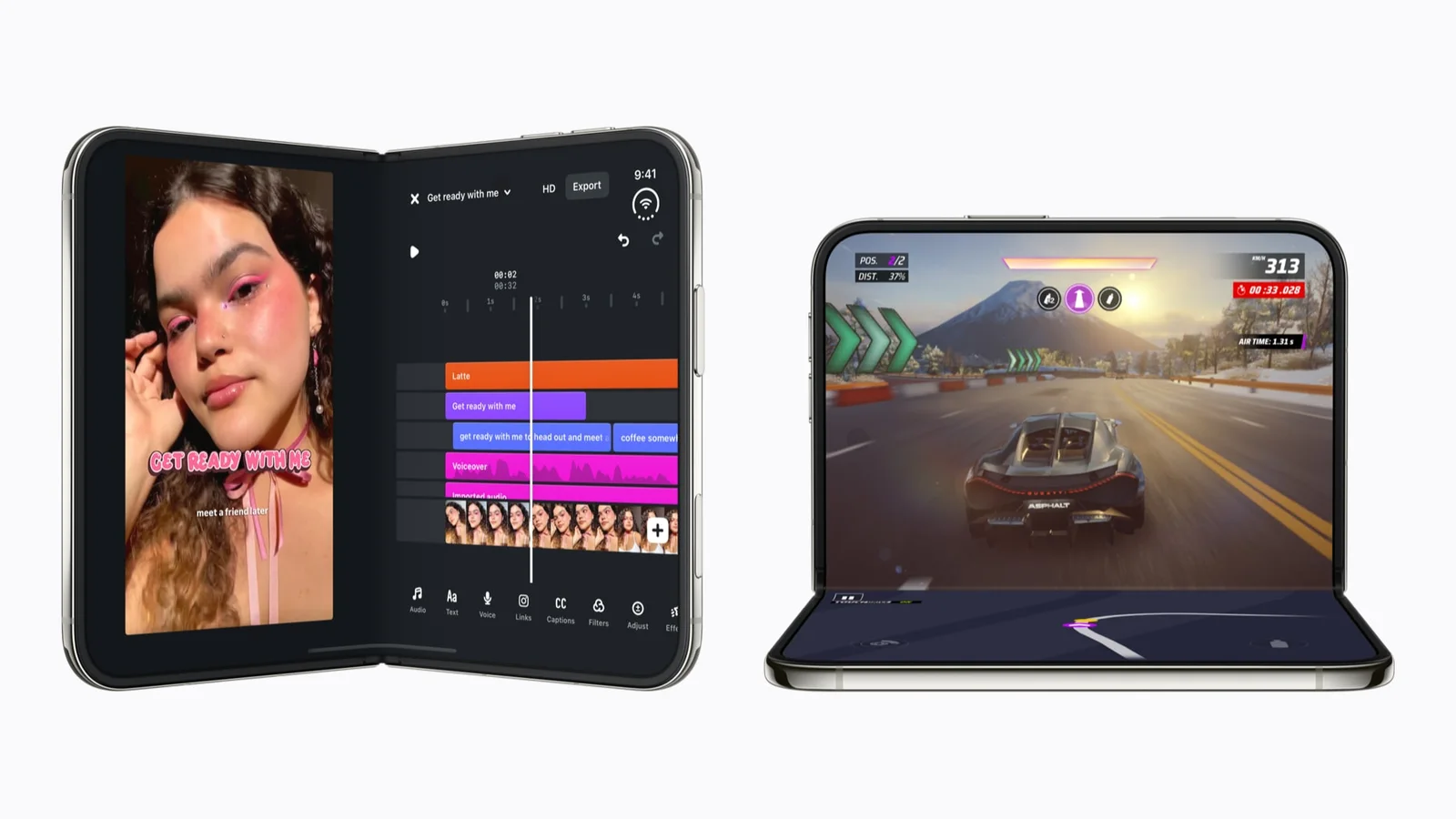
Apple's launch images show Made for iPhone Duo apps on both the open and half-folded phone. Image: Apple
What does Made for iPhone Duo mean?
It means the developer updated the app for the iPhone Duo, Apple's first foldable iPhone. Apple says the inner display is 50 percent larger than the iPhone 18 Pro Max screen, and both displays share the same aspect ratio. Apple also added Split View to iPhone for the first time, so two apps can sit side by side.
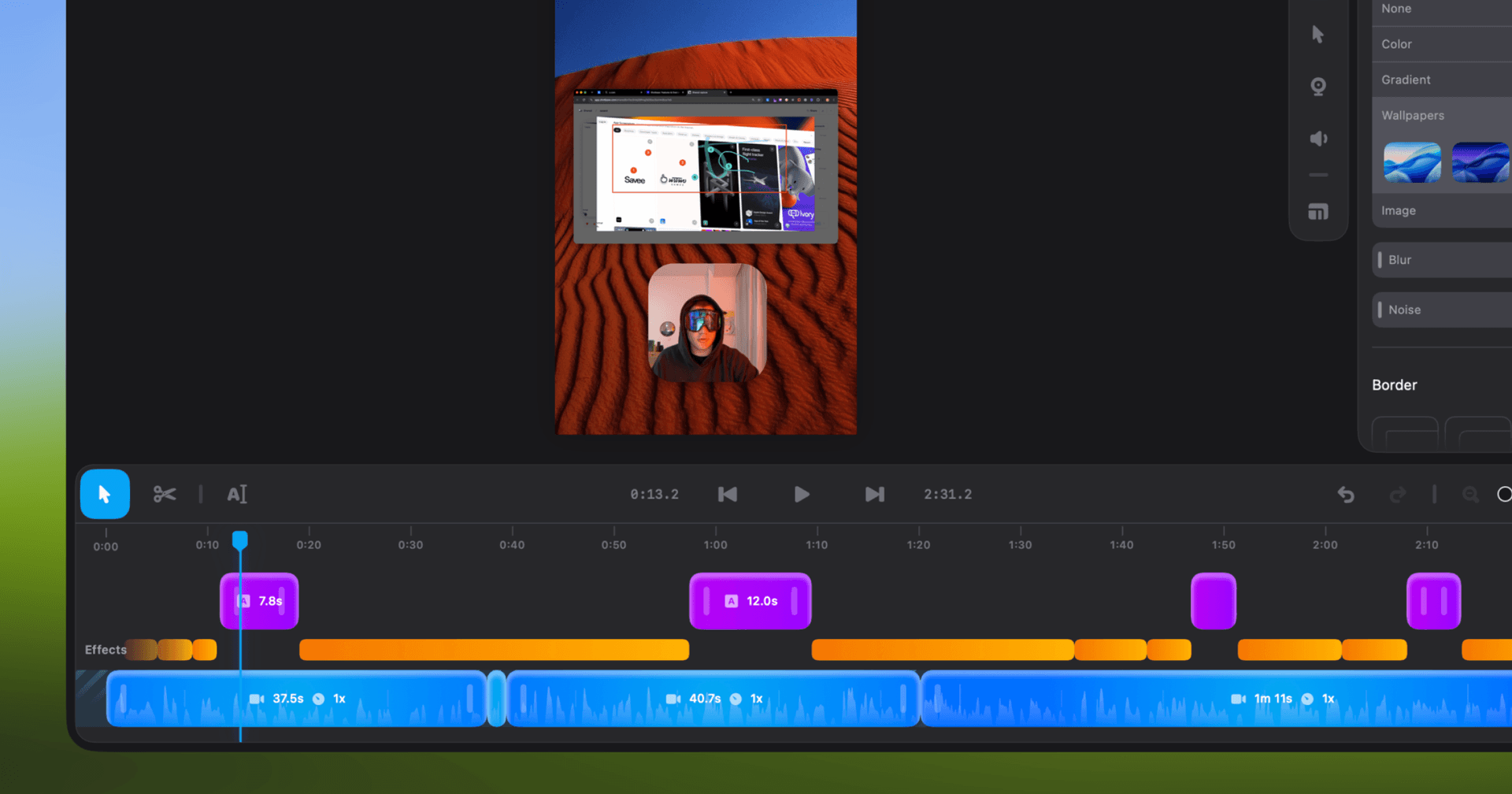
Shotbase is a comprehensive tool designed to capture and manage all your screen-based content effortlessly. With features like stunning screenshot capabilities, recording options that include cinematic effects, and an intuitive organizational structure powered by local AI, you can easily keep your multimedia assets organized and accessible. Shotbase not only allows you to capture specific areas, windows, or full screens on your Mac but also enables you to edit and enhance your captures with backgrounds, frames, and annotations. The integrated AI ensures your captures are automatically named and tagged for easy searching, making it an excellent choice for anyone looking to enhance their productivity and creativity in one seamless workspace.
SoftwareCreativemacOS
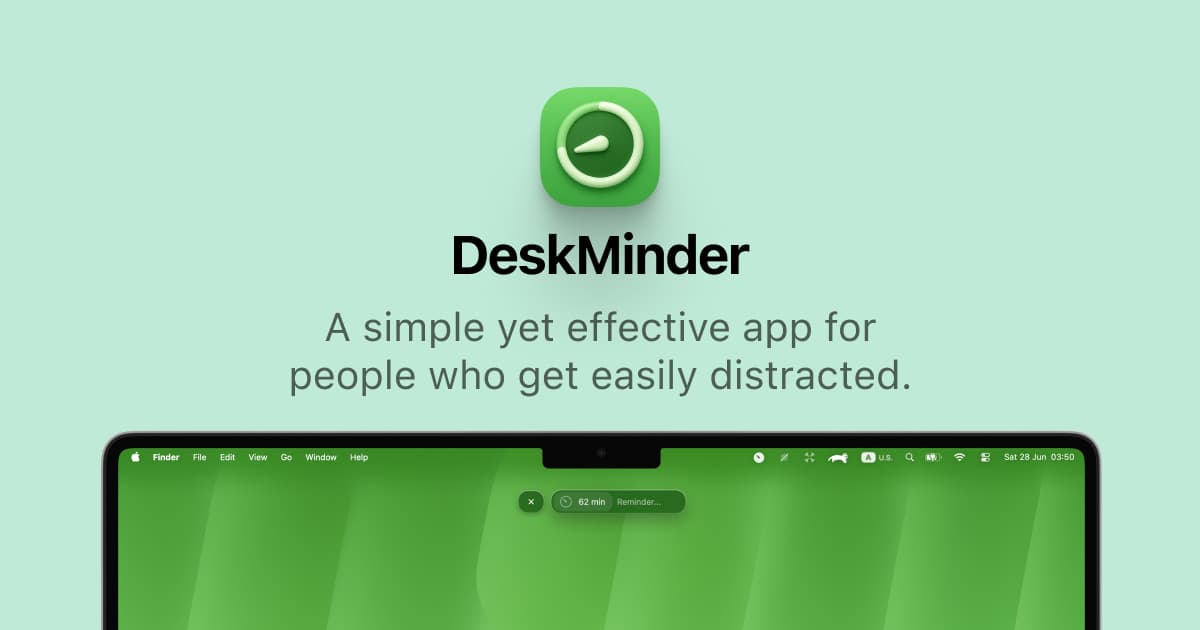
DeskMinder
For Easily Distracted Minds
Freemium
DeskMinder is a productivity software application designed for Mac users who struggle with distractions. It provides a straightforward interface for creating desktop pop-up reminders and tasks, helping users manage urgent to-dos, short breaks, and fleeting ideas. With features like full-screen notifications and Apple Reminders integration, DeskMinder aims to enhance focus and time management for i
- With features like easy-to-create desktop pop-ups for reminders and tasks, it simplifies the process of staying on top of urgent to-dos, short breaks, or fleeting ideas.
- Users can benefit from full-screen notifications, Apple Reminders integration, and flexible widget placement, making it ideal for anyone requiring a little extra help to maintain focus.
- The app includes additional shortcuts for quick reminder setups and customizable widget options, along with a history tracking feature to monitor daily progress.
Designed specifically for Mac users, DeskMinder aims to facilitate better time management and productivity for those with attention challenges, providing a seamless user experience without unnecessary complexity.
SoftwareProductivitymacOS
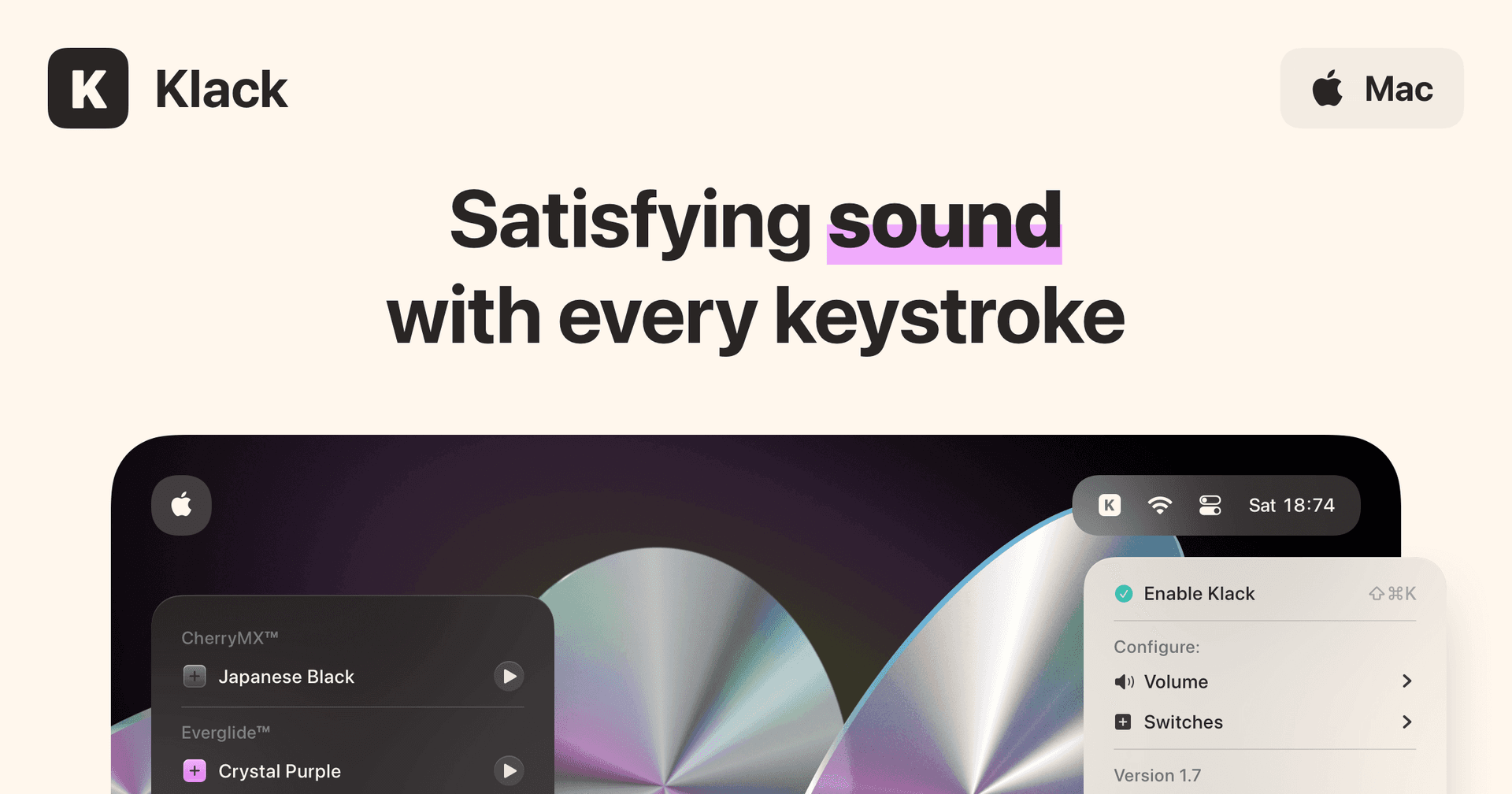
Klack
Satisfying sound with every keystroke
Paid
Klack is a macOS application designed to enhance the typing experience through high-fidelity sound for each keystroke. It provides features such as immersive spatial audio, instant feedback, and customizable sound options, making it suitable for writers, developers, and anyone who values an engaging typing environment. The app is easily accessible from the menubar and offers extensive configuratio
- Provides immersive spatial audio for enhanced typing feedback.
- Allows customization of keystroke sounds, pitch variations, and volume settings.
- Features a menubar interface for quick access to configuration options.
- Supports instant feedback with each keystroke for a more engaging experience.
- Designed for writers and developers seeking auditory feedback while typing.
Klack enhances the typing experience on Mac by providing high-fidelity sound for each keystroke.
SoftwaremacOS
TypoTab
TypoTab, the ultimate AI writing assistant for
Paid
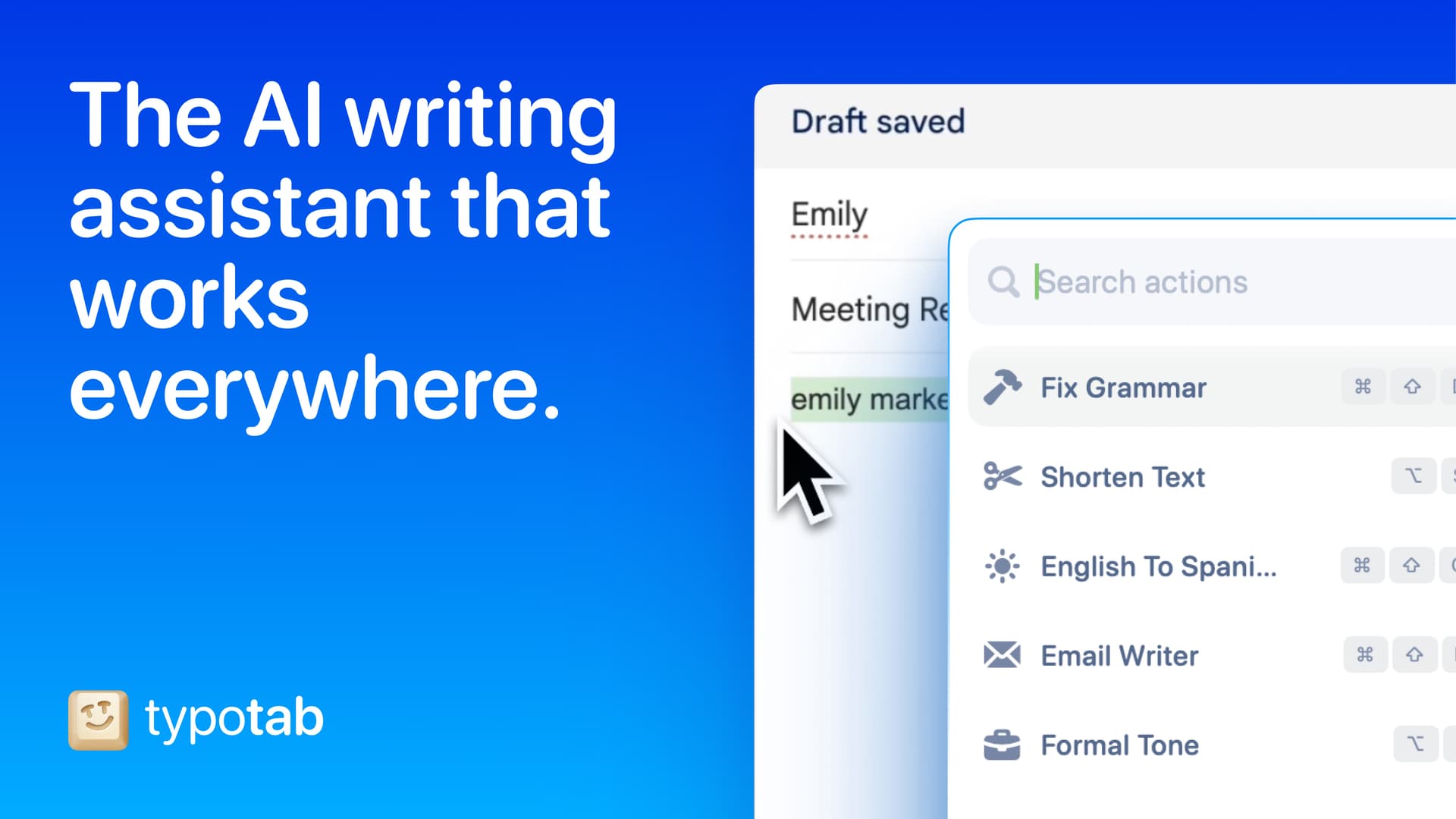
TypoTab is a macOS application that functions as an AI-driven writing assistant. It enhances writing efficiency by providing tools for grammar correction, text rephrasing, and content generation, all accessible from the menu bar without needing to switch applications. This tool is designed for writers, students, and professionals looking to streamline their writing process and improve productivity
- Provides grammar correction and text rephrasing directly from the menu bar.
- Allows text refinement in any application without switching contexts.
- Offers customizable actions to meet individual writing needs.
- Streamlines repetitive writing tasks for improved efficiency.
- Supports a wide range of applications, enhancing workflow across platforms.
TypoTab is a macOS application that enhances writing efficiency by providing grammar correction, text rephrasing, and content generation directly from the menu bar. It allows users to refine text in any application without switching contexts, offering customizable actions to suit individual writing needs.
SoftwareProductivitymacOS
Double Shot
Free open-source Mac app that keeps your Mac awake for AI agents
Free
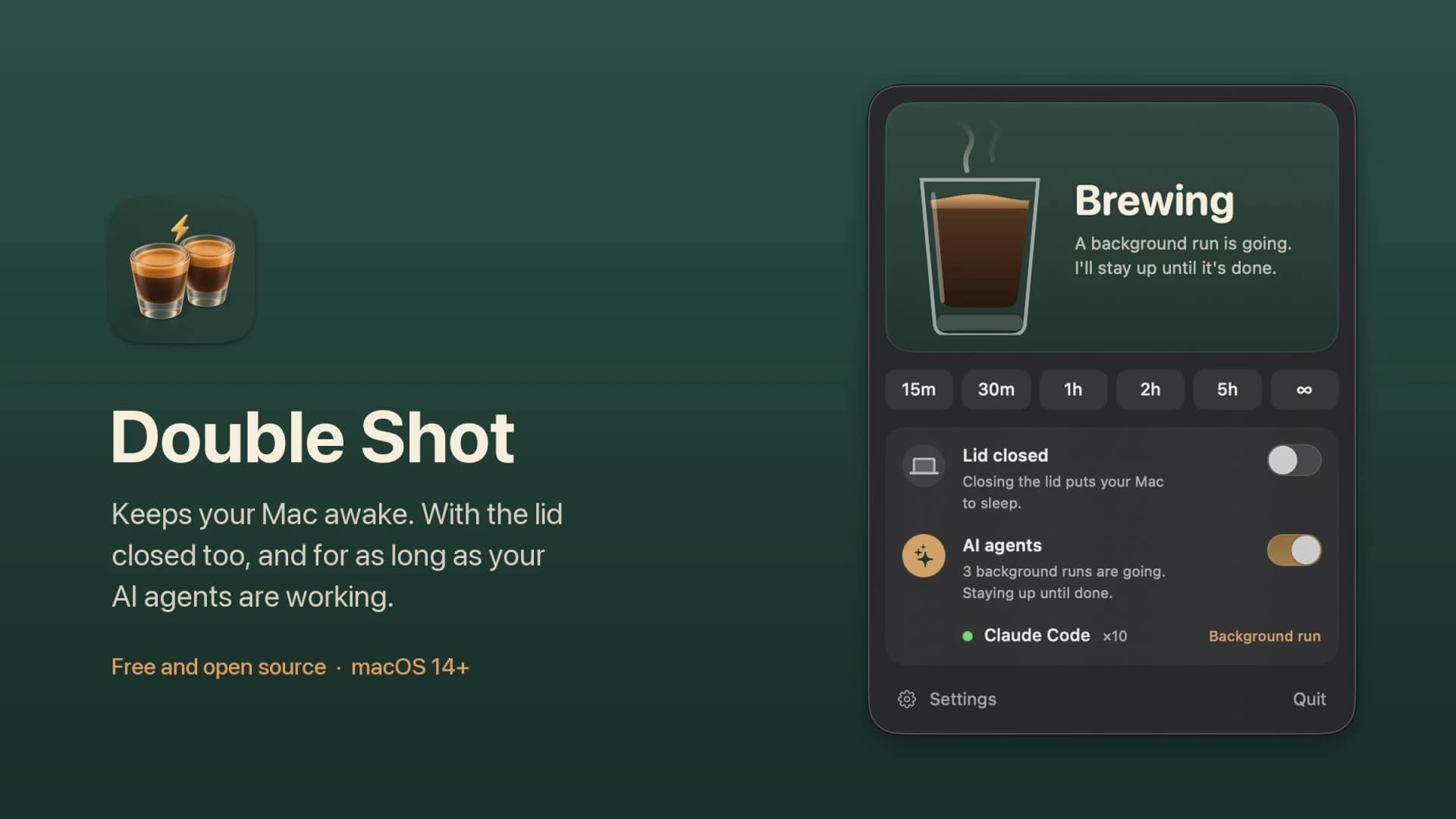
Double Shot is a free, open-source macOS menu bar app that keeps your Mac awake, with the lid closed too, and for as long as your AI coding agents are working.
- Detects when Claude Code, Codex, Gemini CLI, Cursor Agent, Copilot CLI, OpenCode, Amp or Aider are actually working, not just open.
- Lid closed mode uses pmset disablesleep, with a one-time password prompt that adds a sudoers rule.
- Stops at the first warm level, turns the dark display off, switches on Low Power Mode on battery, and lets go when the battery gets low.
- Quick picks from 15 minutes to 5 hours, or until you turn it off.
- MIT licensed. Install with Homebrew or download from GitHub. Not notarized by Apple yet, and it needs macOS 14 or later.
Double Shot suits anyone who starts a long agent run, closes the lid and expects the work to carry on.
SoftwareUtilitiesmacOS
Peek
Glance at websites and widgets with a shortcut
Free
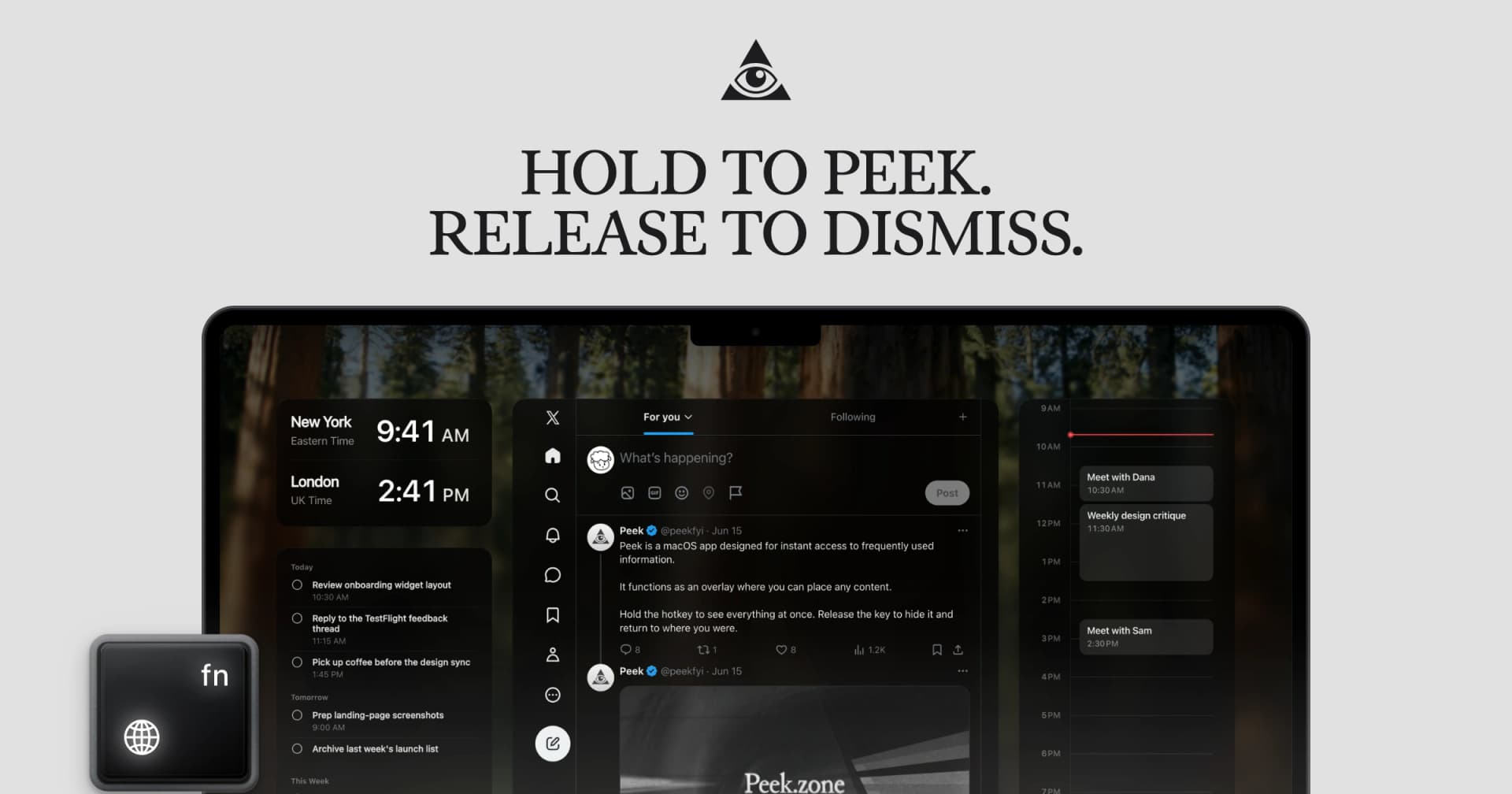
Peek is a native Mac app that brings frequently checked information into a personal overlay. Hold a shortcut to glance at it, release to return to your work, or tap the shortcut to keep it open and interact.
Combine websites, local PDFs, and widgets such as Calendar, Reminders, and time zones in one space. Arrange and resize content freely, or use Flow mode to organize your layout. Hide unwanted page elements and block ads, trackers, and cookie banners.
Set custom keyboard shortcuts, including separate left and right modifier keys. Peek works across multiple monitors and full-screen spaces, with per-display layouts or synced widgets. Optional auto-refresh keeps pages current, and you can open content in its default app when you want to continue outside the overlay. The site also lists passkey support and experimental web extensions.
Use it to check analytics beside your calendar, review GitHub pull requests and Linear issues while coding, or gather visual references from websites without switching away from your current app.
Available free on the Mac App Store. Requires macOS 14.2 or later.
SoftwareProductivitymacOS
Cap
The open source screen recorder
Freemium
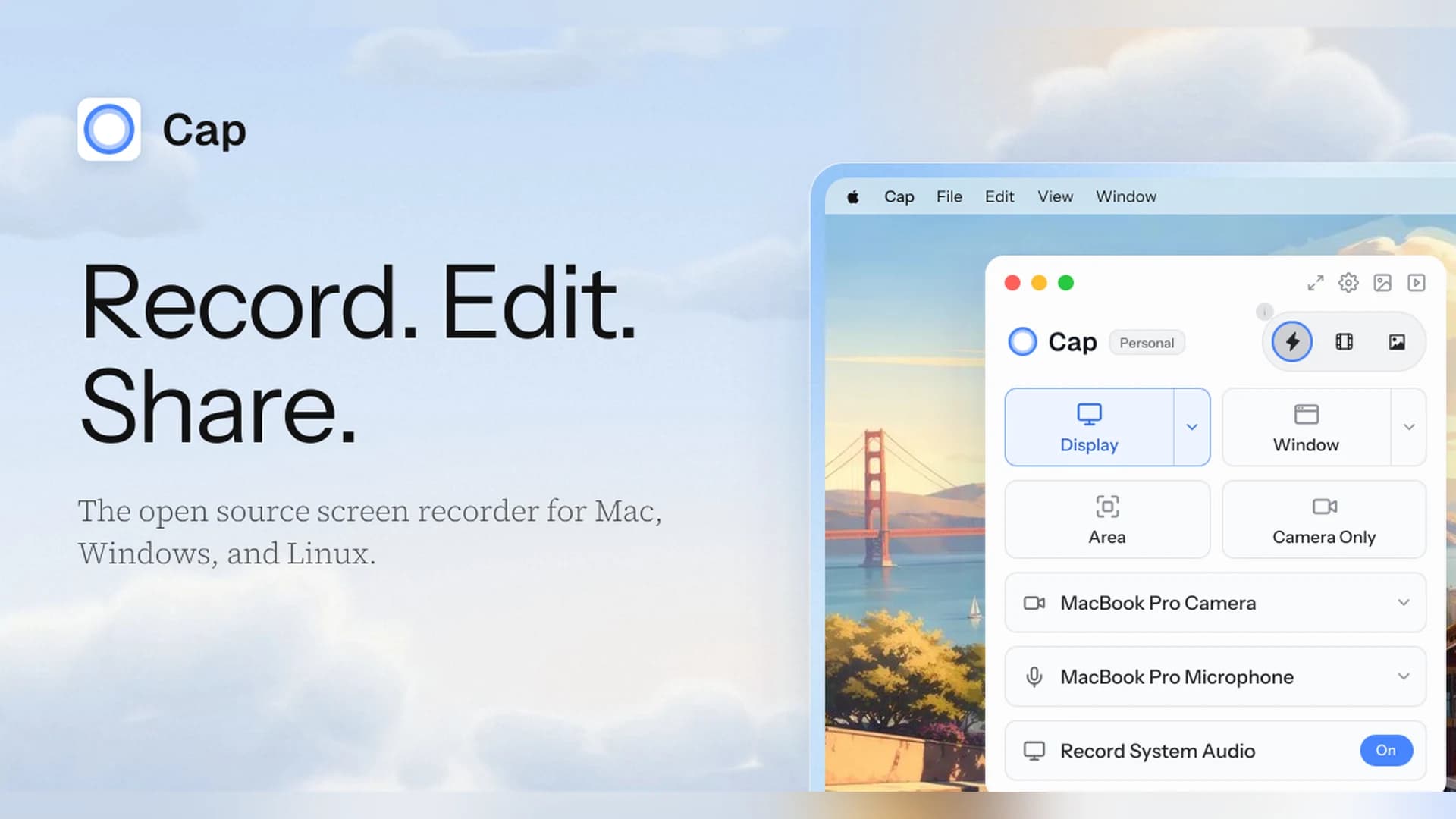
Cap is an open-source screen recorder for Mac, Windows, and Linux that works as a Loom alternative, with instant share links and a local Studio Mode.
- Instant Mode records and uploads at once so you get a shareable link as you stop.
- Studio Mode records locally with a full editor and exports up to 4K at 60 fps.
- Free for personal use. A Desktop License ($29 a year, or $58 once) adds commercial rights, and Cap Pro ($12 per user a month) adds unlimited cloud sharing.
- Open source, with a self-hosting option.
Cap suits people who want a Loom-style workflow without being locked into one vendor.
SoftwareCreativemacOS
Zight
Share screen recordings and screenshots instantly
Freemium
Zight (formerly CloudApp) captures screenshots, GIFs, and screen recordings and turns each one into a shareable link.
- Records the screen and webcam, and shares a link as soon as you stop.
- The free plan covers recordings up to 5 minutes at up to 720p, with 1 GB of storage.
- Paid plans add unlimited recording time, 4K, and AI summaries, chapters, and smart actions.
- Includes video requests, so teammates can send you a recording.
Zight suits teams that send quick videos and screenshots instead of long messages.
SoftwareCreativemacOS
Paste
Clipboard manager for Mac, iPhone, and iPad
Paid
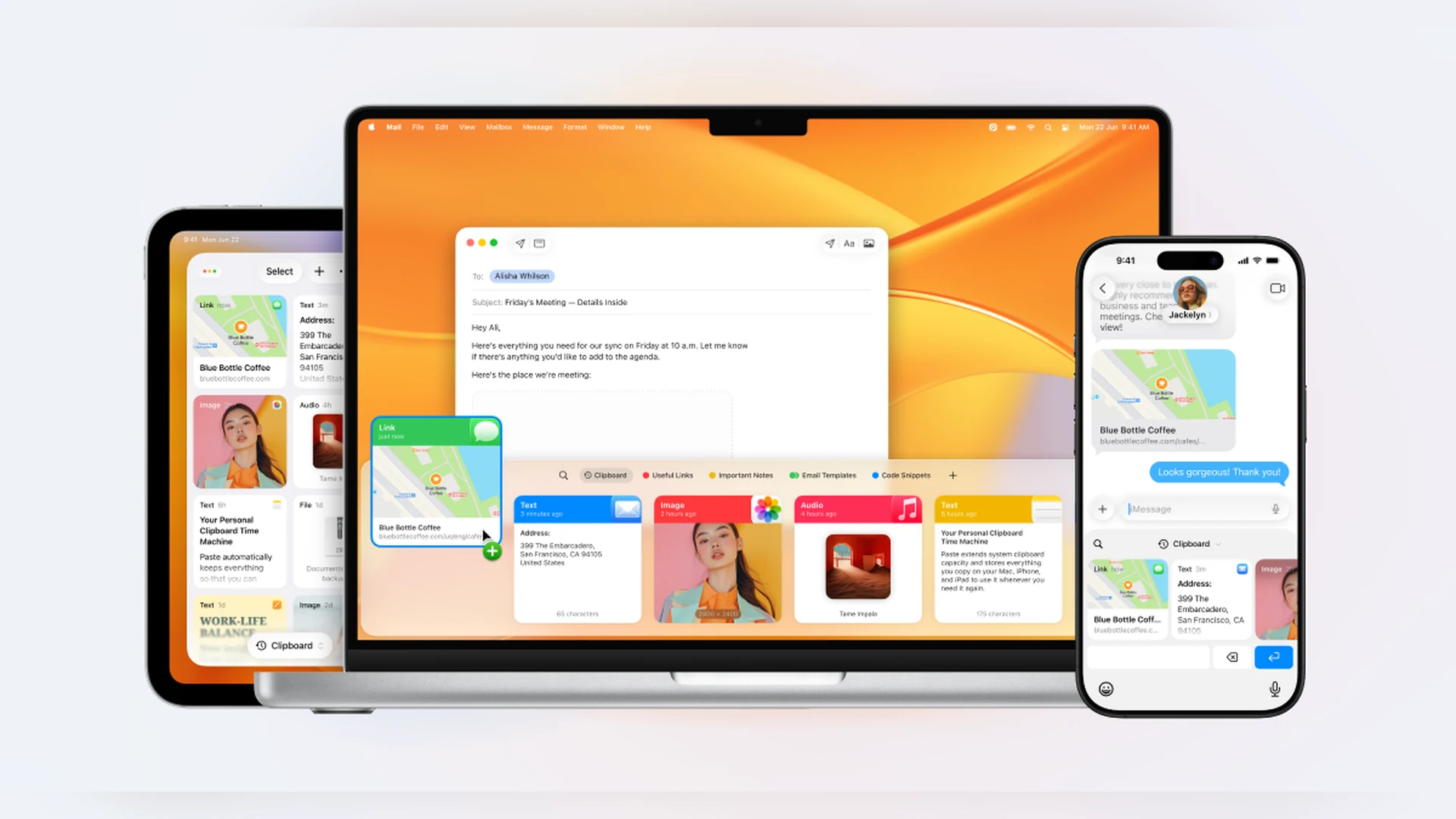
Paste is a clipboard manager that keeps a searchable history of what you copy and syncs it across your Mac, iPhone, and iPad.
- Unlimited clipboard history with search and filters by type.
- Pinboards for snippets, signatures, and links you reuse.
- Keeps images, files, and rich text, and syncs through your private iCloud.
- 7-day free trial, then a subscription ($29.99 a year, or $2.49 a month billed annually) or a Lifetime plan.
Paste suits people who want a polished clipboard history on every Apple device.
SoftwareProductivitymacOS
Developers used the iOS 27.1 SDK, a new hinge API, and a Device Hub in Xcode 27.1 to build for it. The phone starts at $1,999 and went on sale on October 23, with 28 more countries following on October 30.
Best productivity apps for iPhone Duo
Apple's productivity picks are built around Split View: Microsoft Word and Outlook (both "in the coming weeks"), Zoom, Slack, Salesforce, Fantastical, Notewise, Things, and Bear. Craft and Airmail are on Apple's Europe list, and Cardhop is mentioned alongside Fantastical.
Fantastical is the calendar app Apple features most prominently, with a developer quote in the announcement. It is the first app to install if your day runs on a calendar.
FantasticalCalendar with natural language inputVisit WebsiteFantastical is a calendar software for Mac that integrates events, tasks, and reminders into a single interface. It allows users to create schedules using natural language input and offers various viewing options, including day, week, month, and year layouts.
- Create events and tasks using natural language input for quick scheduling.
- View schedules in day, week, month, and year formats for flexible planning.
- Sync seamlessly with Google, Apple, and other calendar services for unified access.
- Access real-time weather updates and travel time estimates alongside your calendar.
- Manage reminders and tasks within the same interface for streamlined organization.
Fantastical is designed for users seeking an efficient way to manage their schedules, tasks, and reminders in one place. Its natural language input simplifies event creation, while multiple viewing options cater to different planning needs.Visit Website
Things 3 is the task manager on the list. It costs $9.99 on the App Store and is the best pick if you want a polished to-do app in Split View next to your calendar.
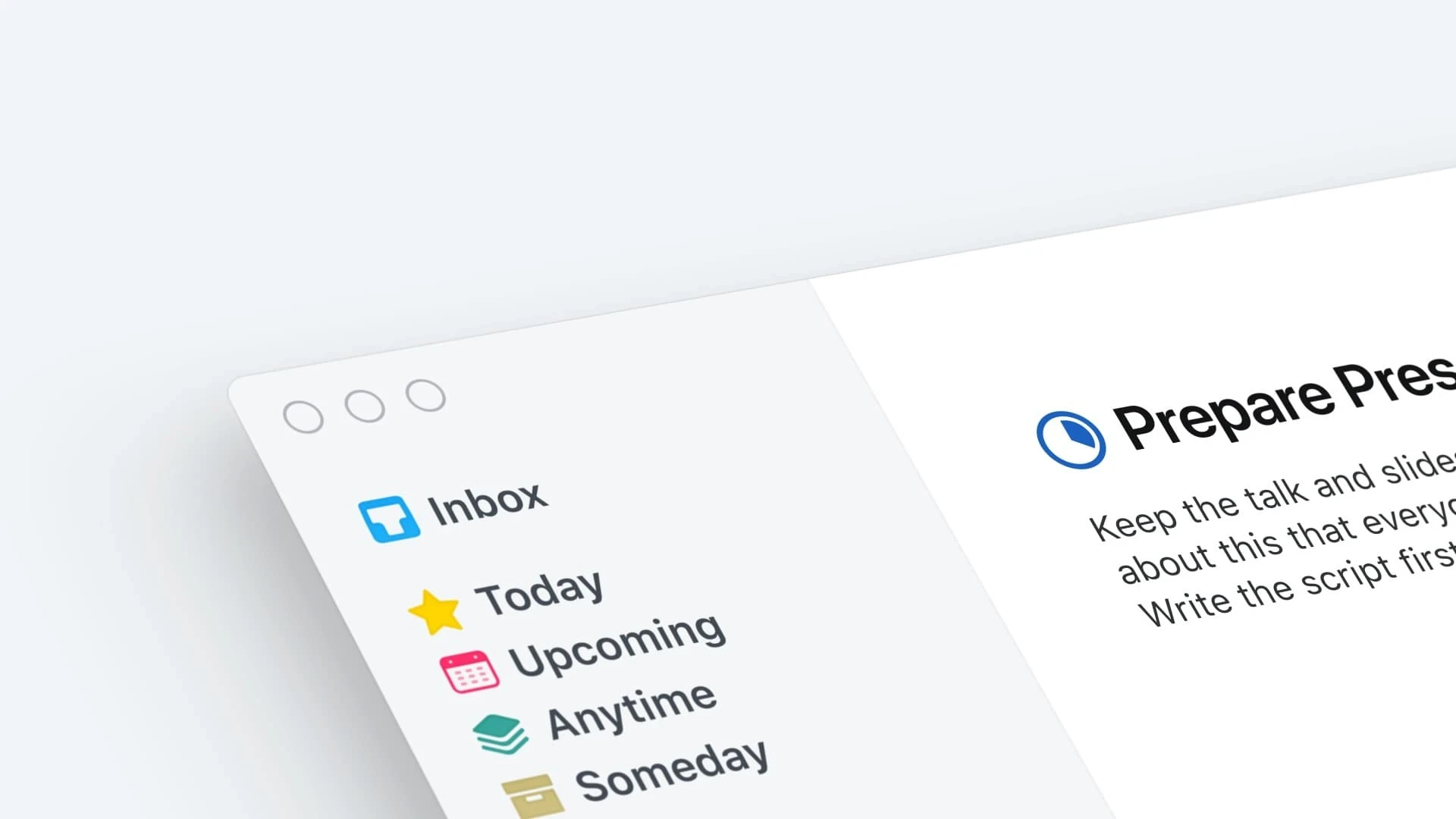
Things 3Task manager for planning your day and projectsVisit WebsiteThings 3 is a task manager for iPhone, iPad, and Mac from Cultured Code. It helps you plan your day, organize projects, and track progress toward goals.
- To-dos with notes, tags, and smaller steps.
- Projects with headings and deadlines, plus areas for work, family, and more.
- Today and Upcoming lists show to-dos and calendar events together.
- Reminders and repeating to-dos.
- Made for iPhone Duo, with Split View support per Apple.
Things 3 suits people who want a polished, paid-once task manager that works across Apple devices.Visit Website
Bear is a free Markdown notes app that Apple lists for Split View. Craft is the document and notes alternative, and Notewise is the pick for handwriting and PDFs.
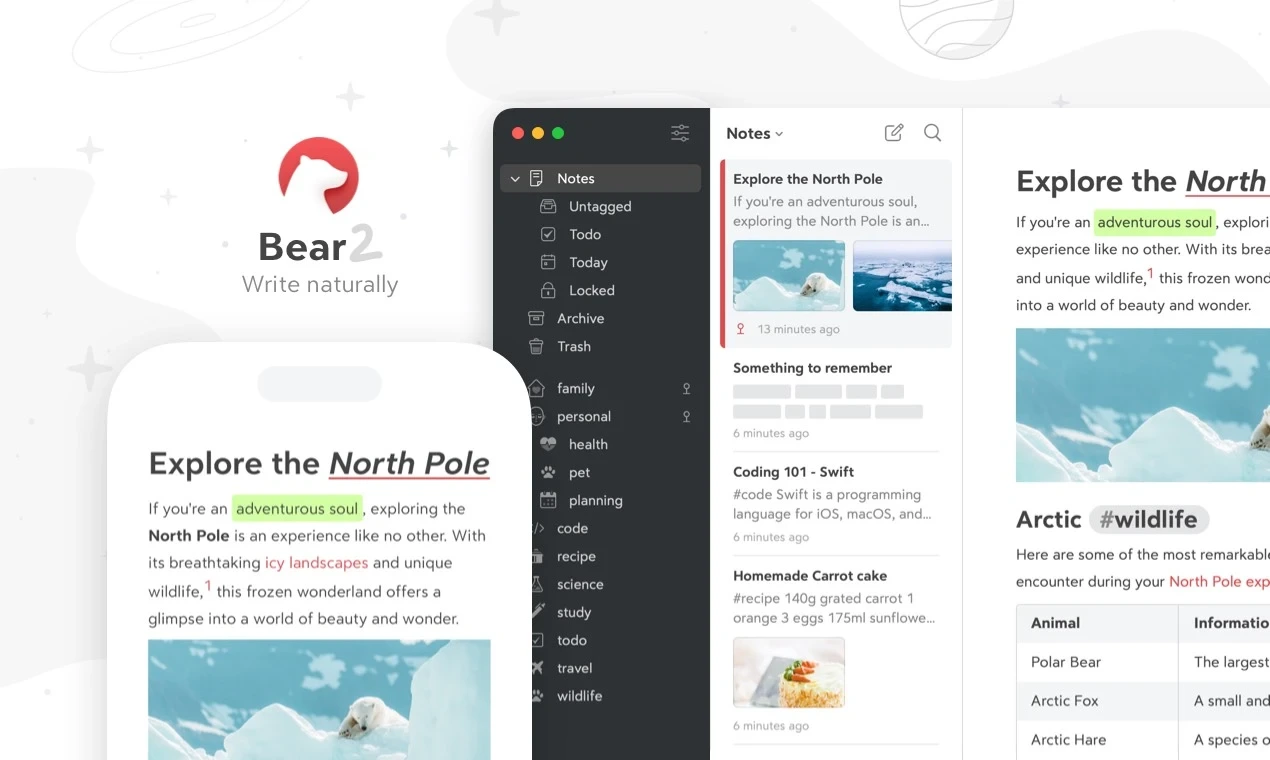
BearMarkdown notes and journal appVisit WebsiteBear is a Markdown notes and journal app for iPhone, iPad, and Mac. You can start writing without an account.
- Markdown editor with no signup needed.
- Organize notes with tags.
- Link notes together.
- Add tables, lists, tasks, and sketches.
- Made for iPhone Duo, with Split View support per Apple.
Bear suits writers and note takers who want a clean Markdown editor with no setup.Visit Website
CraftYour space for notes, tasks, and big ideasVisit WebsiteCraft is a software platform designed for organizing notes, tasks, and documents. It enables users to capture and connect their ideas seamlessly across devices, transforming quick notes into well-structured documents. With features like templates, writing tools, and API integrations, Craft supports a variety of users, including creators, educators, and professionals, enhancing their productivity a
- Whether it's documents, tasks, calendars, or daily notes, Craft allows you to organize and enhance your work with the power of interconnected spaces.
- Capture ideas instantly across all your devices and transform quick notes into beautifully crafted documents.
- With a variety of templates, writing tools, and API integrations, Craft adapts to how you think and work, making it an ideal tool for creators, educators, and professionals alike.
Craft provides a versatile platform for organizing notes, tasks, and documents across devices. With features like templates, writing tools, and API integrations, it supports various workflows for creators, educators, and professionals. Its interconnected spaces enhance productivity and idea management.Visit Website
NotewiseAI notes, handwriting, PDFs, and docs in one placeVisit WebsiteNotewise is an AI note-taking app for iPhone and iPad that brings handwritten notes, audio, PDFs, and documents into one workspace.
- Write, type, handwrite, or sketch on a freeform canvas.
- Record meetings and lectures with transcription.
- Annotate PDFs and import documents and web sources.
- Search and chat with your notes using AI.
- Made for iPhone Duo, with Split View support per Apple.
Notewise suits students and professionals who capture notes in several formats and want to search them together.Visit Website
Slack and Zoom are on the list too, and Apple shows both in its launch images. Our separate guide to the best Split View apps for iPhone Duo goes deeper on how these pair up.
Best creator apps for iPhone Duo
Apple's Create category includes Detail, Instagram and Edits, and VLLO.
Detail: the best camera app for creators
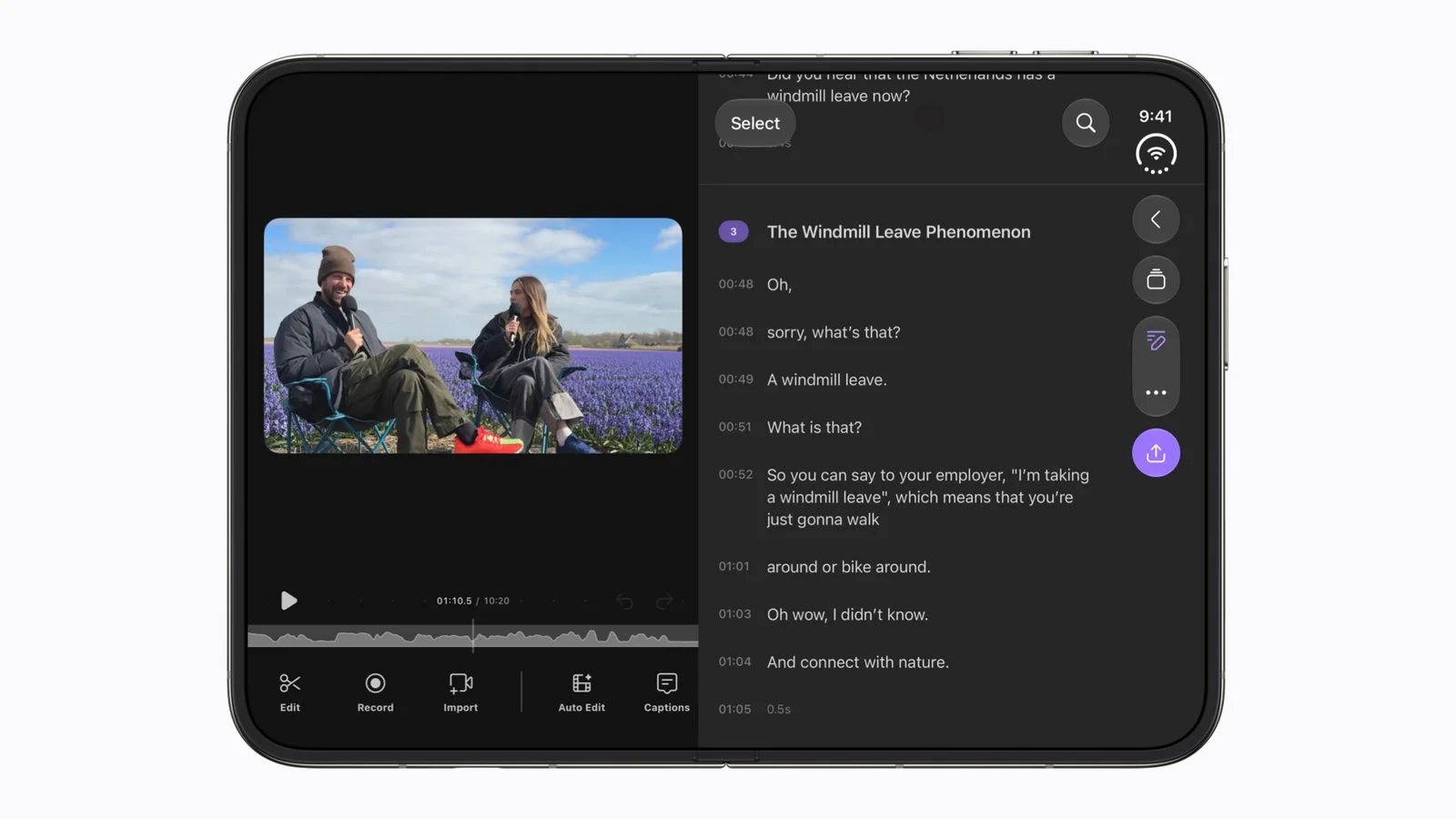
Detail is a camera and AI video editor. Apple says it uses Core AI with on-device models on the Duo.
Apple shows Detail on the Duo's inner display. Image: Apple
DetailCamera and AI video editor for creatorsVisit WebsiteDetail is a camera and AI video editor from Detail Technologies for creators.
- AI Auto-Edit finds highlights and removes silences.
- AI Director teleprompter keeps you on script.
- Multicam recording and reaction videos.
- Livestreaming to YouTube, Twitch, and other destinations.
- On Apple's Made for iPhone Duo list, with Duo camera features shown by Apple.
Detail suits creators who record vlogs, interviews, or shorts from a phone.Visit Website
VLLO: the best video editor for quick edits
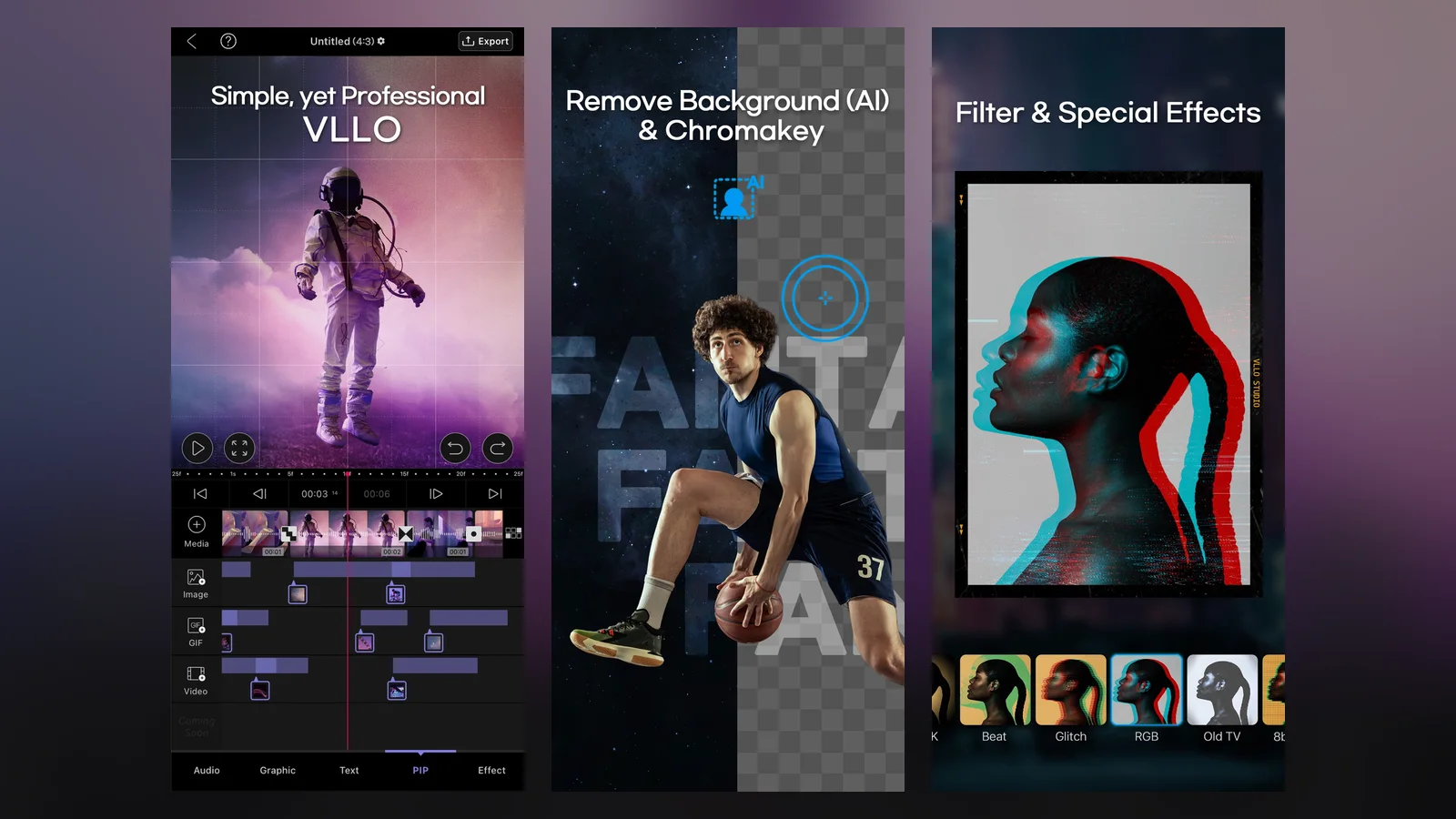
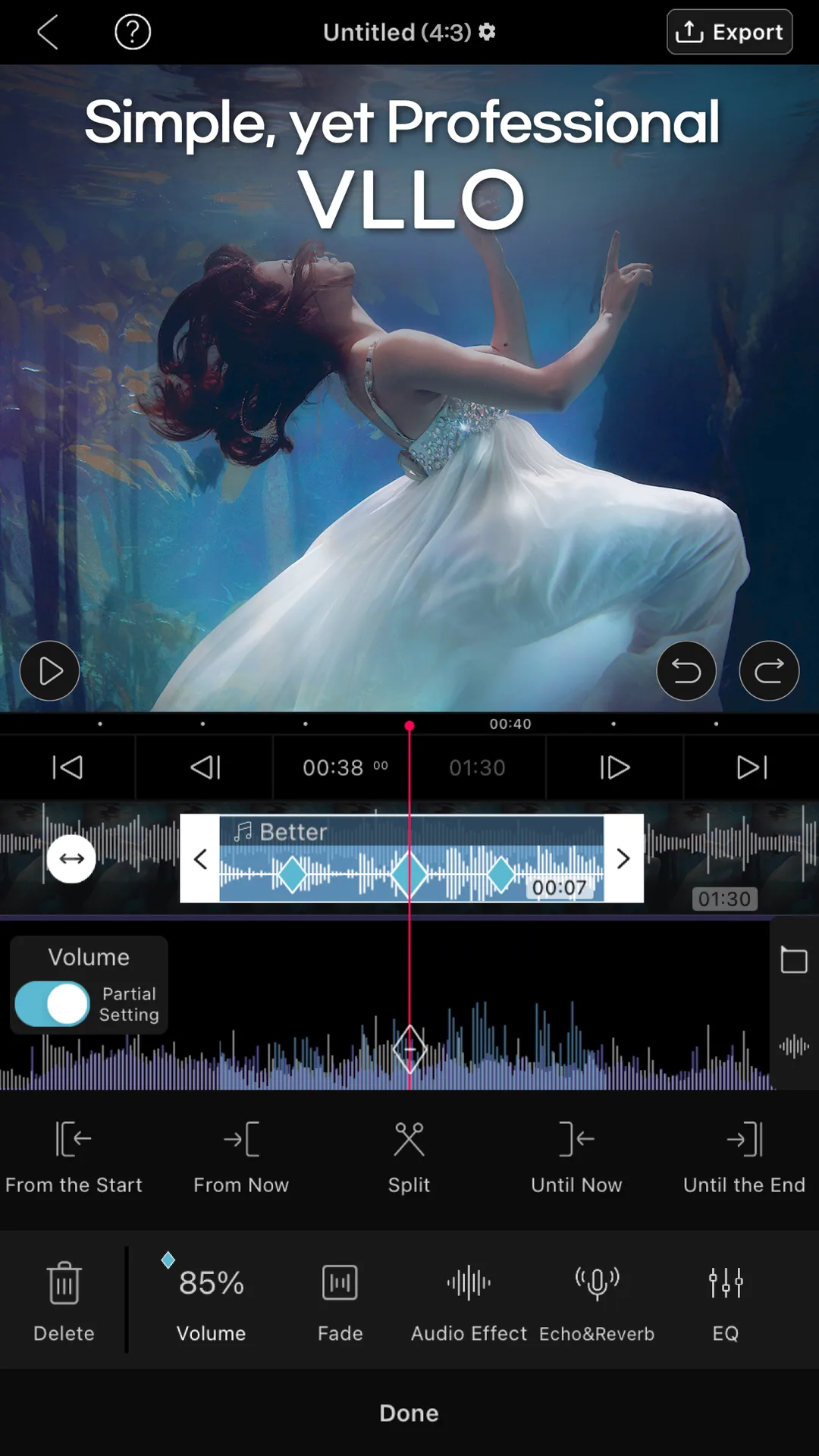
VLLO is a video editor from vimosoft with trimming, text, transitions, auto captions, and keyframes. It has no watermark, according to its App Store page.
VLLO's App Store screenshots show its editing tools. This is the regular app, not the Duo layout. Image: vimosoft
VLLOSimple but capable mobile video editorVisit WebsiteVLLO is a mobile video editor from vimosoft that works for beginners and advanced editors.
- Trim, add text, transitions, and music with a few taps.
- Keyframe animation and picture-in-picture.
- Auto captions and background removal.
- No watermark.
- On Apple's Made for iPhone Duo list.
VLLO suits vloggers and social video makers who edit on their phone.Visit Website
Instagram and Edits are also on the list. Gear Live also tested Meta's apps. Get Instagram and Edits from the App Store.
Best video and streaming apps for iPhone Duo
Apple highlights Netflix, Prime Video, Paramount+, Apple TV, MLB, and PGA Tour.
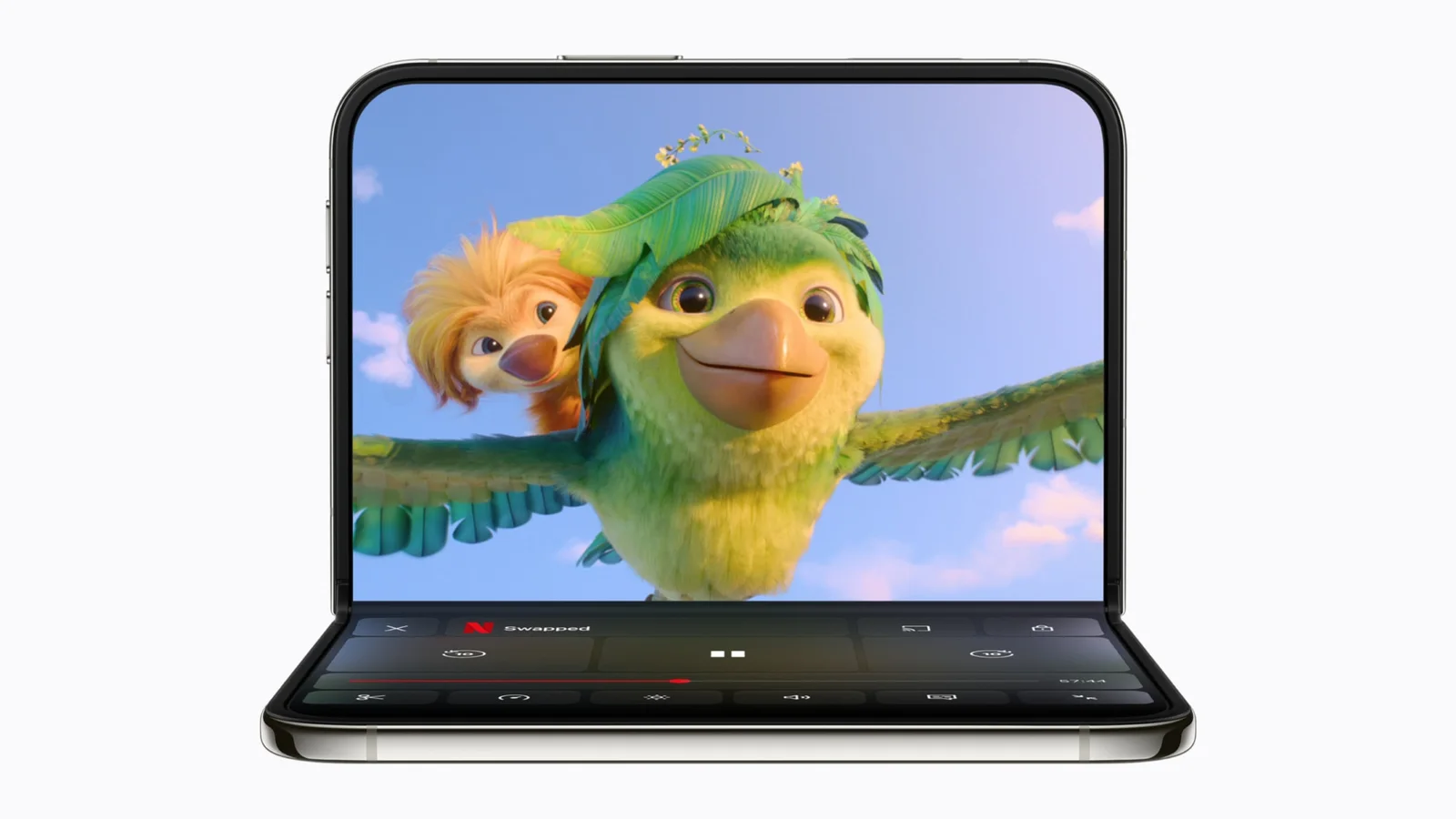
Netflix puts Clips on the outer display and then moves it to the inner display, per Apple. Prime Video shows X-Ray on the bottom half when the phone is partially folded.
Netflix on a half-folded iPhone Duo, as shown in Apple's launch images. Image: Apple
Apple's game picks are Asphalt Legends, Zenless Zone Zero, UnGodly, and two Apple Arcade titles, Sneaky Sasquatch and Retrocade. Deck-Man, an indie music app, is also on the list.
Asphalt Legends is the racing game Apple shows in its launch images. Zenless Zone Zero gets its Duo update next month, and UnGodly launches in November, both per Apple.
Asphalt Legends on the open iPhone Duo. Image: Apple
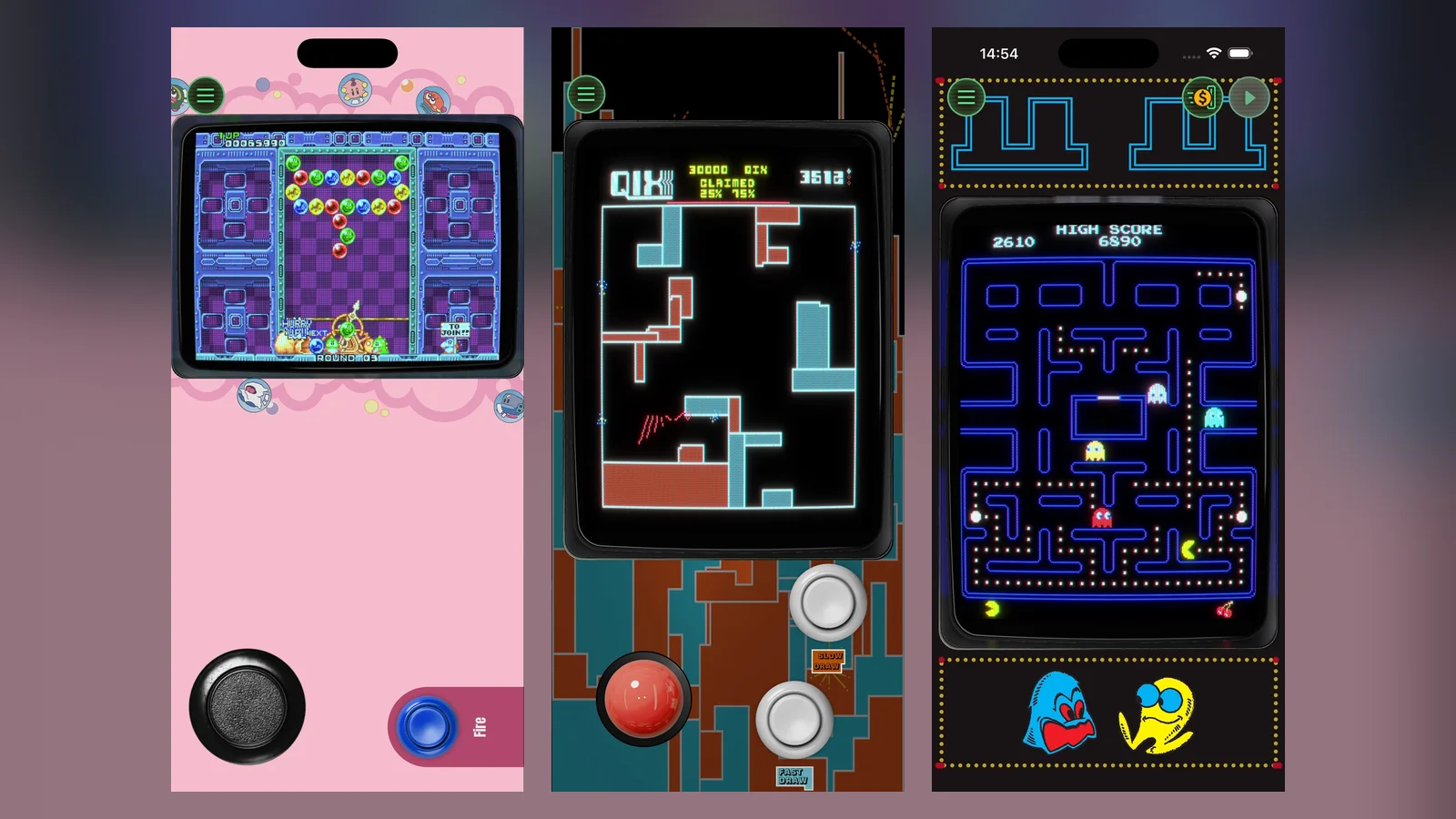
Sneaky Sasquatch is a stealth game on Apple Arcade. Retrocade, also on Apple Arcade, bundles retro arcade games.
Retrocade's App Store screenshots show its arcade games. This is the regular app, not the Duo layout. Image: Resolution Games
Deck-Man: the cassette player for iPhone Duo
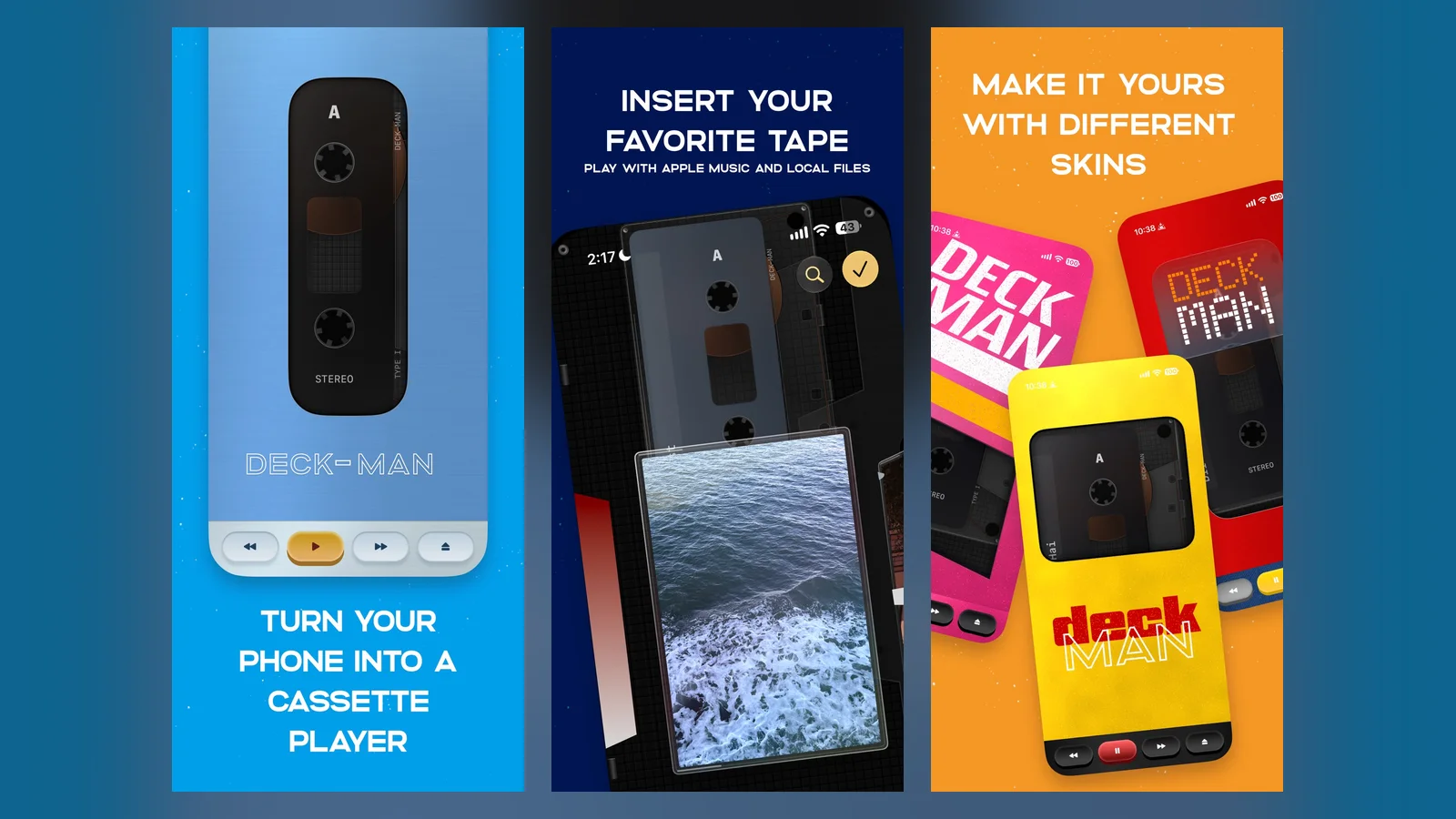
Deck-Man is a cassette-style music player. You open the phone to pick an album, insert it, and close the phone to play. It costs $4.99, and Gear Live tells new Duo owners to install it first.
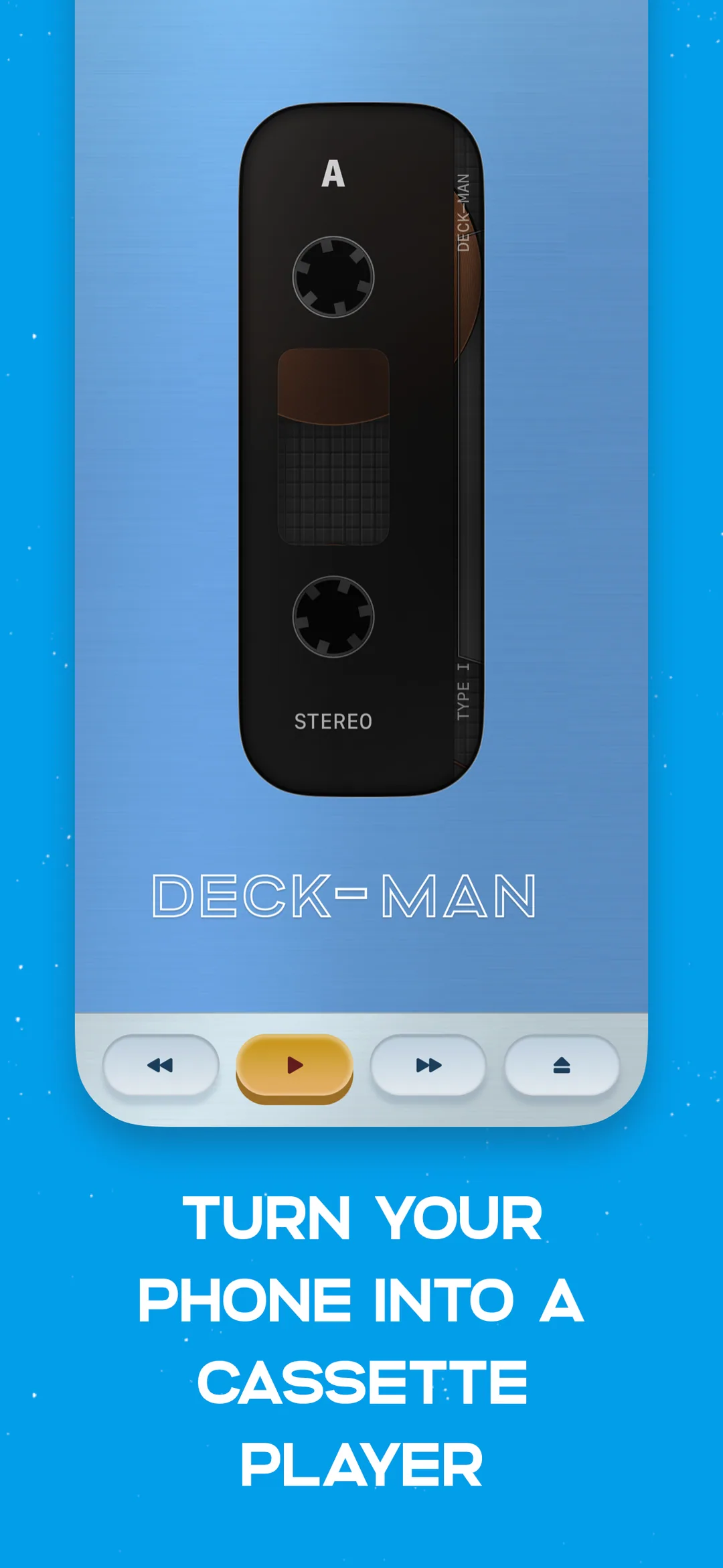
Deck-Man turns the phone into a cassette player. Image: Squircle Apps
Deck-ManCassette player for iPhone DuoVisit WebsiteDeck-Man is a cassette-player music app made for iPhone Duo. Open the phone to pick an album, insert it, and close the phone to play.
- Browse your albums as cassette tapes.
- Play, pause, rewind, and fast-forward controls.
- Mechanical clicks recorded from a real portable player.
- Works with Apple Music, per its App Store page.
- No ads, subscriptions, or in-app purchases.
Deck-Man suits music fans who like nostalgic, tactile apps.Visit Website
Best travel apps for iPhone Duo
Apple lists Lyft, American Airlines, United, and Flighty, with Tripsy on its Latin America list.
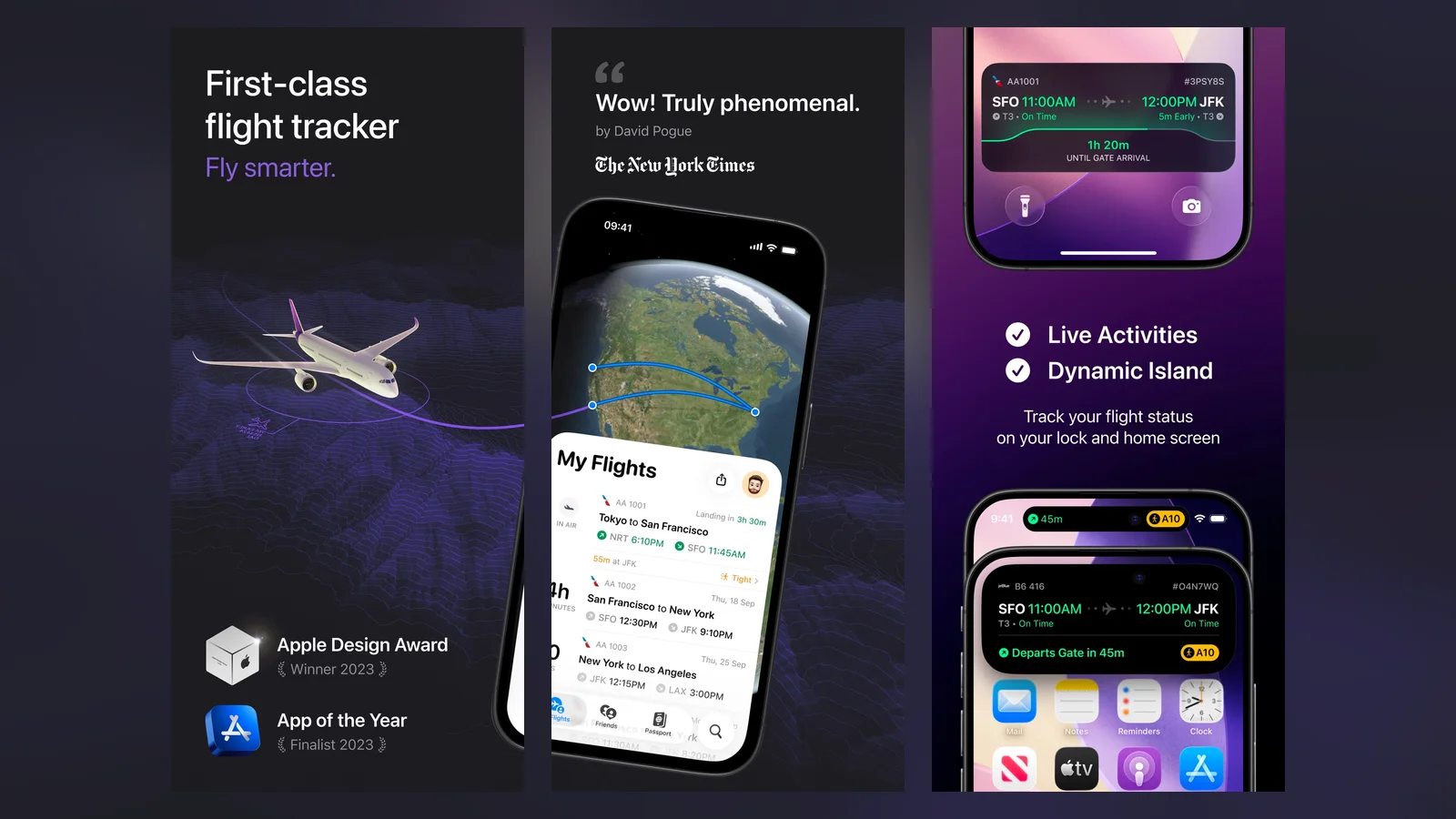
Flighty: the best flight tracker
Flighty is the flight tracker Apple lists. Gear Live calls it one of its favorites and says its Pro tier shows whether your incoming plane is still on the way.
Flighty's App Store screenshots show the regular app, not the Duo layout. Image: Flighty
FlightyTrack flights and anticipate travel disruptionsVisit WebsiteFlighty is a flight-tracking app for travelers. Follow live flight status, monitor disruptions, and keep a personal record of your journeys.
- View flight routes, aircraft details, and airport conditions.
- Share flights privately with friends and family.
- Build a personal flight log, map, and travel statistics.
- Use Pro for delay predictions, push alerts, and calendar or TripIt sync.
Free flight tracking is available, with additional features through Flighty Pro.Visit Website
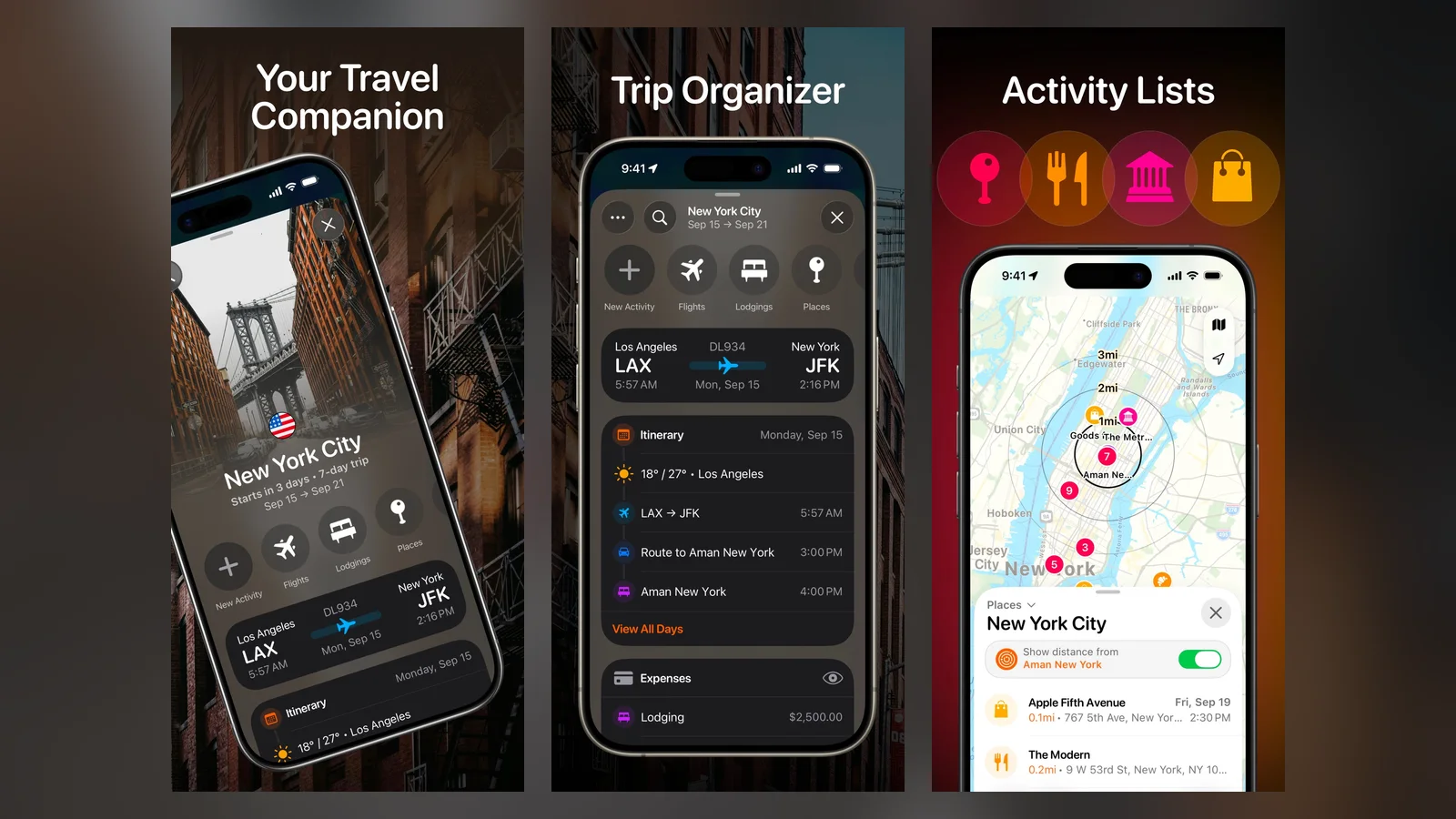
Tripsy: the best trip planner
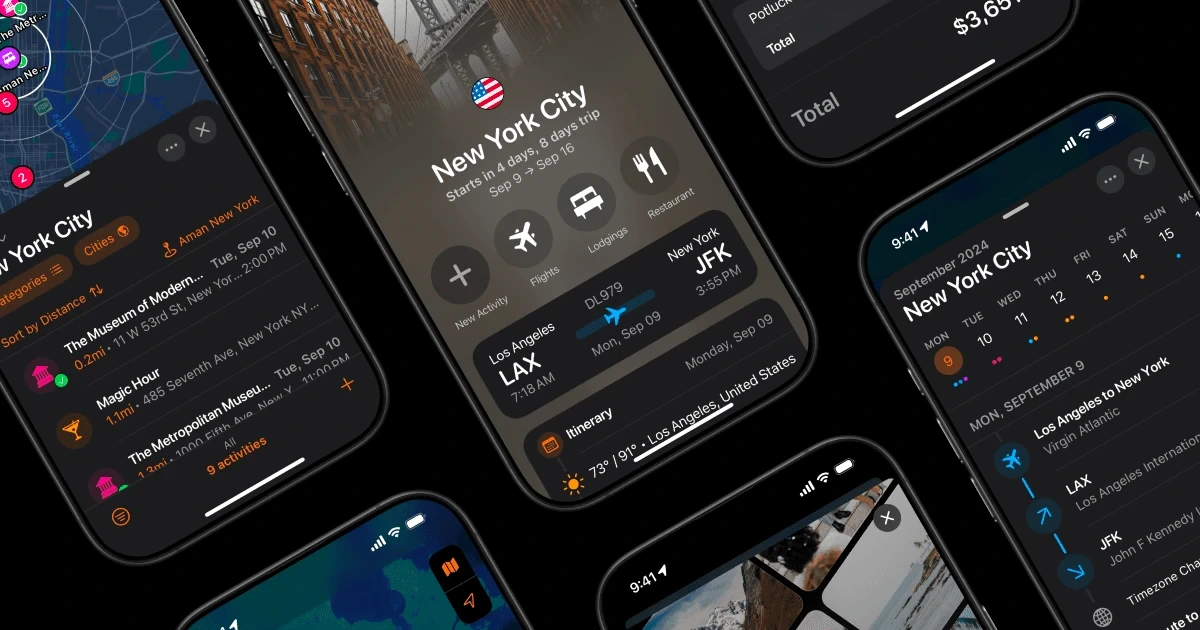
Tripsy keeps flights, hotels, and activities in one day-by-day itinerary. It works offline and is free to download.
Tripsy's App Store screenshots show its itinerary views. This is the regular app, not the Duo layout. Image: Tripsy
TripsyTravel planner for flights, hotels, and itinerariesVisit WebsiteTripsy is a travel planner that keeps flights, hotels, reservations, activities, and expenses in one itinerary.
- Day-by-day itinerary with routes and travel times between stops.
- Flights, hotels, and reservations in one place.
- Smart Import turns screenshots and booking emails into plans (Pro).
- Share trips with family and friends, and use them offline.
- On Apple's Made for iPhone Duo list.
Tripsy suits frequent travelers who want one organized timeline for every trip.Visit Website
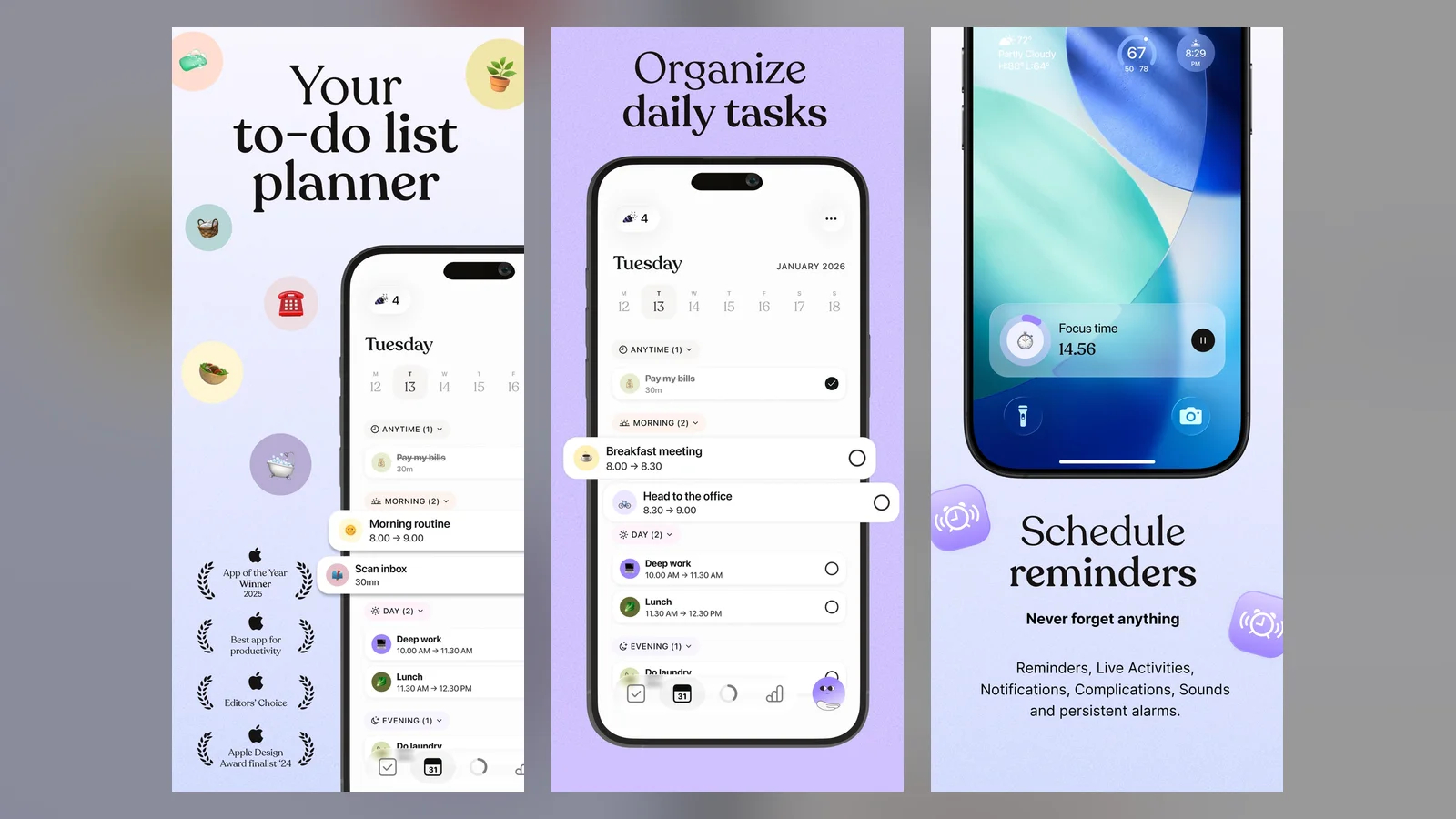
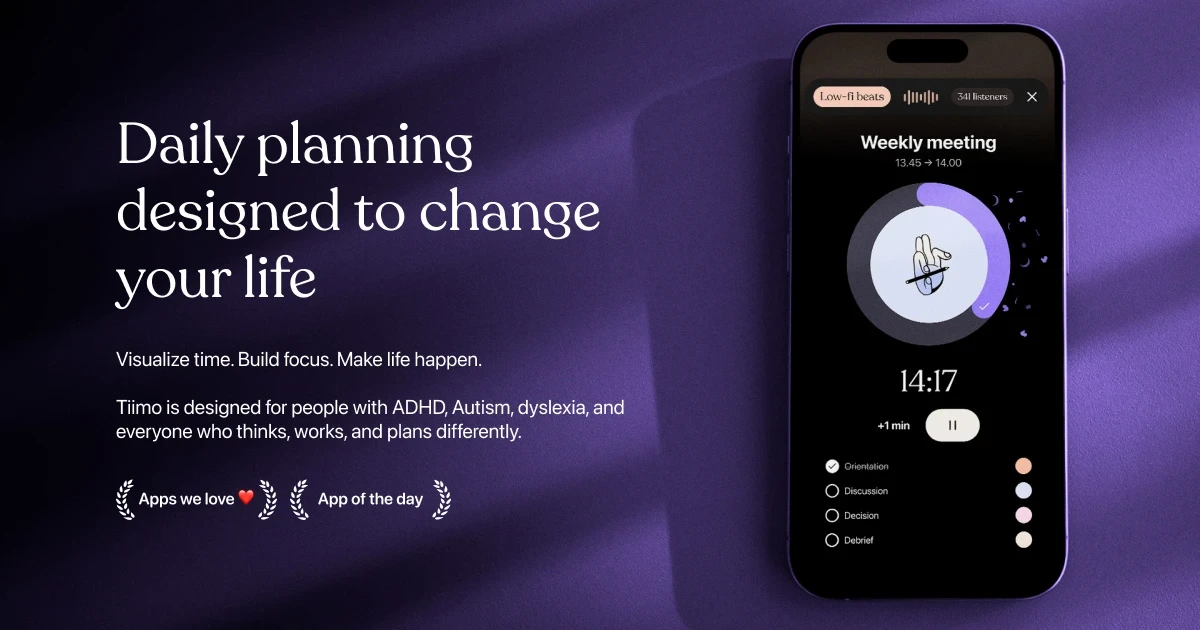
Tiimo is a visual planner on Apple's Europe list. Its App Store page lists iPhone App of the Year 2025.
Tiimo's App Store screenshots show its visual planner. This is the regular app, not the Duo layout. Image: Tiimo
TiimoVisual planner for routines, focus, and daily tasksVisit WebsiteTiimo is a visual planner built to reduce mental load. It was named iPhone App of the Year 2025 by Apple, per its App Store page.
- Color-coded visual daily schedule.
- AI co-planner that helps create and prioritize tasks.
- Focus timer and widgets.
- Syncs with Apple Calendar and Reminders.
- On Apple's Made for iPhone Duo list.
Tiimo suits anyone who plans better when the day is laid out visually, especially people who struggle with time and routines.Visit Website
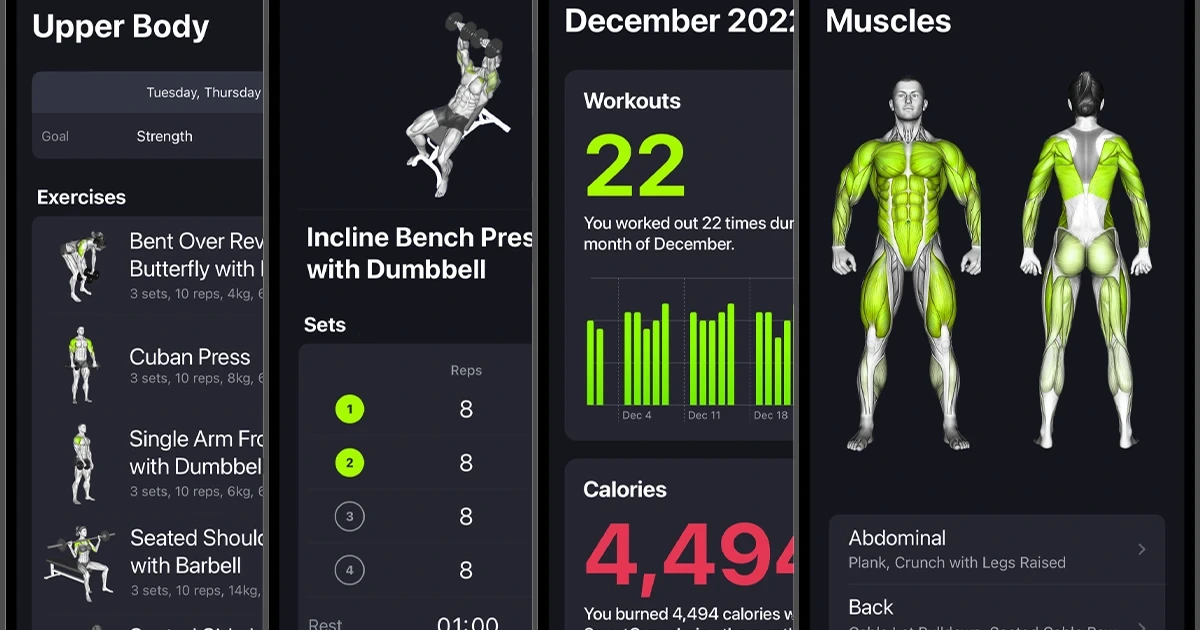
SmartGym is a workout app on Apple's Latin America list. It builds plans from the equipment you have and the muscles you want to train.
SmartGymPersonalized gym and home workout plansVisit WebsiteSmartGym is a workout app that builds personalized training plans from your goals and available equipment.
- Smart Trainer builds workouts from your equipment, target muscles, and time.
- Works at the gym or at home.
- Tracks progress and muscle fatigue.
- Apple Watch app included.
- On Apple's Made for iPhone Duo list.
SmartGym suits people who want a workout plan generated for them instead of building routines by hand.Visit Website
Best music apps for iPhone Duo
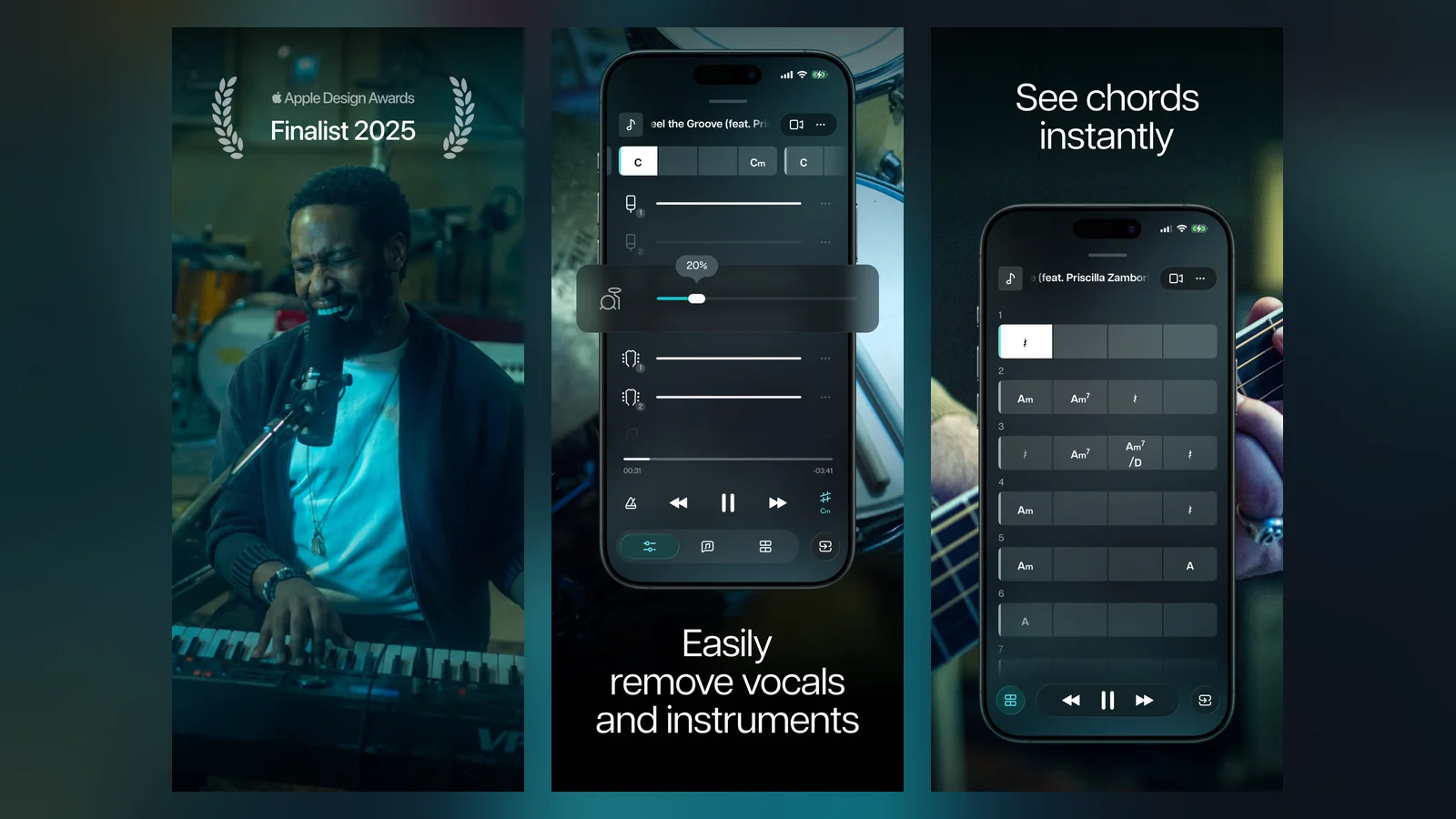
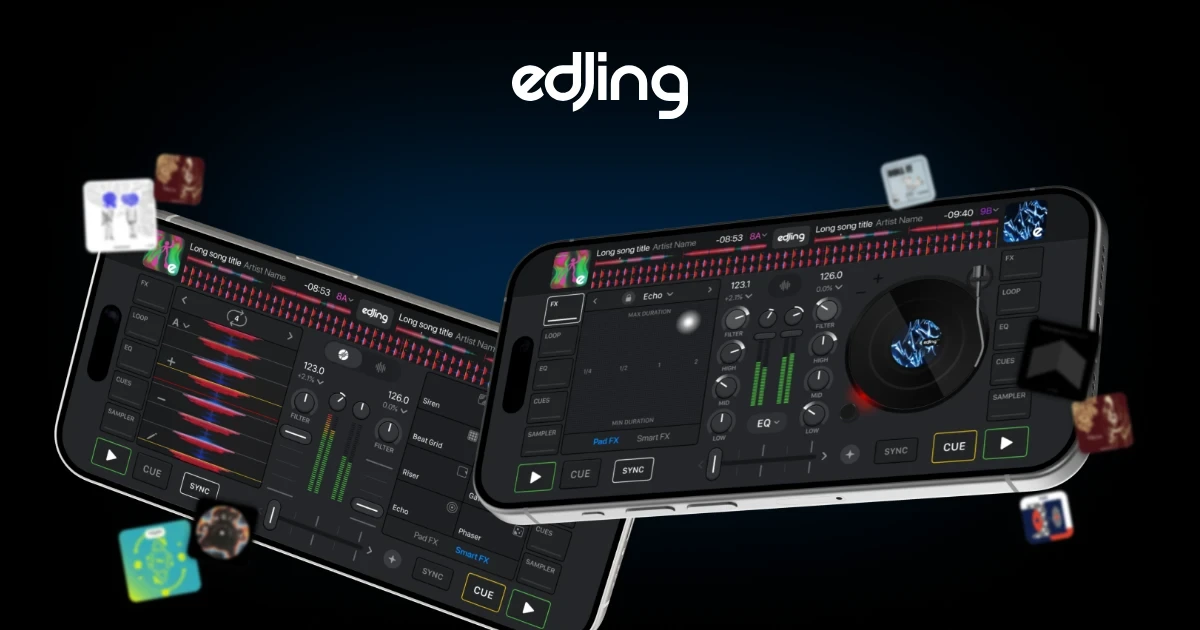
Moises is an AI app on Apple's Latin America list that splits songs into vocals and instruments for practice. edjing Mix is a DJ app on Apple's list of outdoor and hobby apps.
Moises' App Store screenshots show stem separation and chords. This is the regular app, not the Duo layout. Image: Moises
MoisesAI stem separation and practice tools for musiciansVisit WebsiteMoises is an AI music app that separates vocals and instruments from songs so you can practice, remix, or sing along.
- Splits songs into vocals, drums, guitar, bass, piano, and more.
- Changes key and speed of any track.
- Detects chords and includes a smart metronome.
- AI lyric transcription.
- On Apple's Made for iPhone Duo list.
Moises suits musicians who want backing tracks and practice tools built from their own music.Visit Website
edjing MixDJ mixing app with virtual turntablesVisit Websiteedjing Mix is a DJ app from MWM that puts a virtual turntable setup on your phone.
- Mix tracks from your library and supported streaming services.
- Two decks with over 20 effects and samples.
- Automatic BPM detection and looping.
- Records sets in .wav format.
- On Apple's Made for iPhone Duo list.
edjing Mix suits bedroom DJs who want to learn mixing on a phone.Visit Website
Best outdoor and hobby apps for iPhone Duo
Apple groups Sky Guide, Tide Guide, edjing Mix, and Next Shot under outdoors and hobbies.
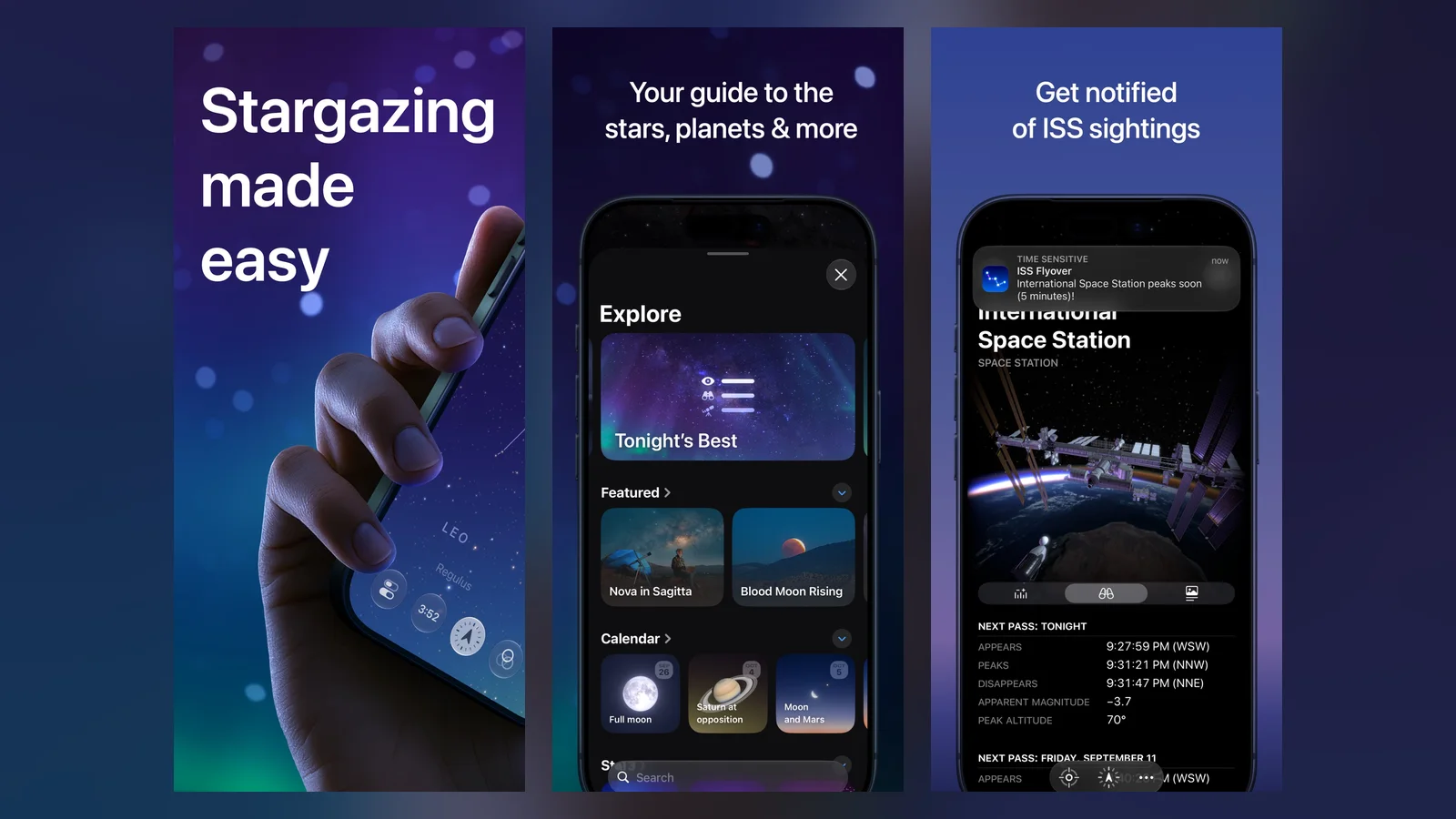
Sky Guide identifies stars, planets, and satellites. Gear Live says it fills the unfolded screen with the night sky and works offline.
Sky Guide's App Store screenshots show stargazing views. This is the regular app, not the Duo layout. Image: Fifth Star Labs
Sky GuideStargazing app that identifies stars and planetsVisit WebsiteSky Guide is a stargazing app from Fifth Star Labs that identifies stars, constellations, planets, and satellites when you point your phone at the sky.
- Augmented reality mode overlays figures on the real sky.
- Identifies stars, planets, and satellites.
- Notifications when the International Space Station flies over.
- Works without Wi-Fi, cellular, or GPS.
- On Apple's Made for iPhone Duo list.
Sky Guide suits beginners and hobbyists who want to know what is overhead tonight.Visit Website
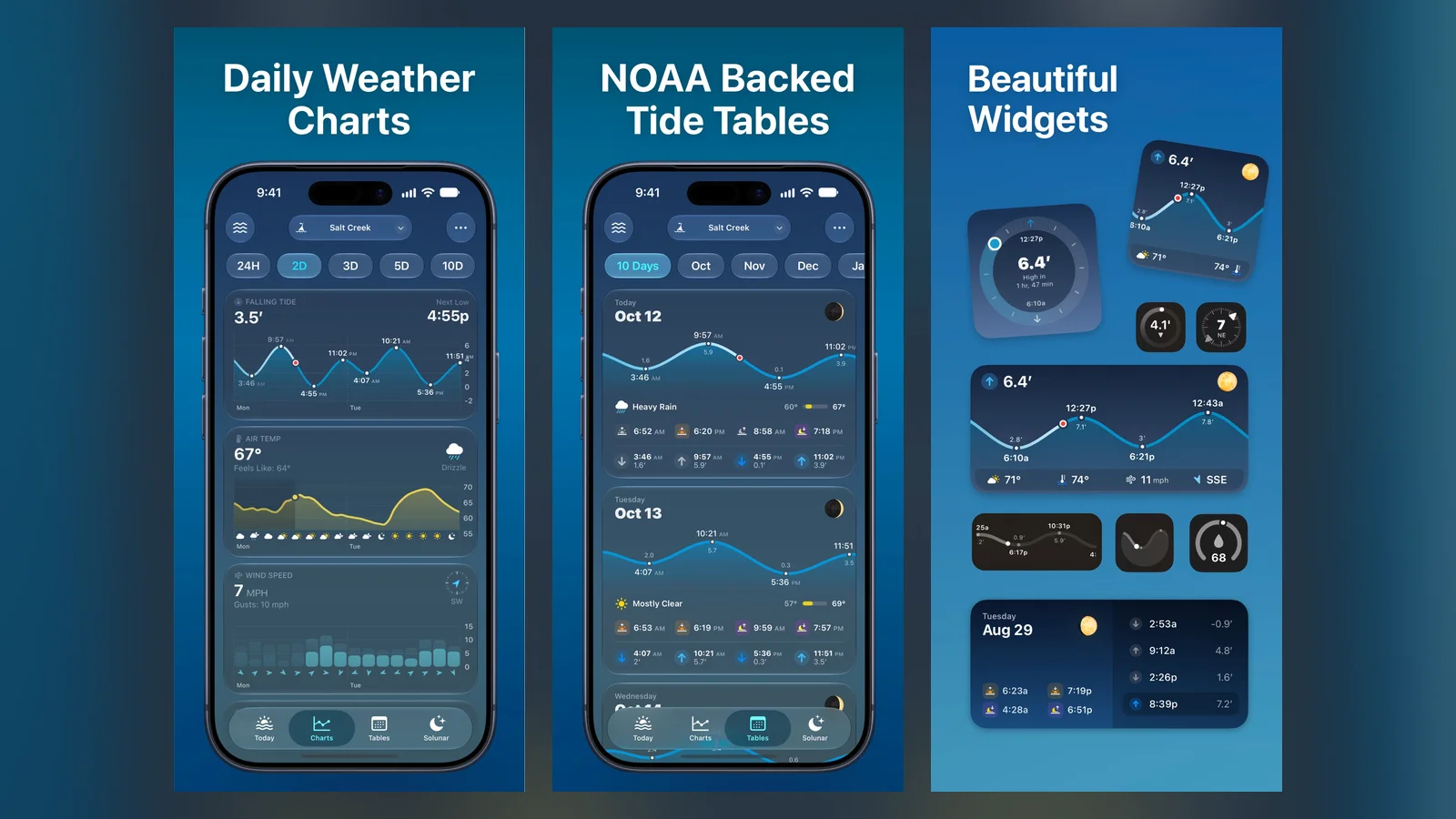
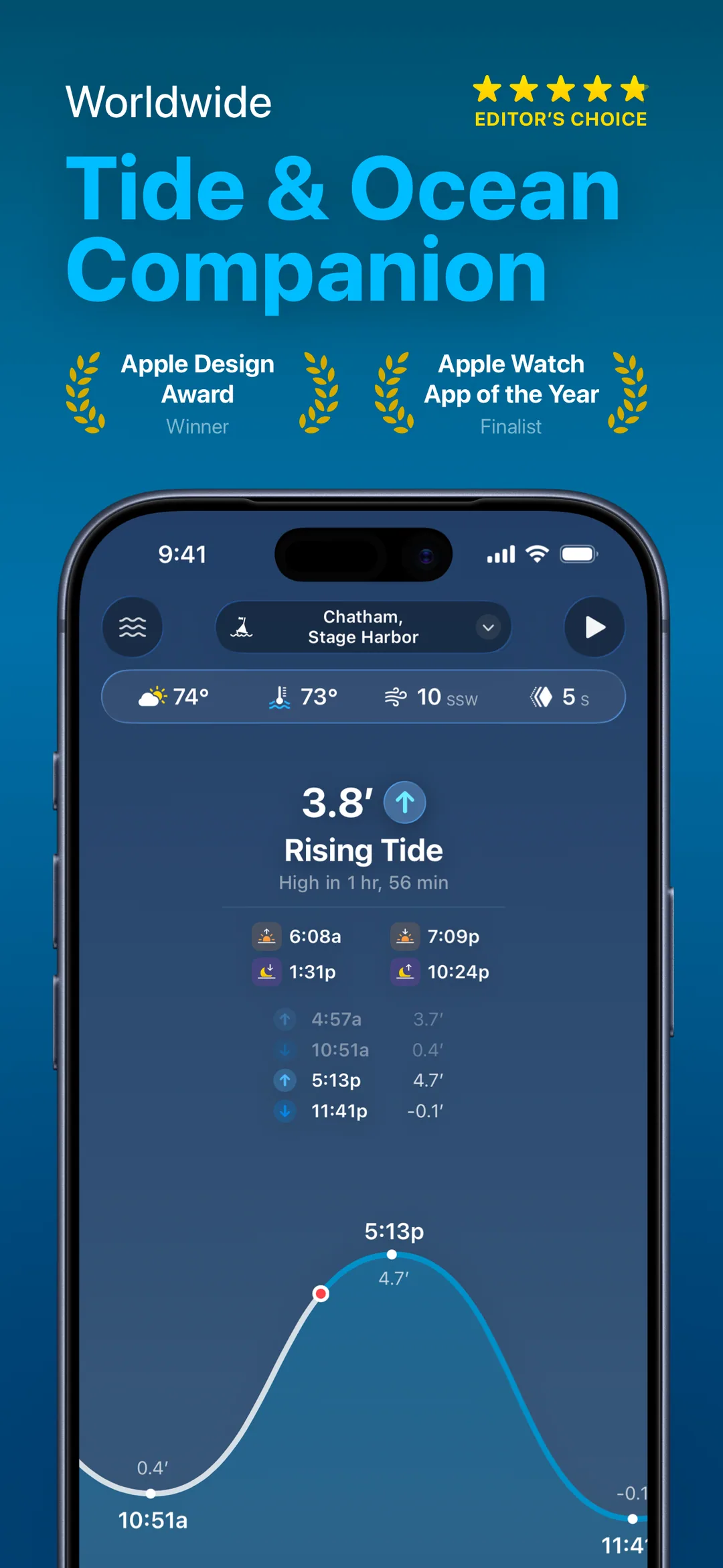
Tide Guide shows tide charts and marine weather for stations worldwide.
Tide Guide's App Store screenshots show its charts. This is the regular app, not the Duo layout. Image: Condor Digital
Tide GuideTide charts and marine weatherVisit WebsiteTide Guide shows tide charts and marine weather conditions from data providers worldwide, for iPhone, iPad, Mac, and Apple Watch.
- Charts for thousands of tide stations.
- Daily weather charts and ocean conditions.
- Tide tables for the next 12 months.
- Widgets, Live Activities, and an Apple Watch app.
- On Apple's Made for iPhone Duo list.
Tide Guide suits boaters, anglers, surfers, and beachgoers who plan around the water.Visit Website
Next Shot is a golf GPS and scorecard from the same developer as Tide Guide.
Next Shot's App Store screenshots show its course maps and scorecard. This is the regular app, not the Duo layout. Image: Condor Digital
Next ShotGolf GPS, rangefinder, and scorecardVisit WebsiteNext Shot turns an iPhone and Apple Watch into a golf GPS, rangefinder, scorecard, and round tracker from Condor Digital.
- GPS distances with elevation, wind, and plays-like yardage.
- Club recommendations based on your real distances.
- Course maps and shot-by-shot scorekeeping.
- Round history and Apple Watch tools.
- On Apple's Made for iPhone Duo list.
Next Shot suits golfers who want yardages and scoring in one app.Visit Website
Best food, shopping, and lifestyle apps for iPhone Duo
Apple lists NYT Cooking, LTK, Lowe's, Shop, OpenTable, Yelp, and DoorDash, with DoorDash coming later this year.
Apple's list also includes apps for China, Korea, and Europe. In China it names iQIYI, WPS Office, Xmind, Weibo, AMap, rednote, and Taobao. In Korea it names WEBTOON, NAVER SERIES, KakaoTalk, KakaoPage, and BAND. The Europe list adds Airmail, Craft, and Tiimo.
What are the best fun iPhone Duo apps?
Developers are building small, playful apps around the hinge, such as a cassette player, a toaster, and an accordion. We cover those separately in our guide to fun iPhone Duo apps, with a link to each creator's post or App Store page.
It is an app that its developer updated for the iPhone Duo's two displays and hinge. Apple shows a "Made for iPhone Duo" badge on the App Store product page.
How many Made for iPhone Duo apps are there?
Apple named 59 apps and games in its October 22, 2026 announcement. It did not say that was the full list, so check the App Store page of any app you care about.
Will apps without the badge work on iPhone Duo?
Apple's announcement does not say how apps without the badge behave. Gear Live tested about 25 apps ahead of launch, including several that are not on Apple's list, so its roundup is a useful second opinion.
Which iPhone Duo apps are not out yet?
Per Apple, Microsoft Word and Outlook arrive in the coming weeks, Zenless Zone Zero gets its update next month, UnGodly launches in November, and DoorDash arrives later this year.
Which iPhone Duo apps should I install first?
Gear Live says to install Deck-Man and TypeDraw first because they are built around opening and closing the phone. For everyday use, Fantastical and Things are the productivity picks on Apple's list.
Are Made for iPhone Duo apps free?
Many are free to download, including Bear, Tiimo, Moises, and Sky Guide, but some use paid tiers. Things costs $9.99 and Deck-Man costs $4.99.
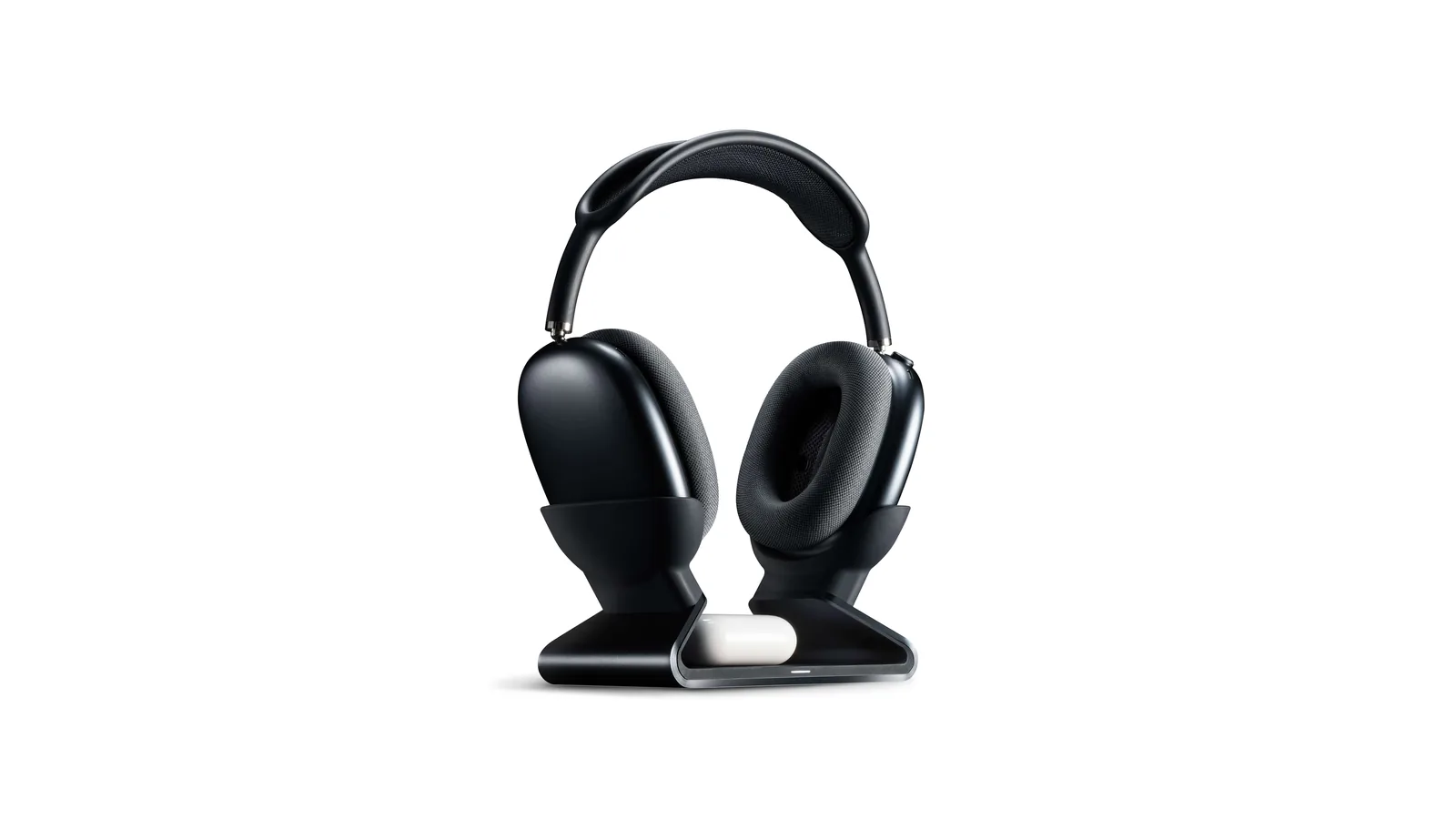
A floating AirPods Max stand that charges through a magnetic port connector.
HardwareDesk SetupmacOS
Max Charging Stand
An AirPods Max charging stand with sleep mode and a Qi pad for earbuds.
HardwareDesk SetupmacOS
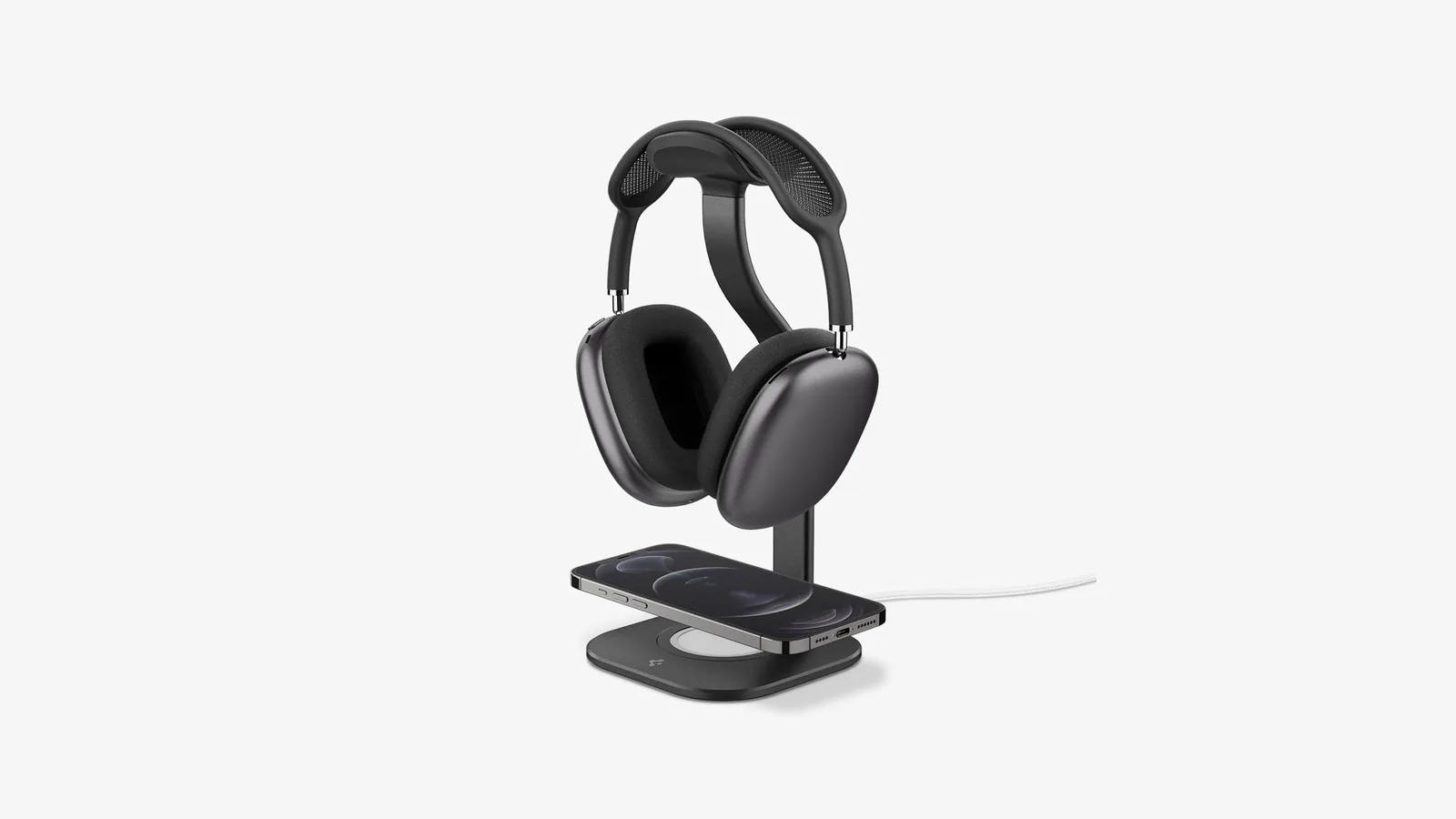
Nanotac AirPods Max Stand (MagFit)
An aluminum AirPods Max stand with a MagSafe charger slot for an iPhone.
HardwareDesk SetupmacOS
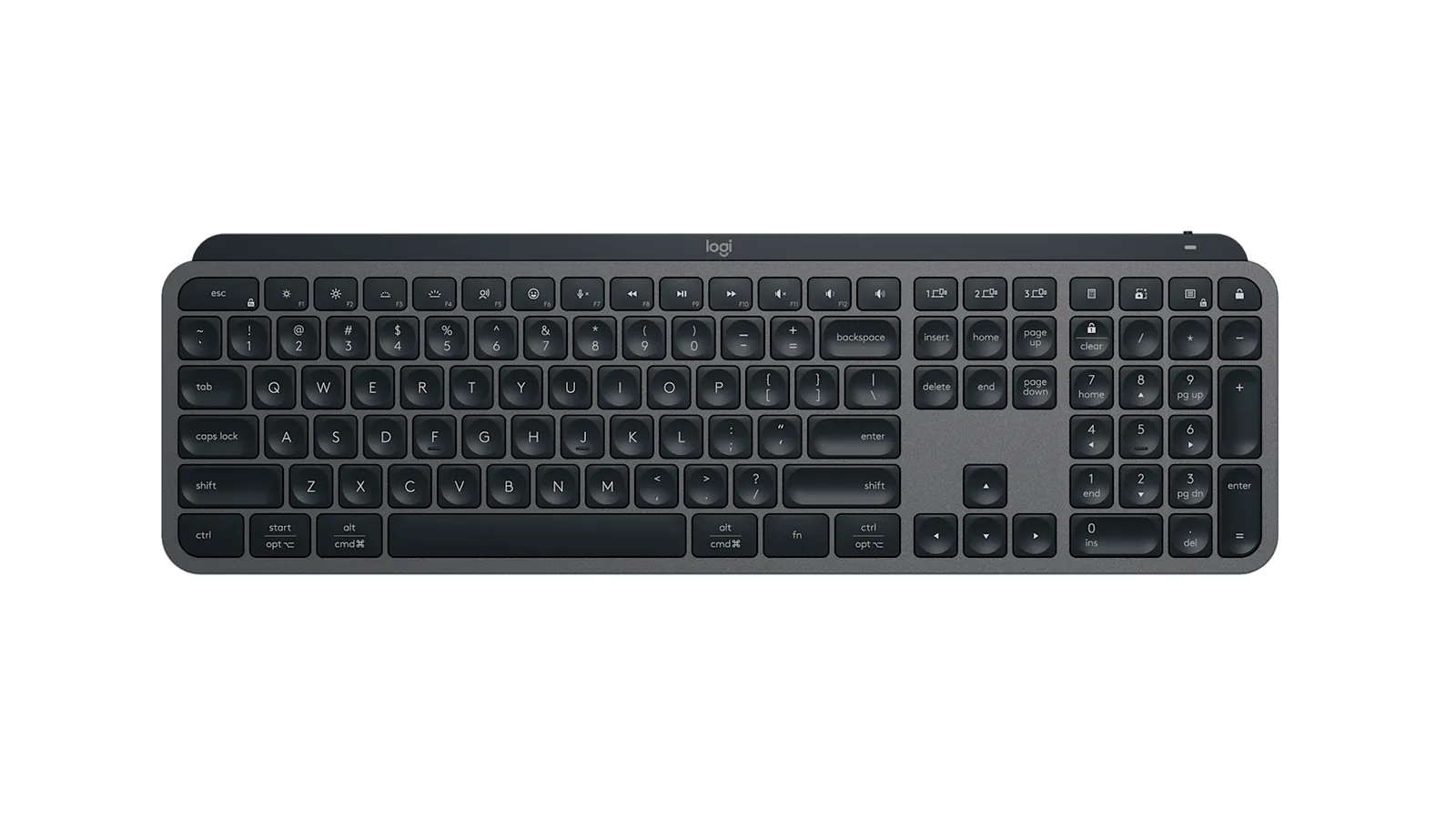
MX Keys S
A full-size wireless keyboard with smart backlighting and three-device switching.
HardwareKeyboards & MicemacOS
Double Shot
Free open-source Mac app that keeps your Mac awake for AI agents
Free
Double Shot is a free, open-source macOS menu bar app that keeps your Mac awake, with the lid closed too, and for as long as your AI coding agents are working.
- Detects when Claude Code, Codex, Gemini CLI, Cursor Agent, Copilot CLI, OpenCode, Amp or Aider are actually working, not just open.
- Lid closed mode uses pmset disablesleep, with a one-time password prompt that adds a sudoers rule.
- Stops at the first warm level, turns the dark display off, switches on Low Power Mode on battery, and lets go when the battery gets low.
- Quick picks from 15 minutes to 5 hours, or until you turn it off.
- MIT licensed. Install with Homebrew or download from GitHub. Not notarized by Apple yet, and it needs macOS 14 or later.
Double Shot suits anyone who starts a long agent run, closes the lid and expects the work to carry on.
SoftwareUtilitiesmacOS
Peek
Glance at websites and widgets with a shortcut
Free
Peek is a native Mac app that brings frequently checked information into a personal overlay. Hold a shortcut to glance at it, release to return to your work, or tap the shortcut to keep it open and interact.
Combine websites, local PDFs, and widgets such as Calendar, Reminders, and time zones in one space. Arrange and resize content freely, or use Flow mode to organize your layout. Hide unwanted page elements and block ads, trackers, and cookie banners.
Set custom keyboard shortcuts, including separate left and right modifier keys. Peek works across multiple monitors and full-screen spaces, with per-display layouts or synced widgets. Optional auto-refresh keeps pages current, and you can open content in its default app when you want to continue outside the overlay. The site also lists passkey support and experimental web extensions.
Use it to check analytics beside your calendar, review GitHub pull requests and Linear issues while coding, or gather visual references from websites without switching away from your current app.
Available free on the Mac App Store. Requires macOS 14.2 or later.
SoftwareProductivitymacOS
Mac mini 11-in-1 Docking Station
A Mac mini M4 dock with an 8TB-capable NVMe slot and card readers.
HardwareConnectivitymacOS
Brio 100 Full HD Webcam
A budget 1080p webcam with a privacy shutter and built-in mic.
HardwareCamerasmacOS
MX Brio 4K Webcam
A 4K/30 or 1080p/60 webcam with dual mics and Show Mode.