Fun iPhone Duo Apps: Best Indie Games, Toys, and Creative Apps
The best fun iPhone Duo apps right now are Deck-Man, TypeDraw, Tiny Computers, Toastie, Orisuji, and Marbles Unhinged. Each one is built around the Duo's hinge, two displays, or tent and book poses. Behind them is a second wave of open-source experiments and hackathon prototypes that are not on the App Store yet.
This guide covers what each app does, who made it, and where to find it. Every app below links to its App Store page, its creator's post on X, or its source code.
How we picked these fun iPhone Duo apps
We looked for apps and projects made for the Duo's two displays, and we included only ones we could link to a primary source: the App Store, a creator's own post on X, a GitHub repository, or the developer's site. Aggregator sites such as FoldHunt were used to find leads only. We checked everything on October 25, 2026.
We have not tested these apps on an iPhone Duo. Prices come from App Store pages. Apps that are in beta, in development, or only shown in a simulator are labeled as such. Apple's Made for iPhone Duo list is covered in our guide to the best iPhone Duo apps.
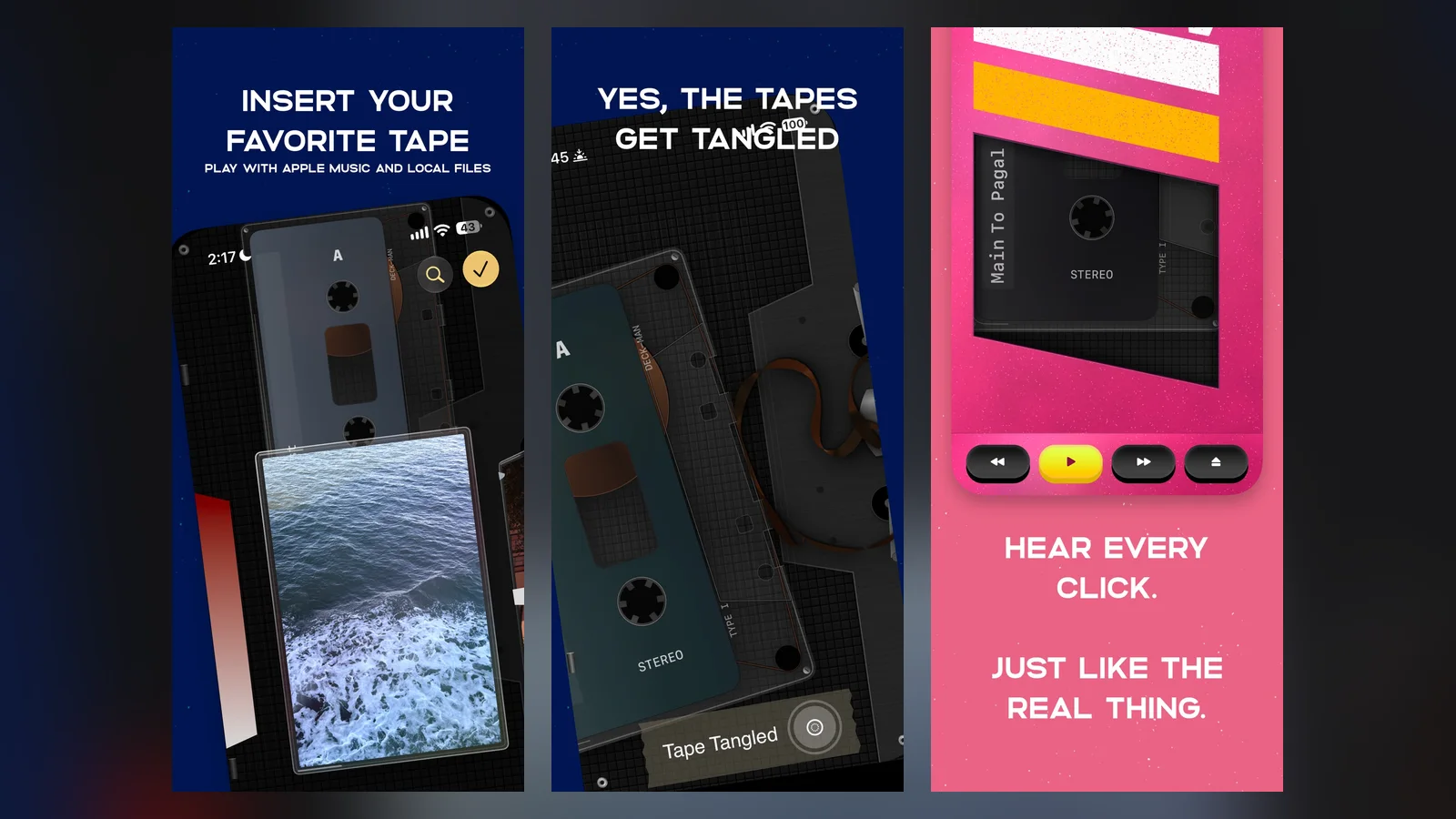
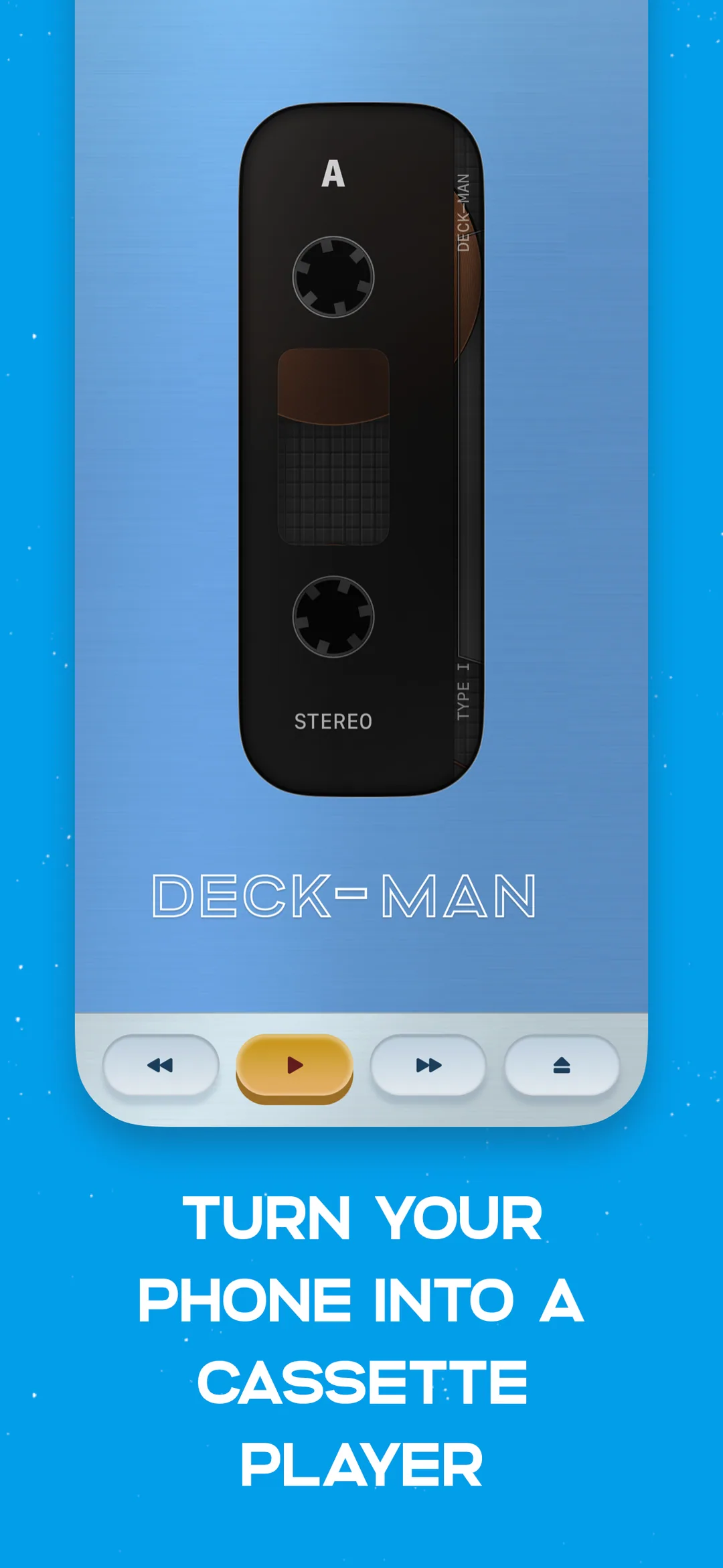
Deck-Man turns the phone into a cassette player. Image: Squircle Apps
What are the best fun iPhone Duo apps on the App Store?
These are on the App Store now, from solo developers and small studios.
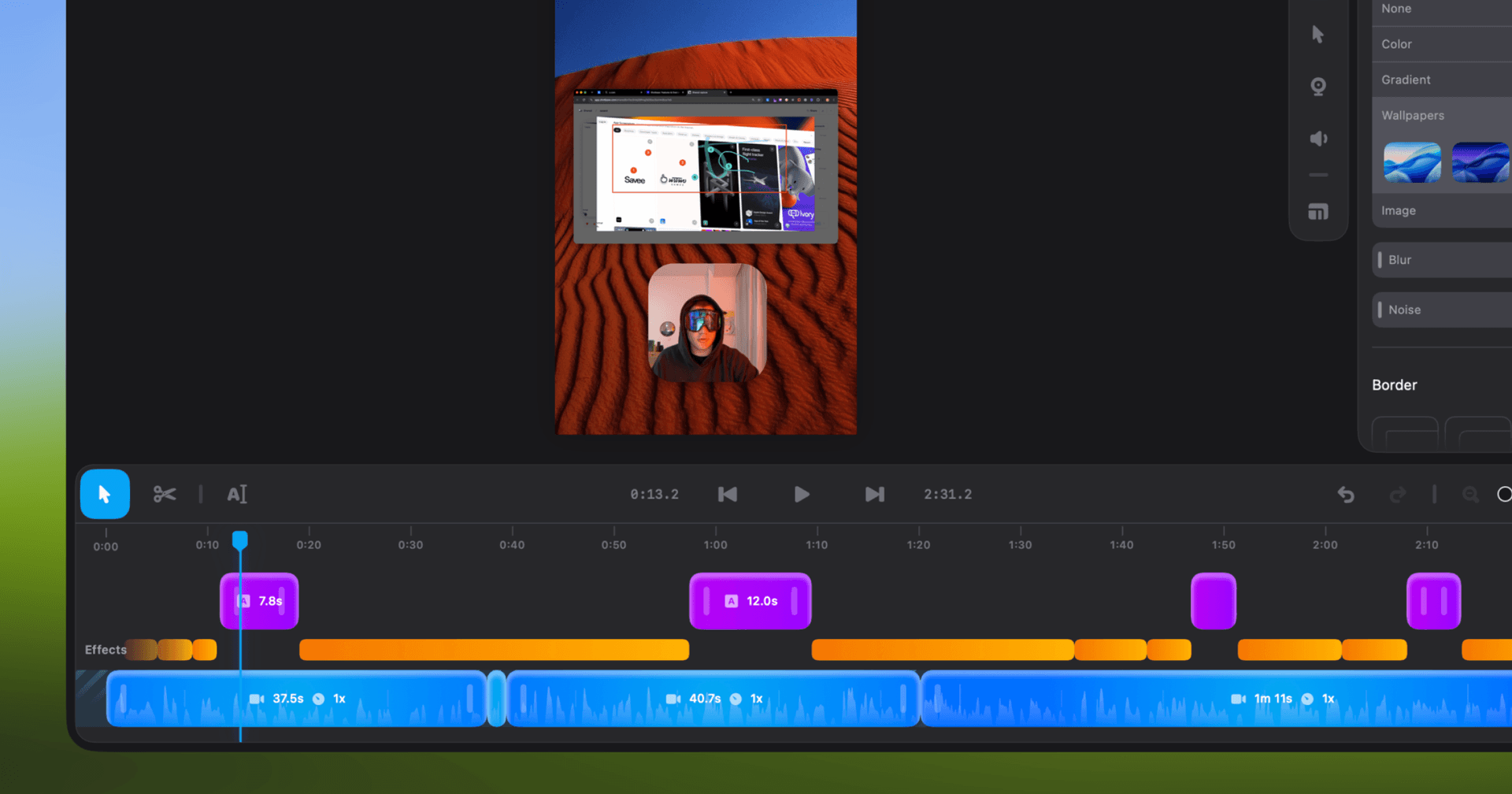
Shotbase is a comprehensive tool designed to capture and manage all your screen-based content effortlessly. With features like stunning screenshot capabilities, recording options that include cinematic effects, and an intuitive organizational structure powered by local AI, you can easily keep your multimedia assets organized and accessible. Shotbase not only allows you to capture specific areas, windows, or full screens on your Mac but also enables you to edit and enhance your captures with backgrounds, frames, and annotations. The integrated AI ensures your captures are automatically named and tagged for easy searching, making it an excellent choice for anyone looking to enhance their productivity and creativity in one seamless workspace.
SoftwareCreativemacOS
DeskMinder
For Easily Distracted Minds
Freemium
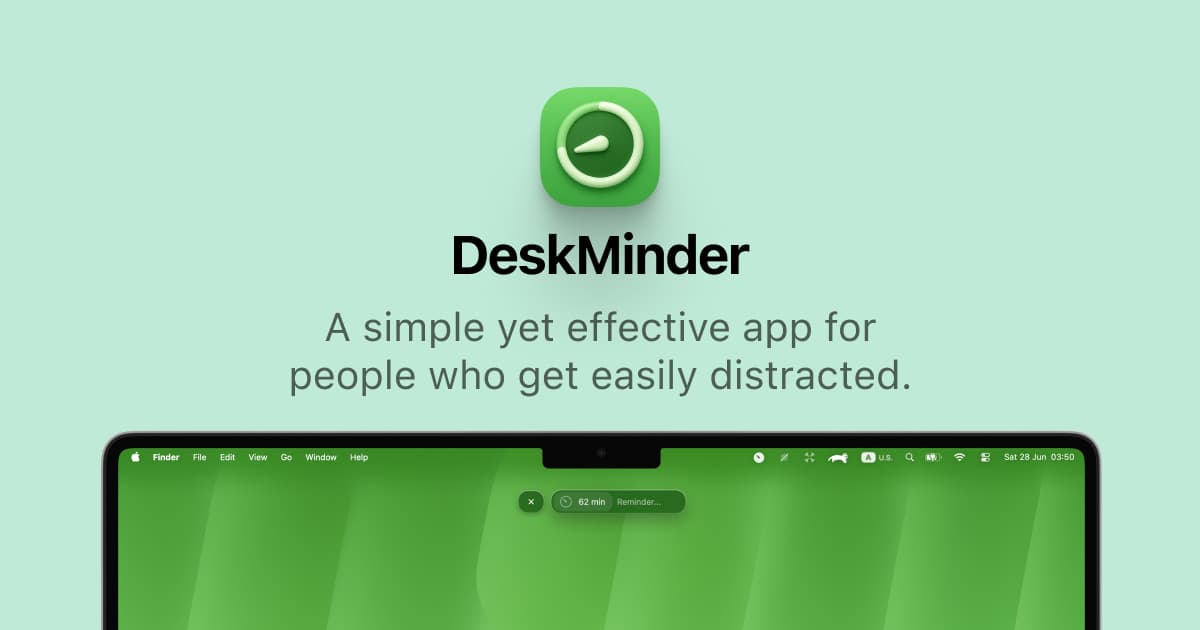
DeskMinder is a productivity software application designed for Mac users who struggle with distractions. It provides a straightforward interface for creating desktop pop-up reminders and tasks, helping users manage urgent to-dos, short breaks, and fleeting ideas. With features like full-screen notifications and Apple Reminders integration, DeskMinder aims to enhance focus and time management for i
- With features like easy-to-create desktop pop-ups for reminders and tasks, it simplifies the process of staying on top of urgent to-dos, short breaks, or fleeting ideas.
- Users can benefit from full-screen notifications, Apple Reminders integration, and flexible widget placement, making it ideal for anyone requiring a little extra help to maintain focus.
- The app includes additional shortcuts for quick reminder setups and customizable widget options, along with a history tracking feature to monitor daily progress.
Designed specifically for Mac users, DeskMinder aims to facilitate better time management and productivity for those with attention challenges, providing a seamless user experience without unnecessary complexity.
SoftwareProductivitymacOS
Klack
Satisfying sound with every keystroke
Paid
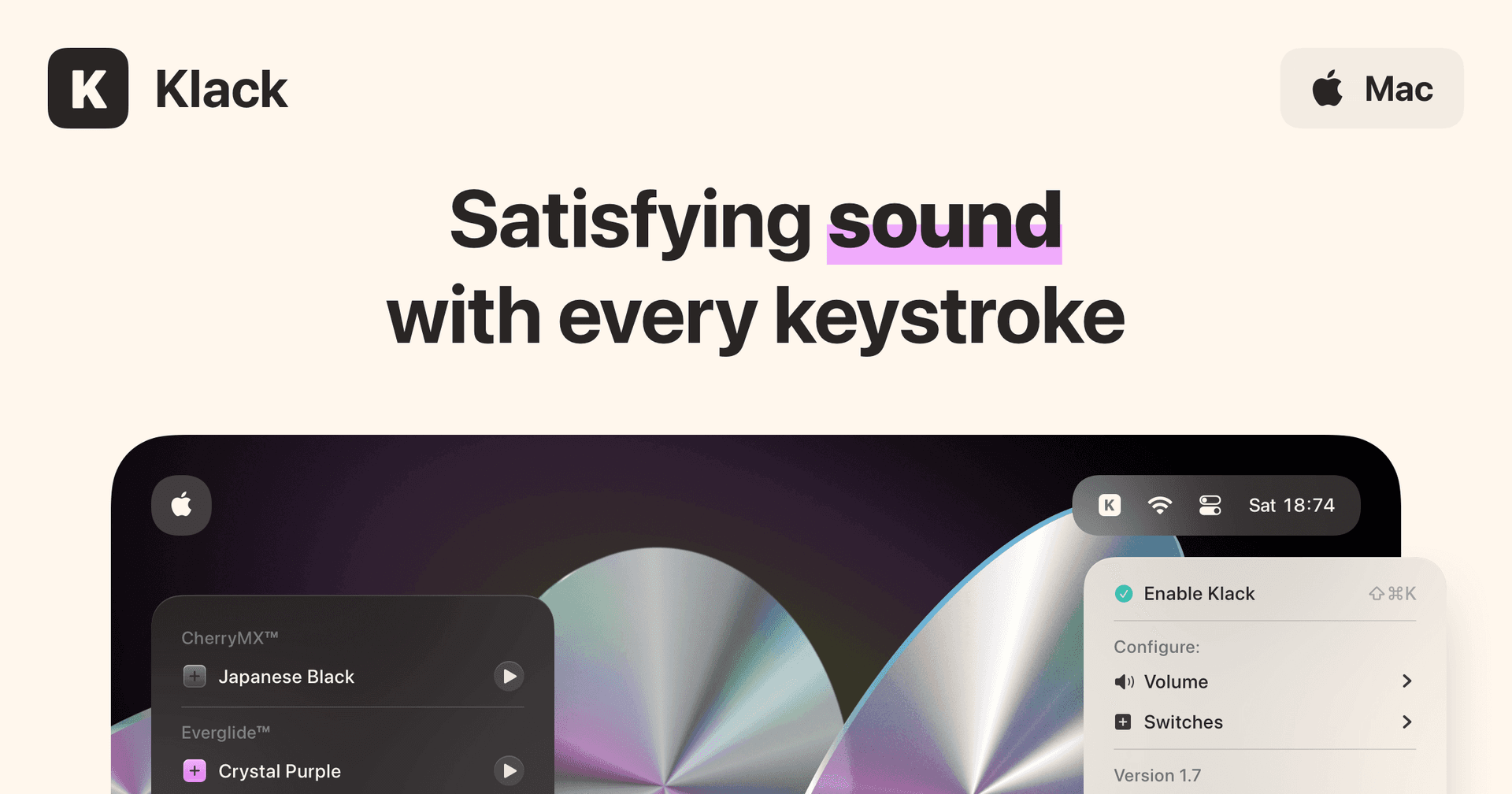
Klack is a macOS application designed to enhance the typing experience through high-fidelity sound for each keystroke. It provides features such as immersive spatial audio, instant feedback, and customizable sound options, making it suitable for writers, developers, and anyone who values an engaging typing environment. The app is easily accessible from the menubar and offers extensive configuratio
- Provides immersive spatial audio for enhanced typing feedback.
- Allows customization of keystroke sounds, pitch variations, and volume settings.
- Features a menubar interface for quick access to configuration options.
- Supports instant feedback with each keystroke for a more engaging experience.
- Designed for writers and developers seeking auditory feedback while typing.
Klack enhances the typing experience on Mac by providing high-fidelity sound for each keystroke.
SoftwaremacOS
TypoTab
TypoTab, the ultimate AI writing assistant for
Paid
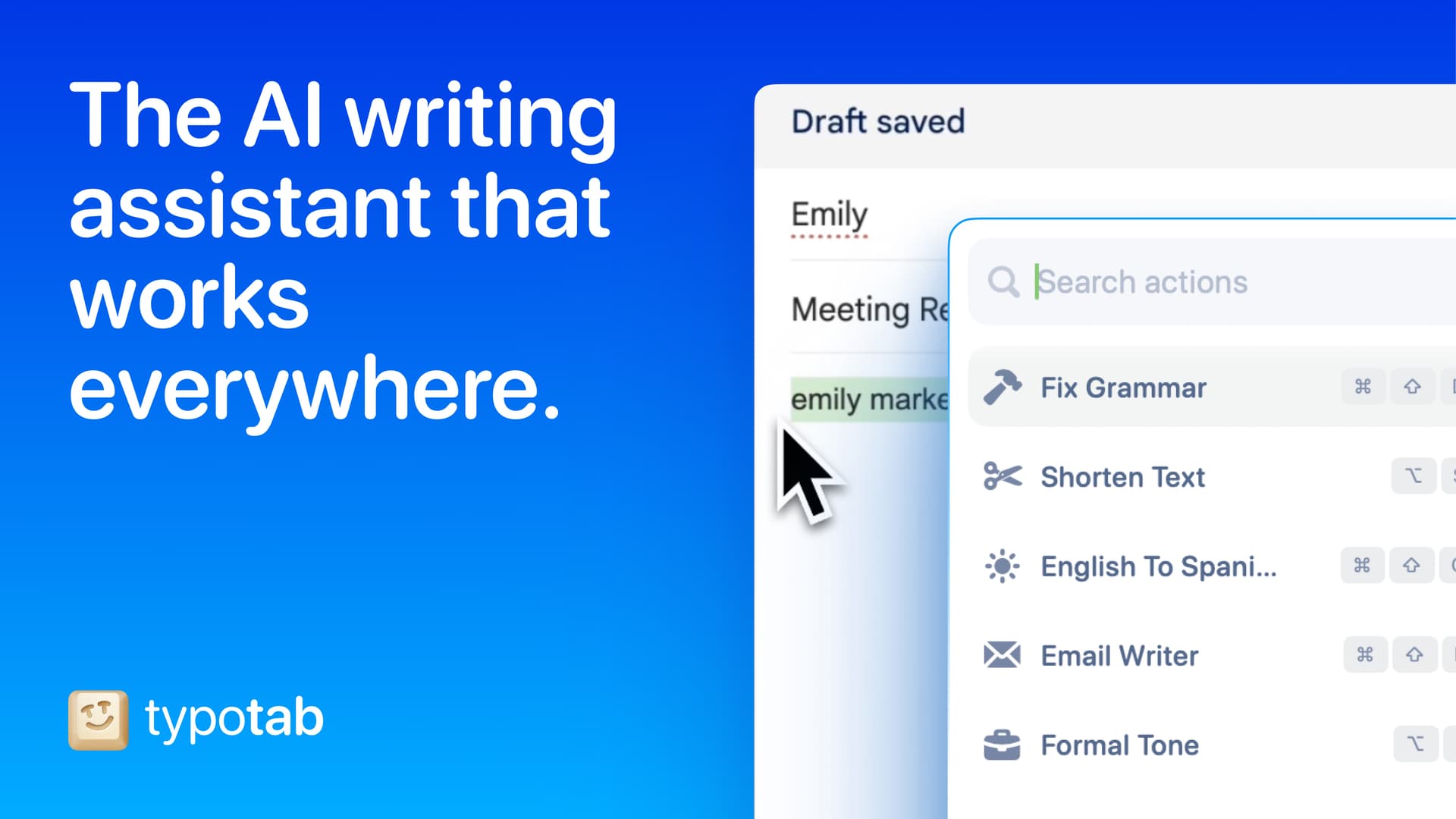
TypoTab is a macOS application that functions as an AI-driven writing assistant. It enhances writing efficiency by providing tools for grammar correction, text rephrasing, and content generation, all accessible from the menu bar without needing to switch applications. This tool is designed for writers, students, and professionals looking to streamline their writing process and improve productivity
- Provides grammar correction and text rephrasing directly from the menu bar.
- Allows text refinement in any application without switching contexts.
- Offers customizable actions to meet individual writing needs.
- Streamlines repetitive writing tasks for improved efficiency.
- Supports a wide range of applications, enhancing workflow across platforms.
TypoTab is a macOS application that enhances writing efficiency by providing grammar correction, text rephrasing, and content generation directly from the menu bar. It allows users to refine text in any application without switching contexts, offering customizable actions to suit individual writing needs.
SoftwareProductivitymacOS
Double Shot
Free open-source Mac app that keeps your Mac awake for AI agents
Free
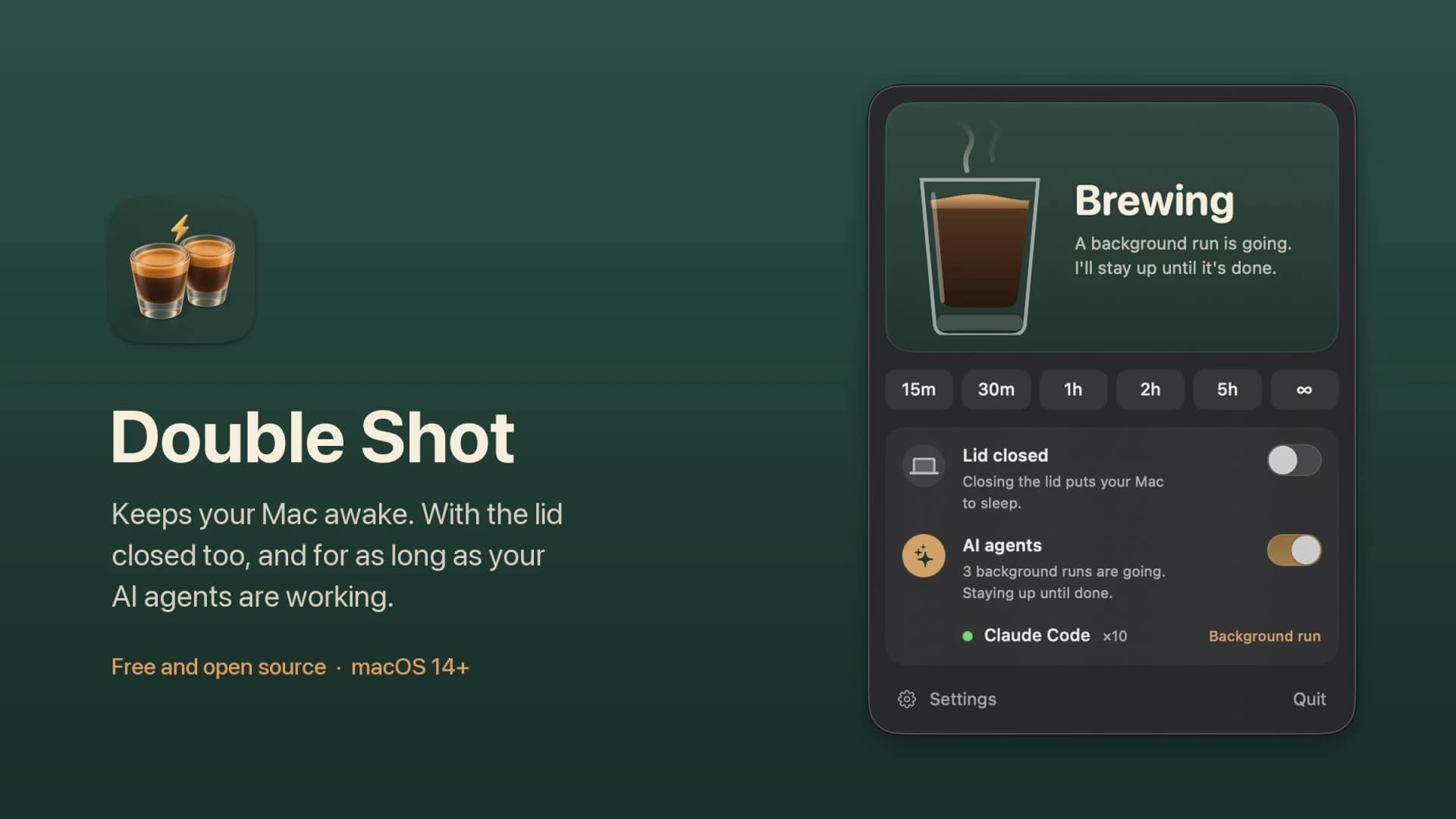
Double Shot is a free, open-source macOS menu bar app that keeps your Mac awake, with the lid closed too, and for as long as your AI coding agents are working.
- Detects when Claude Code, Codex, Gemini CLI, Cursor Agent, Copilot CLI, OpenCode, Amp or Aider are actually working, not just open.
- Lid closed mode uses pmset disablesleep, with a one-time password prompt that adds a sudoers rule.
- Stops at the first warm level, turns the dark display off, switches on Low Power Mode on battery, and lets go when the battery gets low.
- Quick picks from 15 minutes to 5 hours, or until you turn it off.
- MIT licensed. Install with Homebrew or download from GitHub. Not notarized by Apple yet, and it needs macOS 14 or later.
Double Shot suits anyone who starts a long agent run, closes the lid and expects the work to carry on.
SoftwareUtilitiesmacOS
Peek
Glance at websites and widgets with a shortcut
Free
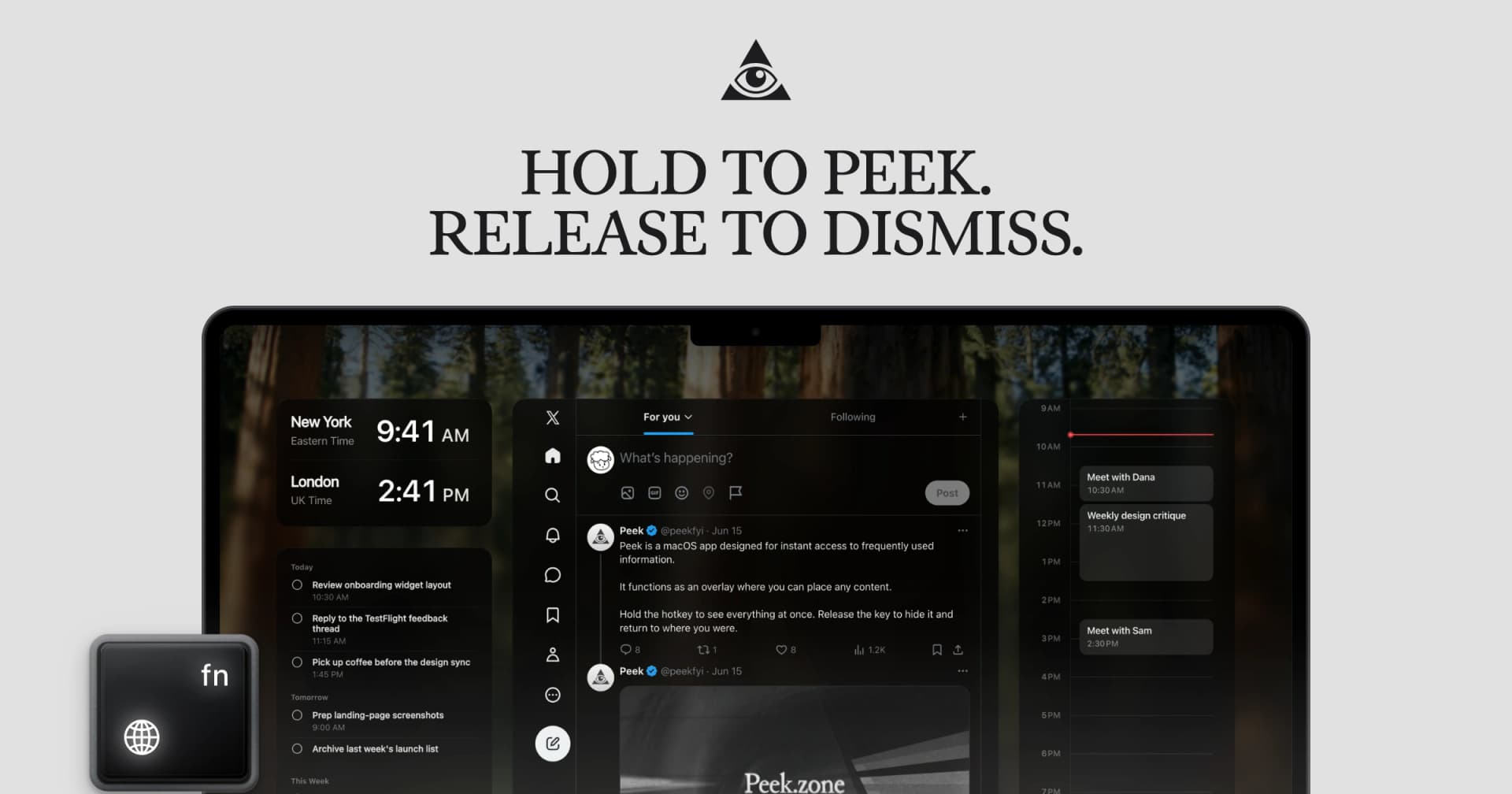
Peek is a native Mac app that brings frequently checked information into a personal overlay. Hold a shortcut to glance at it, release to return to your work, or tap the shortcut to keep it open and interact.
Combine websites, local PDFs, and widgets such as Calendar, Reminders, and time zones in one space. Arrange and resize content freely, or use Flow mode to organize your layout. Hide unwanted page elements and block ads, trackers, and cookie banners.
Set custom keyboard shortcuts, including separate left and right modifier keys. Peek works across multiple monitors and full-screen spaces, with per-display layouts or synced widgets. Optional auto-refresh keeps pages current, and you can open content in its default app when you want to continue outside the overlay. The site also lists passkey support and experimental web extensions.
Use it to check analytics beside your calendar, review GitHub pull requests and Linear issues while coding, or gather visual references from websites without switching away from your current app.
Available free on the Mac App Store. Requires macOS 14.2 or later.
SoftwareProductivitymacOS
Cap
The open source screen recorder
Freemium
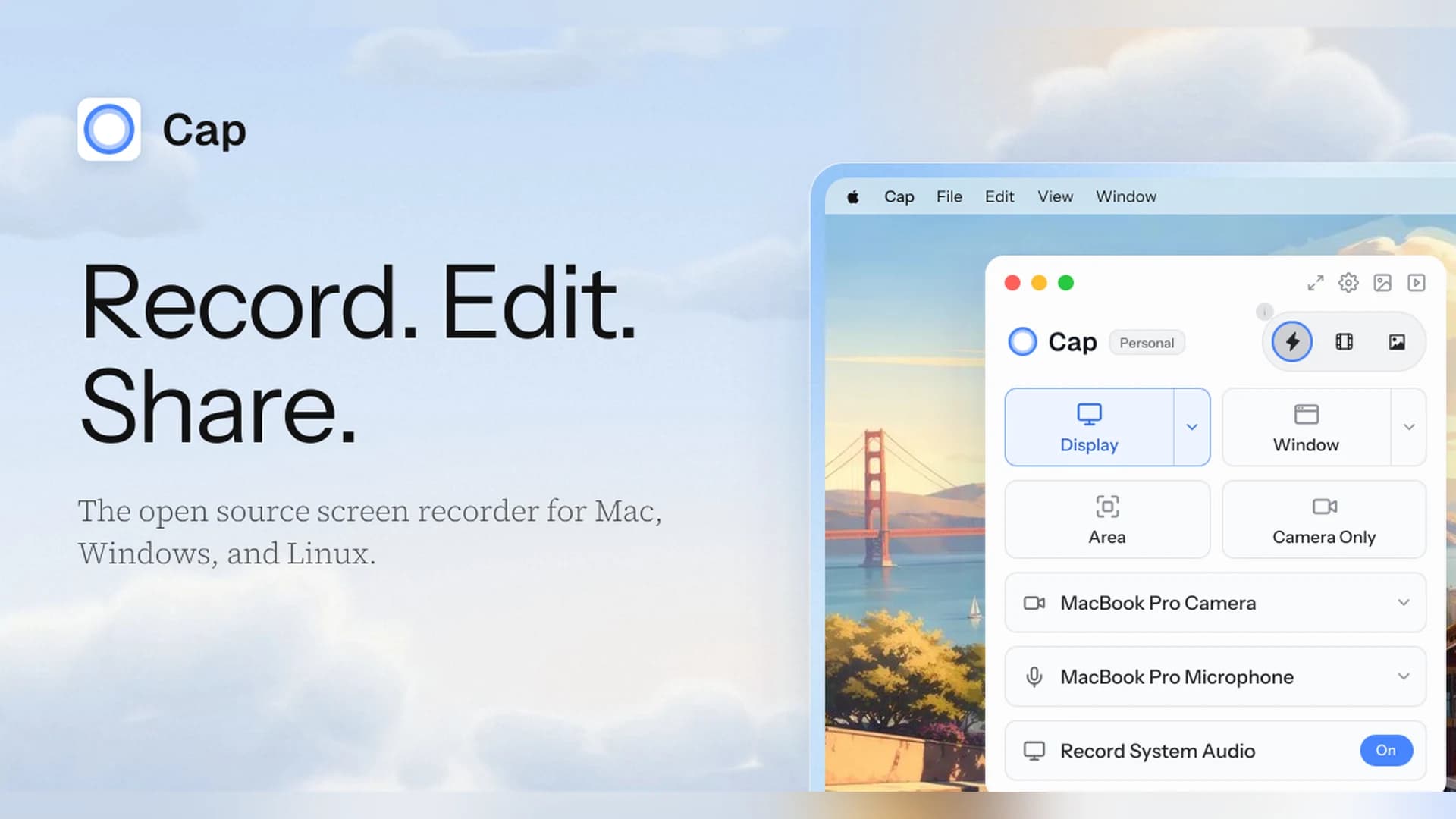
Cap is an open-source screen recorder for Mac, Windows, and Linux that works as a Loom alternative, with instant share links and a local Studio Mode.
- Instant Mode records and uploads at once so you get a shareable link as you stop.
- Studio Mode records locally with a full editor and exports up to 4K at 60 fps.
- Free for personal use. A Desktop License ($29 a year, or $58 once) adds commercial rights, and Cap Pro ($12 per user a month) adds unlimited cloud sharing.
- Open source, with a self-hosting option.
Cap suits people who want a Loom-style workflow without being locked into one vendor.
SoftwareCreativemacOS
Zight
Share screen recordings and screenshots instantly
Freemium
Zight (formerly CloudApp) captures screenshots, GIFs, and screen recordings and turns each one into a shareable link.
- Records the screen and webcam, and shares a link as soon as you stop.
- The free plan covers recordings up to 5 minutes at up to 720p, with 1 GB of storage.
- Paid plans add unlimited recording time, 4K, and AI summaries, chapters, and smart actions.
- Includes video requests, so teammates can send you a recording.
Zight suits teams that send quick videos and screenshots instead of long messages.
SoftwareCreativemacOS
Paste
Clipboard manager for Mac, iPhone, and iPad
Paid
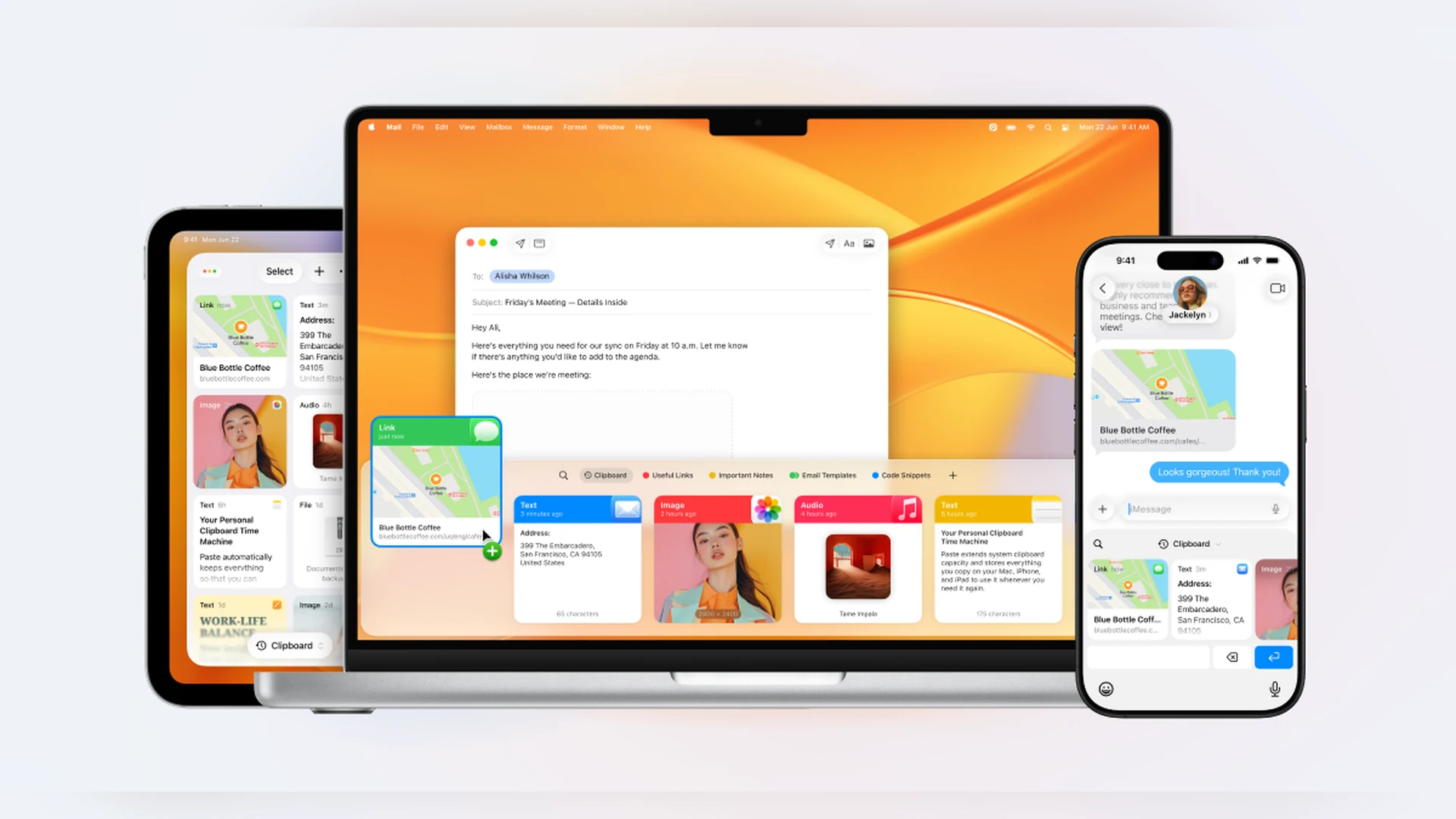
Paste is a clipboard manager that keeps a searchable history of what you copy and syncs it across your Mac, iPhone, and iPad.
- Unlimited clipboard history with search and filters by type.
- Pinboards for snippets, signatures, and links you reuse.
- Keeps images, files, and rich text, and syncs through your private iCloud.
- 7-day free trial, then a subscription ($29.99 a year, or $2.49 a month billed annually) or a Lifetime plan.
Paste suits people who want a polished clipboard history on every Apple device.
SoftwareProductivitymacOS
Deck-Man: a cassette player for iPhone Duo
Deck-Man is a music app that works like a cassette deck. Gear Live says you load a tape, close the Duo and the album plays, and opening it stops the music. It adds that the clicks were recorded from a real cassette player, and tells new Duo owners to install it first.
The app began as Duo-Man at a hackathon. Its creator @viditb posted the rename to Deck-Man and later wrote that it was out now, plus another post about the app. Justin Middler's roundup says the original Duo-Man demo passed 10,000 likes. Apple lists Deck-Man as a Made for iPhone Duo app.
Price: $4.99, from Squircle Apps LLP.
Deck-ManCassette player for iPhone DuoVisit WebsiteDeck-Man is a cassette-player music app made for iPhone Duo. Open the phone to pick an album, insert it, and close the phone to play.
- Browse your albums as cassette tapes.
- Play, pause, rewind, and fast-forward controls.
- Mechanical clicks recorded from a real portable player.
- Works with Apple Music, per its App Store page.
- No ads, subscriptions, or in-app purchases.
Deck-Man suits music fans who like nostalgic, tactile apps.Visit Website
TypeDraw: a notebook that opens like a book
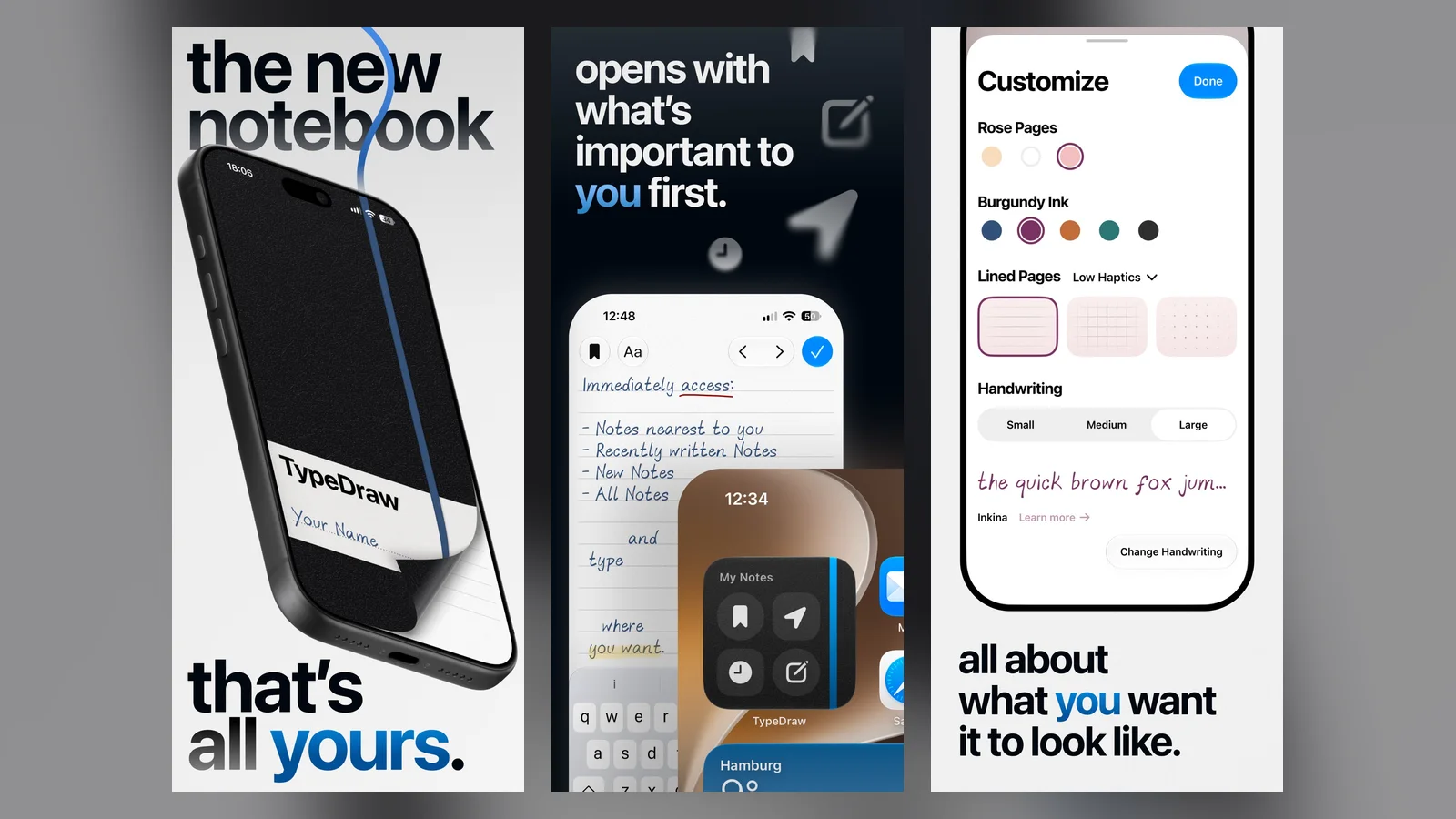
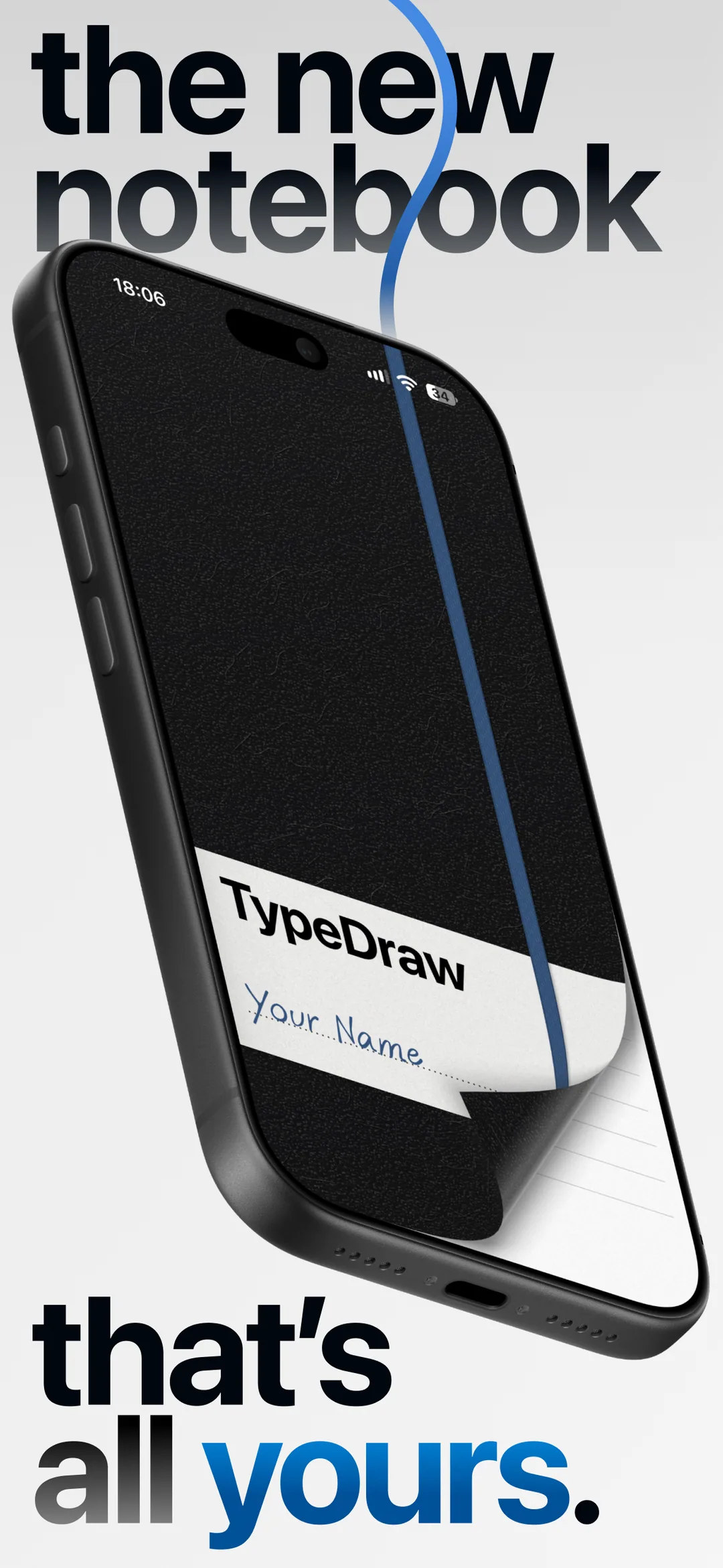
TypeDraw is a notebook app from Phil Traut and Shaped Agency. Gear Live describes an unfolded notebook where you can type anywhere or sketch, with pages that curl, a stretchy elastic band, and a custom font made from your own handwriting.
@SpatiallyMe shared the launch and said TypeDraw reached number one in Productivity. We did not confirm Apple Pencil support, because TypeDraw's App Store text and MacRumors disagree on it.
TypeDraw's App Store artwork shows the notebook layout. Image: Shaped Agency
Price: $4.99.
TypeDrawNotebook app that opens when you unfold the phoneVisit WebsiteTypeDraw is a notebook app from Shaped Agency that opens like a book, including by unfolding iPhone Duo.
- Type anywhere on the page or draw with your finger.
- Twelve handwritten typefaces, plus a font made from your own handwriting.
- Lined, grid, or dotted paper and custom colors.
- Local and private, with optional iCloud sync.
- No account required.
TypeDraw suits people who like a notebook feel for quick notes.Visit Website
Tiny Computers: classic computers on the fold
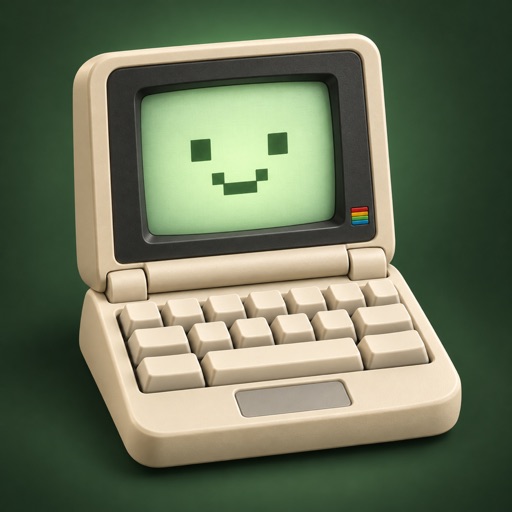
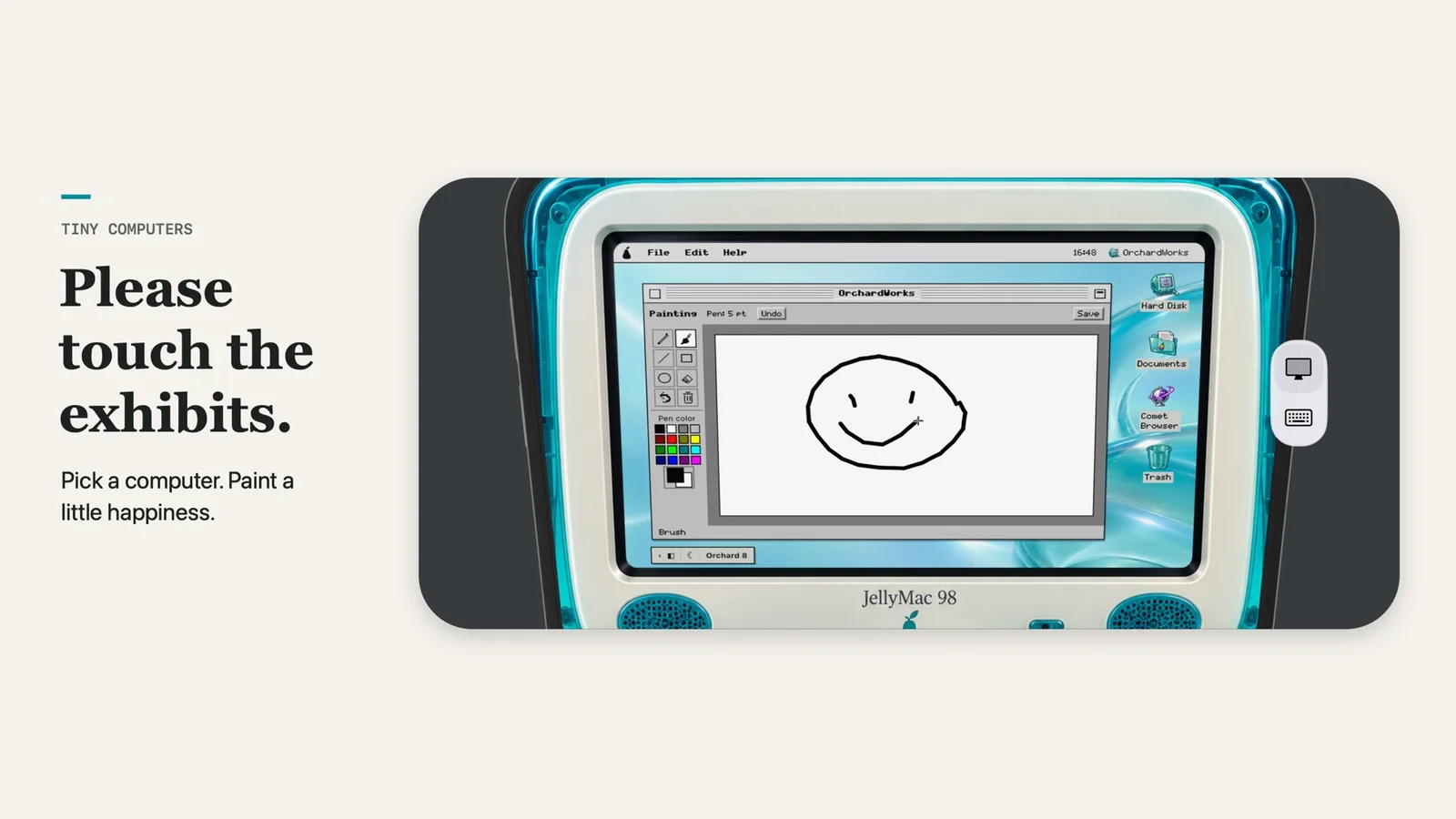
Tiny Computers puts old computers on the Duo. MacRumors lists a Macintosh, Commodore 64, Amiga 500, iMac G3, and iBook G3, with clickable keyboards, desktop games, paint programs, and hidden files. It says the app works best when you sit it on a surface. The App Store page counts 10 computers.
The same developer, Fountain Interactive, also made Fold & Squish, a free app where you paint one half, close the phone to squish the paint on the outer display, and open it for Rorschach-style art, per MacRumors.
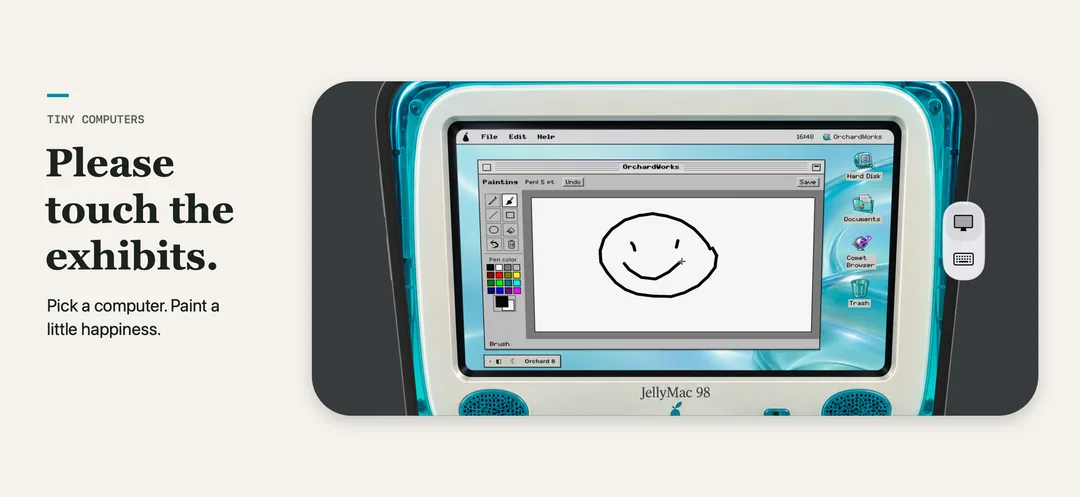
Tiny Computers shows classic computers on the Duo. Image: Fountain Interactive
Price: $3.99.
Tiny ComputersMiniature retro computers for iPhone DuoVisit WebsiteTiny Computers turns iPhone Duo into a museum of miniature computers. Fold the phone into tabletop mode and it becomes a small machine with a screen above and a keyboard below.
- Ten computers inspired by the Macintosh, Commodore 64, Amiga 500, iMac G3, Windows 95, and more.
- Clicking keyboards, command lines, and paint programs.
- Floppy disks and familiar desktop games.
- Hidden files and secret commands.
- Made for iPhone Duo.
Tiny Computers suits retro computing fans who want a toy for the desk.Visit Website
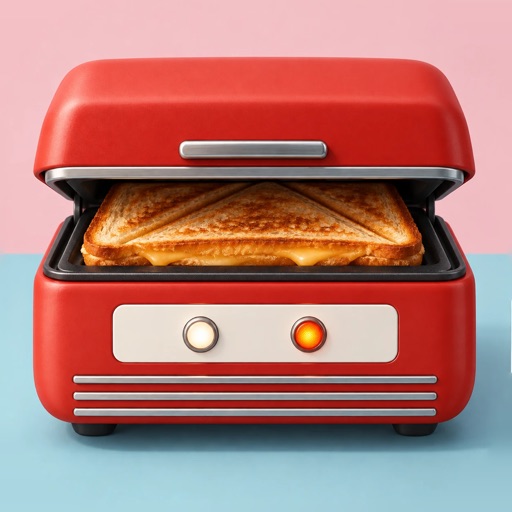
Toastie: a grilled cheese game
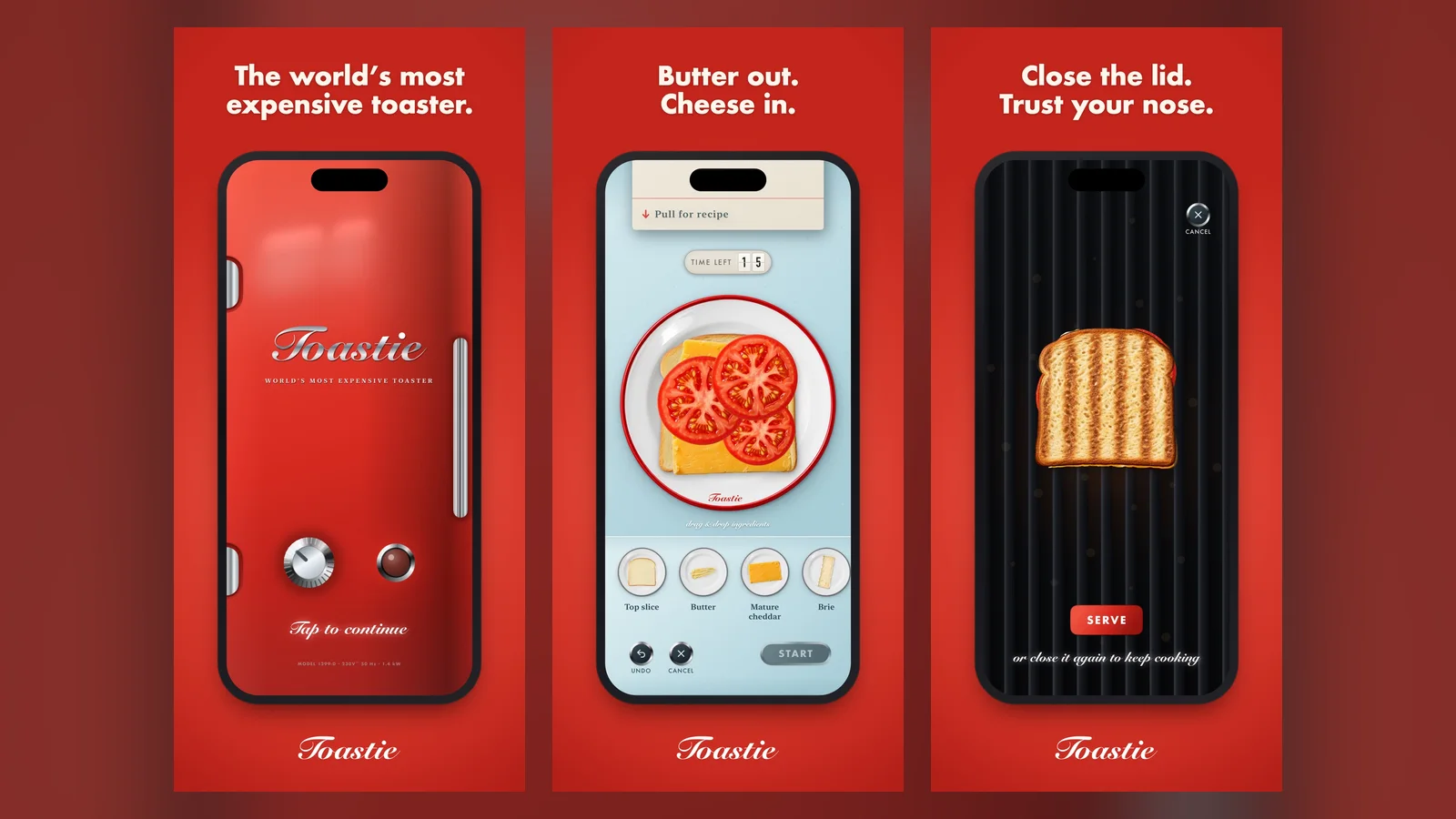
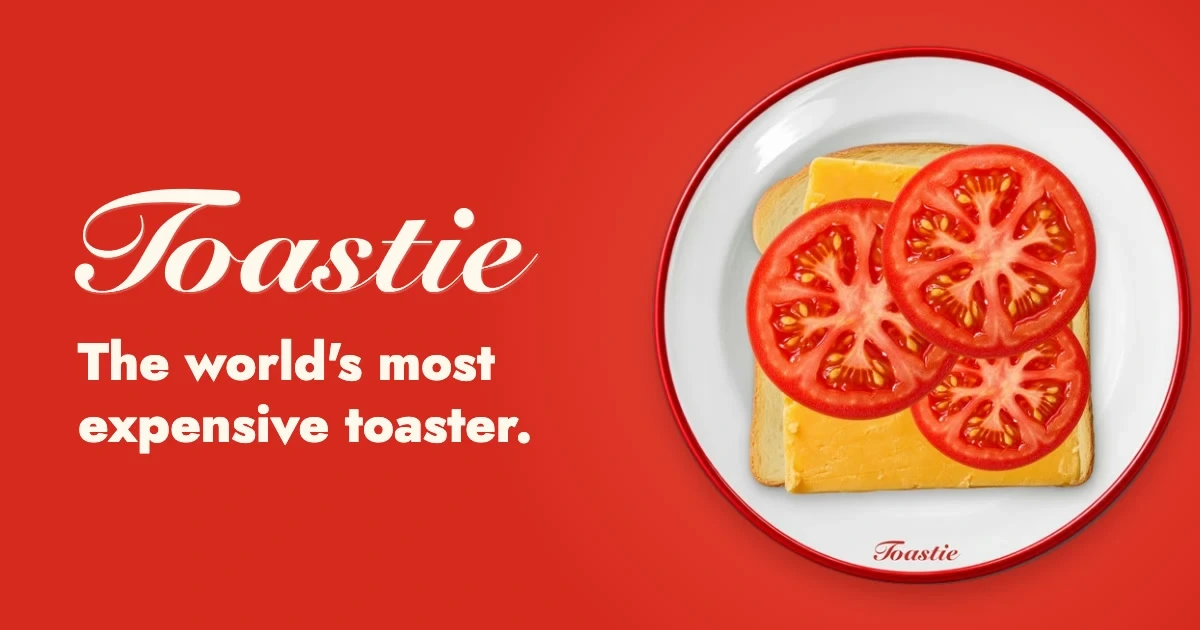
Toastie is a game about making grilled cheese. Its creator @t_szykulski released it on the App Store on October 10 and added Duo mode on October 23. He later posted that it was featured on the App Store homepage. MacRumors also covers it.
Toastie's App Store artwork shows the grilled cheese game. Image: Tomasz Szykulski
Price: $2.99.
ToastieGrilled cheese game you play by closing the lidVisit WebsiteToastie is a game where you build a grilled cheese sandwich, then close the phone like a toaster lid to cook it.
- Butter the bread, add cheese and fillings, then grill.
- Real-time toasting: open too early or too late and it fails.
- Ten recipes and score cards for each sandwich.
- Customers waiting add time pressure.
- Duo mode added on October 23, per the developer.
Toastie suits anyone who wants a quick, funny game that uses the fold.Visit Website
Orisuji: an origami puzzle you fold
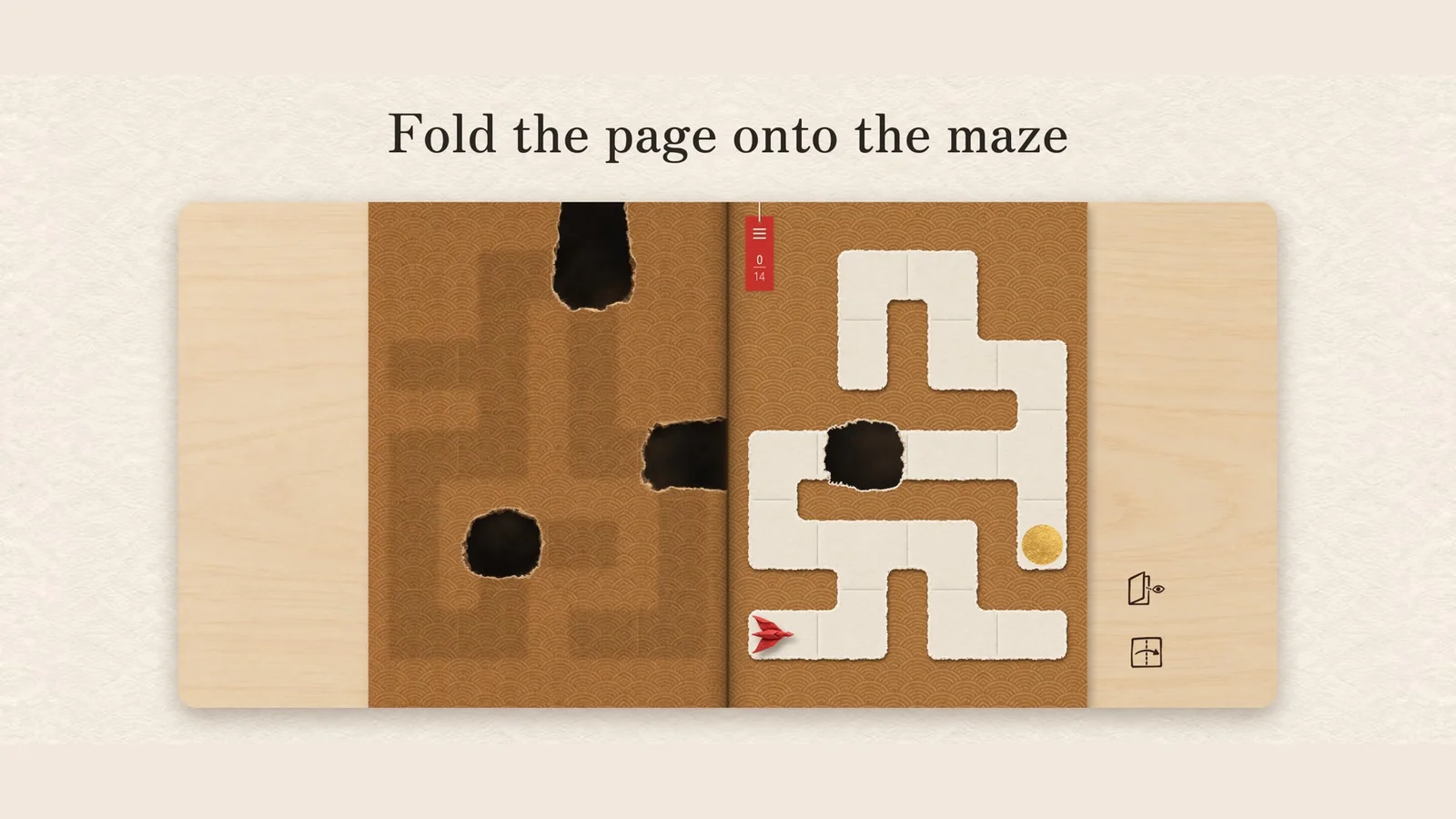
Orisuji is a puzzle game with 69 levels across six worlds, from developer Adrien Friggeri. @friggerishared it on X before launch. The App Store page shows a maze puzzle where you fold the page onto the maze.
Orisuji's puzzle spans the two displays. Image: Adrien Friggeri
Price: $4.99.
OrisujiPaper maze puzzle you solve by foldingVisit WebsiteOrisuji is a paper maze puzzle you solve by folding your phone, designed for iPhone Duo.
- 69 levels across six worlds.
- Fold the left page onto the maze to bridge holes.
- Turn-based with no timers.
- Par stamps for finishing levels efficiently.
- No ads, in-app purchases, or accounts.
Orisuji suits puzzle players who like calm, turn-based games.Visit Website
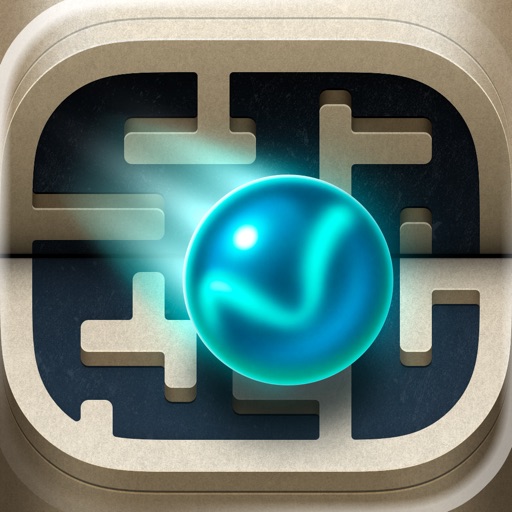
Marbles Unhinged: a maze where the fold is a ramp
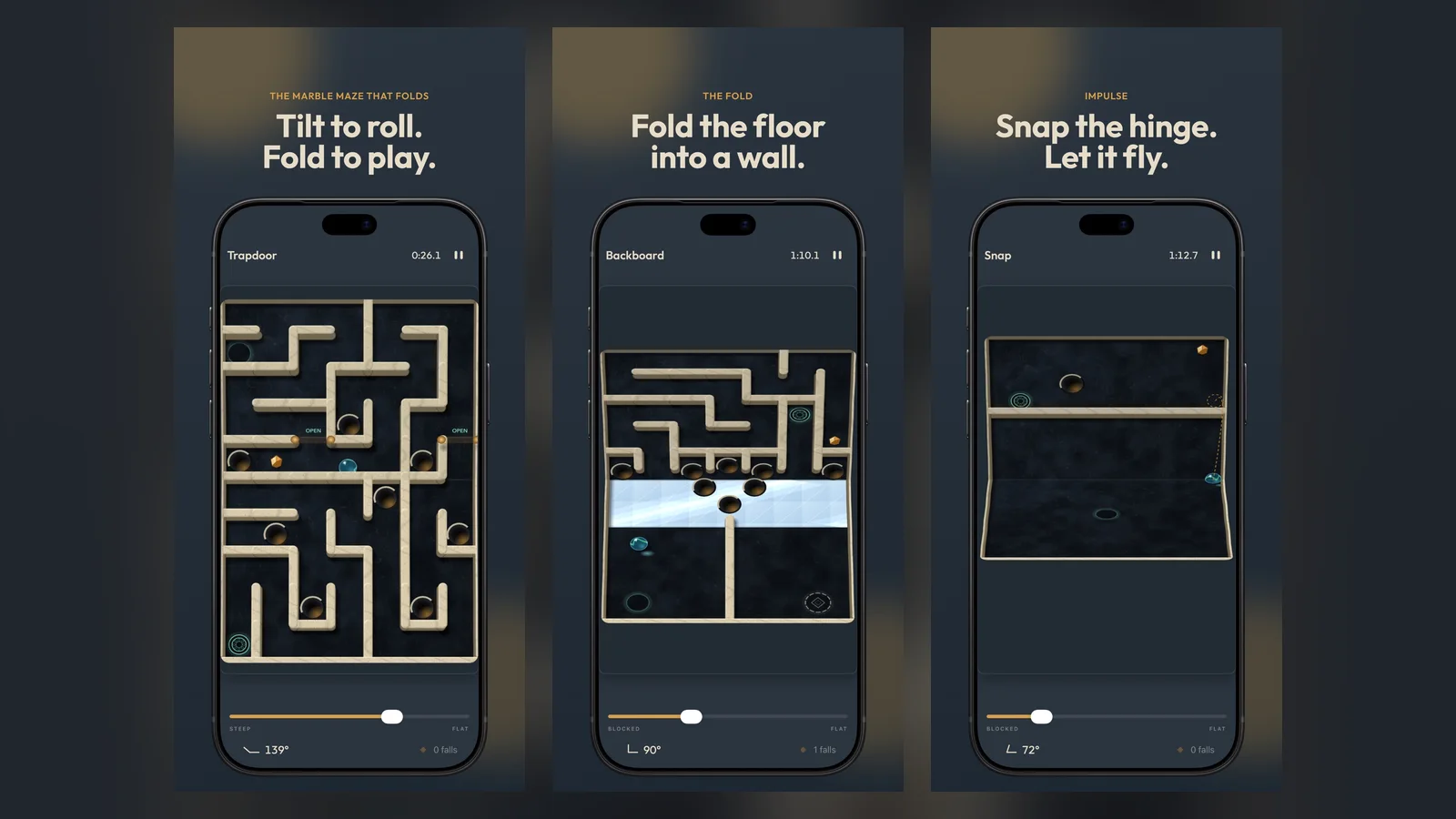
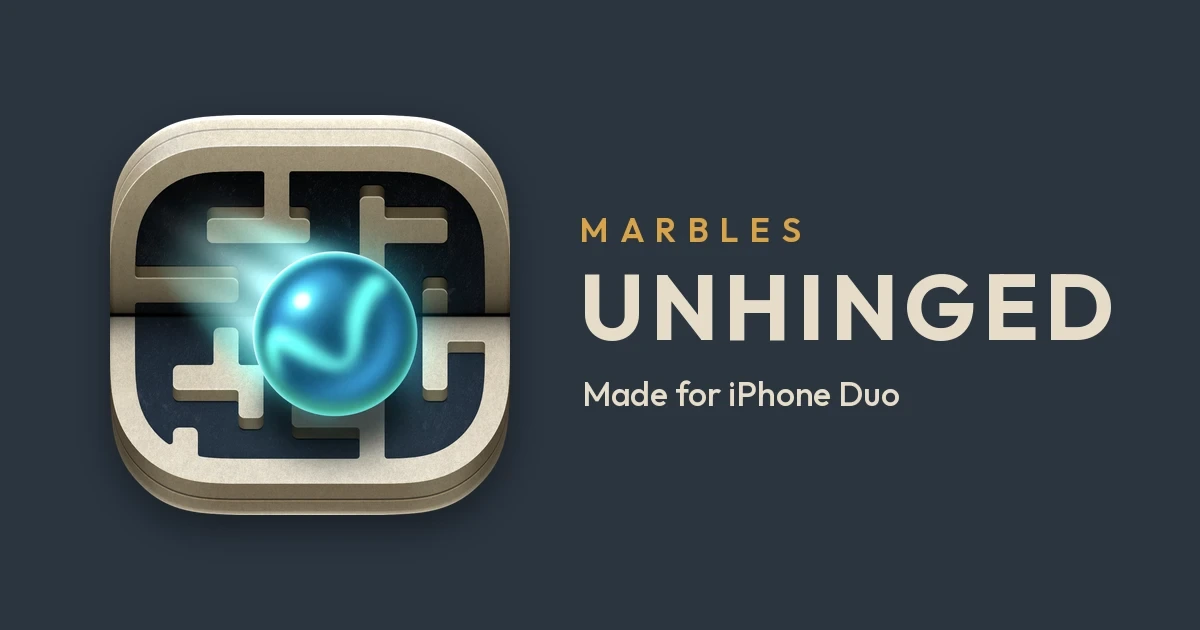
Marbles Unhinged is a free maze game from Cromulent Labs. Its App Store page says the fold can act as a ramp, a wall, or a snap, and it lists more worlds as "coming soon."
Marbles Unhinged's artwork shows maze levels with the fold. Image: Cromulent Labs
Price: Free.
Marbles UnhingedMarble maze where the hinge is a second controlVisit WebsiteMarbles Unhinged is a marble maze game made for iPhone Duo. The two screens are two halves of one board and the hinge acts as a control.
- Tilt to roll the marble.
- Fold to turn the floor into a ramp, a wall, or a drop.
- Snap the hinge to launch the marble.
- Several worlds that change the rules.
- Free to download.
Marbles Unhinged suits puzzle fans who want a game built around the fold.Visit Website
Foldfish: go fishing across the hinge
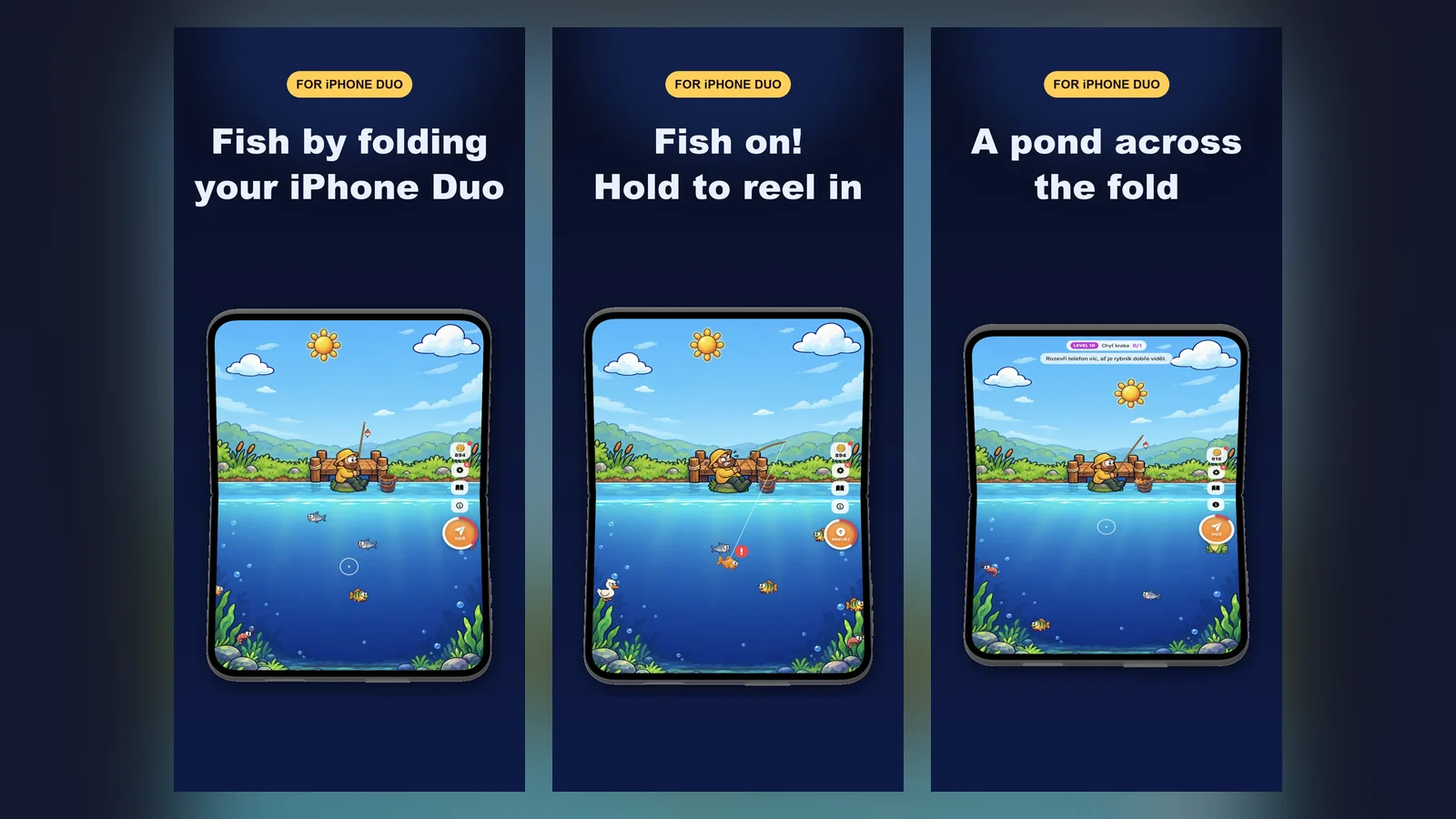
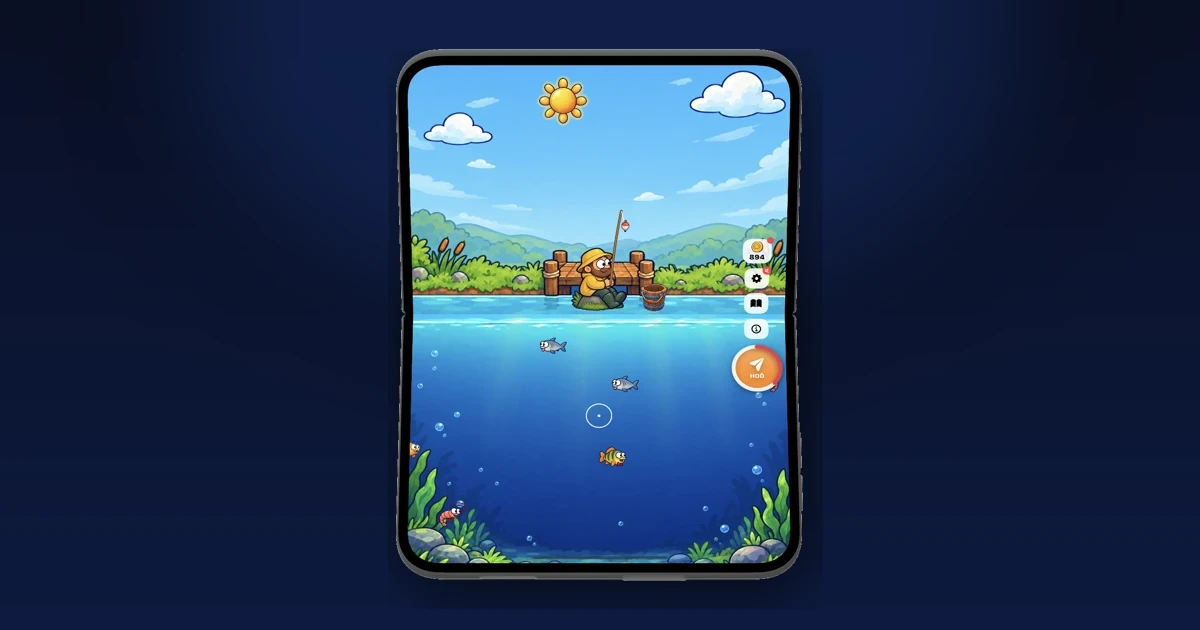
Foldfish is a free fishing game by Jan Poncik. Its App Store artwork says you fish by folding your iPhone Duo and that the pond spans the fold.
Foldfish's artwork shows fishing across the fold. Image: Jan Poncik
Price: Free, with in-app purchases.
FoldfishFishing game where the hinge is your rodVisit WebsiteFoldfish is a fishing game made for iPhone Duo. Unfold the phone to load a cast, tap to throw, and hold to reel in your catch.
- Folding the phone is the control.
- The pond spreads across the open display.
- Dozens of fish to catch.
- On-screen controls on any iPhone.
- Free with optional in-app purchases.
Foldfish suits casual players who want a relaxed game built around the hinge.Visit Website
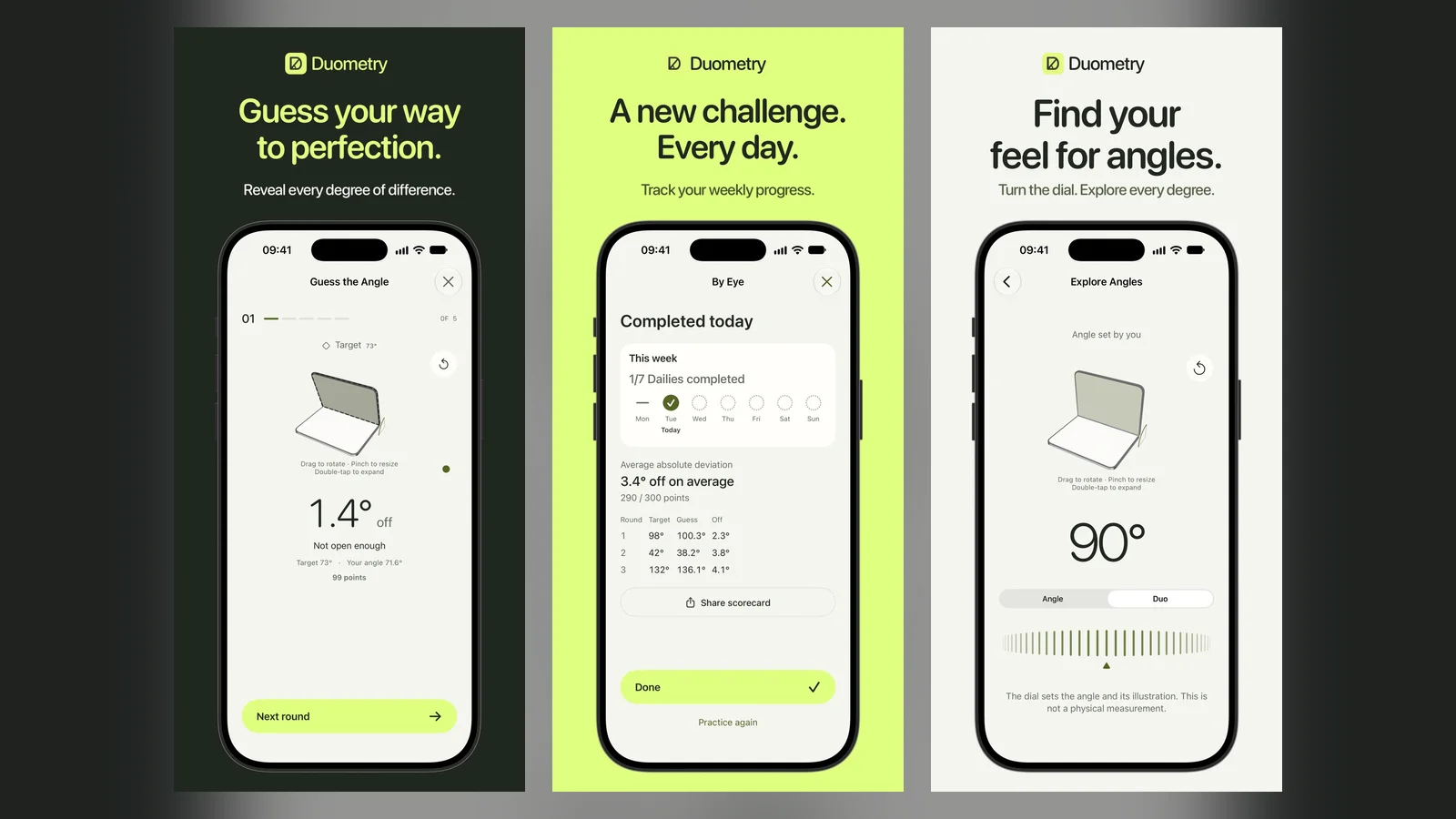
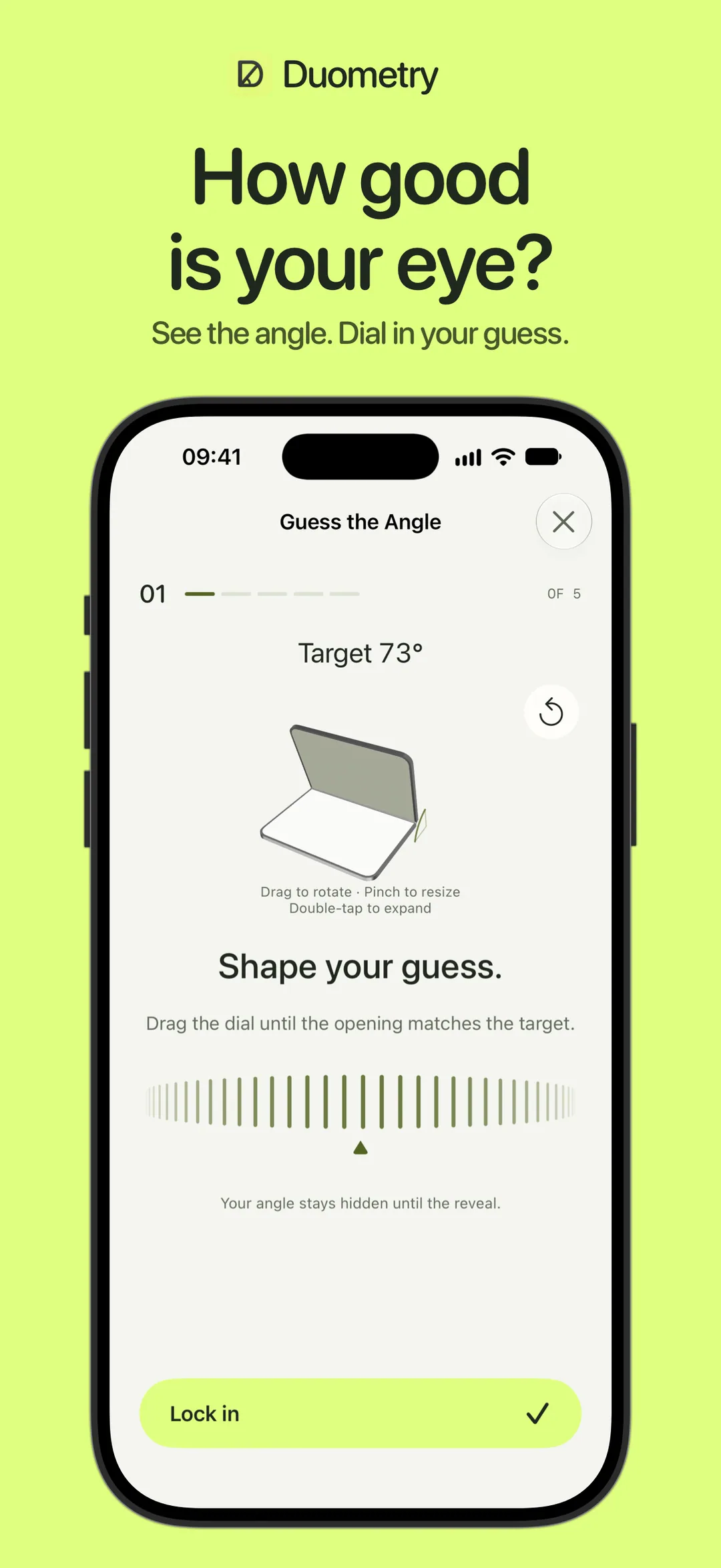
Duometry's artwork shows the angle game. Image: Arno Appenzeller
DuometryFold-angle guessing game for iPhone DuoVisit WebsiteDuometry is a game where you match a target angle by folding the phone, then lock in your guess to see how close you came.
- Solo play over 5 or 10 rounds.
- Pass one device between 2 to 8 players.
- Daily challenge with three targets.
- Free Measure mode reads the fold angle.
- Plays offline with no account.
Duometry suits anyone who wants a quick party game that uses the hinge.Visit Website
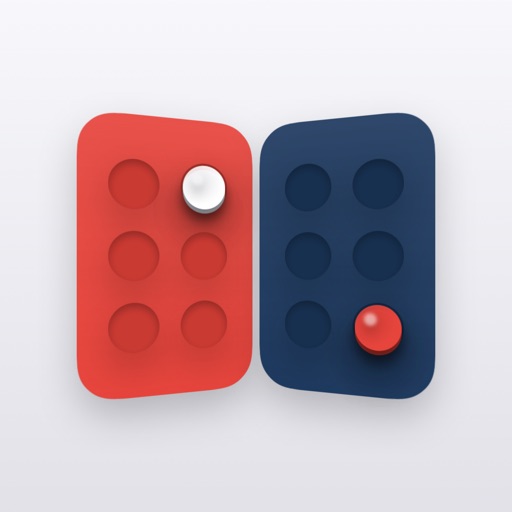
Twofold: Pass & Play: games for two people
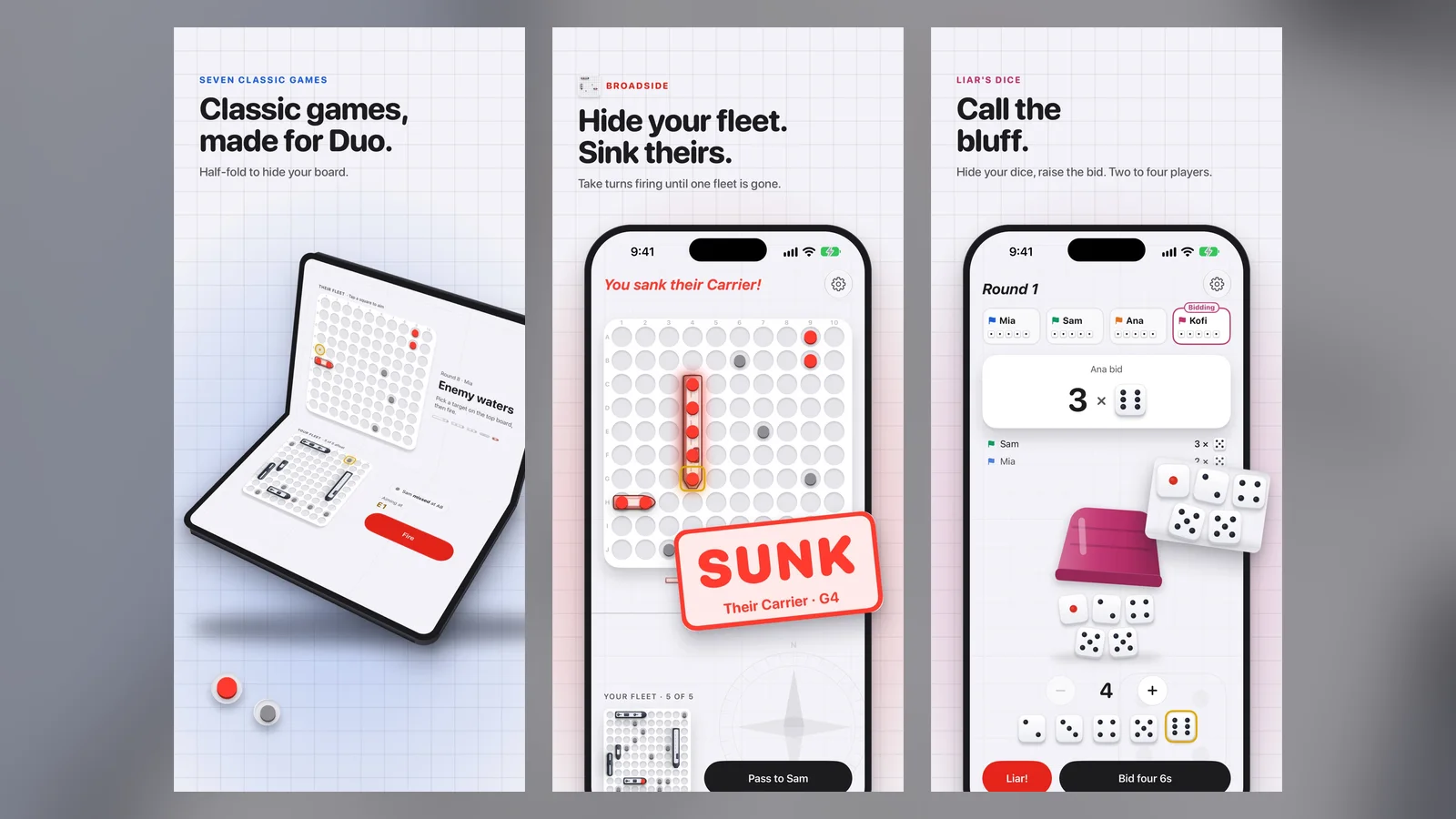
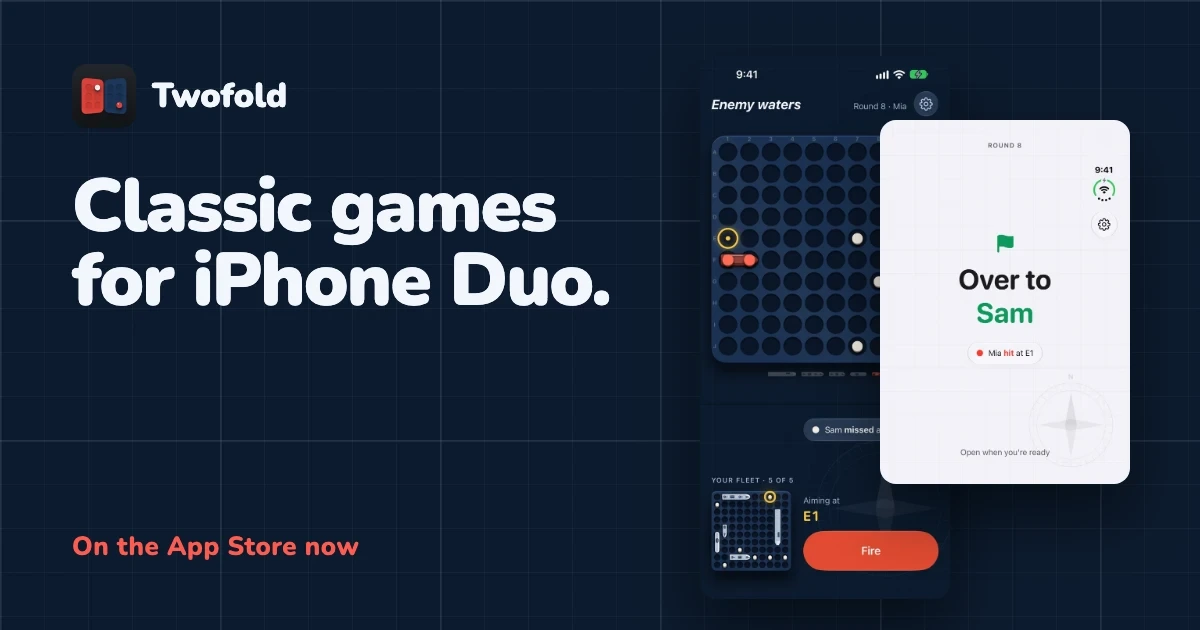
Twofold: Pass & Play is a collection of pass-and-play games by Alexandra Swan, released on October 23. The games include Broadside, Who's Who, Liar's Dice, Codebreaker, and Fog of War. The app is free, with games sold at $1.99 each or $4.99 for all.
Twofold's artwork shows its two-player games. Image: Alexandra Swan
Twofold: Pass & PlayClassic two-player games remade for iPhone DuoVisit WebsiteTwofold is a pass-and-play game collection made for iPhone Duo, where folding the phone shut passes the turn.
- Classic games including Broadside, Who's Who, Liar's Dice, and Codebreaker.
- The raised screen hides each player's side like a game box lid.
- A Pass button replaces the fold on other iPhones and iPads.
- Free to download with per-game purchases.
- Made for iPhone Duo.
Twofold suits friends who want quick tabletop games on one device.Visit Website
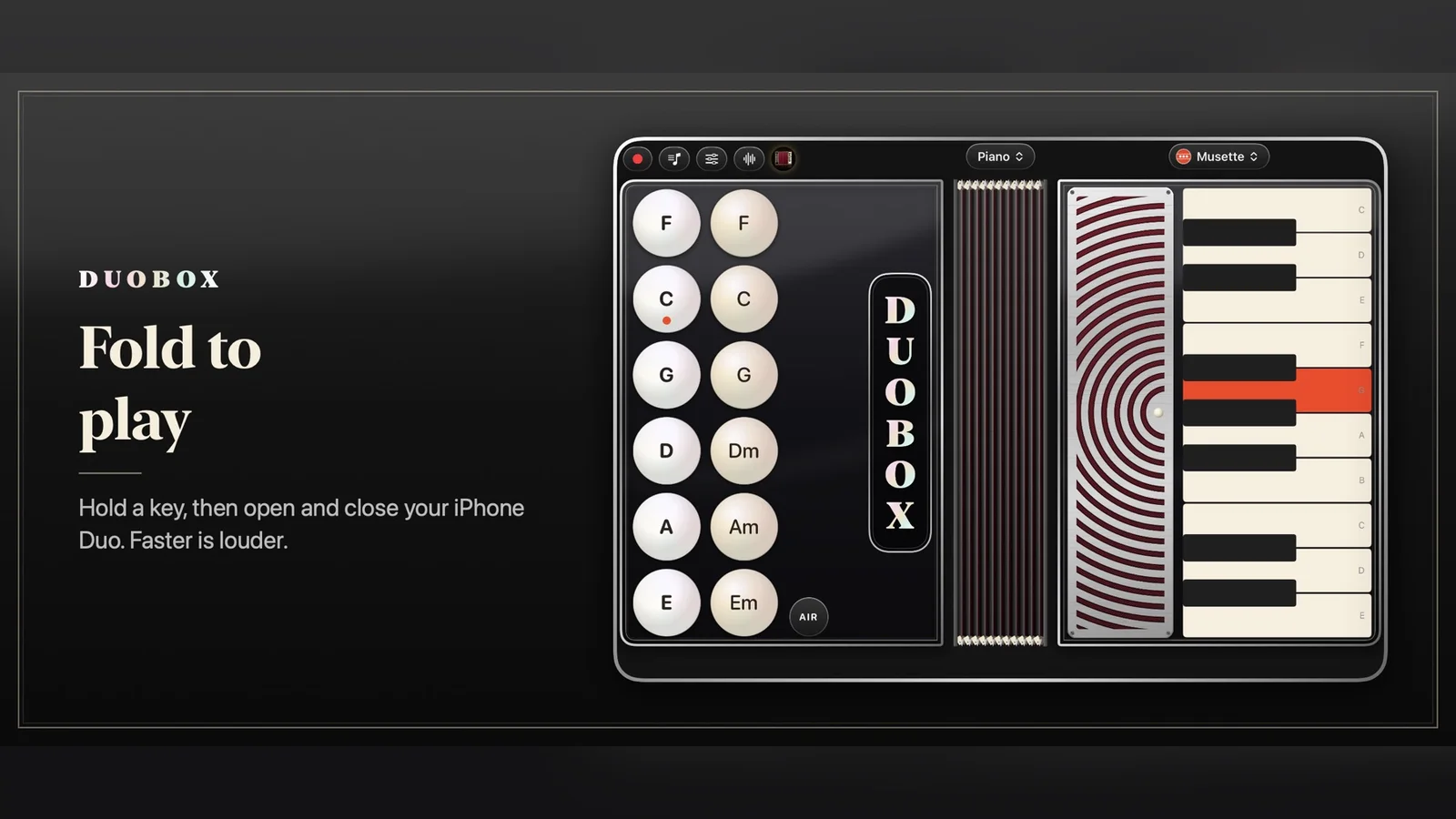
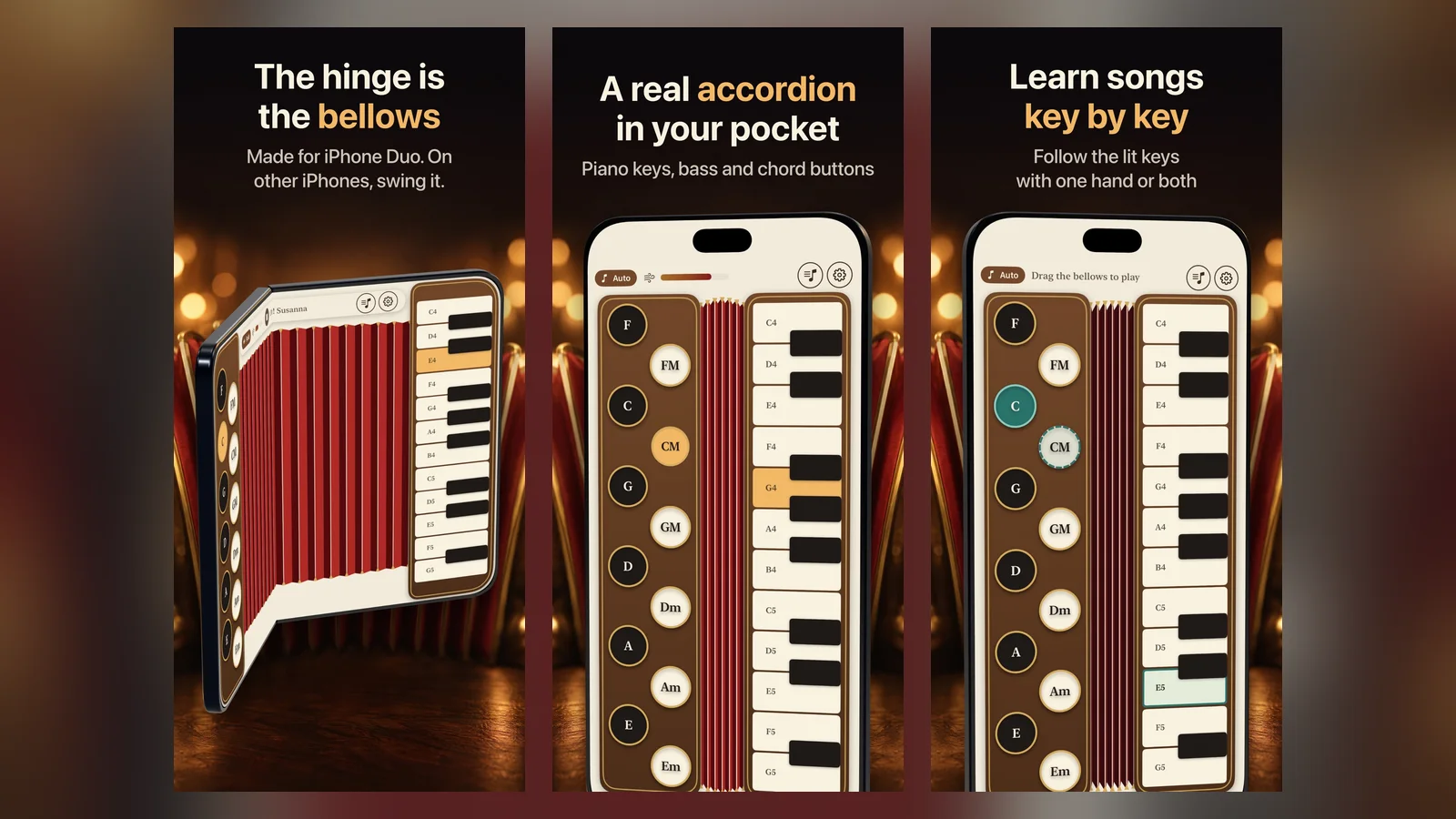
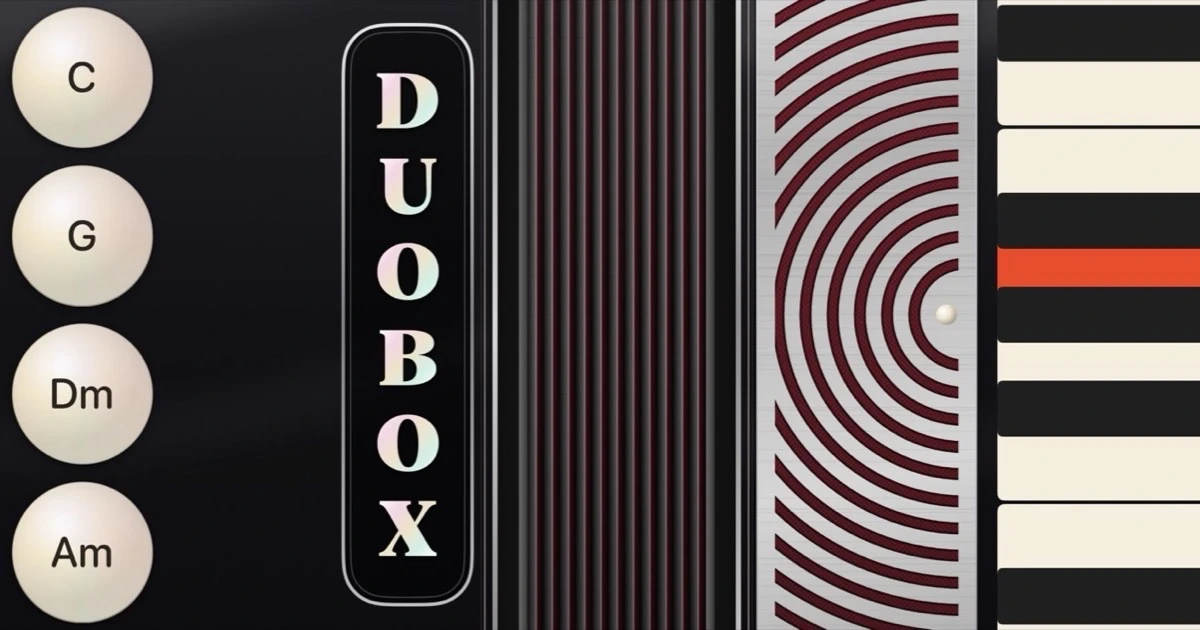
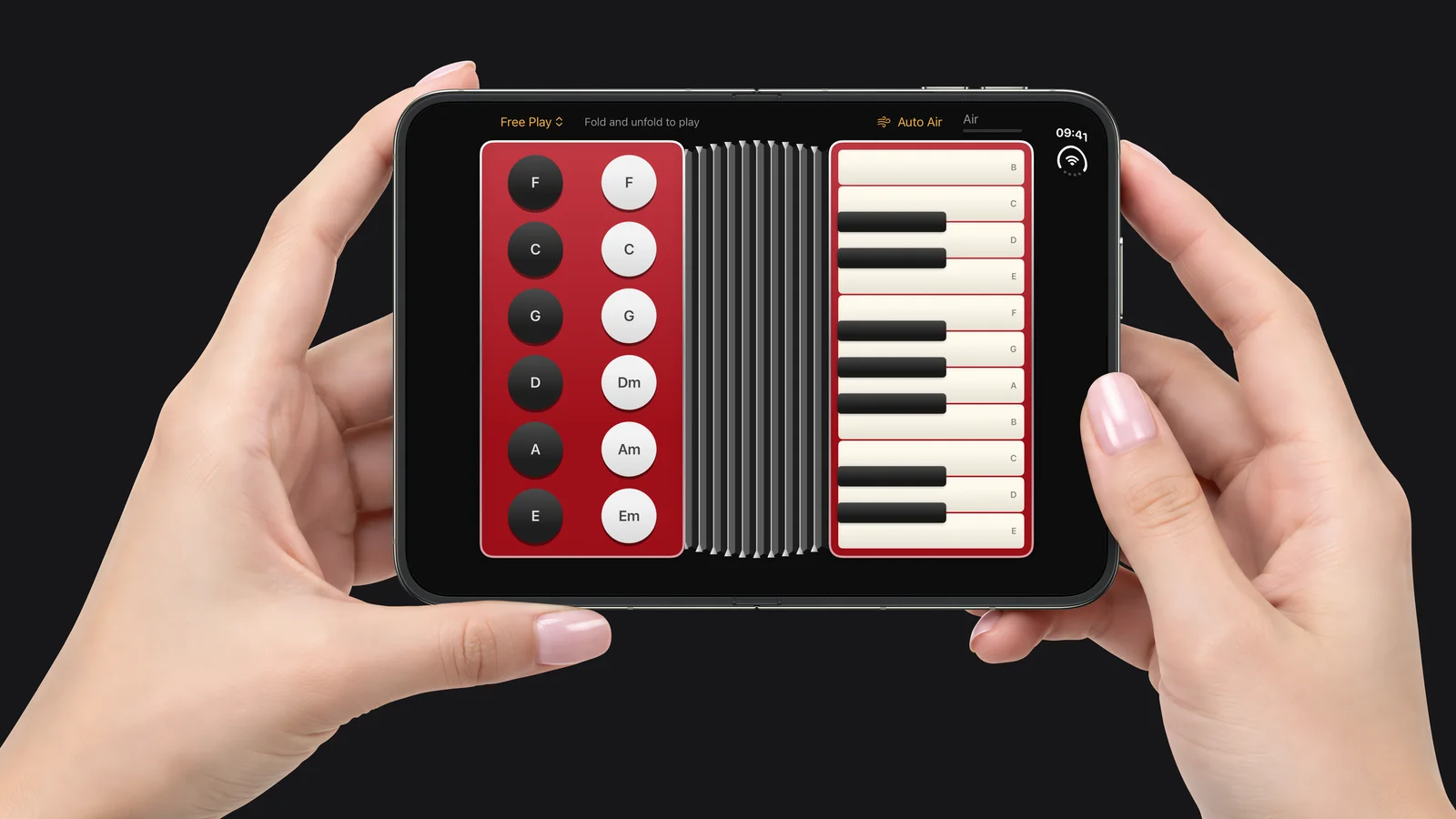
DuoBox and Fold Accordion: accordion apps
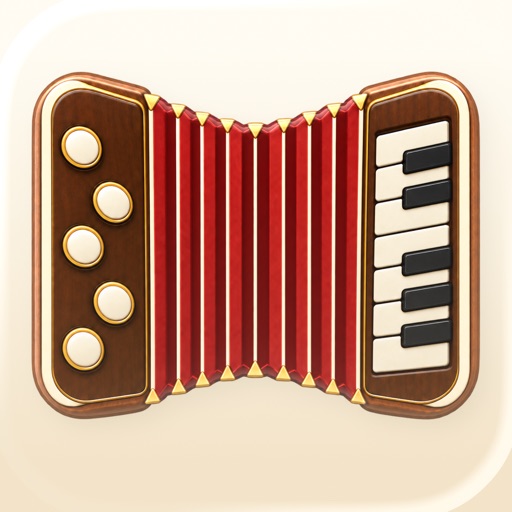
Two apps turn the hinge into an accordion. DuoBox by Aaron Peabody is free. Fold Accordion by Special Glasses costs $2.99 and has a learn mode, per MacRumors. MacRumors also lists Foldissimo, another accordion app, which we have not linked to a primary source.
DuoBox turns the hinge into accordion bellows. Image: Aaron Peabody
Fold Accordion's artwork says the hinge is the bellows. Image: Special Glasses
DuoBoxAccordion app that uses the fold as bellowsVisit WebsiteDuoBox turns iPhone Duo into an accordion. Opening the phone pulls the bellows and closing it pushes.
- Piano, Norteno, and diatonic accordion layouts.
- Reeds are synthesized live on the phone.
- Eleven treble registers and effects.
- Song mode lights the next key.
- No ads or accounts, one-time unlock.
DuoBox suits musicians and curious players who want a pocket accordion.Visit Website
Fold AccordionPocket accordion where the hinge is the bellowsVisit WebsiteFold Accordion is an accordion you play on iPhone. On iPhone Duo, opening and closing the phone pumps the bellows.
- Piano keys for the right hand and bass buttons for the left.
- 24 public-domain songs with a learn mode.
- Fold, Swing, and Touch play modes.
- Speed changes the volume.
- Works on other iPhones with swing or touch.
Fold Accordion suits hobby musicians who want a toy instrument built around the hinge.Visit Website
Other fun iPhone Duo apps MacRumors found
MacRumors' roundup also covers the Delta game emulator, which it says can turn the Duo into a Nintendo DS, in a post by @mikuta0407. It also lists Portal, a nature app that works well in tent mode, and the adult coloring book Lake. Living Earth is a $5.99 globe and clock app, and Nitelore is a free anti-gravity racer. MacRumors also names Fold Focus, a $5.99 per month Pomodoro app.
Open-source iPhone Duo apps you can build yourself
Some developers are publishing their Duo experiments as code.
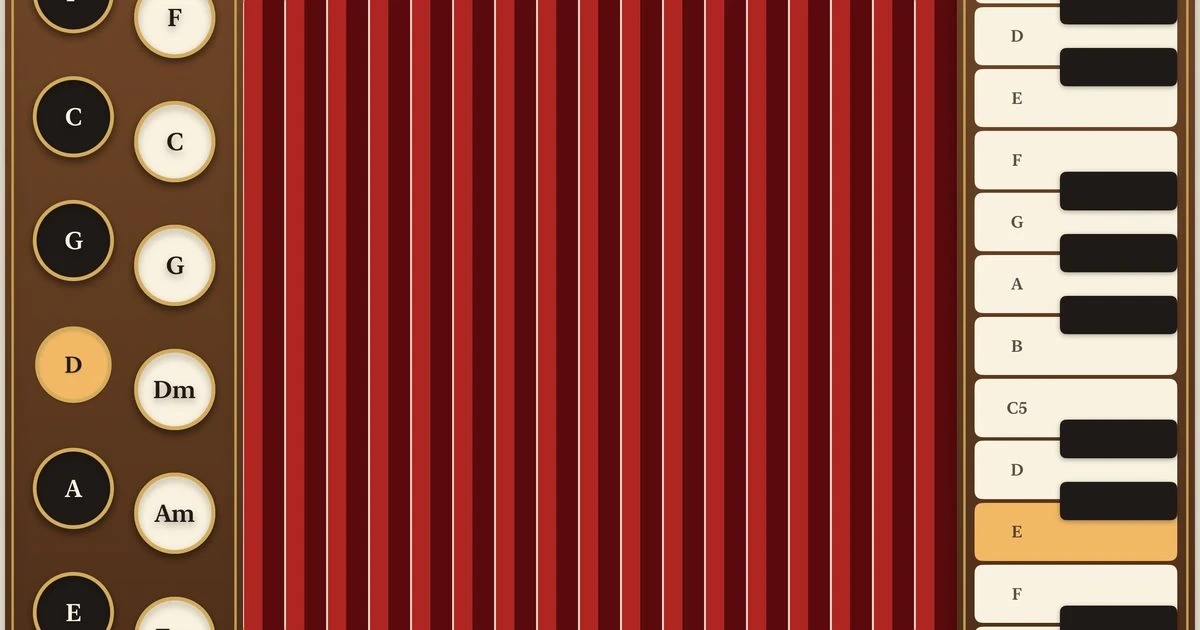
Accorduon
Accorduon by Artem Novichkov is an open-source accordion under the MIT license. Its README says the hinge is the bellows. It uses SwiftUI, an onHingeChange hook, and synthesized reeds, and needs iOS 27.1 and Xcode 27.1 or later.
Accorduon is open source on GitHub. Image: Artem Novichkov
Fold Fortune, Duo Sketch, and Hingeling
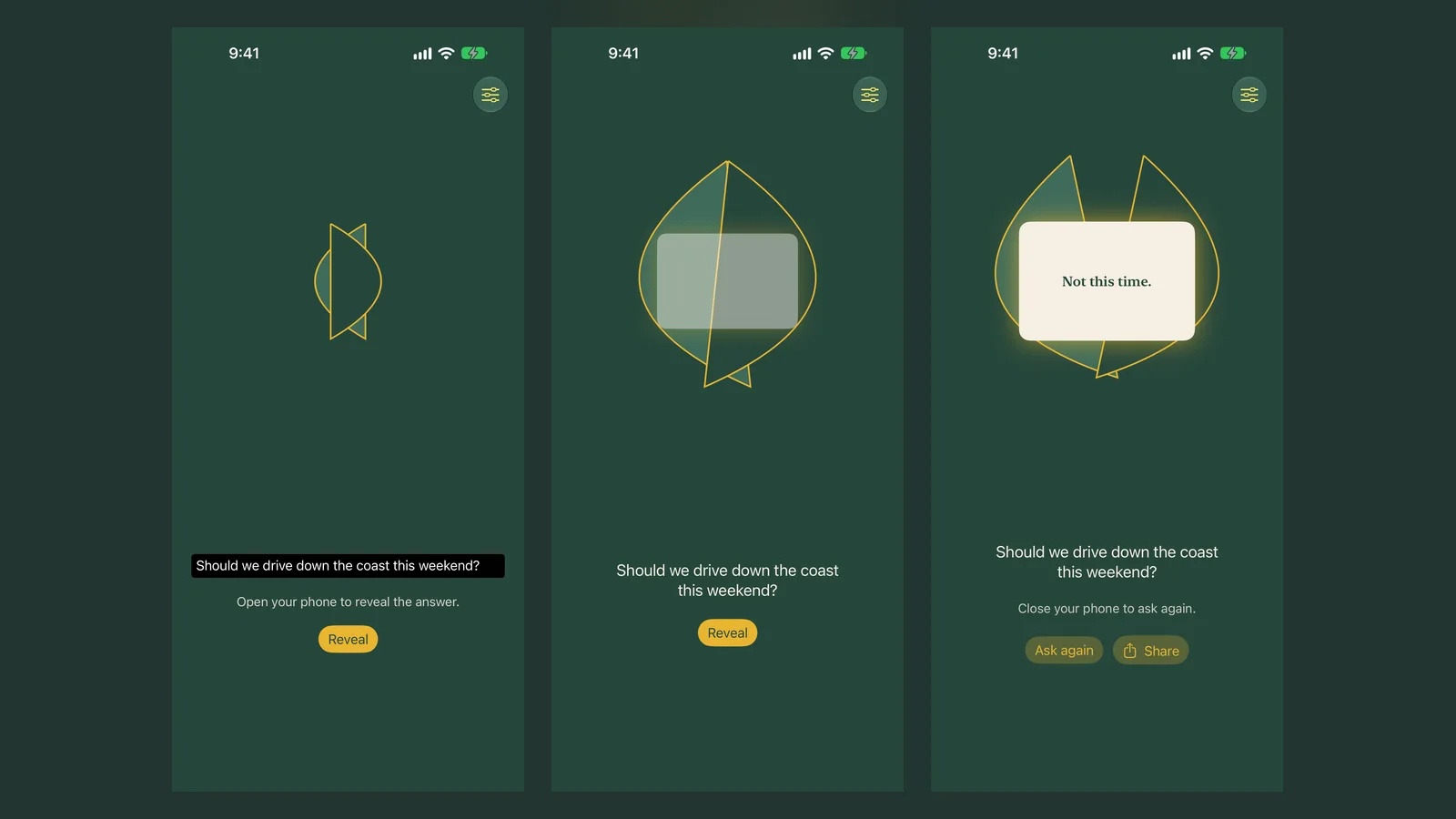
Justin Middler published three MIT-licensed projects on October 17. Fold Fortune is a fortune ball (write-up), Duo Sketch is a two-dial drawing toy (write-up), and Hingeling is a pocket pet that is still in development (write-up).
Fold Fortune is open source on GitHub. Image: Justin Middler
Mac-Duo: the Duo lid effect on a MacBook
Mac-Duo is a free Apache-2.0 project with more than 1,200 stars on GitHub. It brings the Duo-style lid effect to a MacBook using Metal and ScreenCaptureKit, and it needs macOS 14 and a lid-angle sensor.
Which iPhone Duo apps are still prototypes?
These are not on the App Store yet, or we could not confirm a release.
Hackathon apps from Bitrig Hacks: iPhone Duo Edition
Bitrig Hacks: iPhone Duo Edition ran in September 2026. Digital Trends counts 73 projects. Crate is listed as the first place winner, and Deck-Man started at the same event.
Pocket Midway: skee-ball on the fold (beta)
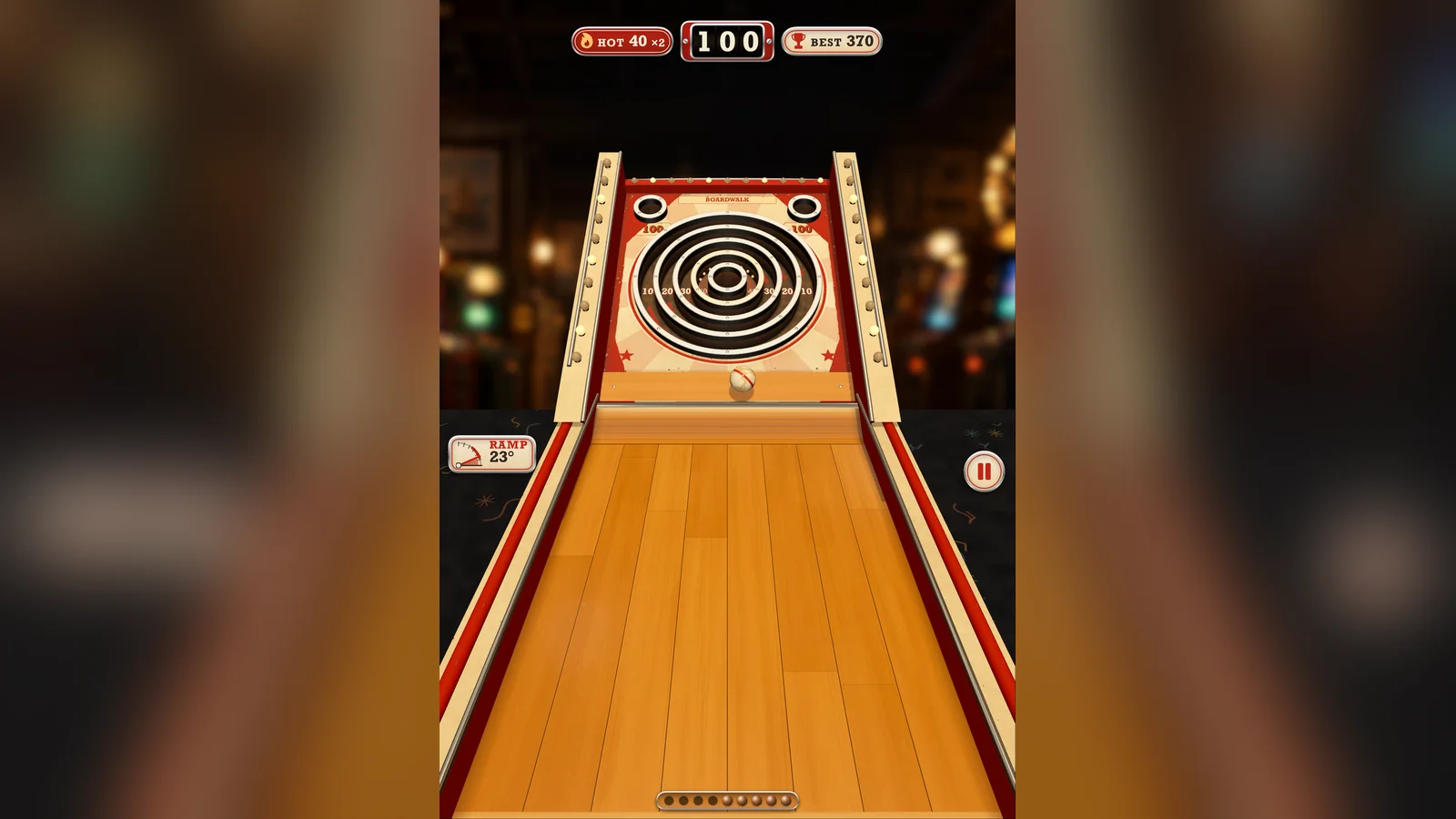
Pocket Midway, by RDub Studios, is a skee-ball game in beta. The studio plans a $2.99 price, and the image below is a simulator capture from its press kit.
Pocket Midway in a simulator capture, not a finished app. Image: RDub Studios
Ideas other builders have posted
Justin Middler's roundup of Duo app ideas links to each builder's post. It says none of them are his.
Digital Trends also mentions duo-lingo by Aryan Keluskar. @_julianschiavo posted a pinball joke, and a FoldAhhh demo from @qlmhnfsq appears to be a simulator demo that we could not verify.
Gear Live recommends installing Deck-Man and TypeDraw first because both are built around opening and closing the phone. Tiny Computers and Toastie are the other apps MacRumors highlights.
Are there free fun iPhone Duo apps?
Yes. Marbles Unhinged, Foldfish, DuoBox, and Fold & Squish are free to download, though Foldfish and Twofold include in-app purchases.
Are there fun iPhone Duo games?
Toastie, Orisuji, Marbles Unhinged, Foldfish, Duometry, and Twofold are games on the App Store. Apple's own list adds bigger games such as Asphalt Legends and two Apple Arcade titles.
Can I turn my iPhone Duo into a Nintendo DS?
MacRumors says the Delta emulator has been updated so the Duo can act like a Nintendo DS. We did not verify this ourselves.
Where can I find new iPhone Duo apps?
Check the Made for iPhone Duo badge on App Store pages, and follow creators on X. Directory sites such as Everything Duo and Works on Duo list new releases but are not primary sources.
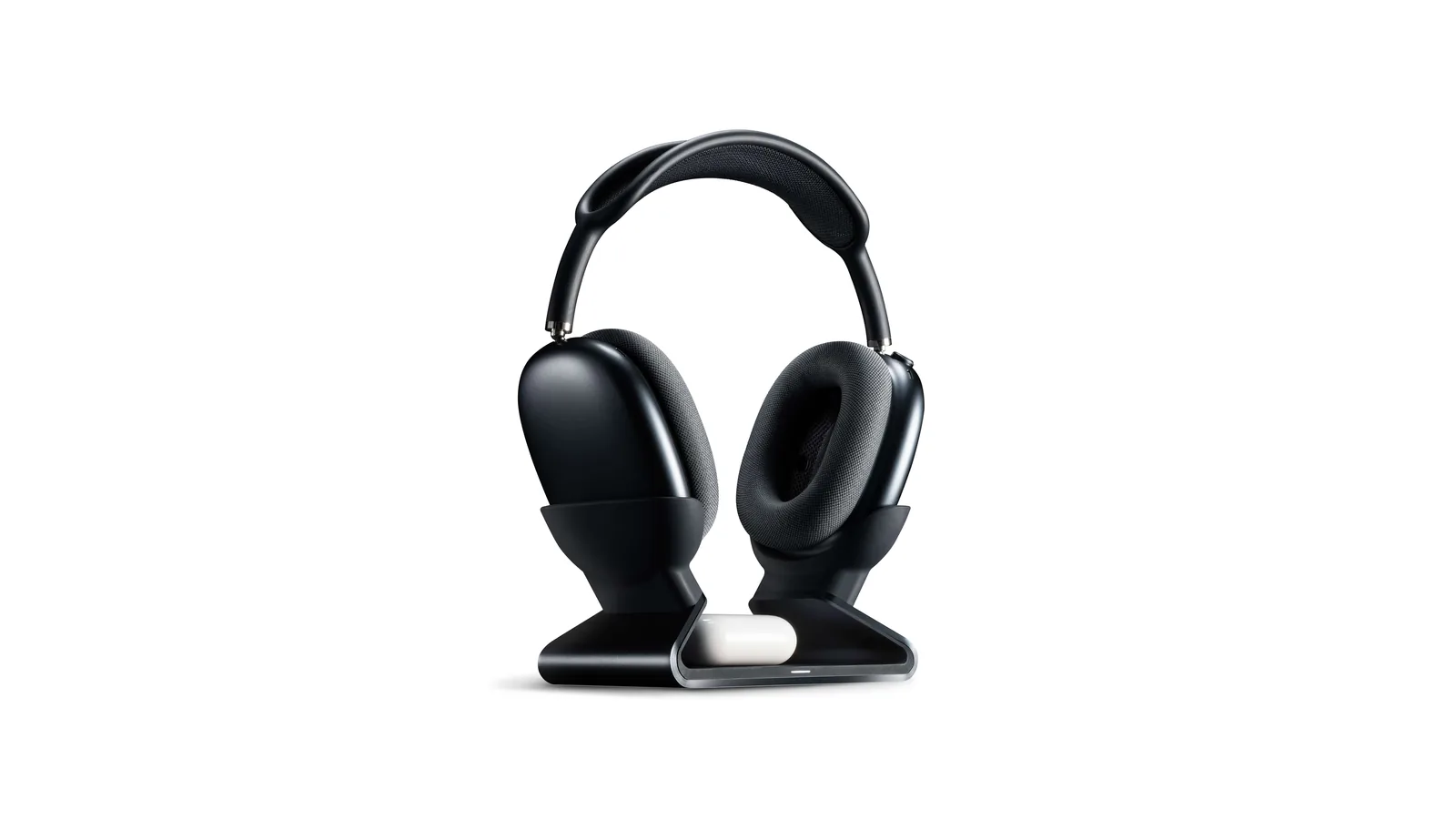
A floating AirPods Max stand that charges through a magnetic port connector.
HardwareDesk SetupmacOS
Max Charging Stand
An AirPods Max charging stand with sleep mode and a Qi pad for earbuds.
HardwareDesk SetupmacOS
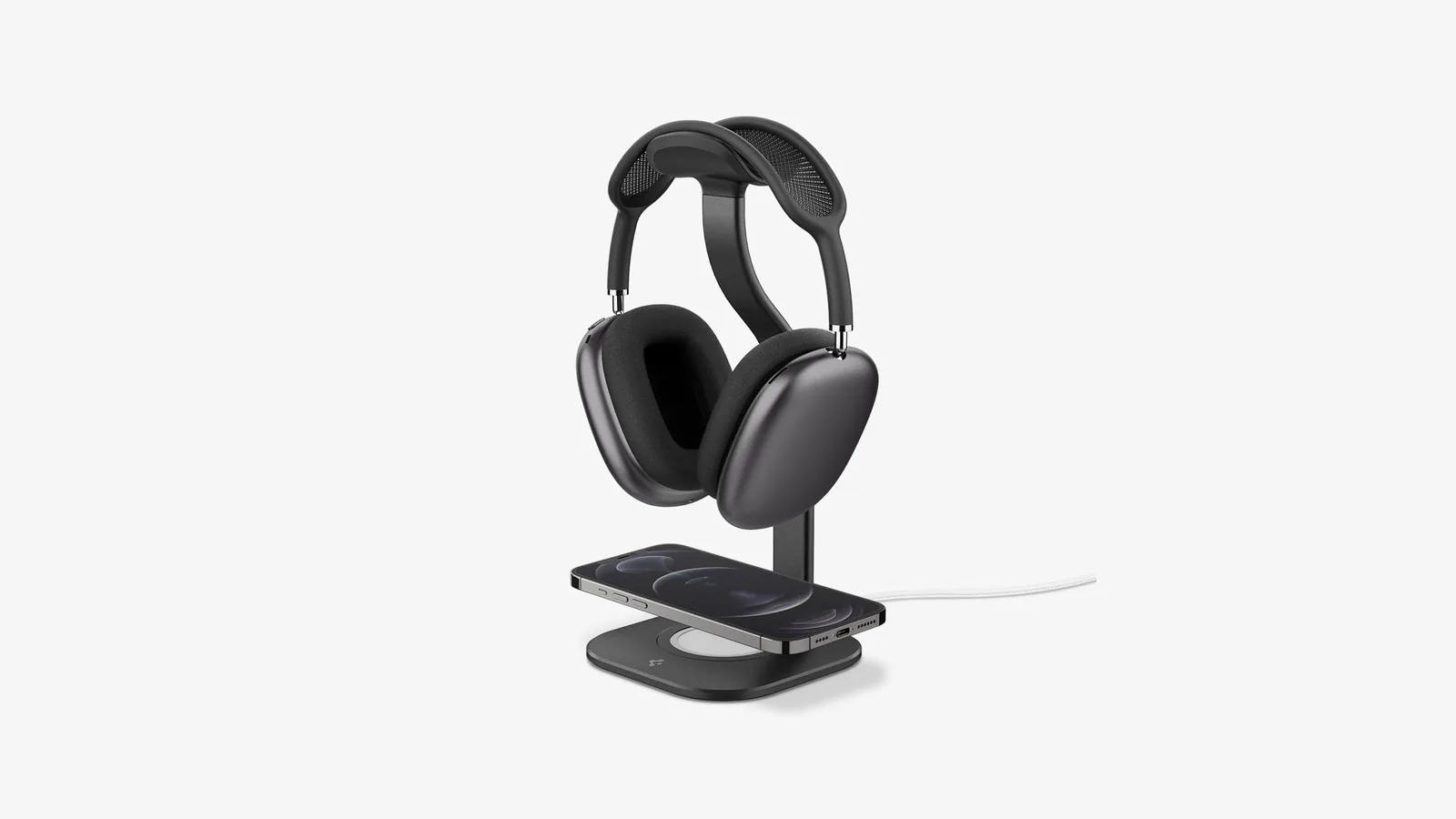
Nanotac AirPods Max Stand (MagFit)
An aluminum AirPods Max stand with a MagSafe charger slot for an iPhone.
HardwareDesk SetupmacOS
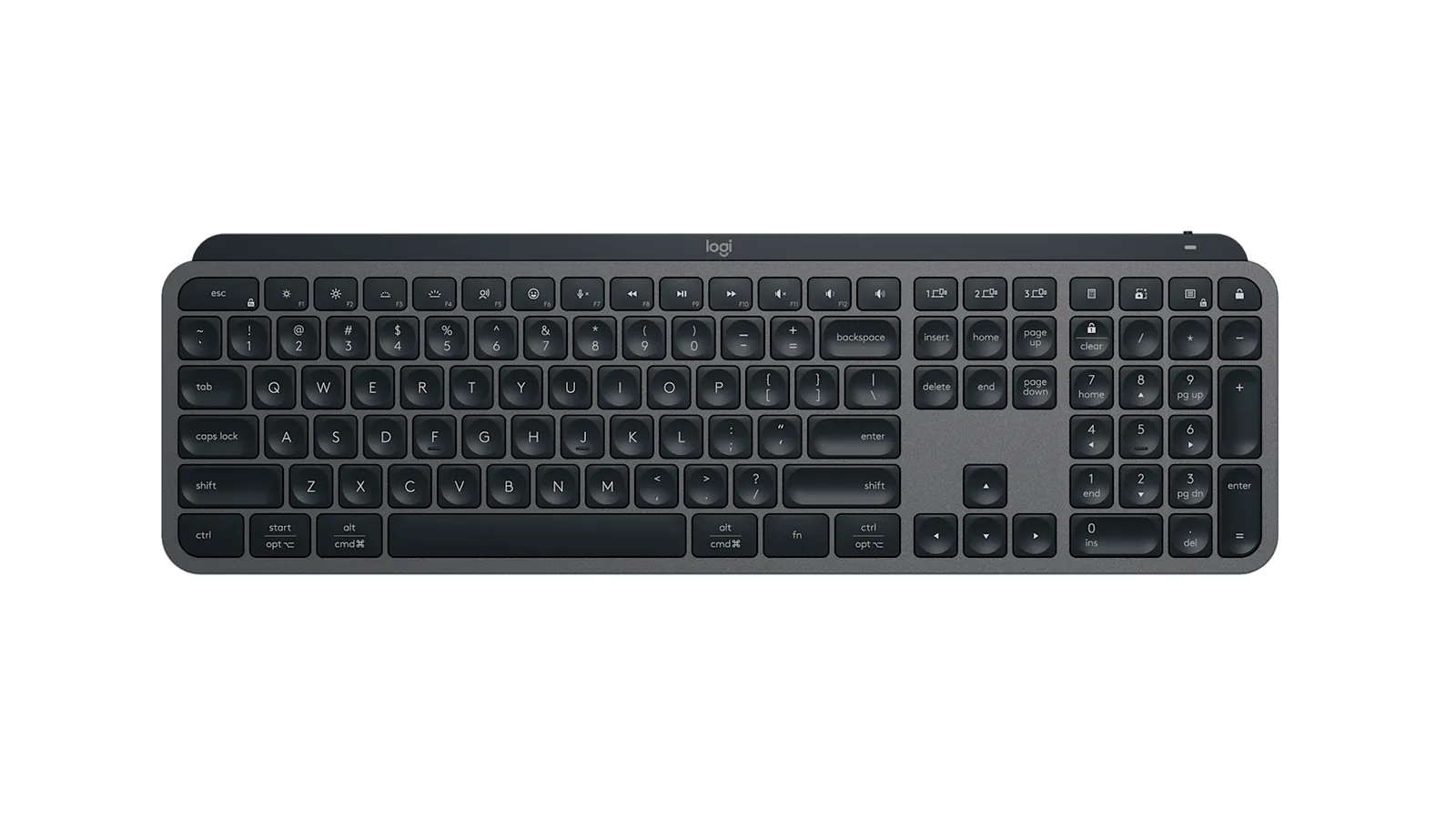
MX Keys S
A full-size wireless keyboard with smart backlighting and three-device switching.
HardwareKeyboards & MicemacOS
Double Shot
Free open-source Mac app that keeps your Mac awake for AI agents
Free
Double Shot is a free, open-source macOS menu bar app that keeps your Mac awake, with the lid closed too, and for as long as your AI coding agents are working.
- Detects when Claude Code, Codex, Gemini CLI, Cursor Agent, Copilot CLI, OpenCode, Amp or Aider are actually working, not just open.
- Lid closed mode uses pmset disablesleep, with a one-time password prompt that adds a sudoers rule.
- Stops at the first warm level, turns the dark display off, switches on Low Power Mode on battery, and lets go when the battery gets low.
- Quick picks from 15 minutes to 5 hours, or until you turn it off.
- MIT licensed. Install with Homebrew or download from GitHub. Not notarized by Apple yet, and it needs macOS 14 or later.
Double Shot suits anyone who starts a long agent run, closes the lid and expects the work to carry on.
SoftwareUtilitiesmacOS
Peek
Glance at websites and widgets with a shortcut
Free
Peek is a native Mac app that brings frequently checked information into a personal overlay. Hold a shortcut to glance at it, release to return to your work, or tap the shortcut to keep it open and interact.
Combine websites, local PDFs, and widgets such as Calendar, Reminders, and time zones in one space. Arrange and resize content freely, or use Flow mode to organize your layout. Hide unwanted page elements and block ads, trackers, and cookie banners.
Set custom keyboard shortcuts, including separate left and right modifier keys. Peek works across multiple monitors and full-screen spaces, with per-display layouts or synced widgets. Optional auto-refresh keeps pages current, and you can open content in its default app when you want to continue outside the overlay. The site also lists passkey support and experimental web extensions.
Use it to check analytics beside your calendar, review GitHub pull requests and Linear issues while coding, or gather visual references from websites without switching away from your current app.
Available free on the Mac App Store. Requires macOS 14.2 or later.
SoftwareProductivitymacOS
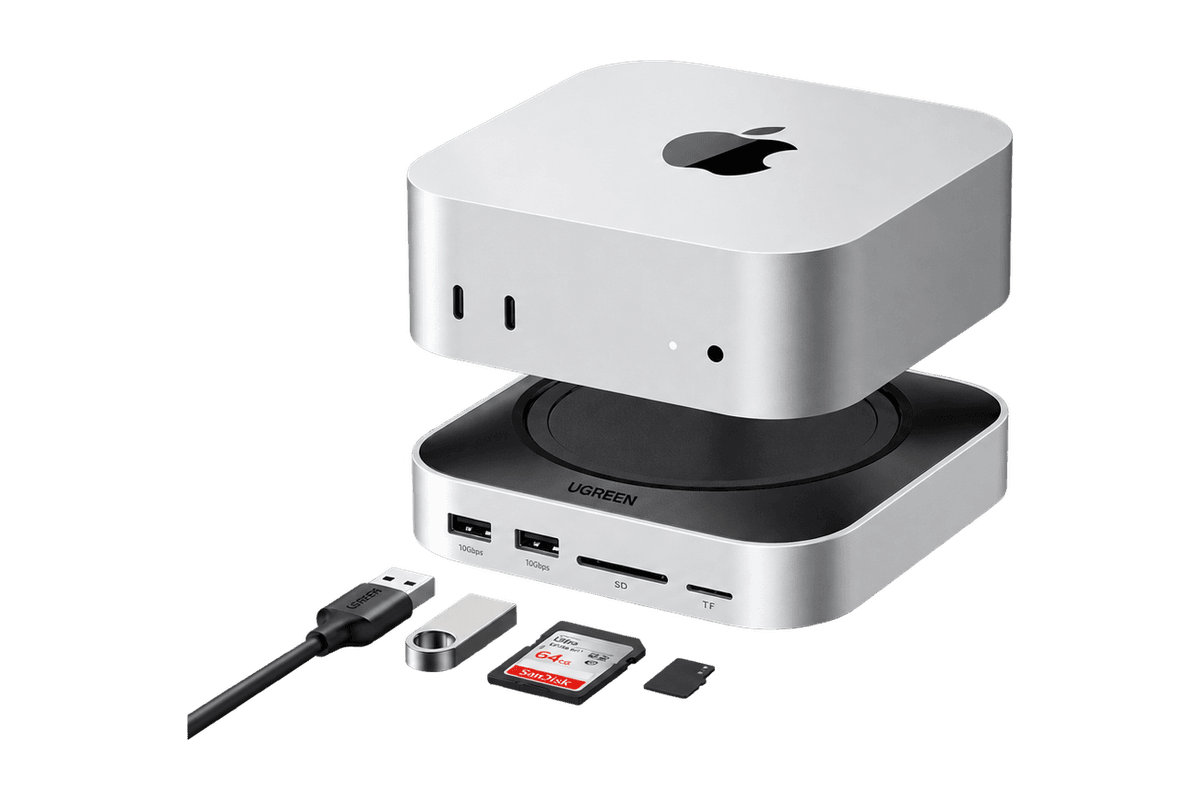
Mac mini 11-in-1 Docking Station
A Mac mini M4 dock with an 8TB-capable NVMe slot and card readers.
HardwareConnectivitymacOS
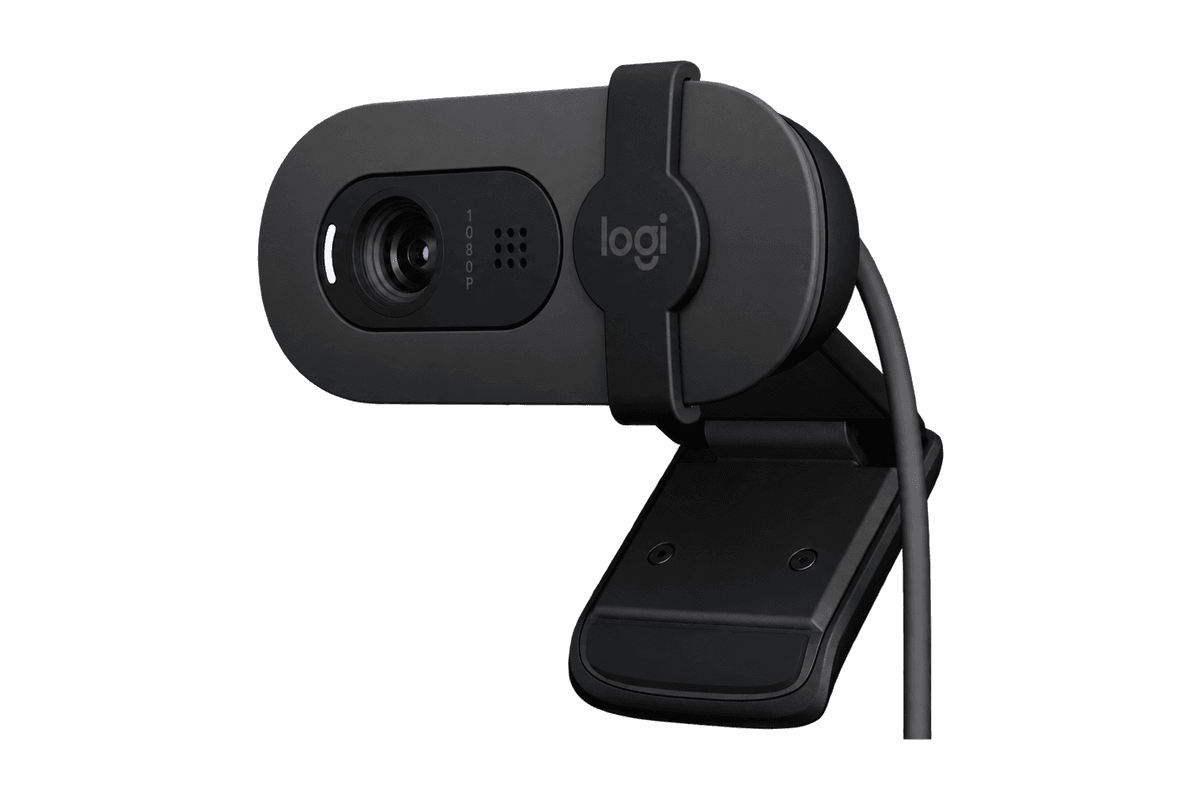
Brio 100 Full HD Webcam
A budget 1080p webcam with a privacy shutter and built-in mic.
HardwareCamerasmacOS
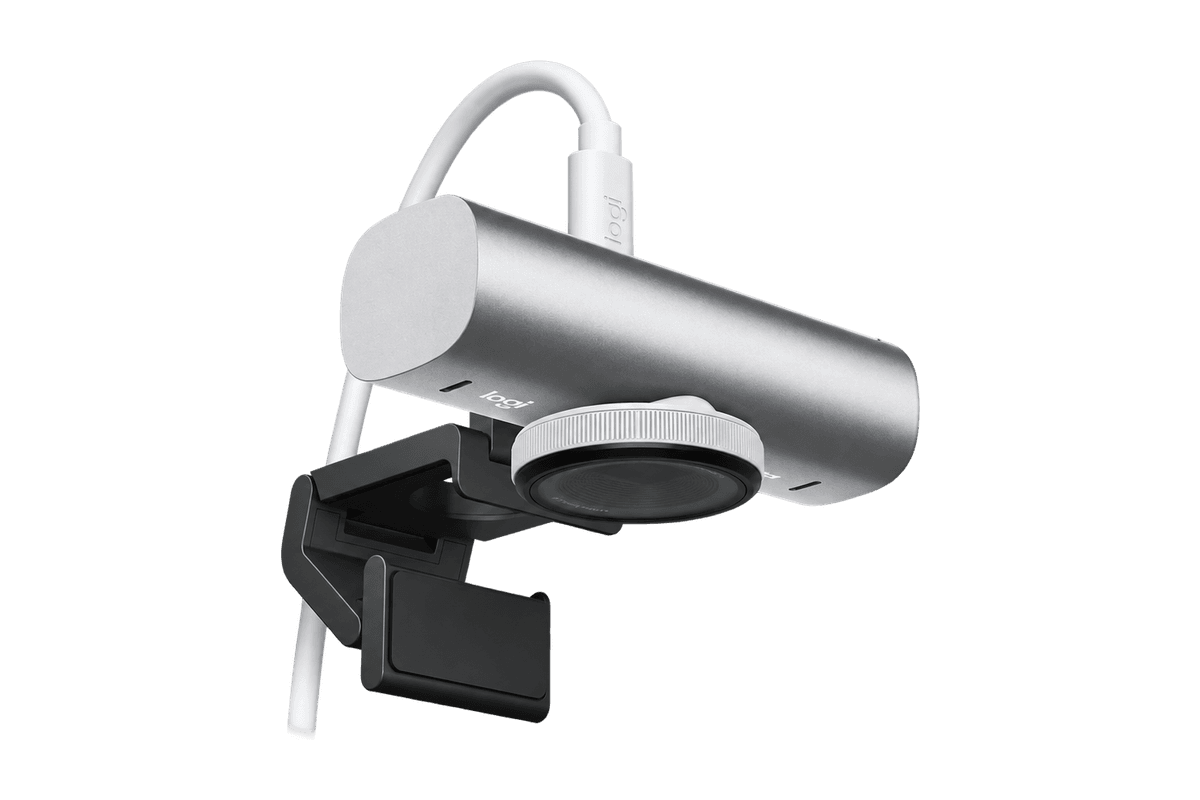
MX Brio 4K Webcam
A 4K/30 or 1080p/60 webcam with dual mics and Show Mode.