Apple The First 50 Years icon

Apple The First 50 Years

A Journey Through Apple's Evolution
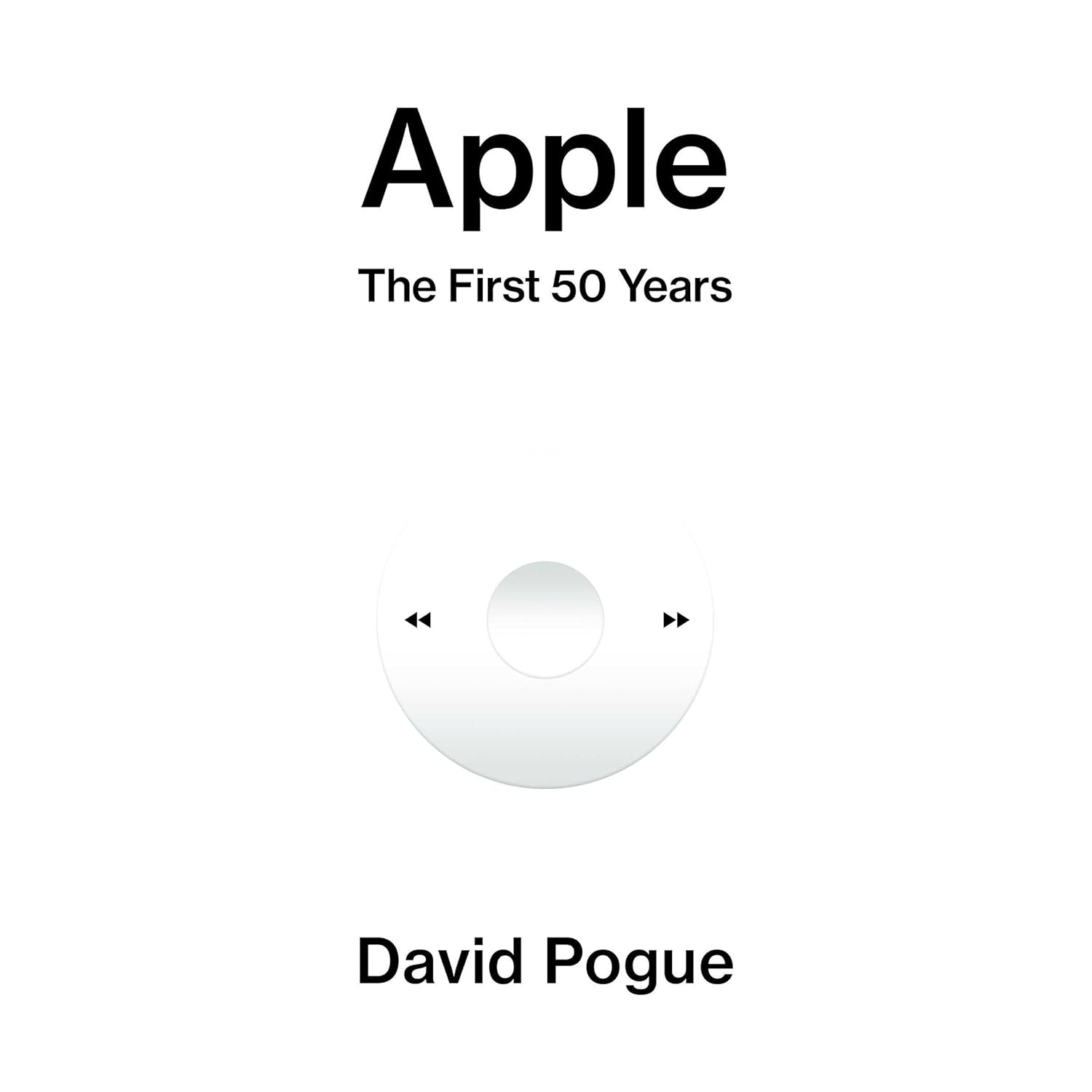
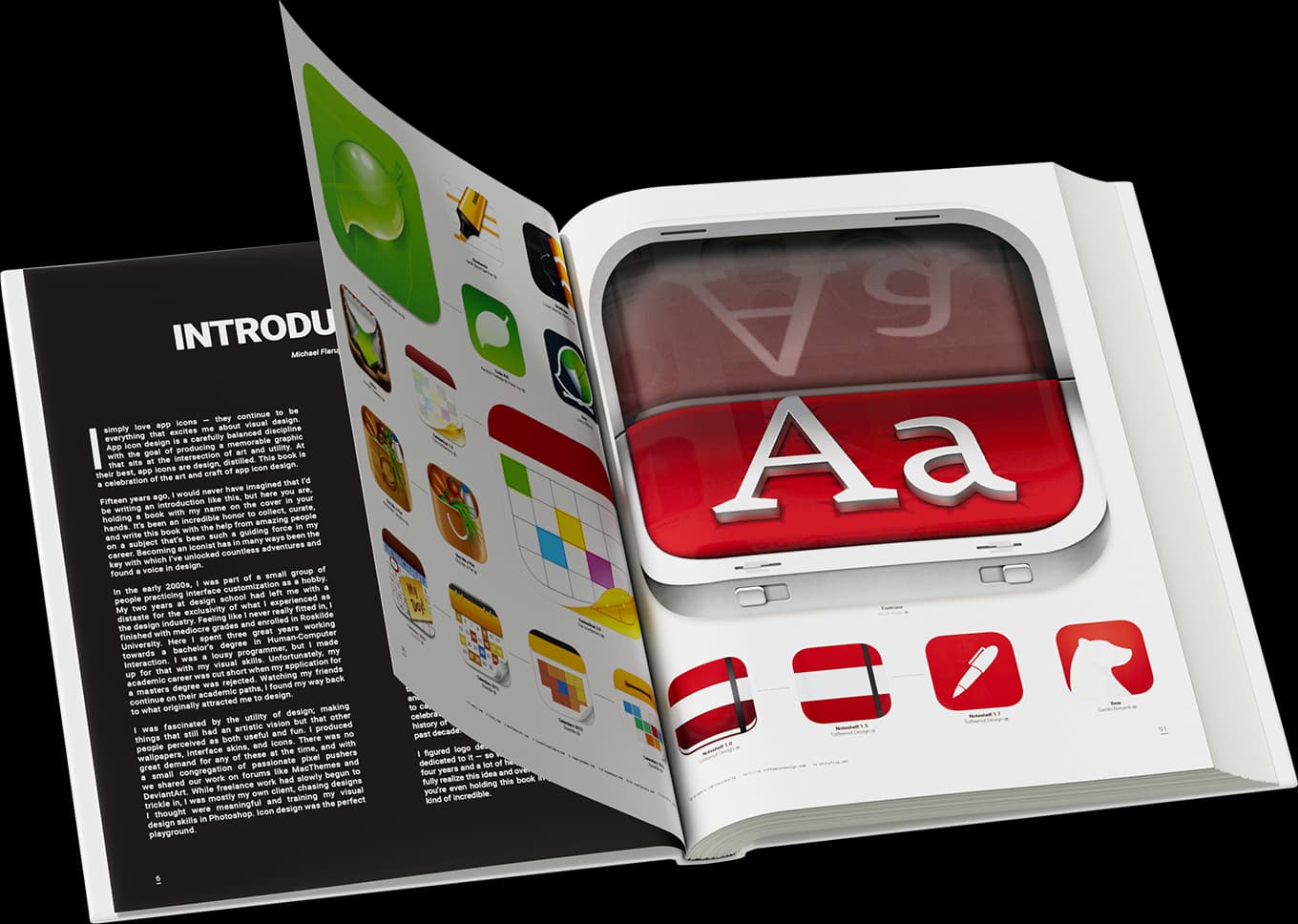
Apple The First 50 Years cover
Books

On April 1, 1976, two scruffy twentysomethings, both named Steve, founded a startup.

Key Features:

  • Their goal: To bring the revolutionary power of computers to everyone.
  • Over the next five decades, Apple reshaped the technology and cultural landscapes, introducing the public to breakthroughs like the mouse, laser printing, CD-ROM, WiFi, digital video, home networking, touchscreen phones, and tablets.
  • Jobs’s obsessive eye for detail set the stage for products—Mac, iMac, iPod, iTunes, iPhone, iPad, AirPods, Apple Watch—that married advanced technology with beauty, simplicity, and fine design.

Deeply researched and lavishly illustrated, Apple: The First 50 Years includes new interviews with 150 key people who made the journey, including Steve Wozniak, John Sculley, Jony Ive, and many current designers, engineers, and executives.


Featured projects:

mymind iconAir75 V3 iconLookAway iconHeyClicky iconPica iconTypoTab icon

More like this

After Steve: How Apple Became a Trillion-Dollar Company and Lost its Soul

An insightful read about Apple and its

After Steve: How Apple Became a Trillion-Dollar Company and Lost its Soul cover
Books

Insanely Great: The Life and Times of Macintosh, the Computer that Changed Everything

A definitive look at the Macintosh's influence

Insanely Great: The Life and Times of Macintosh, the Computer that Changed Everything cover
Books

Tim Cook: The Genius Who Took Apple to the Next Level

A captivating exploration of Tim Cook's leadership

Tim Cook: The Genius Who Took Apple to the Next Level cover
BooksEducation

Jony Ive: The Genius Behind Apple's Greatest Products

Biography of Apple's design leader Jony Ive

Jony Ive: The Genius Behind Apple's Greatest Products cover
Books

Top picks

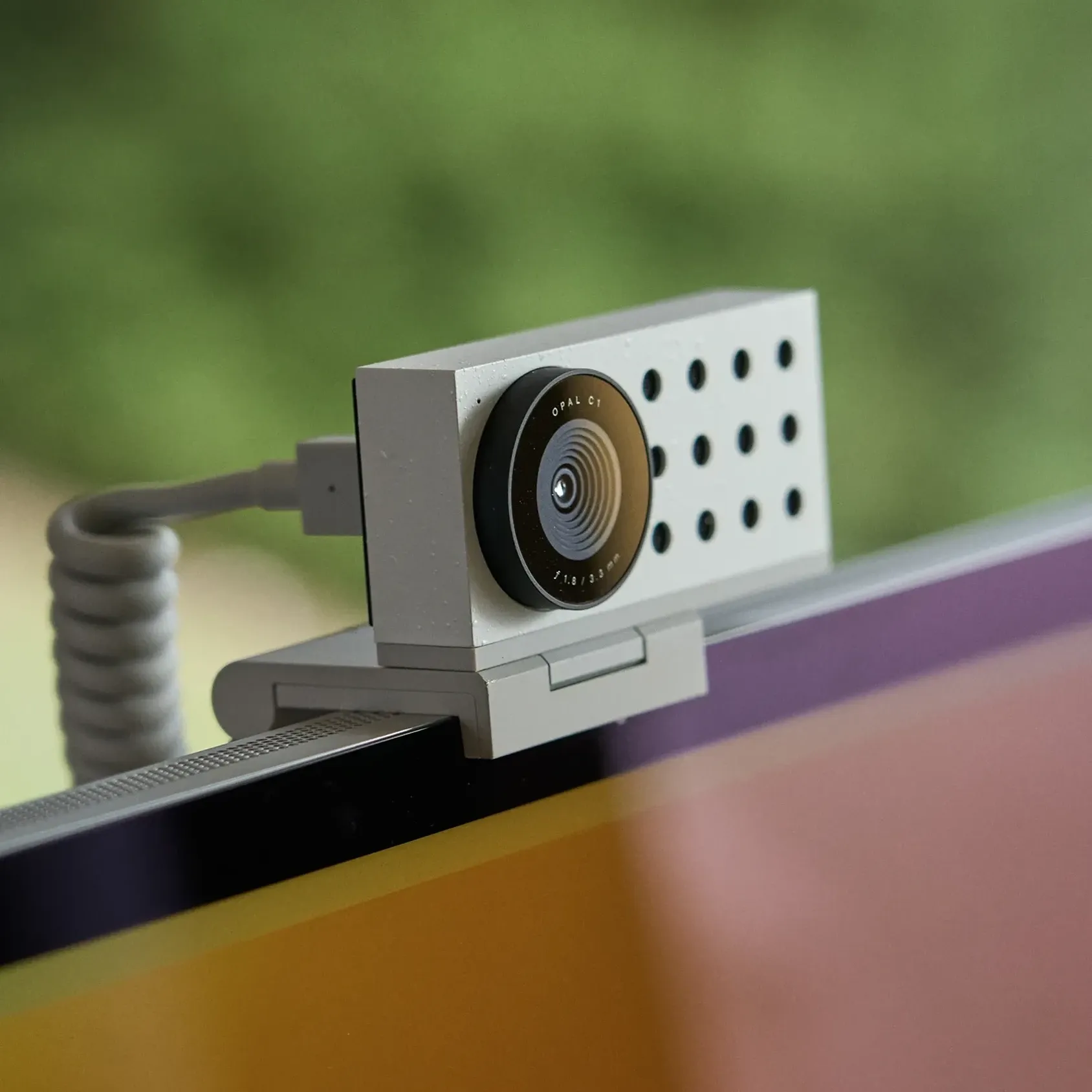
Opal C1 Camera icon

Opal C1 Camera

DSLR quality on a webcam for the

Opal C1 Camera product image
Opal C1 Camera hover image
HardwareUtilitiesmacOS
Norma icon

Norma

Meet the object that restores silence.

Norma product image
Norma hover image
WorkspaceHealth
DeskMinder icon

DeskMinder

For Easily Distracted Minds

DeskMinder screenshot
Freemium

DeskMinder is a productivity software application designed for Mac users who struggle with distractions. It provides a straightforward interface for creating desktop pop-up reminders and tasks, helping users manage urgent to-dos, short breaks, and fleeting ideas. With features like full-screen notifications and Apple Reminders integration, DeskMinder aims to enhance focus and time management for i - With features like easy-to-create desktop pop-ups for reminders and tasks, it simplifies the process of staying on top of urgent to-dos, short breaks, or fleeting ideas. - Users can benefit from full-screen notifications, Apple Reminders integration, and flexible widget placement, making it ideal for anyone requiring a little extra help to maintain focus. - The app includes additional shortcuts for quick reminder setups and customizable widget options, along with a history tracking feature to monitor daily progress. Designed specifically for Mac users, DeskMinder aims to facilitate better time management and productivity for those with attention challenges, providing a seamless user experience without unnecessary complexity.

SoftwareProductivitymacOS
Klack icon

Klack

Satisfying sound with every keystroke

Klack screenshot
Paid

Klack is a macOS application designed to enhance the typing experience through high-fidelity sound for each keystroke. It provides features such as immersive spatial audio, instant feedback, and customizable sound options, making it suitable for writers, developers, and anyone who values an engaging typing environment. The app is easily accessible from the menubar and offers extensive configuratio - Provides immersive spatial audio for enhanced typing feedback. - Allows customization of keystroke sounds, pitch variations, and volume settings. - Features a menubar interface for quick access to configuration options. - Supports instant feedback with each keystroke for a more engaging experience. - Designed for writers and developers seeking auditory feedback while typing. Klack enhances the typing experience on Mac by providing high-fidelity sound for each keystroke.

SoftwaremacOS
TypoTab icon

TypoTab

TypoTab, the ultimate AI writing assistant for

TypoTab screenshot
Paid

TypoTab is a macOS application that functions as an AI-driven writing assistant. It enhances writing efficiency by providing tools for grammar correction, text rephrasing, and content generation, all accessible from the menu bar without needing to switch applications. This tool is designed for writers, students, and professionals looking to streamline their writing process and improve productivity - Provides grammar correction and text rephrasing directly from the menu bar. - Allows text refinement in any application without switching contexts. - Offers customizable actions to meet individual writing needs. - Streamlines repetitive writing tasks for improved efficiency. - Supports a wide range of applications, enhancing workflow across platforms. TypoTab is a macOS application that enhances writing efficiency by providing grammar correction, text rephrasing, and content generation directly from the menu bar. It allows users to refine text in any application without switching contexts, offering customizable actions to suit individual writing needs.

SoftwareWritingmacOS

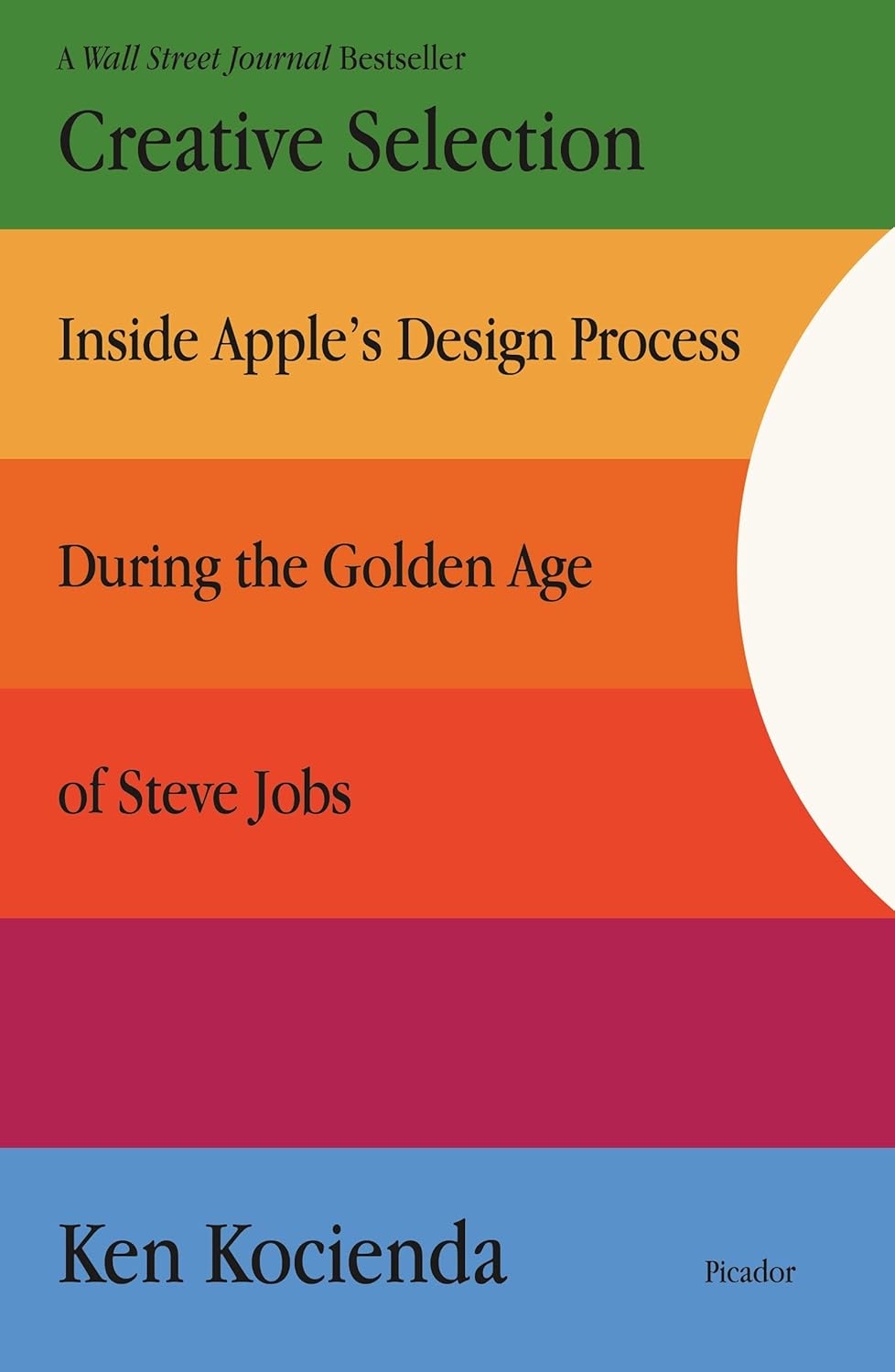
Creative Selection

An insider's account of Apple's creative process

Creative Selection cover
BooksCreative

Blogs